
Quick Answer: Is printer worth buying for beginners and everyday use?
It depends. A printer is worth buying if you regularly print documents, schoolwork, shipping labels, or photos at home, and a cheap monochrome laser or budget inkjet usually covers that need without much fuss. If you print only a handful of pages a month, a print shop, office supply store, or library kiosk will likely cost less than owning a machine. Before buying, compare your monthly page volume, ink or toner cost per page, upfront price, wireless features, scanner needs, and how often you actually print.
The average home printer sits idle for weeks, then jams the moment you need a boarding pass. That pattern explains why so many people wonder whether owning a printer makes sense at all. The honest answer comes down to math, convenience, and how much you hate standing in line at a copy shop.
The Real Math Behind Home Printing
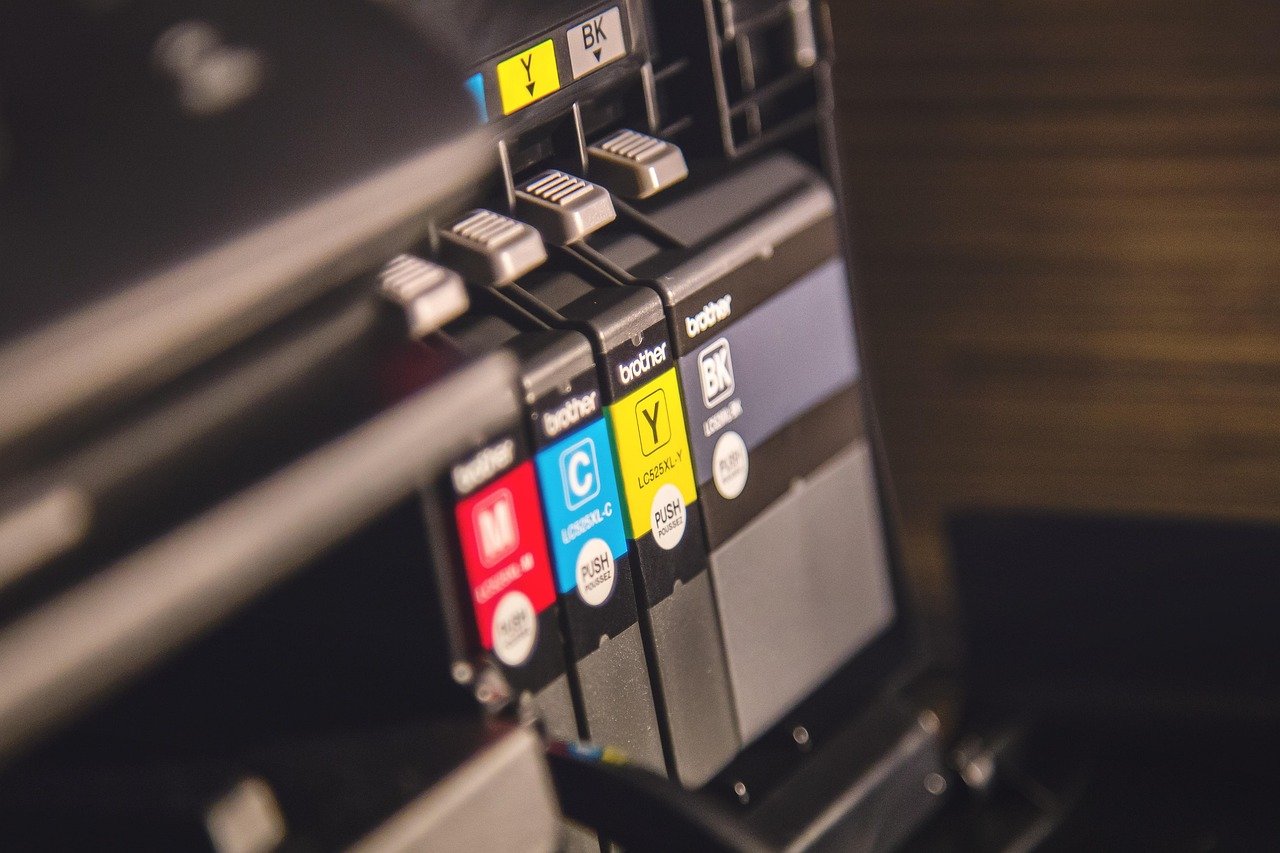
Printer manufacturers have long followed a razor-and-blades model: the hardware sells cheaply, and the profit comes from consumables. Consumer advocates have reported for years that ink can cost far more per milliliter than the printer itself, though the exact ratio shifts with every model and cartridge. That single fact shapes everything about whether a printer pays off.
Here is a rough way to think about the trade-off. A budget inkjet might cost less than a nice dinner for two, but replacement cartridges can run a significant fraction of that price every few months. A monochrome laser costs more upfront but spreads toner across thousands of pages. Neither is automatically better. The winner depends on what lands in your print tray.
| Factor | Budget inkjet | Monochrome laser |
|---|---|---|
| Upfront cost | Low | Moderate to high |
| Cost per text page | Higher | Lower |
| Photo quality | Good to excellent | Poor |
| Clog risk when idle | Real | Minimal |
| Best for | Photos, color, light use | Text, school, home office |
For a household printing a few dozen pages a month, the difference in consumable cost is small enough that convenience should decide. For anyone printing several hundred pages, per-page cost becomes the whole game, and laser usually wins.
When a Printer Genuinely Earns Its Place
Some households get obvious value from a printer. Students printing assignments, parents signing permission slips at 9 p.m., remote workers scanning contracts, and anyone shipping packages regularly all hit the “I need this now” wall often enough that a home machine pays for itself in saved trips.
There is also a quiet quality-of-life argument. Printing at home means no queue, no parking, no clerk telling you the color copier is down. For people who work from home, a printer with a scanner doubles as a document digitizer, which matters more than most buyers expect.
Small creative projects tilt the scales too. People who print planner pages, coloring sheets, or craft templates tend to use a printer far more than they predicted. The same goes for hobbyists printing miniature terrain or props, who often pair a printer with a beginner-friendly machine like the options covered in this guide to the best 3D printer for beginners. Different technology, same logic: buy when the use case is frequent and specific. (Best beginner 3d printer) (Printer (computing)))
When You Should Skip It
Low-volume users are the classic bad fit. If the machine sits untouched for six weeks, inkjet printheads can clog, wasting the very ink you paid a premium for. Manufacturers’ manuals typically recommend printing something periodically to keep nozzles clear, which is an odd chore to schedule around a device meant to save you effort.
Occasional printers also tend to overpay. A cartridge bought for one school project may dry out before the next one. Meanwhile, print shops, office stores, and library kiosks charge per page with zero maintenance burden. For a few pages a month, paying a little per page beats owning hardware that degrades in silence.
Budget travelers, minimalists in small apartments, and anyone who prints twice a year should probably skip ownership entirely. Convenience only pays off when you use it.
The Hidden Costs Beginners Always Underestimate
New buyers focus on the sticker price and forget the ecosystem around it. Ink and toner are the obvious cost, but paper, occasional replacement drums, and electricity add up quietly. Inkjet models that use chipped cartridges can also block third-party or refilled ink, a restriction pattern documented in repair-rights reporting, including the US Federal Trade Commission’s report on repair restrictions. In plain terms: the cheap printer may lock you into expensive ink.
Warranty confusion is another trap. Many buyers assume using third-party ink voids the warranty automatically. In the US, the Magnuson-Moss Warranty Act of 1975 limits manufacturers’ ability to void a warranty solely because third-party parts or consumables were used, and the FTC publishes consumer guidance on warranties explaining those limits. Knowing this can save real money over the life of the machine.
Energy use is smaller but worth a glance. Printers sold today often carry efficiency certifications, and the EPA’s ENERGY STAR imaging equipment program lists qualifying models. A machine that sleeps properly draws little power; one that never fully sleeps draws more.
Finally, software friction. Wireless and cloud printing are standard on budget models now, but app quality varies widely, and some setups require account sign-ups before the first page prints. Read reviews about the app as well as the hardware.
Inkjet vs. Laser: A Beginner’s Decision Framework
The simplest rule: text-heavy users lean laser, photo and color users lean inkjet. Laser toner does not dry out, so idle months hurt less. Inkjet wins on color richness and photo paper handling, which is why families printing birthday pictures rarely regret an inkjet.
A practical checklist before buying:
- Count pages printed in a typical month, honestly.
- Decide whether color is essential or just nice.
- Check the cost of a full set of cartridges or a toner cartridge.
- Confirm whether the model accepts third-party ink without drama.
- Verify wireless setup works with your phone and laptop.
- Check the scanner requirement, since all-in-ones cost more.
- Read return policies, because a bad printer is worse than no printer.
That framework scales to other beginner purchases too. The same logic of matching tool to frequency applies when choosing an instrument, which is why guides like this roundup of the best ukulele for beginners stress realistic practice habits over specs. Buy for the life you actually live, not the one you imagine.
Practical Tips That Actually Work in Practice
Buy the mid-tier model, not the cheapest. The bottom of the lineup often carries the most aggressive cartridge pricing, and the next model up frequently prints cheaper per page. This single upgrade decision saves more money than any coupon.
Print something small once a week if you own an inkjet. A single test page keeps nozzles clear and costs almost nothing compared with a clogged printhead repair or a wasted cartridge.
Set the default to grayscale and draft quality for everyday documents. Most text looks fine, and ink lasts noticeably longer. Save high quality for photos and final copies.
Watch for subscription ink programs. They suit heavy printers and can punish light ones with page limits and rollover rules. Run your own monthly page count against the plan’s allowance before signing up.
Keep the printer somewhere you will actually use it. A machine buried in a closet becomes a paperweight. A machine on a desk within arm’s reach gets used, and used machines justify their cost.
How Beginners Should Think About the Decision
Buying a printer is really a bet on your future habits. The people who get value are the ones who can describe, in advance, what they will print next month. The people who regret it bought for a hypothetical need.
For households with kids in school, the bet usually pays. For solo renters who print a boarding pass every few months, it usually does not. There is no universal answer, and anyone claiming otherwise is selling something.
The best printer is the one you use, not the one with the best spec sheet. If the use case is real, buy a sensible mid-range model and stop thinking about it. If it is not, keep your money and let the copy shop absorb the maintenance.
Conclusion
So, is a printer worth buying for beginners and everyday use? For regular printers, yes. For occasional printers, no. The deciding factors are monthly page volume, whether color matters, and whether you can tolerate the consumable costs that come with cheap hardware. Beginners should skip the bargain-bin model, check cartridge prices before checkout, and treat the purchase as a bet on real habits rather than imagined ones. Do that, and a printer becomes a quiet, useful appliance instead of a dusty regret.
Frequently Asked Questions
How much does it cost to print one page at home?
It varies widely by machine and cartridge yield. Text pages on a laser typically cost a few cents, while color inkjet pages can run considerably more. Always divide the cartridge price by its stated page yield to get a rough per-page figure for your specific model.
Do cheap printers really cost more over time?
Often, yes. Low upfront prices are frequently paired with expensive cartridges and chipped restrictions on third-party ink. A slightly more expensive model with cheaper consumables usually wins over two or three years of ownership.
Can I use third-party ink without voiding my warranty?
In the US, warranty law generally prevents a manufacturer from voiding coverage solely because third-party consumables were used, though the manufacturer can still deny claims for damage the third-party product actually caused. Check the FTC’s warranty guidance and your specific warranty terms.
Is a laser printer better for students?
For text-heavy work like essays and worksheets, a monochrome laser is often the better fit because toner does not dry out and per-page costs are low. Students who print color diagrams or photos regularly may still prefer an inkjet.
How often should I print to keep an inkjet healthy?
Printing a small page once a week is a common habit that helps prevent clogged nozzles. If you know you will go months without printing, an inkjet may not be the right choice at all.
Are printer subscriptions worth it for light users?
Usually not. Subscription ink plans are built around predictable monthly page volumes, and light users often pay for pages they never print. Compare the plan’s allowance against your real monthly output before committing.
A final consideration is repairability. Entry-level printers are often cheaper to replace than to fix, and service manuals are rarely published for consumer models. Before buying, check whether the manufacturer sells replacement rollers, drums, or printheads to ordinary customers, and whether local repair shops service the brand. A model with available parts and a published maintenance schedule will outlast one sealed shut with proprietary screws. None of this needs to be complicated. A beginner who checks cartridge yield, confirms third-party ink works, and prints a weekly test page has already avoided the three most common regrets. The rest is simply honesty about volume: if the page count is real, the printer earns its place; if it is aspirational, the copy shop stays cheaper. Buy for the habit you have, not the one you hope to build, and the machine will quietly do its job for years.



