
Quick Answer: Is mesh wifi worth buying for beginners and everyday use?
It depends. Mesh Wi-Fi is worth buying when a home is large, multi-story, or full of walls that kill a single router’s signal, and it earns its price mostly through easier setup and steadier coverage rather than raw speed. (Gameboy Color Games: 15 Classics Still Worth Playing)
A single well-placed router can be cheaper and just as fast in a small apartment, while mesh kits shine in bigger spaces where one box leaves dead zones. Powerline and Wi-Fi extender kits are the other common alternatives, and they usually cost less but demand more fiddling.
Before buying, compare home size and layout, number of devices, internet plan speed, wired Ethernet availability, Wi-Fi 6 versus Wi-Fi 7 support, and total kit cost.
Around 4.9 billion people were using the internet in 2021, according to ITU data, and a huge share of them now expect a reliable signal in every room. That expectation is exactly what pushed mesh Wi-Fi from a niche gadget into a mainstream purchase. Walk into any electronics store and you’ll see rows of identical white pods promising to blanket a house in coverage. The pitch sounds great. The price tag often doesn’t. So the real question isn’t whether mesh is clever technology. It’s whether your home, your habits, and your budget actually justify it.
This guide breaks down where mesh wins, where it quietly wastes money, and what beginners should check before spending a few hundred dollars on networking gear they may not need.
What Mesh Wi-Fi Actually Does

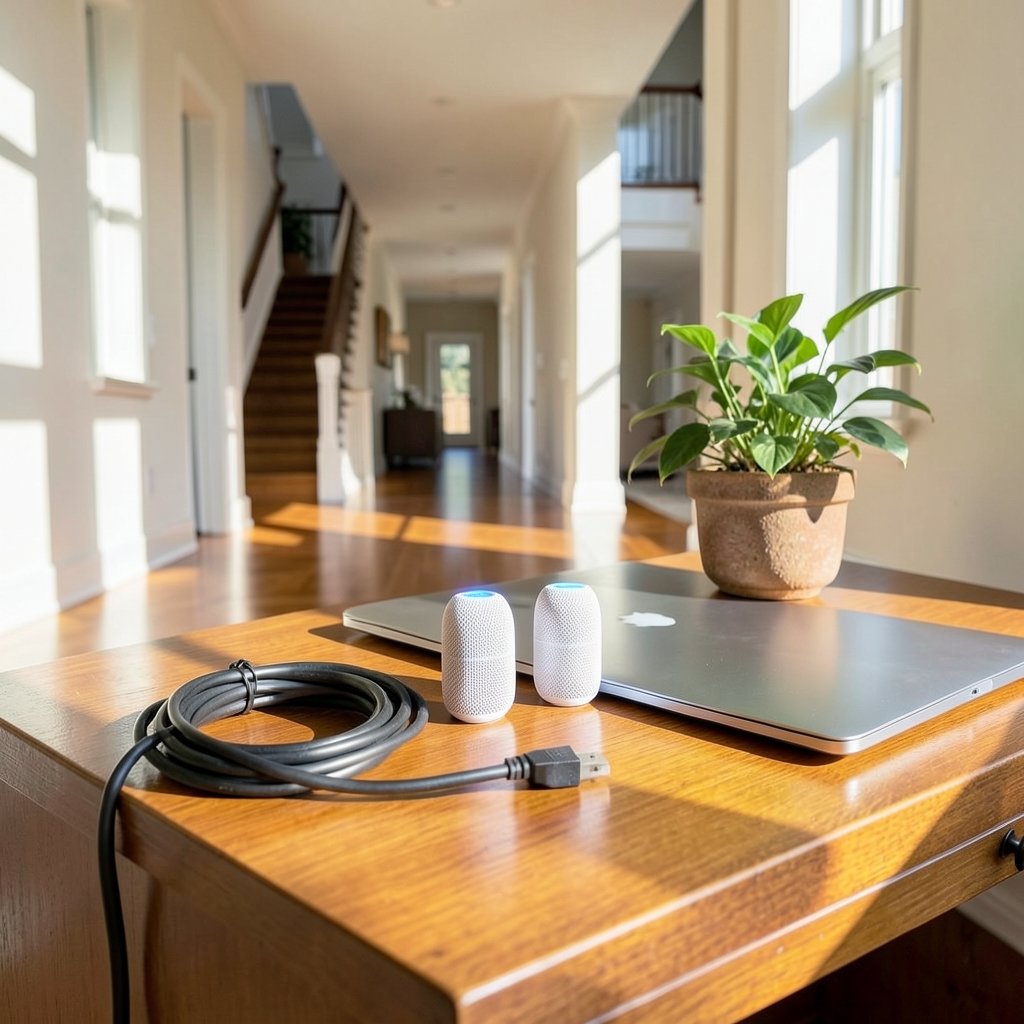
A traditional router is one box broadcasting one signal. Mesh systems use two or more nodes that share a single network name and hand your devices off as you move around the house. Your phone connects to the closest node automatically, usually without a visible hiccup.
That handoff is the whole trick. Extenders and repeaters also spread coverage, but they often create a second network name, and devices cling to the original signal until it dies. Mesh systems coordinate the nodes so roaming feels invisible.
Most consumer mesh kits are designed for people who don’t want to think about networking. Setup runs through a phone app, with step-by-step prompts. That friendliness is a genuine selling point, though it’s worth remembering it’s also a marketing claim. Independent testing is what separates a smooth app from genuinely stable coverage. (Protecting Consumer Privacy and Security)
Where Mesh Wi-Fi Genuinely Pays Off
Mesh tends to justify its cost in a few specific situations:
- Larger homes, generally above roughly 2,000 square feet, where one router can’t reach every corner.
- Multi-story houses, where floors and ceilings block signal between levels.
- Unusual layouts, like long narrow homes, thick brick or concrete walls, or a router stuck in a corner because that’s where the cable enters.
- Outdoor or garage coverage, where you want a node near a patio or detached workspace.
- Households with many devices, since multiple nodes share the load better than one overwhelmed router.
If any of those describe a home, mesh is usually money well spent. The improvement isn’t subtle. Dead zones disappear, video calls stop freezing in the back bedroom, and nobody has to sit in the hallway to download a file.
Where Mesh Wi-Fi Is a Waste of Money
Here’s the part sales pages skip: mesh doesn’t fix slow internet. If a household pays for a modest plan, a mesh kit will spread that modest speed around beautifully and change nothing about the ceiling. Mesh improves coverage, not the speed of the connection coming into the house. (Mesh networking)
Mesh also tends to be overkill in:
- Small apartments or studios, where one good router covers everything.
- Homes with a strong central router position, especially if it sits high and unobstructed.
- Situations where the real problem is an old router, not coverage. A modern single router upgrade can cost less than a mesh kit and solve the issue outright.
A common beginner mistake is buying a three-pack for a one-bedroom flat because the box said “whole home coverage.” Another is placing nodes wherever an outlet happens to be, which can put a node right next to the router and another behind a metal appliance. Placement matters more than node count.
Backhaul: The Detail That Decides Real Performance
Backhaul is how the nodes talk to each other. It’s the single most overlooked spec in mesh shopping, and it quietly determines whether a system feels fast or sluggish.
There are three common setups:
| Backhaul type | How it works | Trade-off |
|---|---|---|
| Wired (Ethernet) | Nodes connect by cable | Best speed and stability; needs cabling |
| Dedicated wireless radio | A separate band links the nodes | Strong performance; usually pricier |
| Shared wireless | Nodes use the same band as devices | Cheapest; speed drops at each hop |
If a home already has Ethernet ports in walls, a mesh system with wired backhaul can deliver near-router speed in every room. That’s the ideal case, and it’s worth checking for existing ports before buying anything. Without wiring, a dedicated backhaul radio is the next best option. Shared-band systems are the budget choice, and they’re fine for browsing and streaming but can stumble under heavy simultaneous use.
Practical tip: place nodes roughly halfway between the router and the problem area, not in the dead zone itself. A node sitting where the signal is already weak has a weak connection to relay. Also keep nodes out of cabinets, off the floor, and away from microwaves and cordless phone bases.
Wi-Fi 6, Wi-Fi 7, and the Upgrade Question
Wi-Fi standards have moved quickly. Wi-Fi 6 (802.11ax) is now the mainstream baseline, and Wi-Fi 7 (802.11be) certification began in early 2024. Newer standards bring more capacity and better handling of crowded airwaves, which matters in apartment buildings where dozens of networks compete.
For most everyday users, though, the practical difference between a good Wi-Fi 6 mesh kit and a Wi-Fi 7 one is small, because the internet plan is usually the bottleneck. Wi-Fi 7 earns its premium mainly for people with very fast plans, heavy local network traffic, or a house full of new devices. Beginners can often save real money by choosing Wi-Fi 6 and putting the savings toward an extra node or better placement.
The same logic applies across tech purchases generally. When people ask whether a budget 3D printer for beginners is worth it versus a premium model, the honest answer usually hinges on whether the buyer will use the extra capability. Networking gear works the same way.
Mesh Versus the Alternatives
Mesh isn’t the only path to better coverage, and it isn’t always the smartest one.
A single better router is the cheapest fix when the home is small or moderately sized. One strong router in a central spot often beats a cheap mesh kit.
Wi-Fi extenders cost the least but often create a second network name and halve throughput at the extended point. They’re a stopgap, not a solution.
Powerline adapters push data through electrical wiring. They work well in some homes and poorly in others, depending on circuit layout, and performance varies wildly.
Wired access points deliver the best performance per dollar if someone is willing to run cable. They’re the enthusiast choice, not the beginner one.
Mesh sits in the middle: more expensive than an extender, far easier than running cable, and more reliable than either for whole-home coverage.
What Beginners Should Check Before Buying
A short checklist saves a lot of regret:
- Measure the home and count floors. Coverage claims on boxes are best-case scenarios; real-world range is usually lower.
- Test the current router’s placement first. Moving it higher and more central is free and sometimes fixes the issue.
- Confirm the internet plan speed. Mesh won’t exceed it, so don’t buy capacity the plan can’t use.
- Check for Ethernet ports in walls, which enable wired backhaul.
- Count devices, including smart plugs, cameras, and TVs, as well as phones and laptops.
- Compare total kit cost, including extra nodes, against a single premium router.
- Look for a return window. Buying from a retailer with a generous return policy lets a buyer test real-world performance at home.
That last point is underrated. No review can predict how a specific house will behave. A two-week trial in the actual home beats any spec sheet.
The Beginner-Friendly Setup Reality
Setup genuinely is easier than it used to be. Most kits guide users through naming the network, setting a password, and placing nodes with signal-strength indicators in the app. A typical installation takes 15 to 30 minutes.
The mistakes happen after setup:
- Leaving the old router running as a separate network, which confuses devices.
- Putting nodes too far apart, so they can’t maintain a solid link.
- Ignoring firmware updates, which often improve stability and security.
- Skipping the app’s placement test, which exists precisely to catch bad node spots.
None of these are hard to avoid. They just require ten minutes of patience during installation rather than plugging things in and hoping.
Cost, Value, and the Long Game
Mesh kits typically cost more than a single router of similar spec, and the gap widens with each added node. Value depends entirely on coverage needs. In a large home, the per-square-foot cost of solid coverage is often lower than patching together extenders. In a small flat, it’s pure overspend.
There’s also a lifespan argument. Good mesh systems receive security updates for years and can be expanded node by node. That modularity is a real advantage, similar to how a ukulele that’s actually playable beats a toy instrument that frustrates its owner into quitting. Buying slightly above the bare minimum often costs less over time than replacing junk.
One more consideration: mesh systems are a mature product category now, so mid-range kits from established brands often perform nearly as well as flagship ones. Beginners rarely need the top tier.
Conclusion
Mesh Wi-Fi is worth buying for beginners and everyday use when the home actually needs it. Large, multi-story, or awkwardly shaped houses benefit enormously from multiple nodes sharing one network name, and the app-based setup removes most of the intimidation. In small homes with a decent router, mesh is an expensive answer to a problem that doesn’t exist.
The smart approach is boring but effective: test the current router’s placement, measure the home, check the internet plan, and only then shop. Prioritize wired or dedicated-radio backhaul, choose Wi-Fi 6 unless there’s a clear reason to pay for Wi-Fi 7, and buy somewhere with a return window. Do that, and mesh becomes a genuinely good purchase rather than a gadget that looks impressive on a shelf and changes nothing.
FAQ
Does mesh Wi-Fi make internet faster?
No. Mesh improves coverage and stability, not the speed delivered by the internet provider. If a plan tops out at a certain speed, mesh spreads that speed around the home but cannot raise it. Faster browsing usually comes from a better plan or a newer router, not from adding nodes.
How many mesh nodes does a typical home need?
Most homes do well with two nodes: one at the router and one placed toward the far end of the house. Three nodes suit larger or multi-story homes. More nodes aren’t automatically better, since each one needs a strong link back to the network and placement matters more than quantity.
Can mesh Wi-Fi work without Ethernet wiring?
Yes. Most consumer mesh kits are built for wireless backhaul and need no cabling at all. Performance is best with a dedicated backhaul radio. If Ethernet ports exist in the walls, wiring the nodes delivers the strongest and most consistent results.
Is Wi-Fi 7 mesh worth the extra cost for everyday use?
Usually not for beginners. Wi-Fi 6 handles streaming, video calls, and gaming comfortably in most homes. Wi-Fi 7 makes more sense for very fast internet plans, dense device counts, or heavy local file transfers. Otherwise, the premium rarely shows up in daily use.
Will mesh Wi-Fi fix dead zones in a garden or garage?
Often, yes, if a node is placed within reasonable range of the main unit and protected from weather. Detached buildings far from the house may need a wired connection or an outdoor-rated access point instead. Distance and walls still apply to mesh nodes.
Can mesh Wi-Fi replace a router entirely?
In most kits, yes. The main node acts as the router, handling network management and Wi-Fi. Some systems work alongside an existing router in bridge mode. Beginners usually find it simpler to let the mesh kit handle routing on its own.
