
Quick Answer: Is nas storage worth buying for beginners and everyday use?
It depends. A NAS is worth buying if several people or devices need to share files, you keep a large media library, or you want automatic phone photo backups without paying a monthly cloud fee. For a single laptop with modest storage needs, an external drive plus a cloud backup is usually cheaper and far simpler.
A NAS is not a backup on its own. It is a second copy at best, and only if you keep another copy somewhere else. Cloud storage is the main alternative, and it wins on simplicity while losing on long-term cost and control.
Before buying, compare drive bays, RAID options, total cost including drives, network speed, power draw and noise, remote-access security, and the vendor’s end-of-support policy.
Most people who ask whether network-attached storage is worth it are really asking a quieter question: will this box make my digital life easier, or will it become another project I abandon in three months? That is the right thing to worry about. A NAS is a small computer with drives inside that shares files across your home network. It is not magic, and it is not a backup. But for the right household, it quietly solves problems that cloud subscriptions only paper over. (Gameboy Color Games: 15 Classics Still Worth Playing)
The honest answer sits somewhere between the sales pitch and the skeptics. Here is how to figure out which side of that line you fall on.
What a NAS actually is, in plain terms

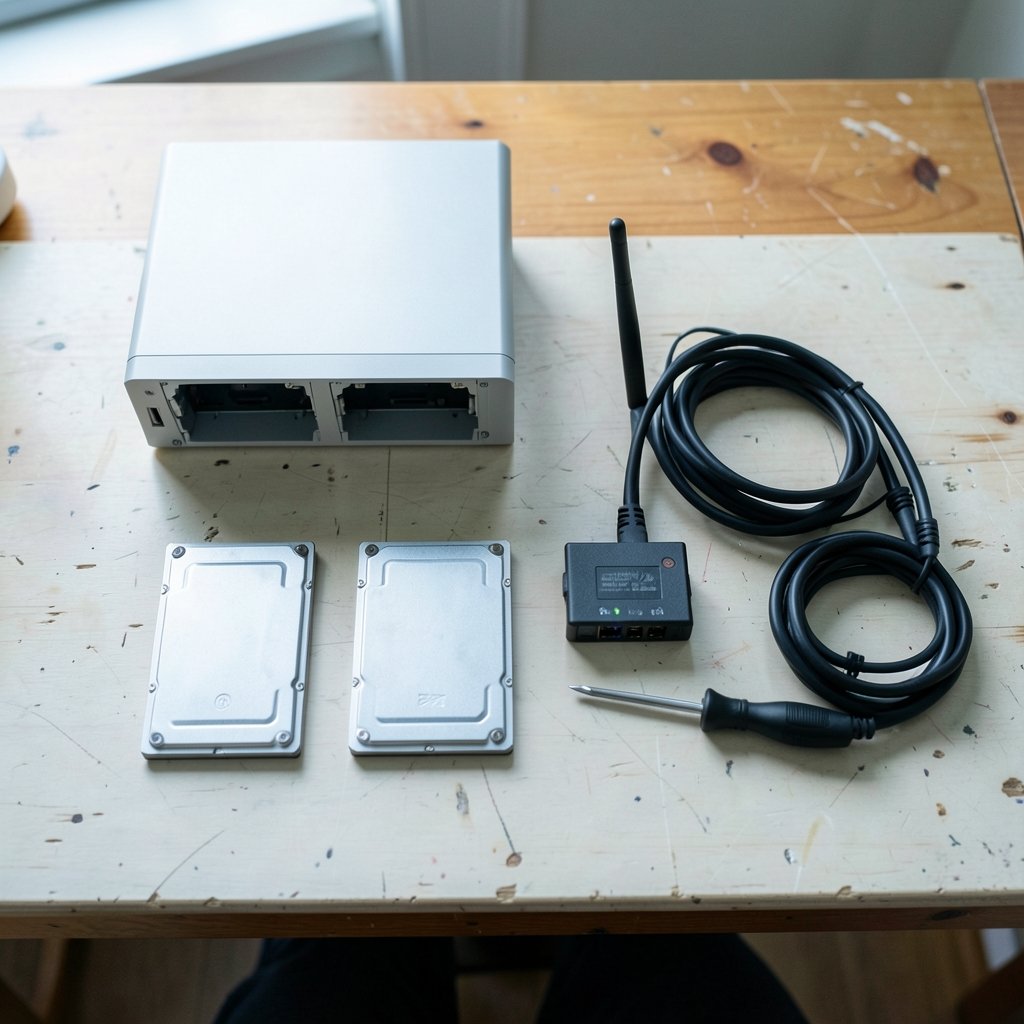
Strip away the marketing and a NAS is a box with one or more hard drives, a modest processor, and a network port. You plug it into your router, and every device on your network can read and write files to it. That is the whole idea.
Most beginners land on a two-bay unit running RAID 1, which mirrors one drive onto the other. If one drive dies, your data survives. That sounds like backup, and this is where people get burned. RAID 1 does not protect against accidental deletion, ransomware, fire, flood, or theft. Delete a file, and it is gone from both drives instantly. A NAS is one copy of your data living in one place. Treat it that way and you will avoid the most common and most painful beginner mistake. (Best ukulele for beginners)
The real reasons a NAS earns its price
Multiple devices, one shared library
If three laptops, two phones, and a tablet all need access to the same files, a NAS stops the endless “which version is current” shuffle. Photos, documents, and project files live in one place. Everyone sees the same thing. For a household or a small team, that alone can justify the cost.
Automatic phone photo backup
Phone storage fills up fast, and cloud photo plans get expensive once you pass the free tier. A NAS can pull photos off your phone automatically over Wi-Fi. You keep full-resolution originals, you own them, and there is no monthly bill. This is the single feature that converts most casual users.
Media streaming and self-hosted extras
A NAS can run media servers, download managers, and containerized apps. If you have a large movie or music collection, this is genuinely useful. Be warned, though: features like Docker containers and remote access add setup complexity that beginners consistently underestimate. Start with file sharing and photo backup. Add the clever stuff later, once the basics feel boring.
Long-term cost control
Cloud storage is cheap until it is not. Plans creep upward, tiers change, and you rent forever. A NAS is a one-time purchase plus drives. Whether it actually saves money depends on how much storage you need and how long you keep it. For a deep look at how recurring costs stack up against one-time buys, the same math applies to valuation questions of any kind: the headline number rarely tells the whole story.
Where a NAS falls short for beginners
The cost per terabyte is higher than a USB drive
You pay for the enclosure, the network features, and usually two drives instead of one. Prices shift constantly, so check current retail listings rather than trusting any figure you read. A single external USB drive will almost always beat a NAS on raw cost per terabyte. You are paying for sharing, automation, and always-on access, not for cheap storage.
Setup is a weekend, not an afternoon
Buying is easy. Configuring users, permissions, shared folders, and backups takes real time. Budget a full weekend for your first setup, and expect a few evenings of tinkering afterward. If that sounds like a chore rather than a puzzle, a NAS may frustrate you.
Power, noise, and heat
A typical two-bay unit draws roughly 10 to 30 watts at idle depending on the model and drives. Check the vendor’s spec sheet for any specific unit rather than trusting a general range. Spinning drives make noise. Put the NAS somewhere you do not sleep.
Security is not optional
Internet-exposed NAS devices have been targeted in ransomware campaigns, with reports of attacks on QNAP and Synology units in 2021 and 2022. Keep firmware updated, avoid exposing the admin interface directly to the internet, and use a VPN for remote access. If you would not secure a small server, do not buy a NAS.
End-of-support is real
Major vendors publish end-of-support dates for older models and firmware versions. Exact dates vary by model, so check the vendor’s official end-of-life page before buying anything used or discounted. A cheap discontinued unit can become a security liability.
NAS vs. the alternatives: a straight comparison
| Option | Best for | Upfront cost | Ongoing cost | Setup effort | Protects against drive failure? |
|---|---|---|---|---|---|
| NAS (2-bay, RAID 1) | Multiple devices, media, photo backup | High | Low | High | Yes (one drive) |
| External USB drive | One computer, simple backups | Low | None | Very low | No |
| Cloud storage | Simplicity, access anywhere | None | Monthly | Very low | Yes (provider-side) |
| NAS + cloud backup | Serious data safety | High | Low-medium | High | Yes, plus offsite copy |
The pattern is clear. A NAS trades money and effort up front for control and automation later. Cloud storage trades control for convenience. Neither is wrong; they solve different problems.
What actually works in practice
Buy the drives separately. Bundled drives are often overpriced, and drive reliability varies by model. Buy two identical drives from the same batch only if you accept the small risk that both fail together; many users deliberately buy from different batches.
Set up the 3-2-1 rule from day one. Three copies of your data, on two different types of media, with one copy offsite. A NAS plus an external drive plus a cloud backup hits this. A NAS alone does not.
Start small and boring. File sharing and phone photo backup first. Media streaming second. Containers and remote access last, if ever. The beginners who succeed are the ones who resist turning the NAS into a hobby project in week one.
Test your backup before you trust it. Restore a file from your backup. Then restore a folder. A backup you have never tested is a hope, not a plan. This single habit separates people who recover from a drive failure from people who lose everything.
Check the return policy. If setup defeats you in the first two weeks, return the unit. There is no shame in deciding a NAS is not for you, and a good return window turns a risky purchase into a low-stakes experiment.
Read the vendor’s security advisories. Subscribe to them or check them monthly. Firmware updates matter more than almost any feature.
Who should skip the NAS entirely
Skip it if you have one computer, modest storage needs, and no interest in tinkering. An external drive plus a cloud backup is cheaper, simpler, and easier to maintain. Skip it if you travel constantly and need access from anywhere without configuring a VPN; cloud storage wins there. Skip it if your budget is tight and you would have to buy a single-bay unit with no redundancy, because that setup offers the complexity of a NAS with none of the safety. (Storage Unit Deals: Compare Local Prices and Sizes)
Skip it, too, if you are the household’s only technical person and nobody else will maintain it. A NAS that stops getting firmware updates becomes a liability, not an asset.
Who should buy one
Buy a two-bay NAS if you have multiple devices, a growing photo library, or a media collection. Buy it if you want automatic backups without a subscription and you are willing to spend a weekend learning. Buy it if you enjoy a little self-hosting and want room to grow into media streaming, containers, and remote access.
The same logic applies to any beginner tech purchase: match the tool to the actual job. A beginner-friendly 3D printer makes sense for someone who will actually print things, and a NAS makes sense for someone who will actually use shared storage. Buying either one “just in case” is how gear ends up in a closet. If you are weighing other entry-level purchases, the same test applies to a beginner ukulele: the best pick is the one you will keep using.
A realistic budget view
Do not anchor on a single number. Prices for enclosures and drives move monthly, and any figure quoted in an article goes stale fast. Instead, build your own estimate from four parts: the enclosure, two drives, an external drive for local backup, and a cloud plan for the offsite copy. Add a little for a small uninterruptible power supply if your power flickers. (Cybersecurity)
Then compare that total against five years of cloud storage at your current usage. For many households the numbers land close, which means the decision comes down to control versus convenience. If they land close, choose based on how much you enjoy managing your own data. That is the honest tiebreaker.
One more consideration: resale and upgrade paths. NAS enclosures hold value reasonably well, and drives can move to a bigger unit later. Cloud plans offer no resale and no upgrade path beyond paying more. If flexibility matters to you, that tilts the math toward a NAS.
Conclusion
A NAS is worth buying for beginners and everyday use when several devices need shared storage, when automatic phone photo backup matters, and when you want to own your data instead of renting it. It is not worth buying for a single computer with modest needs, and it is never a substitute for a real backup. The beginners who get value from a NAS are the ones who start with file sharing, set up the 3-2-1 rule, secure the device properly, and resist turning it into a weekend hobby. If that describes you, a two-bay unit will earn its place. If it does not, an external drive and a cloud plan will serve you better, and there is no shame in that choice.
FAQ
Do I need two drives in a NAS?
For most beginners, yes. A two-bay unit with RAID 1 keeps your data alive when one drive fails. A single-drive NAS offers no redundancy, so a drive failure means restoring from backup. If you cannot afford two drives, put the money into an external drive and a cloud plan instead.
Is a NAS a backup?
No. A NAS is storage. RAID protects against a drive failure, not against deletion, ransomware, fire, or theft. You still need a second copy, ideally offsite. A NAS plus an external drive plus a cloud backup gives you real protection.
How much does a NAS cost to run?
Power use is modest, roughly 10 to 30 watts at idle depending on the model and drives. Check the vendor’s spec sheet for a specific unit. Electricity is rarely the deciding cost; the drives and the enclosure are.
Can I access my NAS remotely?
Yes, but do it carefully. Use a VPN rather than exposing the admin interface directly to the internet. Internet-facing NAS devices have been targeted in ransomware campaigns, so keep firmware updated and follow vendor security advisories.
How long does a NAS last?
Enclosures often outlast several sets of drives. Drives typically last three to five years under constant use, though this varies widely. Watch for SMART warnings and replace drives before they fail. Check the vendor’s end-of-support schedule so you are not running unsupported firmware.
What is the easiest alternative to a NAS?
Cloud storage. It requires no setup, works from anywhere, and includes provider-side redundancy. The trade-offs are monthly cost, less control, and dependence on the provider’s terms. For a single computer with modest needs, cloud storage plus an external drive is the simplest safe setup.
