
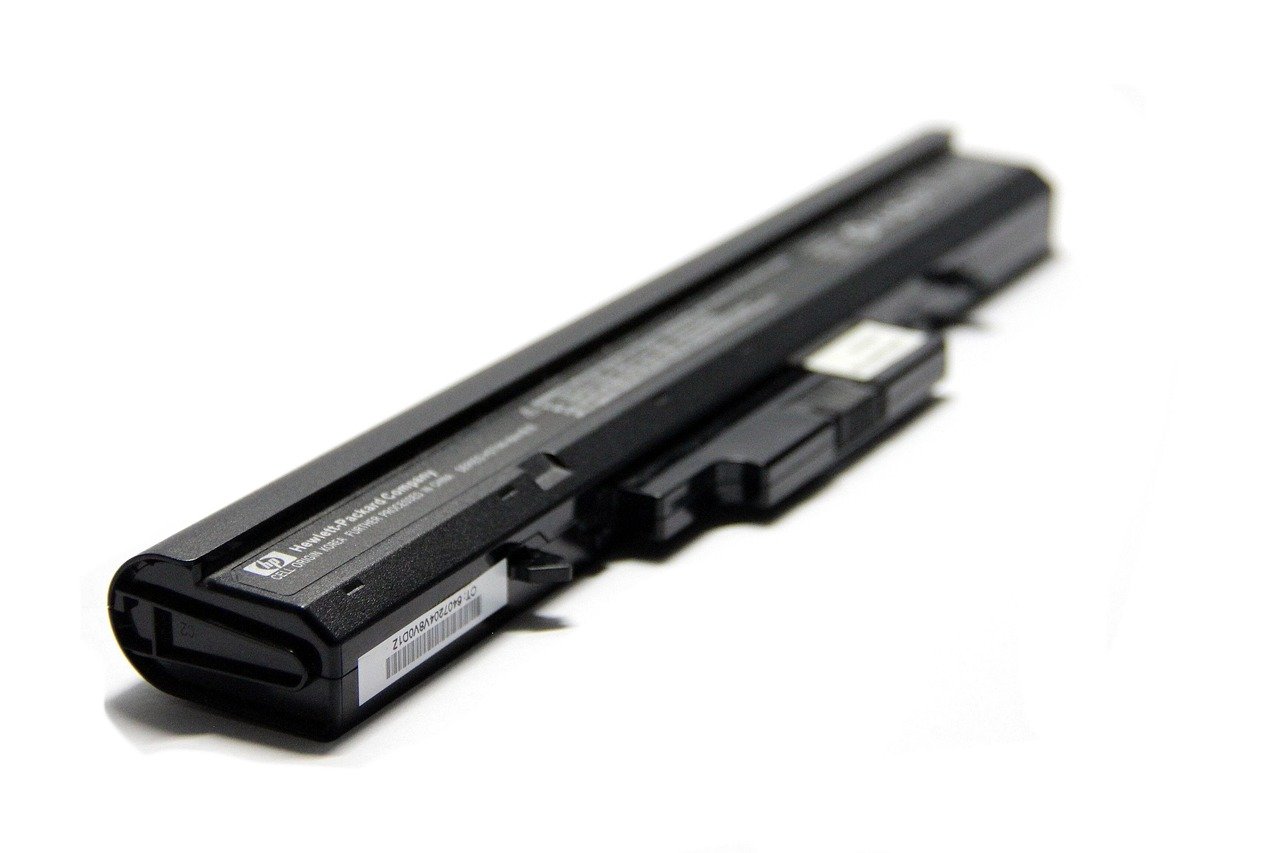
Quick Answer: Is laptop battery worth buying for beginners and everyday use?
It depends on why you need it. If your current battery drains within an hour, shuts the laptop off without warning, or has visibly swollen, a certified replacement battery is usually worth buying. You can buy directly from the manufacturer, through an authorized repair partner, or from a reputable third-party seller that lists safety certifications. (Gameboy Color Games: 15 Classics Still Worth Playing)
A spare battery is not the same as a power bank or a new charger, and each solves a different problem. Before spending money, check the battery’s cycle count and health report, the cost of an OEM pack versus your laptop’s resale value, the warranty and certification of any third-party option, and how often you actually work unplugged.
Most people replace a laptop battery for one of two reasons: the machine won’t hold a charge, or it has started shutting down at random. Industry testing commonly cited in battery literature suggests a lithium-ion pack typically drops to roughly 70–80% of its original capacity after 300–500 full charge cycles, though exact figures vary by cell chemistry and manufacturer. That’s the quiet countdown running inside every laptop, and it explains why a device that ran all day in year one barely survives a meeting in year four. (Lithium-ion battery)
The question is whether throwing money at a new cell makes sense for a beginner or an everyday user. The honest answer is: sometimes yes, sometimes no, and the difference comes down to a handful of practical checks rather than brand loyalty or marketing claims.
What a worn-out battery actually looks and feels like
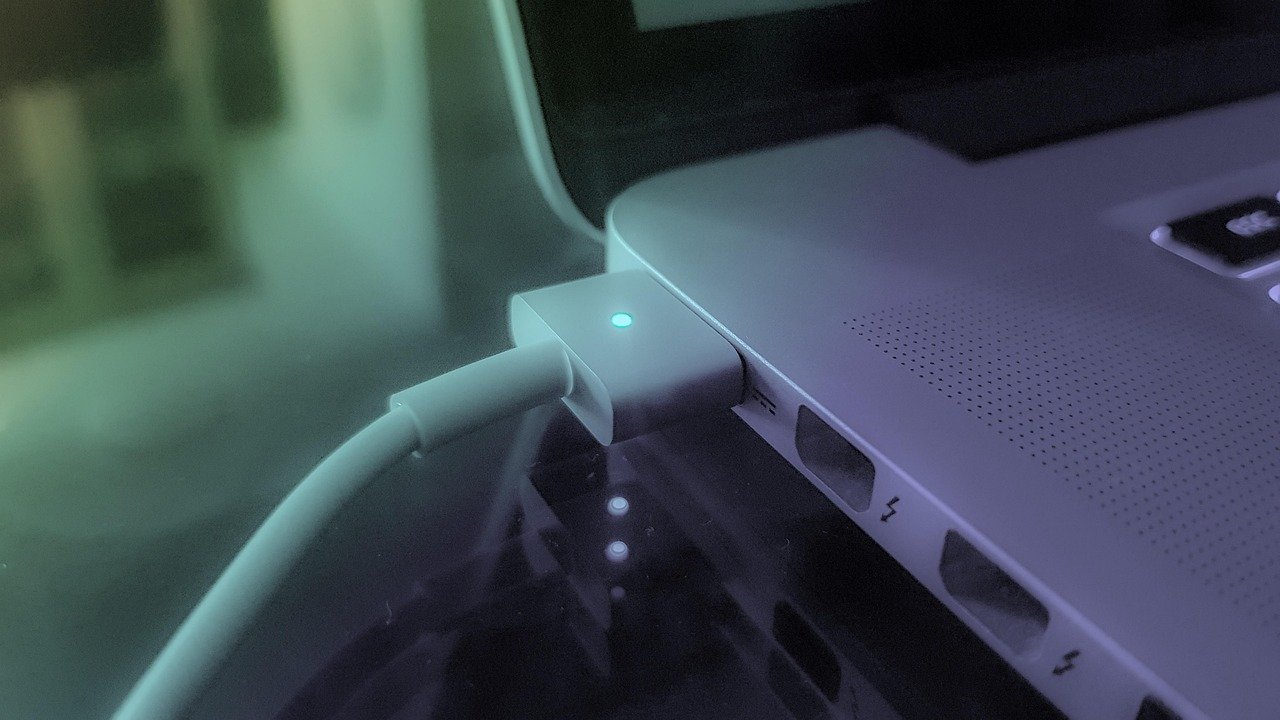
Battery wear rarely announces itself. It creeps in through small annoyances that are easy to blame on software. The laptop gets warm on the left side. The fan spins up during a video call. The percentage jumps from 40% to 12% in minutes. Eventually the machine shuts down at 30% as if someone pulled the plug.
These are classic symptoms of capacity fade, and they matter because they change how you use the device. A laptop that must stay tethered to a wall socket is no longer portable. It becomes a desktop with a built-in screen.
There’s also a safety dimension that beginners often miss. A battery that bulges, making the trackpad or chassis feel uneven, is a genuine hazard and should be replaced or removed promptly. Swelling is not a cosmetic issue; it’s a sign of internal gas buildup. If you notice it, stop using the laptop on soft surfaces, back up your files, and get the pack replaced. (Best ukulele for beginners)
The real reasons laptop batteries die early
Lithium-ion chemistry is unforgiving in specific, predictable ways. Understanding them helps you decide whether a replacement will last or whether you’ll be back in the same spot in eighteen months. (Used Lithium-Ion Batteries)
Heat is the biggest enemy. Sustained exposure above roughly 30–35°C accelerates permanent capacity loss. Leaving a laptop in a hot car, blocking its vents on a duvet, or running heavy games on a soft surface all push the cells into that zone. A replacement battery installed in a laptop that still runs hot will degrade faster than average.
Charging habits matter, but less than people think. Many manufacturers suggest keeping charge between about 20% and 80% for longevity. That’s a real trade-off: you sacrifice runtime today for lifespan later. Some laptops handle this automatically through an optimized-charging setting, and turning that on is one of the few free wins available. It’s worth noting this is a trade-off rather than a universal recommendation, since vendors differ in whether they implement it automatically.
Full-charge storage is quietly destructive. A laptop left plugged in at 100% on a shelf for months will age faster than one stored at around half charge. If the device is a spare, drain it to roughly 50% before putting it away.
Cycle count is the honest metric. Every full discharge and recharge counts as one cycle. Most operating systems will report this number in a battery health panel or diagnostic tool. A pack at 800 cycles is near the end of its useful life regardless of how carefully it was treated.
When buying a replacement battery is genuinely worth it
There’s a simple test: compare the cost of a battery against the cost of the alternative. If a new pack costs far less than a replacement laptop, and the machine otherwise does everything you need, the battery is usually the smarter purchase.
A replacement makes clear sense when the laptop is otherwise healthy. Fast processor, enough storage, a screen you like, no other faults. Batteries are one of the few components you can swap to extend a device’s life by two or three years. That’s a strong return on a modest spend.
It also makes sense when portability is the whole point. Students moving between lectures, salespeople on the road, freelancers working from cafés: if the laptop never leaves the desk, a battery is a nice-to-have. If it travels daily, it’s essential.
And it makes sense when the current pack has become a safety concern. Swelling, overheating, or a burning smell are not negotiable. Replace or retire the device.
When you should skip the battery and do something else
Sometimes the money is better spent elsewhere, and being honest about that saves beginners from a disappointing purchase. (Best 3d printer for beginners)
If the laptop is five or more years old and already slow, a new battery restores runtime but not performance. You’ll have a well-behaved machine that still stutters on modern software. In that case, putting the battery budget toward a newer device is often the better call.
If you mostly work near outlets, a good charger and a modest power bank may cover your needs for less. A power bank that supports laptop charging via USB-C can top up a phone and a laptop on the same trip, and it stays useful after the laptop is gone. If you’re new to picking gear like this, the same logic applies here: buy for the actual use case, not the spec sheet.
If the laptop is under warranty, check the terms first. Many warranties cover battery defects, and a swollen pack is frequently a valid claim. Buying a third-party replacement before asking can void coverage you already paid for.
OEM versus third-party: what the price difference really buys
This is where beginners get burned most often. The gap between a manufacturer-branded pack and a cheap online listing can be three or four times the price, and the difference isn’t purely branding.
| Factor | OEM battery | Reputable third-party | Unbranded bargain pack |
|---|---|---|---|
| Price | Highest | Moderate | Lowest |
| Certification | Manufacturer-tested | Often UL 2054 or IEC 62133 listed | Frequently unverifiable |
| Warranty | Typically 1 year | 6–12 months, varies | Rarely honored |
| Fit and firmware | Guaranteed | Usually fine, occasional warnings | Hit or miss |
| Safety risk | Lowest | Low if certified | Meaningfully higher |
Certification is the line that matters. In the United States, look for UL 2054 or UL 1642 markings; internationally, IEC 62133 is the relevant standard. These aren’t marketing badges. They indicate the pack passed abuse testing for overcharge, short circuit, and crush. An uncertified lithium pack in a laptop is a fire risk sitting on your lap.
Third-party batteries aren’t automatically bad. Several reputable suppliers sell certified cells at reasonable prices. The trick is verifying the certification claim rather than trusting the listing photo, since certification claims on third-party packs are sometimes unverifiable.
Common mistakes beginners make
The first mistake is buying on price alone. A $25 battery for a laptop that originally shipped with a $120 pack is a gamble, and the failure mode isn’t “it dies quickly” but “it swells in six months.”
The second is ignoring the installation. Some laptops have batteries behind a few screws. Others are glued in, buried under the keyboard, or require disconnecting a delicate ribbon cable. Check a teardown guide for your exact model before ordering. If it looks daunting, budget for professional installation; it’s usually cheaper than a cracked chassis.
The third is skipping the calibration step. After installing a new pack, charge it fully, then let it run down to near empty once, then charge it fully again. This helps the operating system recalibrate its percentage estimates. Without it, the gauge can read oddly for weeks and convince you the battery is faulty.
The fourth is not checking the charger. A failing adapter can cause erratic charging that looks like battery failure. Test with a known-good charger before concluding the pack is dead.
How to check your battery’s health before you spend
Most laptops will tell you what you need to know. On Windows, a battery report generated through the command line shows design capacity, current full-charge capacity, and cycle count. On macOS, the system information panel lists cycle count and condition. On Linux, tools like upower report similar data.
The key ratio is current capacity divided by design capacity. If a laptop designed for 60 Wh now reports 38 Wh, it’s at about 63% health. That’s a candidate for replacement. Above 80%, the battery is probably not your problem, and the drain you’re seeing is more likely software, a background process, or a dim screen setting.
If you enjoy tinkering with hardware and software, the diagnostic habit transfers well. The same curiosity that makes someone dig into retro games on original hardware tends to make battery diagnostics feel like a puzzle rather than a chore.
The economics: repair, replace, or live with it
Run the numbers plainly. A certified replacement pack for a mainstream laptop commonly lands in the range of US$60–150 depending on brand and model, with third-party certified options often cheaper. Professional installation adds labor. Compare that total against the cost of a comparable new laptop and against how many productive years the current machine has left.
If the battery costs 10% of a new laptop and buys you two more years, that’s a good trade. If it costs 30% of a new laptop and the machine is already struggling, it isn’t.
There’s also a sustainability angle worth mentioning. Extending a device’s life by replacing one component keeps the chassis, screen, and storage out of the waste stream. That’s a genuine benefit, though it shouldn’t override the math if the device is genuinely obsolete.
For anyone building a habit of buying gear sensibly, the principle is consistent across categories. It’s the same reasoning behind choosing a 3D printer or evaluating AI graphic design tools: match the spend to the actual job, and don’t pay for capability you won’t use.
Conclusion
A laptop battery is worth buying when the machine is otherwise sound, the pack is genuinely degraded, and the replacement is certified. It’s not worth buying when the laptop is near the end of its life, when you rarely unplug, or when the only options available are uncertified bargain cells.
For beginners and everyday users, the practical path is straightforward: check the health report, confirm the cycle count, price a certified pack, and compare that figure against the value of the device. Do that, and the decision stops being a guess. It becomes a small, well-informed calculation, which is exactly the kind of purchase that tends to age well.
FAQ
How long does a replacement laptop battery usually last?
Most replacement packs deliver two to four years of normal use before noticeable fade, depending on heat exposure and charging habits. Heavy daily discharge cycles shorten that window. Keeping the laptop cool and enabling any built-in charge-limiting feature will push it toward the longer end.
Can I replace a laptop battery myself as a beginner?
Often yes, if the battery sits behind an accessible bottom panel secured by screws. Models with glued-in or internally buried packs are riskier for first-timers because prying near a lithium cell can damage it. Look up a teardown guide for your exact model and decide honestly whether the steps look manageable.
Is a cheap third-party battery safe?
It can be, if it carries verifiable UL 2054, UL 1642, or IEC 62133 certification. The risk concentrates in unbranded packs with no traceable certification, which have been linked to overheating and swelling. Paying a little more for a certified third-party option is usually the sensible middle ground.
Will a new battery make my slow laptop faster?
No. A battery restores runtime and prevents unexpected shutdowns; it does nothing for processor speed, memory, or storage. If the laptop feels sluggish, the bottleneck is elsewhere, and a battery purchase won’t fix it.
How do I know if my battery needs replacing or if it’s a software problem?
Generate a battery health report and compare current capacity to design capacity. Below roughly 70–80% health, replacement is reasonable. If health looks fine but drain is fast, check for background processes, high screen brightness, and a failing charger before buying anything.
Does keeping a laptop plugged in all the time ruin the battery?
It accelerates wear, mainly because the pack sits at 100% charge and often at elevated temperature. It won’t destroy a battery overnight, but a laptop permanently docked at full charge will typically degrade faster than one that cycles between moderate levels.
