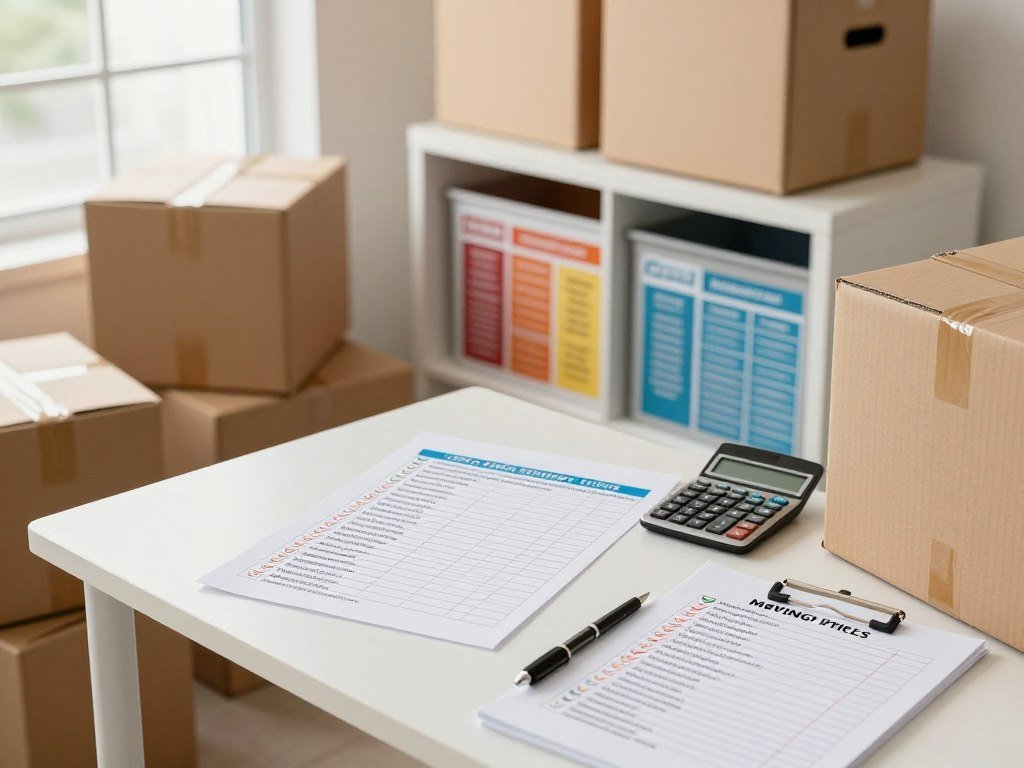
A low advertised rate is only a good fit if the unit, location and rental terms work for your move. Storage unit deals can help customers manage the cost of protecting belongings, but promotions and local availability differ by facility and unit. Compare the full fit, not just the first price you see.
A month-to-month rental is a rental arrangement renewed one month at a time. Your best comparison matches location, size, total cost and access to the needs of your move. A low rate may not help if the unit is too small, the location is hard to reach, or its rental terms do not suit your plans.
Key Takeaways
- Compare facilities in a location you can reach.
- Use the same unit size to compare each offer.
- Include rent and required charges in your cost check.
- Match access hours and storage type to your belongings.
- Check current terms before you reserve.
Advertised offers can change, and a promotion may apply to only certain units. Use the same storage needs when comparing each local option.
How to Find Storage Unit Deals Near You
Start with the ZIP code you can realistically reach on move-in day, rather than searching across an entire metro area. Keep the search local so your shortlist reflects the places you could use. Storage unit deals near me are easiest to compare when location and unit size stay consistent.
Compare at least three storage facilities in one ZIP code using the same unit size. Storage units near me may differ in access, features and terms even when their listed sizes match. Public Storage and U-Haul are two providers you may see, while local options vary by area.
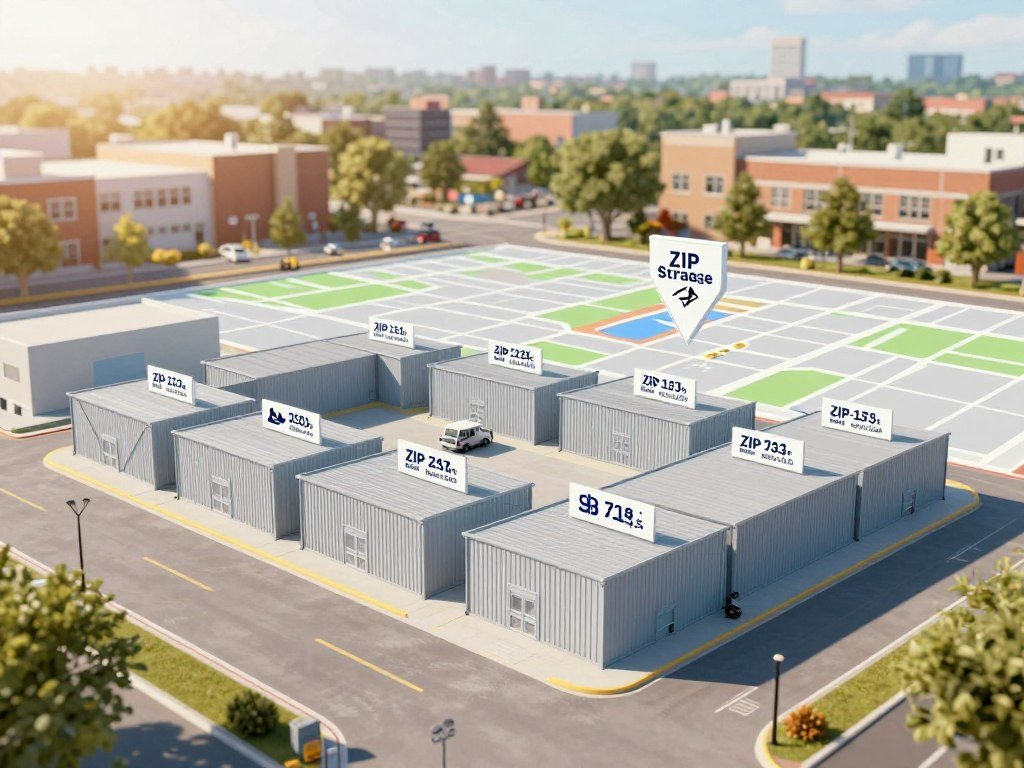
- Choose a ZIP code or neighborhood you can reach.
- Estimate the storage unit size your belongings need.
- Compare at least three facilities using that same size.
- Check whether each listing supports an online move-in.
Keep the ZIP code and unit size the same across your shortlist. A nearby listing is useful only when it fits the move you need to make.
Searches for storage near your home or work can bring up both national providers and independently run facilities. Listings for self storage near one neighborhood may show different unit types or rental terms a few miles away.
Use each facility’s current listing as a starting point, not a promise of live availability. Unit availability and move-in dates can change, so contact the location to confirm the details you plan to book.
Some facilities near your ZIP code may show online move-in, while others ask you to reserve or complete the rental in person. Keep only options you can visit or reach on the schedule your move requires.
Which Storage Unit Deals Are Worth Comparing?
The cheapest storage unit deals are the ones that cost less over your planned stay, not necessarily the ones with the lowest first payment. Look at the whole term, including the regular rent after an introductory promotion ends. The average price matters less than the actual offer for the unit you plan to rent.
Compare the full expected rental term, not only the first month. A rate advertised for online move-in may apply only to certain units or dates. Confirm what rent applies after the offer period, and how long the offer lasts.
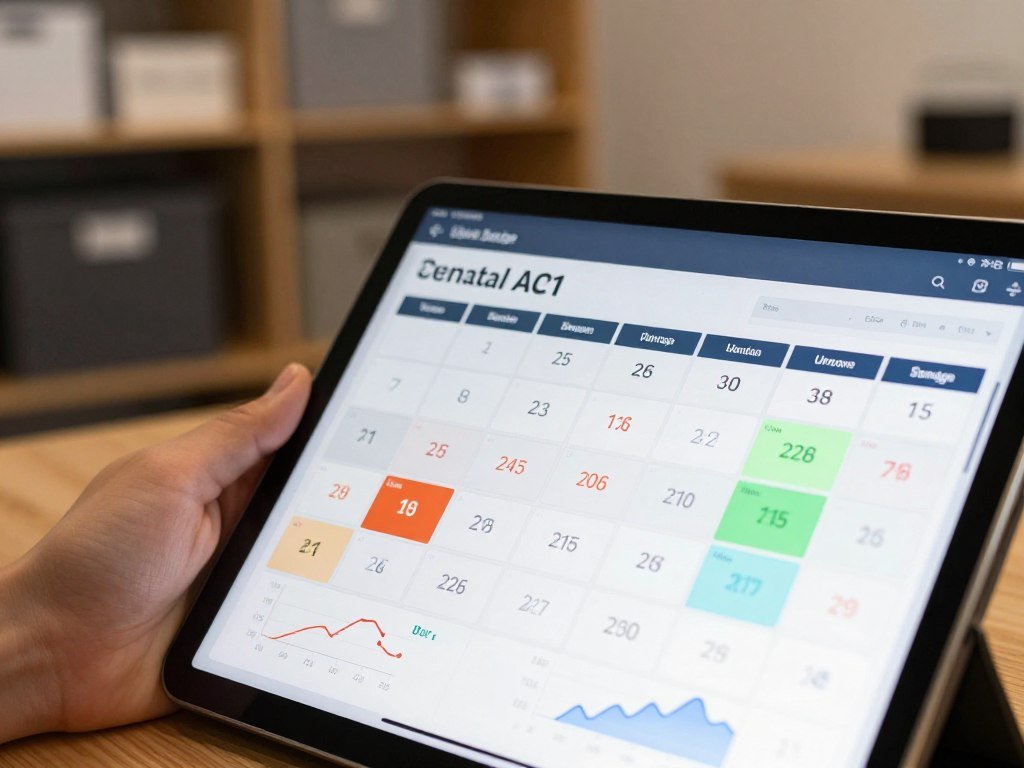
Introductory discounts and online rates
An introductory discount lowers rent for an initial period, while a first-month-free offer removes rent for that period. These are offer formats to check, not deals you can count on at every storage facility.
Online-only rates may differ from rates offered by phone or at the facility. Extra Space Storage and other providers may list different offers by location, unit or move-in date. Ask which rate applies to your selected storage unit.
A promotion can still cost more over your stay if regular rent rises after the discount ends. Compare the total rent across the months you expect to keep the space, using the terms shown for each offer.
Price locks and rental terms
A price lock can help if you expect to rent for several months, but its wording matters. U-Haul says its 12-month rent hold keeps storage rent the same for the first 12 months.
Check which rent amount the price lock covers and whether the term includes the unit you selected. U-Haul also offers month-to-month rentals, so a locked rent period and a month-to-month rental can describe separate parts of your agreement.
| Offer format | Potential rent benefit | Terms to verify |
|---|---|---|
| Introductory discount | Lower rent at first | Regular rent and end date |
| Online move-in rate | Reduced listed rate | Eligible unit and move-in date |
| One-year price lock | U-Haul holds rent for 12 months | Which rent amount the lock covers |
Compare the regular rent that follows any introductory period before deciding what an offer saves.
What Fees Can Change the Total Storage Cost?
Add-on charges can turn a low advertised rent into a higher move-in total. Count each required cost, including one-time setup charges and monthly protection plans. Typical self-storage administrative or setup fees range from $20-$50 as a one-time charge.
Required insurance or protection plans typically cost $10-$30 per month, and a required lock typically costs $10-$25. These are typical self-storage ranges, not a quote for every location.
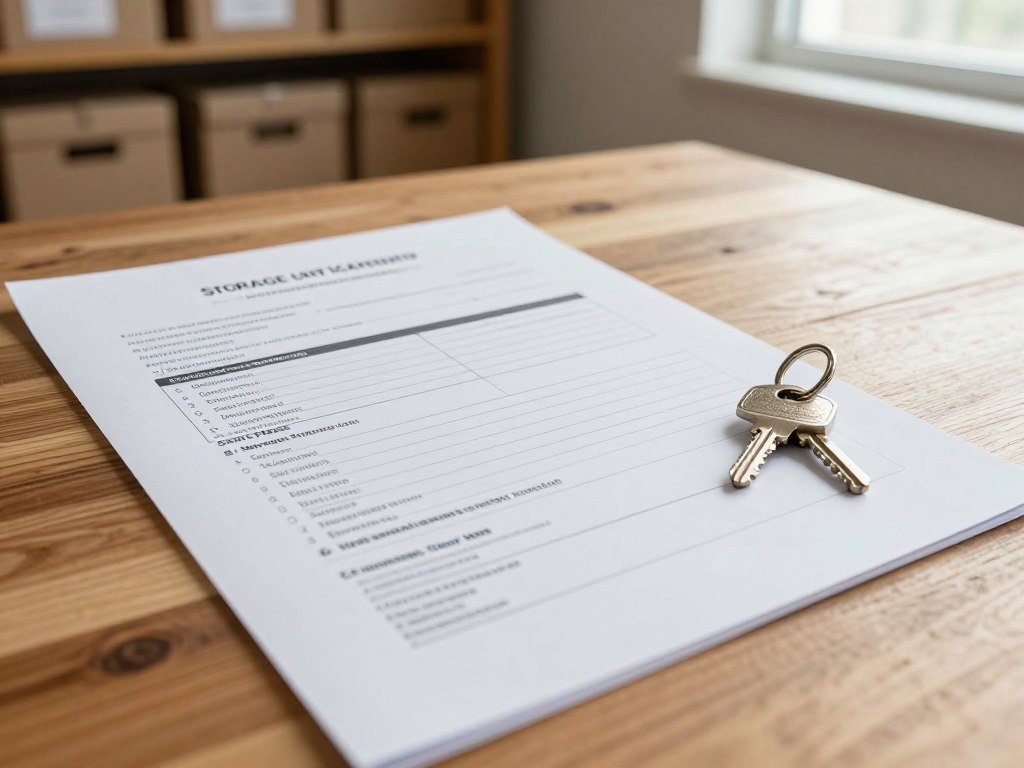
| Charge | Typical amount | Timing |
|---|---|---|
| Administrative or setup fee | $20-$50 | One-time |
| Required insurance or protection plan | $10-$30 | Monthly |
| Required lock | $10-$25 | At move-in |
U-Haul says its facilities charge no administrative or deposit fees. That policy does not mean every other storage facility uses the same fee rules, so compare the terms for your chosen location.
When you rent storage, ask how required charges affect the amount due at move-in and each later payment. A plan billed monthly can add to rent for as long as you keep the unit.
Month-to-month rent may rise with appropriate notice, commonly around 30 days. Check the rental agreement for the facility’s notice terms, including how it sends notice and when a new rate starts.
Before signing, confirm which charges are required and when rent can change.
What Storage Unit Size Fits Your Belongings?
A 5-by-5-foot unit is a compact option for boxes and a few small furnishings, not a full apartment’s contents. Think in floor area and the shape of your belongings. A 5×5 storage unit measures 25 square feet and can suit a large closet or the contents of a small bedroom.
Choose a size based on what must fit and how you need to reach it. Many 5×5 units have 8-foot ceilings and about 200 cubic feet of space. Public Storage estimates that about 5 to 8 boxes fit, depending on box size.

What a 5×5 unit can hold
A 5×5 may hold chairs, a small desk, small bookcases, suitcases and lamps. It can work for a large closet or small room, but box dimensions and furniture shape affect the fit.
Public Storage says a queen mattress, about 60 inches wide by 80 inches long, could potentially fit in a 5×5. The tight fit may leave little room to move it safely, so the company recommends a 5-by-10-foot unit for more space and less risk of damage.
Most motorcycles do not fit Public Storage’s 5-by-5-foot units. Its 5-by-10-foot and 5-by-15-foot units offer more room and access for a motorcycle.
When to choose more floor space
Use the table as general guidance, then compare the floor dimensions with your own items. Larger units can suit more furniture, household goods or business stock, depending on how you pack.
| Unit dimensions | Floor area | Typical use |
|---|---|---|
| 5×5 feet | 25 square feet | Boxes and a few small furnishings |
| 5×10 feet | 50 square feet | Contents of a small room |
| 10×10 feet | 100 square feet | Contents of several rooms |
| 10×20 feet | 200 square feet | Large household loads or equipment |
If you are buying used furniture before a move, a guide to thrift stores near you can help you think about furniture size and condition.
Measure large items before choosing among storage unit sizes, especially mattresses and bulky furniture. A smaller unit can cost less, but forcing a tight fit can damage belongings or block items you need later.
Leave enough room to retrieve belongings without having to unload the unit.
How Much Access Do You Need?
A 24-hour label matters only if the specific facility you choose permits entry at the hours you need. Check the location’s rules, since extended entry is not available everywhere. Public Storage offers 24/7 access at select locations.
Standard gate hours set a daily window for entering the site. Extended access may suit late work shifts or an urgent pickup, but the facility’s posted schedule controls when you can enter.
Facility hours and 24-hour entry
U-Haul says 24-hour access varies by storage location. A storage unit deal that advertises around-the-clock entry only meets that need when the selected facility confirms access at your planned hours.
Ask whether access applies to the gate, the building and your unit. A facility may have separate rules for entry, elevators or indoor areas, so check the details that affect your visit.
Drive-up access can make loading easier because you can bring a vehicle close to the unit. It does not, by itself, mean you can enter the property at any hour.
Managing an access option
Eligible Public Storage customers can add or remove its 24/7 access option through an online account or mobile app. Check your account before relying on a new access setting for a planned visit.
Keep the gate schedule with your move details, especially if you will arrive after regular hours. Confirm the gate schedule and any account steps before planning an after-hours visit.
Which Storage Type Suits Your Belongings?
Choose the storage type by considering what the belongings need, not just how much floor space they occupy. Match protection to the item, since boxes, vehicles and business stock have different needs. Climate-controlled storage maintains consistent temperature and humidity.
Climate control can reduce exposure to changing conditions, but it does not guarantee that belongings will avoid all damage. A self-storage unit should also suit the item’s size, condition and planned storage period.
Furniture, boxes and climate-sensitive items
Furniture and boxed belongings may fit standard indoor storage when they do not need tighter temperature or humidity control. Climate-controlled storage may suit items that can be affected by swings in those conditions, such as wood furniture or certain documents.
Climate control is one feature to weigh, not a promise of complete protection. Pack items for storage and follow any care instructions that came with them.
The Self Storage Association’s primer describes common facility features, including climate-controlled units and outdoor vehicle parking.
Vehicles, boats and business inventory
Car and boat storage may be indoor, covered or outdoor. The right setting depends on the protection you want and the space available at that facility.
RV storage may include electrical hookups, covered spaces and wide driveways. Boat facilities may set limits on boat size or type, so check that the specific space fits your vehicle.
Business storage can hold inventory, documents and equipment. Ask whether the unit and facility rules suit the items you plan to store, especially if staff need to retrieve stock often.
Check any item-specific restrictions before bringing a vehicle, boat or business equipment to a facility.
How Should You Compare Storage Facilities Nearby?
Compare the individual facility, not only the name on the sign. Day-to-day details matter when you load, visit or retrieve belongings. Choose based on the actual site and its rules, rather than brand recognition alone.
Extra Space Storage, Public Storage and U-Haul each have local facilities with different features. U-Haul lists climate-controlled, heated, vehicle, business and portable storage, with options that vary by location.
- Travel time from home or work.
- Loading and parking setup at the site.
- Cleanliness of the facility.
- Rules for the belongings you plan to store.
- Recent customer reviews or customer-service response.
A short drive can make frequent visits easier, while a longer trip may be workable if you rarely need to retrieve items. Look at the route and parking space, not just the address on a map.
Reviews can point to patterns in cleanliness or service, but a score alone cannot tell you how a facility handles your needs. Read recent comments and consider whether the details apply to the specific site.
Check whether the staff can answer practical questions clearly. Extra Space Storage may offer different amenities from another facility nearby, and the company name does not confirm what a particular location provides.
Favor the location whose day-to-day setup makes loading and retrieving belongings easiest.
What Should You Confirm Before Booking Online?
Before submitting an online reservation, check that the location, unit and move-in date all match your plan. Review the booking details before you pay or travel. An online move-in can simplify a reservation, but the chosen unit and date must still be available.
The online process generally asks you to select a facility, unit size and move-in date. Availability can change before you arrive, so confirm the date and unit with the facility if anything in the booking looks unclear.
- Confirm the exact facility address.
- Verify the selected unit and move-in date.
- Review the amount due that the site displays.
- Check which identification or payment details you need.
- Save the confirmation and access instructions.
Make sure the address is the location you intend to visit, especially when a provider has several sites nearby. A wrong location can disrupt your move even if the unit size is right.
Check the displayed amount due against the terms for that specific reservation. The amount shown should be clear before you submit the booking, including any required charges listed there.
Have the identification or payment details ready before move-in. Requirements can differ by facility, so use the instructions tied to your reservation rather than assuming another location follows the same process.
Save the confirmation where you can reach it on move-in day.
Which Offer Makes Sense for Your Rental Timeline?
The right deal changes with how long you expect to keep the unit. Match the offer to your timeline, because a low first payment may matter more for a short stay than a long one. For a one-month stay, prioritize the actual first payment and required charges.
For a longer stay, recurring rent and the stated offer term carry more weight. Compare equivalent unit sizes and locations using the prices you receive, rather than judging offers with different terms.
If your move-out date is close, focus on what you will pay during the time you expect to use the unit. Check that the rental term suits the move, and do not treat a low initial payment as the full cost.
For a rental that may last several months, compare the recurring rent across your likely stay. An offer with a brief discount may have less value if regular rent applies for most of your time there.
Look at the offer’s stated term alongside the date you expect to leave. A price hold or discount only helps when its term overlaps with your rental period.
Use the same unit size and location type when comparing prices. The best storage unit deals for your timeline are the offers whose costs match the months you expect to rent.
Do not assume a longer rental is always cheaper or that a short stay makes every promotion useful. Use the quotes for the actual units you are considering, then compare the costs over your expected rental period.
Check the cancellation and notice terms that apply to your expected move-out date.
Conclusion
A good storage choice is the one that fits your belongings and the full rental period, not just the first advertised price. A suitable unit, practical access and clear terms all affect whether the rent works for your move.
Request or review current terms for the same unit size at your shortlisted facilities. Then choose the option that fits your move, your budget and the time you expect to rent.
Compare the current terms for your top local options before you reserve.
FAQ
Does a first-month-free storage offer cover insurance and other fees?
No, free rent does not necessarily remove required protection charges, a lock or other fees. The offer may apply only to rent for the first month. Check the facility’s stated move-in total and agreement before booking. That total is more useful than the promotional wording alone because it shows what you must pay to start.
Does a one-year price lock freeze every storage charge?
No, U-Haul’s stated price lock keeps storage rent the same for the first 12 months, not necessarily every charge. A protection plan, lock or other item may follow separate terms. Read the agreement to see which rent amount the lock covers and what charges sit outside that amount.
Can I reserve a storage unit online and move in the same day?
Sometimes, but same-day move-in depends on the chosen facility’s availability and process. Select the location, unit and date, then check the confirmation for access instructions. If the booking does not clearly show that the unit is ready, contact the facility before loading your belongings or driving there.
Is a storage unit close by worth more than a cheaper one farther away?
It can be, especially if you expect frequent visits or need quick access to belongings. Compare travel time and visit frequency with the actual rent and move-in costs at both locations. A farther facility may suit items you rarely need, while a nearby one can save time during an active move.
Can a storage facility limit what I put in a unit?
Yes, facility rules can restrict particular belongings, and vehicle or boat spaces may have size or type limits. Check the rules for the exact facility and the items you plan to store. A space that fits by measurement may still be unsuitable if its rental terms do not allow that item.
What should I do if I am unsure which unit size to rent?
Measure your largest items and compare those measurements with the unit’s floor dimensions. Leave room to reach belongings safely instead of assuming a tight fit will work. Box size and furniture shape also affect how much fits, so a floor-area figure alone may not settle your choice.



