

Quick Answer: How much does linux servers cost for a small project or business?
A small Linux server typically costs $0 per month in software licensing and roughly $4 to $25 per month in hosting for a modest cloud instance. The operating system itself is free, open source, and legally redistributable, so nearly every dollar you spend goes to hardware, compute time, bandwidth, or the people who manage the machine. (Linux)
The main paths are an unmanaged cloud VPS, a managed hosting plan, a dedicated server, or your own hardware. They differ less in operating system cost than in how much hand-holding you need and how much traffic you push.
Before committing, compare compute specs, RAM, storage type, monthly bandwidth allowance, backup fees, control panel licensing, support tiers, and renewal pricing after promotional periods expire.
Linux powers a staggering share of the internet, and the reason is not ideology. It is arithmetic. The software license costs nothing, which means the entire budget conversation shifts to infrastructure, labor, and the small hidden fees that quietly pile up. For a solo developer shipping a side project or a ten-person company running its own tools, that distinction changes how you plan.
Why the operating system itself is free
The Linux kernel is released under the GNU General Public License version 2, a copyleft license that guarantees anyone can run, study, share, and modify the code. Mainstream distributions such as Debian, Ubuntu, AlmaLinux, and Rocky Linux are free to download and deploy on as many machines as you like. There is no per-seat fee, no activation key, and no audit letter arriving in the mail.
That is a genuine structural advantage over proprietary server operating systems, which historically charged per-core or per-user licensing. When a small business spins up a second server for staging, the marginal software cost is exactly zero. The GNU GPLv2 license text spells out those freedoms in full, and the Linux kernel source is publicly available for anyone to inspect.
Free does not mean costless, though. You still pay for the electricity, the CPU cycles, and the person who patches the thing at 11 p.m. when a certificate expires.
The real cost buckets for a small Linux server
Think of your monthly bill as four separate streams. Most beginners only budget for the first one and get surprised by the rest.
| Cost bucket | Typical range for a small project | Notes |
|---|---|---|
| Compute and hosting | $4–$25/month | Shared vCPU cloud instance or small VPS |
| Domain and DNS | $10–$20/year | Registrar fee, often bundled DNS |
| Backups and snapshots | $1–$10/month | Percentage of instance cost at most providers |
| Management and labor | $0 (self-managed) to $100+/month | The biggest variable by far |
Add a control panel license and the picture changes fast. Commercial panels have historically added somewhere in the range of $15 to $50 or more per month depending on tier and provider. For a single small site, a free panel or plain command-line administration is almost always the smarter call.
Cloud VPS: the default choice
Entry-level cloud instances have long clustered around $4 to $6 per month for roughly one virtual CPU and one gigabyte of RAM. That is enough for a small website, a lightweight API, a cron-driven script, or a VPN endpoint. Providers publish live rates, so check the Hetzner cloud price list and DigitalOcean’s pricing page before you commit, since promotional rates expire and renewal pricing is what actually matters. (Amazon EC2 Pricing)
The trap here is egress bandwidth. Some providers charge generously for outbound traffic and others do not. A project that serves large images or video can see a $5 instance turn into a $40 bill. If your workload is bandwidth-heavy, read the fine print before you pick a region.
Managed hosting: paying someone else to worry
Managed plans bundle patching, monitoring, and support. They cost more, often two to five times an equivalent unmanaged instance, but they eliminate the steepest hidden cost of all: your own time. A business owner who bills $80 an hour and spends four hours a month on server maintenance is effectively paying $320 monthly for the “free” operating system.
Dedicated and on-premises hardware
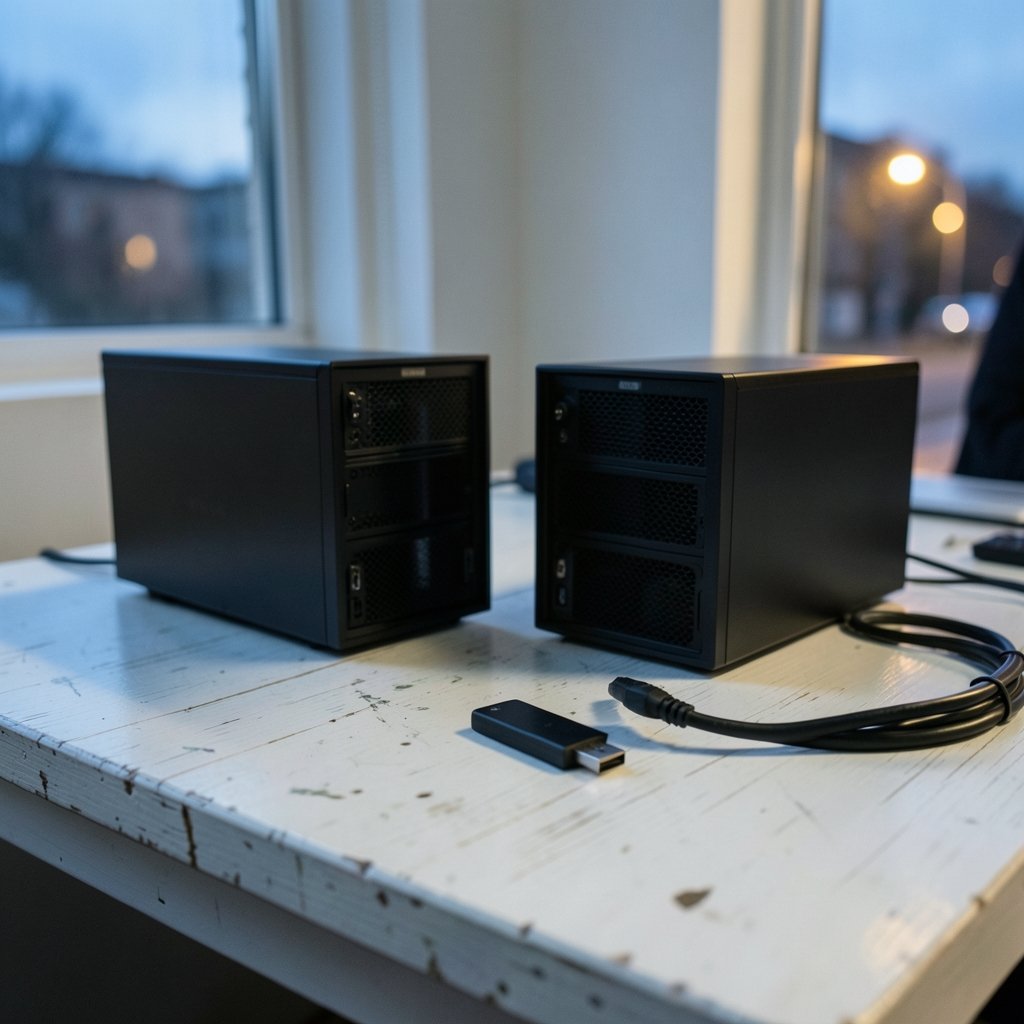
A small dedicated server or a physical box in the office typically runs $500 to $2,000 or more in one-time hardware cost, plus power, cooling, and replacement parts. For most small projects this is not cheaper than cloud. It makes sense when you need predictable performance, data residency, or a lab environment you control completely.
Comparing the realistic monthly totals
Here is how the numbers shake out for three common scenarios. Treat these as planning ranges, not quotes, and verify current rates with each provider.
| Scenario | Monthly estimate | What you get |
|---|---|---|
| Hobby project, static site, self-managed | $5–$10 | 1 vCPU, 1 GB RAM, basic backups |
| Small business site plus email, self-managed | $12–$30 | 2 vCPU, 2–4 GB RAM, snapshots, DNS |
| Managed hosting with support | $30–$100+ | Same specs plus patching and help desk |
Notice that the jump from hobby to business is not dramatic. The jump from self-managed to managed is. That is the single most important decision in the whole exercise, and it has nothing to do with Linux at all.
Small businesses often underestimate how many subscriptions they already carry. The same discipline that helps you audit a PlayStation Plus plan or a 1Password subscription applies to infrastructure: list every line item, check the renewal date, and cancel what you do not use.
Hidden costs that catch people out
Experience teaches a few lessons the hard way. These are the ones that show up most often.
Snapshots are not backups. A snapshot stored in the same region as your server disappears with it. Off-site backups cost a little extra and are worth every cent.
IPv4 addresses now carry a fee at some providers. A few dollars a month, but it appears on the invoice without warning.
Support tiers are separate. Many “cheap” cloud plans include documentation only. Actual human support may be a paid add-on.
Managed database services multiply the bill. Running your own database on the same instance is free; a managed database can cost more than the server itself.
Labor is the elephant. Patching, monitoring, and incident response consume real hours. Track them for a month before you decide self-management is saving money.
Matching the server to the project
Not every project needs the same machine. A static portfolio site can run comfortably on the smallest tier available. A WordPress install with a handful of plugins wants at least 2 GB of RAM and a caching layer. A small internal tool serving ten employees barely registers on modern hardware.
For context on how modest the compute requirements really are, consider that a Steam Deck is a handheld gaming PC with roughly the power of a mid-range laptop, and it runs a full Linux desktop. A server doing far less work needs far less hardware.
If your project involves selling something online, the server is only one line in a longer budget. Website builders, payment processing, and small business accounting software all compete for the same wallet. Choosing a lean, well-configured Linux box frees up room elsewhere. Many founders pair a modest VPS with one of the best website builders for small business to avoid hiring a developer at all.
Practical steps to keep the bill small
- Start on the smallest tier that works. Resize upward later; most providers allow it in minutes.
- Set a billing alert. A $10 threshold catches runaway egress before it becomes a $200 surprise.
- Automate patching. Unattended upgrades take fifteen minutes to configure and prevent most breaches.
- Use free tooling. Monitoring, log rotation, and firewalls are all included in the operating system.
- Review annually. Prices change, and a plan that was competitive two years ago may not be now.
- Keep a staging copy. A second tiny instance costs a few dollars and saves production from your mistakes.
The most common mistake is over-provisioning on day one. A project with no traffic does not need four cores and eight gigabytes. The second most common mistake is skipping backups entirely, which turns a five-dollar server into a catastrophe when the disk fails.
Conclusion
Linux servers are cheap in the way that a free puppy is cheap. The operating system costs nothing, the hosting bill for a small project usually lands between $5 and $30 a month, and the real expense is the attention you give the machine afterward. Businesses that understand this distinction budget accurately, automate the boring parts, and spend their money on compute and backups rather than licenses.
The honest answer to the cost question is that Linux removes one line from your invoice and leaves the rest intact. Plan for the rest, and the numbers stay small.
Frequently Asked Questions
Is Linux really free for commercial use?
Yes. The kernel’s license permits commercial deployment without royalties or per-user fees. Distributions may sell support contracts, but the software itself carries no licensing charge, and you can run it on one machine or a thousand.
Do I need a control panel to run a Linux server?
No. A control panel makes common tasks clickable, but it adds licensing cost and another attack surface. For a single site or a small internal tool, command-line administration plus a few scripts is usually sufficient and considerably cheaper.
How much RAM does a small business website need?
For a typical content site or small web application, 1 to 2 GB is workable and 4 GB gives comfortable headroom. Memory-hungry workloads such as databases or application servers need more. Start small and watch actual usage before upgrading.
What happens if I outgrow my server plan?
Most cloud providers let you resize an instance in minutes, often with a brief reboot. Vertical scaling handles steady growth well. If you outgrow a single machine entirely, you split services across two instances, which roughly doubles the hosting line but keeps each piece simple.
Are there cheaper alternatives to a cloud VPS?
Shared hosting and static site hosting can cost less than a VPS, but they trade control for convenience. A VPS remains the sweet spot for projects that need root access, custom software, or predictable performance at a low fixed price.
How much should I budget for maintenance time?
A well-configured small server needs roughly one to three hours a month for updates, monitoring, and occasional troubleshooting. Budget that time explicitly. If it exceeds what you can spare, a managed plan is the better financial decision even at a higher sticker price.
That maintenance estimate is the number to anchor on. If you cannot commit one to three hours a month, the cheapest VPS is a false economy. If you can, a $6 instance plus free tooling outperforms a $50 managed plan for years. The deciding factor is not the operating system or the provider tier, but whether you will actually do the work or pay someone else to do it. Decide that first, then pick the plan that matches. Either way, the Linux server itself will be the smallest line on your infrastructure invoice, and the budget you build around it should reflect that reality rather than the sticker price alone.
Budget for the first month at double. Provisioning, DNS cuts, and the inevitable misconfiguration consume more hours in month one than in any month after. A one-off buffer of $10 to $20 covers the learning curve without touching your operating margin.
Document what you built. A short note listing the provider, plan, region, and every service attached saves hours when you return in six months or hand the project to someone else. Infrastructure knowledge lives in heads and expires quickly.
None of these steps requires special skill, only a little foresight. Together they keep a small Linux deployment inside the $5 to $30 band year after year, which is exactly the outcome the budget was meant to buy.



