

Quick Answer: What are the most common mistakes when using ci cd pipelines in production?
The most common mistakes when using CI/CD pipelines in production cluster around configuration drift, leaked secrets, missing rollback plans, and skipped test gates. Most of these failures happen in the space between the pipeline definition and the live environment, where hand-edited configs, over-privileged credentials, and untested deploys quietly pile up risk.
Teams often confuse “the pipeline ran successfully” with “the release is safe,” which is a different claim entirely. A green build proves the automation completed, not that production is healthy or reversible.
Before trusting any pipeline, check environment parity, secret handling, rollback testing, test reliability, credential scope, audit trails, pipeline speed, branch hygiene, and whether process actually changed alongside tooling.
According to DORA’s State of DevOps research, elite performers deploy on demand yet keep failure rates low, which suggests the gap is rarely about tooling. It’s about discipline. The patterns below show up again and again, and most of them are fixable in a sprint or two once a team names them out loud.
1. Letting Configuration Drift Between Environments
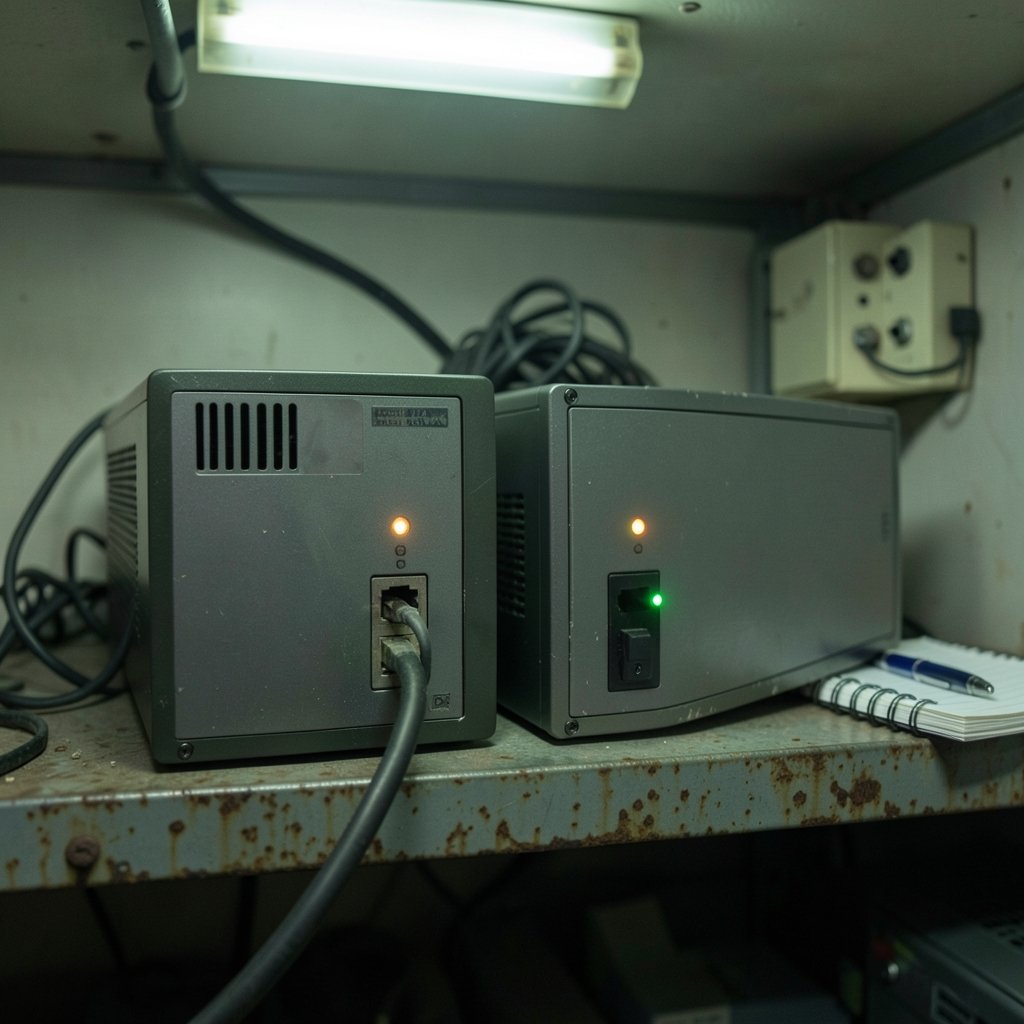
The classic failure: staging passes, production breaks, and nobody can explain why. The cause is usually configuration drift — the staging database has different settings, the production secret was edited by hand, or a feature flag defaults differently in each place. The Twelve-Factor App’s config guidance exists precisely because this problem is so persistent: config should live in the environment, not in code branches or manual edits.
The practical fix is boring but effective. Store every environment’s config in one versioned place, diff them in review, and treat a manual console change as an incident worth logging. Teams that skip this step spend hours debugging problems that a two-line config comparison would have caught. (Home Equity Loan vs Line of Credit: Key Differences)
2. Hardcoding or Leaking Secrets in the Pipeline
Secrets leak in predictable spots: CI logs, build artifacts, YAML files committed by accident, and environment variables echoed during debugging. Masking in CI tools is best-effort, not a guarantee, and plenty of teams have discovered credentials in a log that “should” have been redacted.
The OWASP Top 10 CI/CD Security Risks catalogues this family of problems, including poisoned pipeline execution where an attacker injects code into the build itself. Practical habits that actually work:
- Use a dedicated secrets manager, not repo variables.
- Rotate anything that has ever appeared in a log.
- Scope credentials to the single job that needs them.
- Scan commits for secret patterns before merge, not after.
A common mistake is treating secret handling as a security team problem. It’s a pipeline design problem, and the people writing the YAML own it. (Ai mockup generator for product design)
3. Deploying Without a Tested Rollback Plan
Many pipelines can deploy but cannot undo. When a bad release hits production, the team improvises: manual reverts, hotfixes pushed at 2 a.m., or a frantic scramble through the deploy logs. A rollback that has never been rehearsed is a rumor, not a plan.
The Google SRE Book treats release engineering as a discipline in its own right, covering canarying and staged rollouts. The lesson for pipeline builders is simple: bake the reverse path into the pipeline itself. Feature flags, blue-green swaps, and versioned artifacts all give you a fast exit. If rolling back takes longer than rolling forward, the pipeline is only half built.
4. Skipping Gates or Testing Only in Staging
Pipelines that jump straight from merge to production, with no staging gate or smoke test, are fast right up until they aren’t. The related mistake is subtler: testing in staging with data and traffic that look nothing like production, so the gate passes and proves nothing.
A useful pattern is a canary release — send a small slice of traffic to the new version, watch error rates, then widen. It catches the failures that unit tests can’t see, like a slow query or a broken integration with a third-party service. Skipping this step saves minutes and costs weekends.
5. Infrequent Integration and Long-Lived Branches
Long-lived feature branches feel safe and are quietly dangerous. The longer a branch lives, the bigger the merge, and the bigger the merge, the higher the chance the deploy breaks something unrelated. Martin Fowler’s writing on continuous integration makes the case plainly: integrate frequently, in small pieces, or pay for it later.
In practice, teams that merge daily ship smaller changes and debug them faster. Teams that merge monthly deploy a bundle of risk and can’t isolate which change caused the outage. The pipeline isn’t the problem in that case — the branch strategy is.
6. Tolerating Flaky Tests Until the Gate Means Nothing
A flaky test is worse than no test. It teaches the team to hit “retry” without reading the failure, and once that habit sets in, the pipeline stops being a real gate. Every red build becomes background noise.
The fix is cultural as much as technical. Quarantine flaky tests immediately, assign an owner, and set a rule that a retry needs a comment explaining why. If a test fails one in twenty runs, it will fail on the one deploy that mattered. Treating non-determinism as a bug in the test, not an annoyance, is what separates teams whose pipelines people trust from teams whose pipelines people ignore.
7. Giving Pipeline Credentials More Power Than They Need
CI runners with broad cloud permissions are a favorite target for attackers and a common source of accidental damage. A deploy job that can delete production databases “just in case” is one typo away from an outage.
The principle of least privilege applies here more than almost anywhere. Each job should get the narrowest credential that lets it finish, scoped to a single environment and a short lifetime. If a build job needs read access to an artifact store, it should not also hold production write keys. Auditing this is tedious, which is exactly why so many pipelines skip it.
8. Making Manual Production Changes Outside the Pipeline
Every hand-edited production change breaks the audit trail. The pipeline says version 4.2 is deployed; production is actually running a patched 4.2 with a hotfix nobody recorded. The next deploy silently overwrites the fix, and the outage repeats.
The discipline is to make the pipeline the only path to production, including emergency fixes. That means a fast-track lane for hotfixes, not a side door. When a manual change is truly unavoidable, log it, then reconcile it into the pipeline within a day. Teams that skip reconciliation accumulate invisible drift until nobody can say what’s actually running.
9. Letting Pipelines Get So Slow That People Bypass Them
A pipeline that takes 45 minutes to run invites workarounds. Developers batch changes, skip local verification, and push straight to main to save time. Speed isn’t a luxury; it’s a safety feature.
Practical levers include caching dependencies, running fast tests first and slow suites in parallel, and splitting the pipeline into stages that fail early. The goal is feedback in minutes, not hours. If the pipeline is slower than the manual process it replaced, people will quietly go back to the manual process.
10. Adopting Tools Without Changing Process
The most expensive mistake is buying a pipeline platform and expecting culture to follow. DORA’s research consistently finds that process and culture predict performance better than tool choice does. A team with poor review habits and unclear ownership will simply automate its problems. (How to take a screenshot on a mac)
A quick comparison of the symptom and the underlying cause helps here:
| Symptom | Underlying Cause | Practical Fix |
|---|---|---|
| “Works in staging, fails in prod” | Config drift | Single source of versioned config |
| Credentials in logs | Weak secret handling | Secrets manager plus rotation |
| Outages take hours to fix | No tested rollback | Rehearsed rollback and feature flags |
| Green builds nobody trusts | Flaky tests | Quarantine and assign owners |
| Manual prod edits | Pipeline too slow or rigid | Fast hotfix lane inside the pipeline |
Conclusion
None of these mistakes is exotic. They’re the ordinary shortcuts that accumulate when a team is shipping fast and the pipeline is treated as plumbing rather than product. The good news is that each one has a concrete countermeasure, and most of them cost process discipline rather than money.
Start with the two that cause the most damage: environment parity and a tested rollback path. Then work through secrets, gates, and test reliability. A pipeline people trust is worth more than a pipeline that merely runs, because trust is what lets a team deploy on a Friday afternoon without flinching.
Frequently Asked Questions
How often should a CI/CD pipeline run?
Every merge to the main branch should trigger the pipeline, and ideally every pull request too. Frequent runs keep changes small and catch problems early. A pipeline that only runs nightly or on release branches defeats the purpose of continuous integration.
Is it safe to deploy on Fridays?
It’s safe if the pipeline has a tested rollback, a canary stage, and someone available to watch the metrics. The Friday rule is really a proxy for “do we trust our rollback?” Teams with solid release engineering deploy whenever they need to; teams without it should fix the rollback before relaxing the rule.
What’s the difference between continuous delivery and continuous deployment?
Continuous delivery means every change is ready to deploy, with a human approving the final push. Continuous deployment means the pipeline pushes to production automatically once all gates pass. Both require the same testing and rollback discipline; the difference is who presses the button.
How do you handle secrets in a CI/CD pipeline?
Store them in a dedicated secrets manager, inject them at runtime, and scope each credential to the job that needs it. Rotate anything that has appeared in a log, and scan commits for accidental secret patterns before merge. Never store production credentials in repository variables.
Why does my pipeline pass but production still breaks?
Usually because the pipeline tests a different environment than production runs. Config drift, missing integration tests, and staging data that doesn’t resemble real traffic all produce this gap. Adding a canary stage and comparing environment configs catches most of these cases.
How long should a CI/CD pipeline take?
Fast enough that nobody is tempted to bypass it. For most teams, feedback on unit tests should arrive within a few minutes, with the full suite finishing well under half an hour. If the pipeline is slower than the manual process, developers will find a workaround, and the gate stops mattering.
The final piece is measurement. Track deployment frequency, lead time, change failure rate, and time to restore — the four DORA metrics — and review them monthly rather than per release. A pipeline that is never measured drifts: stages get added, caches go stale, and nobody notices the build time creeping from eight minutes to forty. Assign one owner per pipeline, give that person authority to delete stages, and treat the pipeline configuration as reviewed code with the same standards as the application. When a deploy fails, run a blameless review that asks what the pipeline should have caught, then add the missing check. Over a quarter, this turns each incident into a permanent guardrail instead of a recurring surprise. The teams that do this well stop talking about CI/CD as a tool and start treating it as the contract between developers and production — one that is tested, versioned, and improved on purpose. That is the real difference between a pipeline that runs and a pipeline that earns trust.



