

Can you get a smart doorbell when you live in a rental with no doorbell wires, no drilling rights, and a landlord who likes things exactly as they are? Yes, and the solution is simpler than most people expect. Battery-powered smart doorbells have become one of the fastest-growing home tech categories precisely because they were built for people who can’t run cable through a wall. This guide covers how these devices work, what to check before buying, which mounting methods survive a lease inspection, and the mistakes that trip up first-time buyers.
Why Apartments Are the Hardest Case for Smart Doorbells
Most smart doorbell reviews assume a suburban house with existing chime wiring and a garage full of power tools. Apartments break nearly every one of those assumptions. There’s usually no low-voltage transformer, no chime box, and no permission to drill into brick or steel door frames. Shared hallways may also have building rules about cameras.
That’s why the no-wiring category matters so much. A battery-powered smart doorbell combines the camera, motion sensor, microphone, and wireless radio in one unit that runs on rechargeable cells. It talks to your phone over Wi-Fi, and it can trigger a plug-in chime instead of a wired one. No electrician, no drywall damage, no lease violation.
The tradeoff is real, though. Battery models generally record fewer features continuously than wired ones, need regular charging, and can struggle in cold weather. Understanding those limits before you buy is the difference between a device you love and one that sits in a drawer.
The Three Ways to Get a Doorbell Without Wiring
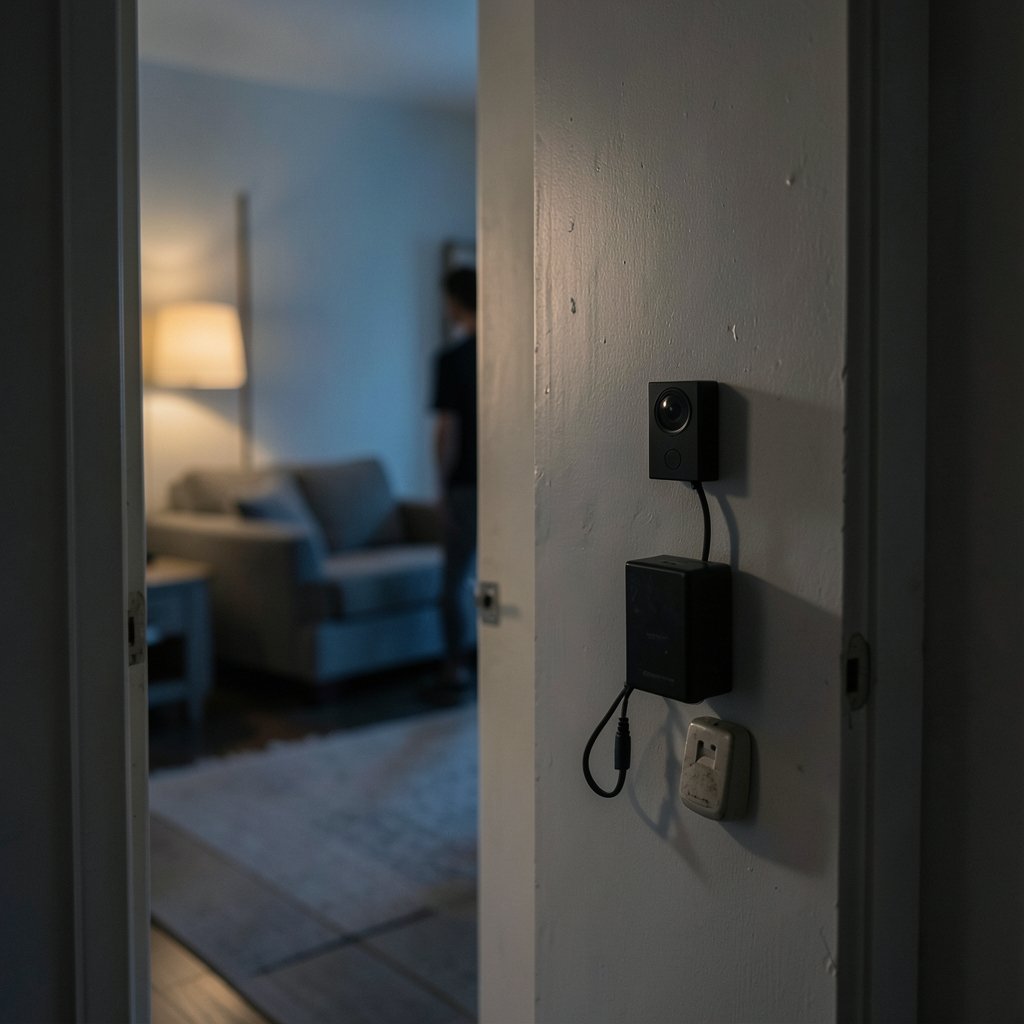
There isn’t one single answer here. There are three practical routes, and each suits a different renter.
1. A battery-powered video doorbell
This is the most complete option. The unit mounts near your door, runs on a removable or built-in battery, and sends alerts to your phone. Many models support package detection, two-way talk, and cloud or local storage. Charging intervals typically range from a few weeks to several months depending on traffic and settings.
2. A peephole camera
If your apartment door already has a peephole, a peephole camera replaces the existing lens and looks out from inside the door. No exterior mounting, no landlord conversation, and nothing visible from the hallway. The catch: image quality is often lower, and you lose the doorbell button entirely.
3. A plug-in wireless chime plus camera
Some renters split the job. A small camera handles video, and a separate plug-in chime handles the “ding dong.” This works well in buildings with thick walls where a single device can’t do both jobs reliably.
For most apartment dwellers, the battery doorbell is the best balance of features and flexibility. If you’re building out a broader setup, it pairs naturally with other renter-friendly gear covered in this guide to the best smart home devices for beginners.
What to Check Before You Buy
Buying a no-wiring doorbell is mostly an exercise in reading the fine print. These are the specs that matter most.
| Feature | Why It Matters in an Apartment | What to Look For |
|---|---|---|
| Power source | No existing wiring | Removable rechargeable battery, USB-C charging |
| Chime support | No mechanical chime box | Plug-in wireless chime included or sold separately |
| Mounting method | No drilling allowed | Adhesive plate, hook-and-loop, or over-the-door bracket |
| Field of view | Narrow hallways | Wide angle, ideally 150 degrees or more |
| Storage | Ongoing cost concerns | Local microSD slot or free cloud tier |
| Weather rating | Exposed exterior doors | IP65 or better if rain reaches the door |
| Wi-Fi band | Congested buildings | 2.4 GHz support is essential; 5 GHz alone is risky |
Battery life is not a spec, it’s a habit
Manufacturers quote impressive battery numbers, but those figures assume a quiet street. In an apartment hallway with foot traffic, motion alerts fire constantly and battery drains fast. Expect to charge more often than the box suggests. Turning down motion sensitivity and creating activity zones cuts drain dramatically.
The chime problem nobody mentions
This is the single most common surprise. If your apartment has a mechanical chime wired to the old doorbell button, a battery doorbell usually can’t use it. You’ll need a plug-in wireless chime, which costs extra on many models and is sometimes sold separately. Check the box contents carefully before ordering.
Wi-Fi reality in shared buildings
Apartment buildings are Wi-Fi war zones. Dozens of networks crowd the 2.4 GHz band, and a doorbell mounted on a metal door frame can lose signal entirely. Test your Wi-Fi strength right at the door before installing. If it’s weak, a Wi-Fi chime or range extender placed between the router and the door often solves the problem.
Mounting Without Drilling: What Holds and What Fails
Renters quickly learn that mounting is where good intentions meet reality. Here’s what actually works.
- Clean the surface first. Adhesive mounts fail on dusty, painted, or greasy surfaces. Wipe with rubbing alcohol and let it dry fully.
- Use the adhesive plate, then wait. Most manufacturers recommend letting the adhesive cure for 24 hours before hanging the device.
- Avoid textured or damp surfaces. Brick, stucco, and cold metal are adhesive killers. Smooth painted wood and metal doors work best.
- Consider an over-the-door bracket. These hook over the top of the door and hold the camera without any adhesive at all. They’re ideal for renters who move often.
- Skip the screw-in option unless your lease explicitly allows it. Even small holes count as damage in many rental agreements.
A common mistake is mounting the doorbell too high. At chest height you get faces; at the top of the frame you get foreheads and ceilings. Aim the lens so it catches faces at a natural standing distance.
Privacy, Neighbors, and Building Rules
A doorbell camera pointed down a shared hallway captures more than your front door. In many buildings, that means recording neighbors, guests, and delivery workers who never agreed to it. Rules vary widely by location, and some jurisdictions have specific laws about cameras that overlook shared spaces or capture audio.
Before installing, do three things:
- Read your lease for language about cameras, modifications, and common areas.
- Ask building management directly. A short email creates a paper trail.
- Angle the camera to cover your doorway and immediate threshold, not the whole corridor.
Audio recording deserves special caution. Some regions require consent from at least one party on a recording, and others require all parties. When in doubt, disable the microphone or check local guidance.
If security is your main motivation rather than package delivery, it’s worth comparing options in this roundup of the best smart locks for home security, since door hardware often matters more than a camera for actual break-in prevention. (Data Security)
Subscription Costs: The Hidden Second Price
Almost every mainstream battery doorbell offers a free tier and a paid plan. The free tier usually gives you live view and motion alerts but limits recorded history. Paid plans add cloud video storage, richer detection, and longer history.
Two habits keep costs down:
- Choose a model with local storage. A microSD slot means recordings stay on the device with no monthly fee.
- Check for free cloud tiers. Some brands offer a limited free recording window that covers most casual needs.
If avoiding subscriptions is a priority, the same logic applies across the category. This guide to the best video doorbells without subscription breaks down which models genuinely work without a plan. The same principle applies outdoors, as covered in this look at the best outdoor security cameras without subscription.
Making It All Work Together
A doorbell alone is useful. A doorbell connected to the rest of your setup is genuinely convenient. Pairing the camera with a smart speaker lets you hear and speak to visitors hands-free, and a smart display can show the live feed when someone presses the button. This overview of the best smart speakers for home automation explains which platforms play nicest with doorbell cameras. (Smart doorbell)
A hub can tie everything together, especially if you want local automation rather than cloud dependency. The Home Center Lite smart home hub is one option worth understanding if you’re building a system that runs without constant internet calls.
One practical tip from people who’ve done this: set up notifications before you finalize mounting. Nothing is more frustrating than drilling nothing, mounting perfectly, and then discovering your phone never buzzes because notifications were off.
Common Mistakes Renters Make
A short list of things that go wrong, so they don’t go wrong for you.
- Buying before checking the chime. The doorbell arrives, the old chime doesn’t ring, and a separate chime purchase is needed.
- Ignoring the Wi-Fi signal at the door. A doorbell that drops offline is worse than no doorbell.
- Mounting with adhesive on a cold day. Adhesive needs mild temperatures to bond properly.
- Skipping the lease review. A camera that violates building rules can be removed at your cost.
- Over-tightening motion sensitivity. Constant alerts train you to ignore the app entirely, which defeats the purpose.
- Forgetting to charge proactively. A dead doorbell at the moment a package arrives is a small but real disappointment.
Conclusion
A smart doorbell for an apartment without wiring is entirely achievable, and the technology has matured to the point where the main risks are logistical rather than technical. Choose a battery-powered model with a plug-in chime, confirm your Wi-Fi reaches the door, mount it with adhesive or an over-the-door bracket, and check your lease before you point a lens at a shared hallway. Get those four things right and you’ll have package alerts, two-way talk, and peace of mind without touching a single wire or upsetting a single neighbor.
Frequently Asked Questions
Do I need a subscription for a battery doorbell to work?
No. The device will still detect motion, ring, and show live video without a paid plan. A subscription mainly adds cloud video history and smarter detection. Models with local microSD storage can record clips without any monthly fee at all.
Will a wireless doorbell work with my building’s existing chime?
Usually not. Most battery-powered doorbells bypass the mechanical chime entirely and require a separate plug-in wireless chime. Check the product’s box contents and compatibility notes before buying, since the chime is sometimes sold separately.
How often do I need to recharge the battery?
It depends heavily on foot traffic and settings. A quiet hallway might allow several months between charges, while a busy corridor with frequent motion alerts could mean recharging every few weeks. Lowering motion sensitivity and setting activity zones extends battery life noticeably.
Can my landlord stop me from installing a doorbell camera?
Possibly. Leases often restrict modifications and cameras in common areas, and building rules may prohibit recording shared hallways. Review your lease and ask management in writing before installing. Angling the camera to cover only your doorway reduces friction with both landlords and neighbors.
What if my Wi-Fi signal is weak at the front door?
Test it before mounting. If the signal is poor, add a Wi-Fi extender or a chime unit with a built-in repeater between your router and the door. A doorbell mounted on a metal frame in a concrete hallway is a worst-case scenario for signal, so verify rather than assume.
Is a peephole camera better than a doorbell for renters?
It depends on your door. A peephole camera requires no exterior mounting and stays invisible from the hallway, which suits strict leases. But it usually offers lower image quality and no doorbell button, so it works best as a security camera rather than a full doorbell replacement.



