
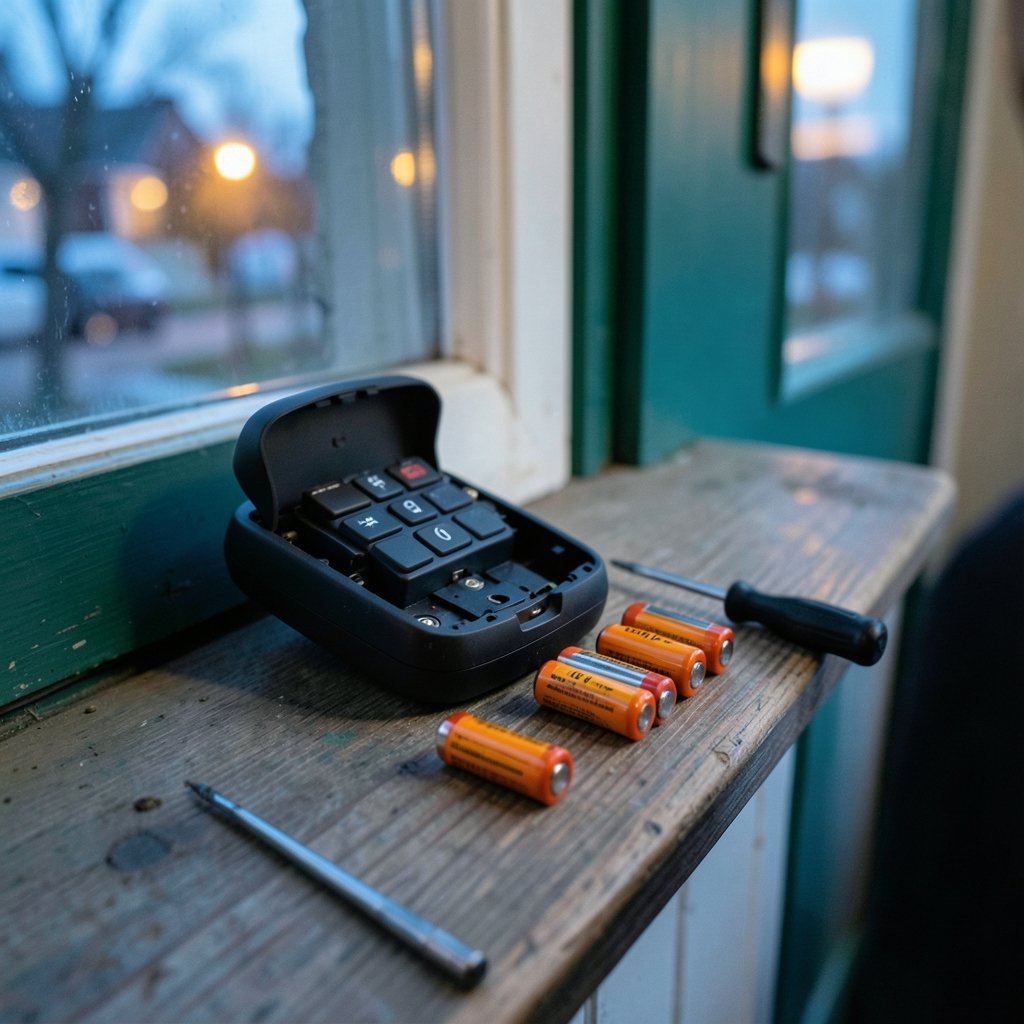
Does it feel like you just swapped the batteries in your smart lock, only to get that dreaded low-battery warning a few weeks later? You are not imagining it, and you are far from alone. A smart lock that eats through batteries is one of the most common complaints in the connected-home world, and the reasons behind it are more practical than mysterious.
The good news is that most fast-draining locks are not broken. They are dealing with a mix of power-hungry wireless radios, motorized hardware, cold weather, weak signals, and settings that quietly work against the battery. Understanding what actually pulls power, and what you can change, turns a frustrating chore into a manageable routine.
The Short Answer: Wi-Fi Is Usually the Culprit
If a lock dies within a couple of months, the first suspect is almost always the wireless technology inside it. Wi-Fi radios keep a constant, high-bandwidth connection to your router. That connection is convenient because it lets you control the lock from anywhere without a hub, but it comes at a steep energy cost.
Locks that use Bluetooth, Z-Wave, or Zigbee typically last far longer on a set of batteries because those radios sleep most of the time and wake only to send short messages. A hub or bridge handles the internet connection instead, so the lock itself does less work. This is the single biggest trade-off in the category: direct Wi-Fi convenience versus battery endurance.
| Connection type | Typical battery life | Needs a hub? | Best for |
|---|---|---|---|
| Wi-Fi | A few months | No | Rentals, simple setups, remote access |
| Bluetooth | 6 to 12 months | No (phone required nearby) | Basic keyless entry |
| Z-Wave or Zigbee | 6 to 12+ months | Yes | Larger smart home systems |
| Thread or Matter | 6 to 12 months | Often yes (border router) | Modern ecosystems |
Treat those ranges as rough guides, not promises. Vendors measure battery life under lab conditions that rarely match a busy household.
Motorized Hardware Draws the Biggest Bursts of Power
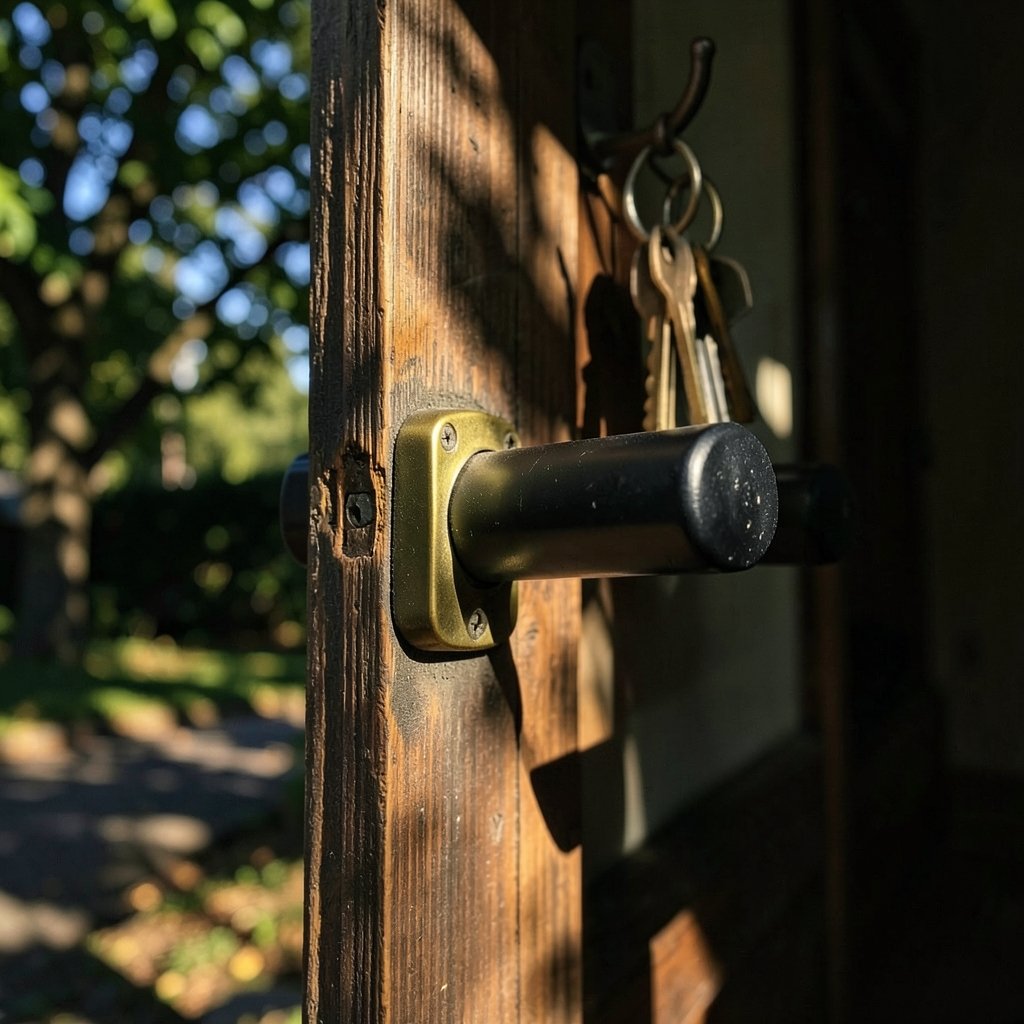
Radios sip power. Motors gulp it. Every time the lock throws or retracts the deadbolt, a small motor pulls a short but heavy spike of current. That is why features that trigger frequent locking cycles hit the battery hard.
Auto-lock is the classic offender. It is a genuinely useful safety feature, but a door that locks itself every time it closes can cycle the motor dozens of times a day. Add a household with kids running in and out, and the count climbs fast. The same applies to remote locking, where you check from your phone and lock the door again just to be sure. Each of those taps spins the motor.
A few practical habits make a real difference:
- Increase the auto-lock delay so the door is not cycling constantly during busy periods.
- Turn off auto-lock on doors that are rarely used, like a side entrance.
- Avoid remote-locking as a nervous habit; check the status instead of re-locking.
- Keep the deadbolt aligned so the motor is not straining against a misaligned strike plate.
That last point matters more than people realize. A bolt that rubs against the frame forces the motor to work harder and longer on every cycle, which drains power and wears the mechanism. If the lock sounds labored, check the alignment before blaming the batteries.
Weak Signals Force Your Lock to Work Overtime
Here is a cause that surprises almost everyone: a poor wireless signal drains batteries. When a lock sits at the edge of your Wi-Fi coverage or far from its hub, the radio has to retransmit messages and stay awake longer trying to hold the connection. Every retry costs energy.
In mesh networks like Z-Wave and Zigbee, a lock that cannot find a strong route to the hub will keep searching. The fix is often as simple as adding a repeater, moving a hub closer, or clearing interference from thick walls and metal doors. If your lock lives on a detached garage or a back gate, expect shorter battery life unless you improve the signal path.
This is also why some locks behave worse in certain homes than others. Two people can buy the same model and get wildly different results based on where the lock sits relative to the router. Before you conclude a lock is defective, test its signal strength if the app reports it.
Cold Weather and Battery Chemistry
Batteries are chemical devices, and chemistry slows down in the cold. Alkaline cells lose a meaningful share of their capacity at low temperatures, which is why an unheated entry door in winter can trigger low-battery warnings that vanish once the weather warms.
If you live somewhere with harsh winters, check what battery type your lock specifies. Many manufacturers recommend lithium AA cells for cold climates because they hold up better in low temperatures than standard alkaline. Do not assume rechargeable NiMH cells are a money-saving swap, either. Their lower nominal voltage and different discharge curve can confuse a lock’s battery gauge and cause early shutdowns, even when the cells still hold charge. Follow the manufacturer’s specification rather than whatever is cheapest in the checkout aisle.
Firmware, Polling, and the Settings You Forgot About
Modern locks are small computers, and small computers have bugs. A firmware update can fix abnormal drain, but an outdated version can also cause it. If a lock that used to last six months suddenly starts dying in weeks, check for an update before replacing hardware.
Beyond firmware, look at how often the lock talks to the cloud. Frequent status polling, aggressive notification settings, and always-on features like built-in cameras or video doorbells integrated into the lock all add up. A lock with a camera is doing far more work than a lock without one, and its battery life reflects that.
If you are building out a connected home and want devices that cooperate rather than compete for power, it helps to plan the ecosystem as a whole. Guides on the best smart home devices for beginners can help you avoid stacking power-hungry gadgets on the same entryway. Pairing a lock with a hub-based system, for instance, often beats relying on a single Wi-Fi lock to do everything.
Battery Type and Installation Mistakes That Shorten Life
A surprising number of “fast drain” complaints trace back to simple installation errors. These are the ones that come up again and again:
- Mixing old and new batteries. One weak cell drags down the whole pack.
- Mixing brands or chemistries. Different discharge curves confuse the gauge.
- Reversed polarity or loose contacts. Poor contact causes voltage dips that read as low battery.
- Cheap generic cells. Budget batteries often deliver less usable capacity than name brands.
- Skipping the manufacturer’s spec. If the manual says alkaline, do not substitute rechargeables.
Take five extra minutes to use a matched set of fresh batteries of the recommended type. It sounds trivial, but it eliminates a whole category of false alarms.
When to Suspect a Faulty Lock
Sometimes the drain is real and the hardware is at fault. Signs worth taking seriously include a lock that drains batteries even when it is rarely used, a motor that sounds strained, or a unit that gets warm around the battery compartment. In those cases, contact the manufacturer. A defective motor or a failing radio module can pull current continuously, and no amount of battery swapping will fix it. (Cybersecurity)
It also pays to know your warranty terms before you start buying batteries in bulk. If a lock is consistently underperforming its rated life by a wide margin, that is a legitimate support conversation rather than bad luck.
How Smart Locks Fit Into a Wider Energy Picture
Battery drain is really a small-scale version of a bigger question: how much energy do our connected devices quietly consume? The same principles apply across the home. Thermostats, speakers, and hubs all have standby draw, and choosing efficient devices and sensible settings keeps both batteries and bills in check. If you want to cut waste across the house, the best smart thermostats to save energy are a good starting point, and the best smart speakers for home automation can act as the hub that lets your lock use a lower-power radio instead of Wi-Fi.
For anyone assembling a full setup, a central hub can be the difference between a lock that lasts months and one that lasts a year. Options like the Home Center Lite smart home hub show how a dedicated controller offloads work from battery-powered devices. And if security is the reason you bought a smart lock in the first place, it is worth reviewing the best smart locks for home security to compare which models balance endurance and protection well.
A Practical Troubleshooting Checklist
When a lock starts draining fast, work through the causes in order of likelihood rather than guessing:
- Confirm the battery type matches the manufacturer’s recommendation.
- Replace all cells at once with a matched fresh set.
- Check signal strength and add a repeater or move the hub if it is weak.
- Review auto-lock timing and turn off unnecessary remote locking.
- Update firmware and trim notification or polling settings.
- Inspect deadbolt alignment and lubricate if the motor strains.
- Contact support if drain continues with light use.
Most people find the answer in the first four steps. The rest catch the edge cases.
Conclusion
A smart lock that drains quickly is rarely a mystery once you know where the power goes. Wi-Fi radios, motorized locking cycles, weak signals, cold weather, and mismatched batteries account for the overwhelming majority of complaints. None of these require a new lock. They require a little attention to how the device is set up and used.
Start with the cheapest fixes: fresh matched batteries of the right chemistry, better signal, and smarter auto-lock settings. If the drain persists despite all of that, escalate to firmware and then to support. A well-configured lock should last many months between battery changes, and getting there is mostly about removing the small inefficiencies that quietly add up.
Frequently Asked Questions
How long should smart lock batteries normally last?
Most locks using Bluetooth, Z-Wave, or Zigbee last six to twelve months on a good set of batteries. Wi-Fi models often last only a few months because the radio stays connected. Your actual result depends on how often the door is used, signal strength, temperature, and settings.
Why did my lock suddenly start draining faster than before?
A sudden change usually points to something new: a firmware update, a settings change, colder weather, weaker signal, or a failing battery batch. Check for updates, confirm the battery type, and review auto-lock and notification settings before assuming the hardware has failed.
Do rechargeable batteries work in smart locks?
Often they do not work well. Many locks are designed for alkaline or lithium AA cells, and rechargeable NiMH batteries have a lower nominal voltage that can trigger early low-battery warnings. Follow the manufacturer’s recommendation, and use lithium cells in cold climates.
Does Wi-Fi really drain a lock that much faster?
Yes. A Wi-Fi radio maintains a constant high-bandwidth connection, which is far more demanding than the short, infrequent transmissions used by Bluetooth, Z-Wave, or Zigbee. That convenience of no hub comes at the cost of more frequent battery changes.
Can a weak signal shorten battery life?
Absolutely. When a lock struggles to reach its router or hub, it retransmits messages and stays awake longer, which consumes extra power. Moving the hub closer, adding a repeater, or reducing interference can noticeably extend battery life.
When should I replace the lock instead of the batteries?
If a lock drains batteries even with light use, sounds strained during locking, or gets warm near the battery compartment, it may have a hardware fault. Contact the manufacturer about warranty service before buying a replacement, since a defective motor or radio module is not something batteries can fix.
