
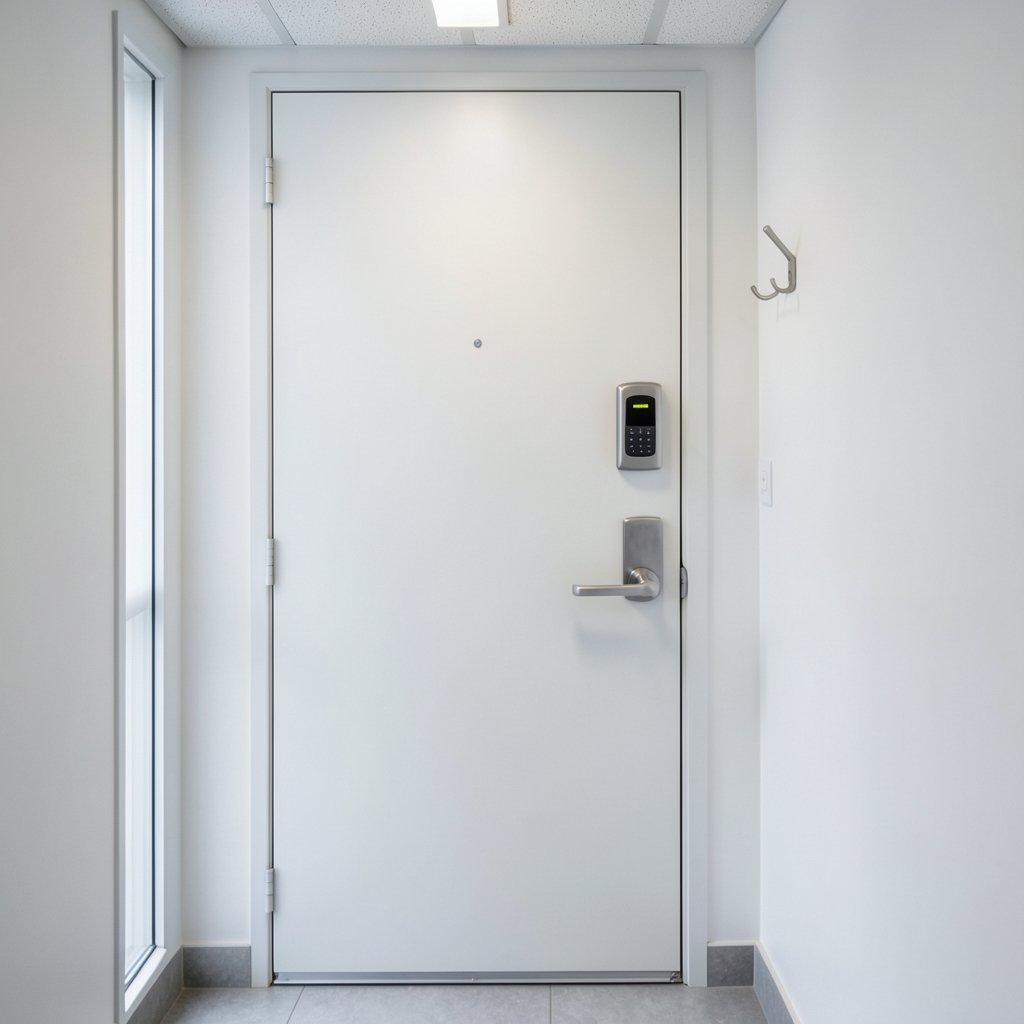
What happens to your front door when the Wi-Fi drops? For a growing number of households, the answer is: nothing at all. The lock keeps working, the keypad still lights up, and the deadbolt still turns. That surprises people who assume every “smart” device turns into a paperweight the moment the router blinks. In reality, a smart lock works without internet for most everyday tasks, and the parts that do need a connection are narrower than most buyers expect.
The catch is that “without internet” can mean three different things, and manufacturers rarely spell out which one they mean. This article breaks down what genuinely runs offline, what quietly depends on the cloud, and how to buy a lock that won’t strand you during an outage.
What “Without Internet” Actually Means for a Lock
Before comparing models, it helps to separate three scenarios that people lump together:
- No Wi-Fi at the lock. The lock has no built-in Wi-Fi radio and talks to your phone over Bluetooth or to a hub over Zigbee, Z-Wave, or Thread.
- No cloud account. The lock works locally but the manufacturer’s app, remote access, and logging depend on a server you don’t control.
- No internet service at the home. The router is up, but the ISP connection is down.
These are very different problems. A Bluetooth lock handles the first scenario perfectly. A hub-based lock may handle the first and third but still lean on the cloud for the second. A Wi-Fi lock usually fails all three for remote features but keeps working at the keypad.
The practical takeaway: local entry methods are almost always independent of the network. PIN codes, physical keys, and Bluetooth pairing don’t route through the internet. If you’re weighing options, it helps to compare how different locks handle connectivity before you commit, which is why guides like best smart locks for home security tend to focus on local control as a buying criterion.
The Entry Methods That Never Touch the Internet
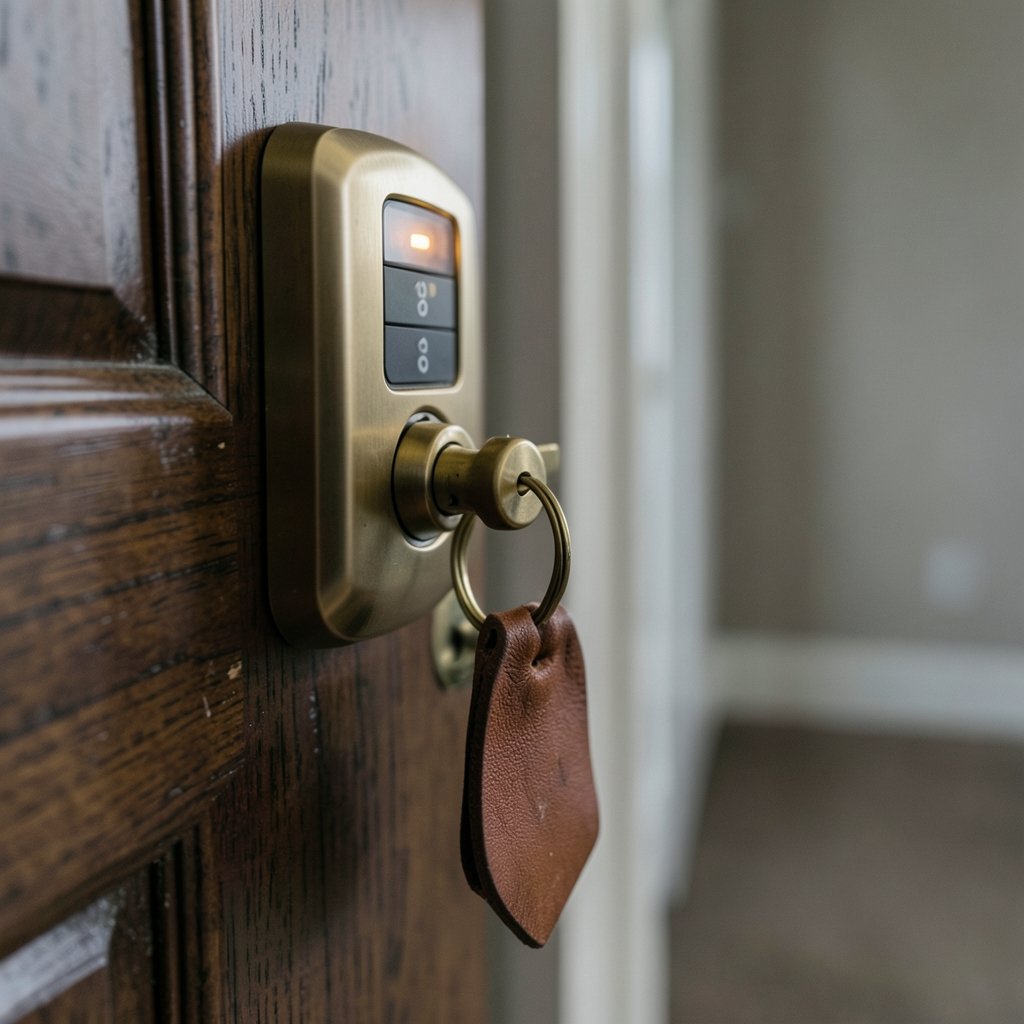
Here’s the reassuring part. The core job of a lock, letting the right person in and keeping everyone else out, happens entirely on the device.
Keypad and PIN entry are processed by the lock’s own circuitry. No network of any kind is involved. The same goes for a traditional mechanical key override, which most smart deadbolts still include.
Bluetooth Low Energy (BLE) locks pair directly with a phone or a local hub. The lock-to-phone link is a short-range radio connection, so it needs no internet at all. Your phone becomes the key.
Local hub protocols like Z-Wave and Zigbee let a lock talk to a hub over their own radio bands. The hub may or may not need the cloud depending on the platform, but the lock-to-hub leg is local.
Matter and Thread, the newer standards, were designed around local networks. A Thread border router, which can be a smart speaker or streaming box, bridges Thread devices onto your home network. Cloud access becomes optional rather than mandatory. The Connectivity Standards Alliance published the Matter 1.0 specification in October 2022, and Thread is maintained by the Thread Group, both of which document local-first operation as a design goal.
This is where the “smart” label gets misleading. A lock can be genuinely smart, with schedules, guest codes, and audit logs, and still run its most important functions on a chip the size of a fingernail with no router in sight.
Where the Internet Actually Matters
If local entry works offline, why do manufacturers push connectivity so hard? Because a handful of features genuinely require it, and they’re the features people miss most during an outage.
Remote opening is the big one. Letting a dog walker in from three time zones away means a command has to travel from your phone to a server to your lock. No internet, no remote opening.
Firmware updates arrive over the network. Security patches and feature additions simply can’t be delivered to an offline device.
Cloud logging and notifications depend on a server. If you want a timestamped record of every door opening, that history usually lives in the cloud.
Voice assistant control routes through the internet unless your setup is fully local, which is rare in practice.
Integration with broader automation often needs a bridge. If you’re building out a connected home, it’s worth understanding how best smart speakers for home automation fit into the picture, since many of them double as Thread border routers and can keep some automation running locally.
A useful rule of thumb: if the action originates outside your home, it needs the internet. If it happens at the door, it usually doesn’t.
Comparing Lock Types by Offline Capability
The table below summarizes how the main lock categories behave when the internet goes down. Treat it as a general guide, since individual products vary and firmware changes over time.
| Lock type | Works offline at keypad | Works offline via app | Remote access offline | Hub required |
|---|---|---|---|---|
| Bluetooth-only | Yes | Yes, within Bluetooth range | No | No |
| Wi-Fi built-in | Yes | Usually no | No | No |
| Z-Wave / Zigbee | Yes | Depends on hub platform | No | Yes |
| Matter over Thread | Yes | Yes, on local network | No | Border router |
| Keypad-only (no radio) | Yes | Not applicable | No | No |
The pattern is clear. Offline capability is strongest at the door and weakest at a distance. Buyers who want maximum resilience should look at the first and last rows, while those who want remote convenience should accept that it comes with a network dependency.
Practical Tips That Actually Work
A few habits separate people who sail through outages from people who get locked out of their own homes.
Set up local access before you need it. Program your PIN codes and pair your phone while the network is up. Many locks require a one-time online setup even if daily operation is offline. Check the setup requirements instead of relying on the marketing claim.
Keep the mechanical key somewhere reachable. Not in a drawer inside the house. A lock with a dead battery and no key override is a locksmith bill waiting to happen.
Test the offline scenario deliberately. Turn off your router for ten minutes and try to open the door with your phone, your code, and your key. You’ll learn more in ten minutes than from any spec sheet.
Watch the battery. Battery-powered locks still need batteries. Offline operation doesn’t mean powerless operation, and low-battery warnings often arrive through the app, which you may not see if you’ve disabled cloud features.
Don’t confuse “no internet” with “no hub.” Hub-dependent protocols still need the hub. If the hub loses power, the lock’s smart features go quiet even though the keypad keeps working.
Check whether the hub phones home. Some local-control systems still send telemetry to the cloud. That doesn’t break offline entry, but it does mean your “local” setup isn’t fully private. If that matters to you, a broader approach to best internet security australia can help you audit what’s actually leaving your network.
One common mistake deserves a mention: people buy a Wi-Fi lock expecting it to work during an outage because the box says “smart.” It will open with a code and a key, but the app will be useless until the connection returns. Reading the connectivity spec before purchase avoids that disappointment entirely.
Who Benefits Most From Offline Locks
Offline capability isn’t equally valuable to everyone. Some households should prioritize it heavily.
Rental property owners who can’t guarantee reliable Wi-Fi for tenants benefit from keypad-first locks with local codes.
Rural and remote households with unstable connections get the most from Bluetooth and Thread models.
Privacy-focused buyers who dislike cloud accounts should look for local-only operation and verify it in the manual.
Short-term rental hosts face a tradeoff. Remote guest codes are convenient, but a lock that still accepts codes during an outage prevents the worst-case scenario: a guest stranded outside.
Anyone in a region with frequent outages should treat offline entry as a baseline requirement, not a bonus feature.
Conversely, if you rarely lose connectivity and value remote management above all else, a Wi-Fi lock with cloud features is a perfectly reasonable choice. The point isn’t that internet-dependent locks are bad. It’s that buyers should know which category they’re in.
Security Considerations for Offline Setups
Removing the internet from a lock removes a whole class of risk. A device with no network connection can’t be attacked remotely, can’t leak credentials to a compromised server, and can’t be bricked by a bad firmware push.
That said, offline locks have their own weak points. PIN codes can be shared or observed, so change default codes immediately and avoid obvious sequences. Bluetooth range is limited but not zero, so pairing should be protected by your phone’s own security. Physical access remains the ultimate vulnerability, which is why a quality deadbolt and a solid strike plate matter more than any app feature. (NIST Cybersecurity Overview)
The broader home network still deserves attention even if your lock is offline. Cameras, hubs, and speakers often aren’t. If you’re thinking about how these pieces connect, resources on best internet for gaming and similar connectivity guides can help you plan a network that stays stable when it matters, and if you’re curious how devices identify and track content across the web, how to find duplicate images on the internet covers some of the same underlying mechanics.
The Bottom Line on Offline Smart Locks
A smart lock works without internet for the things that matter most: getting in and out of your home. Keypad codes, physical keys, and Bluetooth pairing all run locally, and newer standards like Matter and Thread were built with local control in mind. What breaks during an outage is the remote layer, meaning remote door opening, cloud logs, voice control, and firmware updates.
The practical advice is simple. Decide which features you actually need, check whether the lock requires an online account just to set up, and test the offline scenario before you rely on it. A lock that opens with a code and a key when the router is dead is doing its job. A lock that also lets you check in from another country is convenient, but it’s a bonus, not a guarantee.
Frequently Asked Questions
Can a smart lock be opened without any internet connection?
Yes. Keypad codes, mechanical keys, and Bluetooth pairing all work without internet. The lock’s core entry functions run on the device itself. Only remote features like opening the door from another location require a connection.
Do smart locks need Wi-Fi to work at all?
No. Many locks use Bluetooth, Z-Wave, Zigbee, or Thread instead of Wi-Fi. Even Wi-Fi models still open with a code or key when the network is down. Wi-Fi is mainly for remote access and notifications.
What happens to a smart lock during a power outage?
Battery-powered locks keep working normally because they don’t draw power from your home’s electricity. Hub-dependent features may stop if the hub loses power. Always keep the mechanical key accessible as a backup.
Do I need a hub for an offline smart lock?
Not necessarily. Bluetooth-only and keypad-only locks need no hub. Z-Wave, Zigbee, and Thread models do require a hub or border router, but that hub can often operate locally without cloud access.
Can I still get firmware updates without internet?
Generally no. Firmware updates are delivered over the network. An offline lock keeps working, but it won’t receive security patches or new features until it connects. Plan occasional online check-ins if updates matter to you.
Is an offline smart lock more secure than a connected one?
It removes remote attack surface, which is a real advantage. But physical security, code hygiene, and battery management still matter. An offline lock with a weak PIN is less secure than a connected lock with strong practices.
