
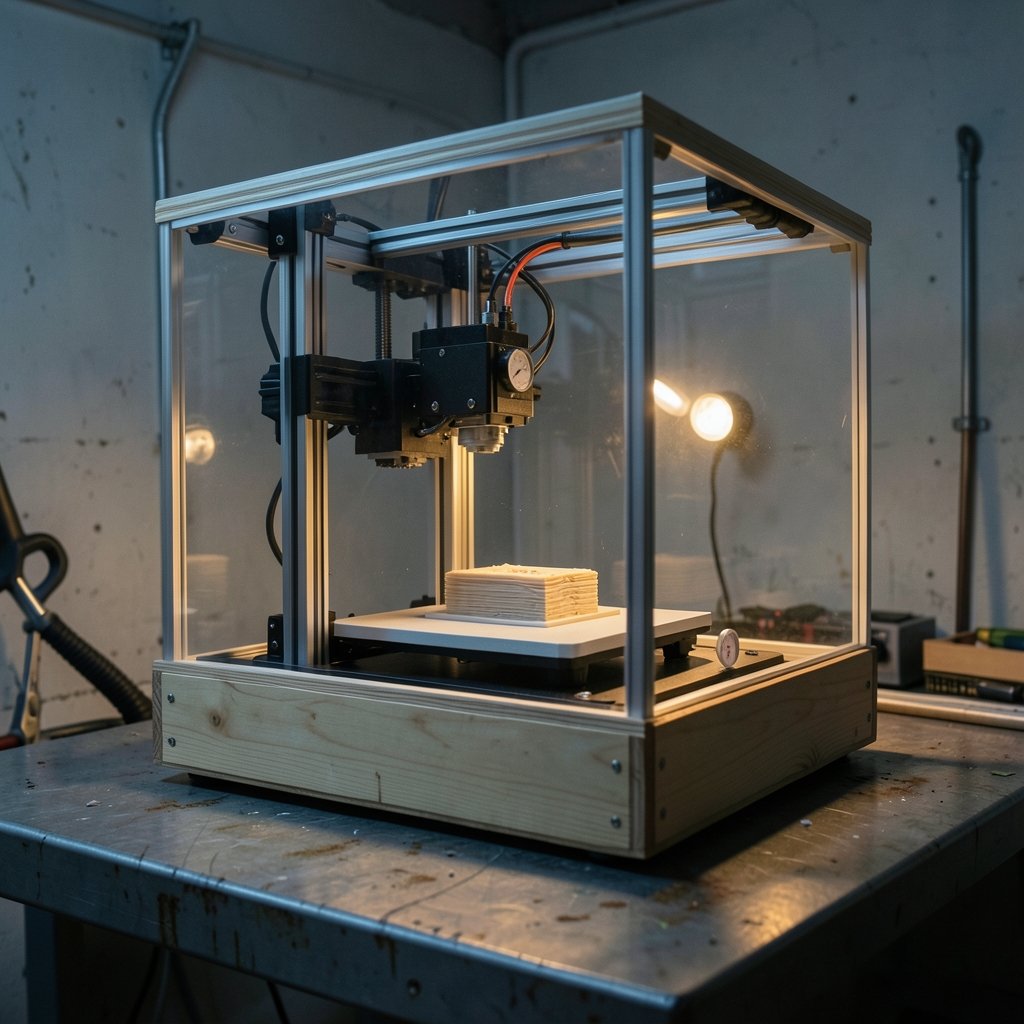
What temperature should a 3D printer enclosure actually reach? Ask five makers and you will get five answers, usually delivered with great confidence and very little evidence. That confusion is understandable. “Enclosure temperature” gets used to describe three different things: the air around the part, the bed surface, and the nozzle. Only one of those is what governs warping, layer bonding, and whether your electronics survive the summer.
This guide separates those ideas, gives practical target ranges for common materials, and covers the traps that catch people after they close the door on a printer. It leans on community rules of thumb and material supplier guidance, because hard manufacturer specs for hobby enclosures are genuinely scarce. Where the numbers are fuzzy, that gets flagged rather than dressed up as science.
What “enclosure temperature” actually means
Enclosure temperature is the air temperature inside the chamber, measured somewhere near the print but away from direct radiant heat from the bed and hotend. It is not the nozzle setpoint (typically 200–260 °C) and not the bed setpoint (typically 50–110 °C). Those are machine parameters you type in. Chamber air is a measured value you have to go and find out.
This distinction matters because most marketing copy blurs it. A product page promising “chamber temperatures up to 60 °C” may mean the air, the bed, or some internal component rating. Before trusting any number, ask where the sensor sits. A probe taped near the bed reads much hotter than one at the top of the enclosure, and neither reading matches what the part experiences mid-print.
There is also no single standard for sensor placement in hobby enclosures. Two printers with identical heaters can report a 10 °C difference purely because of probe location. Treat any quoted figure as a starting point and verify it with your own thermometer.
Typical enclosure air temperatures by material
The ranges below are community rules of thumb, not manufacturer specifications. They vary by printer, part geometry, and where you measure. Use them as a compass, not a contract.
| Material | Typical enclosure air target | Main goal |
|---|---|---|
| PLA | 20–30 °C, or leave it open | Avoid heat creep and jamming |
| PETG | 25–35 °C | Moderate draft protection |
| ABS / ASA | 45–60 °C | Reduce warping and layer splitting |
| Polycarbonate | 50–70 °C (heated chamber preferred) | Strength and dimensional accuracy |
| Nylon | 40–60 °C | Limit moisture-driven distortion |
A few practical notes on that table. PLA generally prints better in a cooler enclosure, and sustained air above roughly 30–35 °C can raise heat creep and jamming risk on some hotends. That figure is hotend-dependent, so treat it as a caution rather than a hard limit. ABS and ASA are the opposite case: their warping is driven by cooling and shrinkage, and a warm, stable chamber reduces the temperature gradient across the part. That is the standard rationale for enclosing ABS-class materials.
If you are still choosing hardware before worrying about chamber air, the broader guidance on picking a best 3D printer for beginners covers which machines even benefit from an enclosure. Many open-frame bedslingers gain little from one beyond draft protection.
Why chamber temperature controls warping and strength
Plastic shrinks as it cools. In an open printer, the top of a tall ABS part cools faster than the bottom, the layers pull against each other, and corners lift off the bed. A warm chamber slows that cooling and narrows the gap between the part’s surface and its core. Less gradient, less stress, fewer split layers.
The same physics shapes mechanical properties. Chamber temperature affects part strength and dimensional accuracy through cooling rate and crystallinity, especially for engineering polymers like polycarbonate and nylon. Slow, even cooling generally produces better interlayer bonding than a fast chill. The effect size is material-specific, so a PLA print barely notices while a nylon part can change character completely.
Here is the part people miss: stability beats raw heat. A chamber that swings between 40 and 55 °C as a door opens and a fan cycles is often worse than one holding a steady 45 °C. Drafts are the enemy. If your enclosure has gaps at the base or a loose lid, you have built a wind tunnel with a lid on it.
Measuring chamber temperature without fooling yourself
Most printers have no chamber sensor. Add one before you trust any target.
- Place a thermometer or a spare thermistor at mid-height, roughly 10–15 cm from the part, shielded from direct line of sight to the bed.
- Let the printer soak for 20–30 minutes at print temperatures before recording anything. Chamber air lags the bed by a long way.
- Log the reading through a full print, rather than only at the start. The number to watch is the swing, not the peak.
- Compare readings at the top and bottom of the enclosure. A large split means poor air mixing.
- Re-check after any change to fan settings, filtration, or lid design.
A cheap indoor thermometer works fine for a first pass. If you already monitor hardware closely, the same discipline used in this walkthrough on how to check GPU temperature in 13 steps applies here: measure under real load, watch for spikes, and do not trust a single snapshot.
Common mistakes in this step are predictable. People measure right above the bed and report fantasy numbers. They test with an empty chamber, then wonder why a real print runs hotter. They forget that opening the door to check progress resets the soak. And they never write the numbers down, so every spool becomes guesswork again.
Passive versus active chamber heating
Most consumer printers do not ship with active chamber heating. Heated chambers are mainly a professional and industrial feature, though add-on heaters exist for hobbyists. That market moves fast, so check current products rather than trusting older reviews.
| Approach | How it works | Best for | Watch out for |
|---|---|---|---|
| Passive enclosure | Traps heat from bed and hotend | ABS/ASA on mid-size parts | Slow warm-up, uneven air |
| Insulated passive | Adds foam or panels | Larger ABS parts, cooler rooms | Overheating electronics |
| Active heater | Fan and element with thermostat | PC, nylon, consistent results | Cost, fire risk, wiring |
| Heated industrial chamber | Integrated, rated system | Production engineering plastics | Price and footprint |
Passive enclosures are cheap and effective up to a point. In a cold garage, though, a passive box may never reach 45 °C. Insulation helps, but it also traps heat around the mainboard and motors. Active heaters solve the cold-room problem but introduce their own risks: wiring inside a hot box, thermostats that fail closed, and no fire suppression.
The economics deserve a mention too. A decent enclosure plus a heater can approach the price of a best budget 3D printer itself. If ABS is a occasional material for you, a passive box and careful part design may be the smarter spend.
Electronics and motors: the hidden heat problem
Enclosing a printer traps heat around the mainboard and stepper motors. Many controller boards are rated around 50–60 °C ambient at most, and that ceiling arrives faster than people expect. Check the specific board’s datasheet rather than assuming.
Symptoms of an overheated enclosure include skipped steps on long prints, random shutdowns, thermal runaway errors, and stepper motors too hot to touch. None of these look like heat problems at first. Makers chase firmware bugs for a week before realizing the electronics bay is sitting at 58 °C.
Practical fixes that actually work:
- Move the power supply and mainboard outside the heated volume, or duct cool room air to them.
- Add a small exhaust fan with a filter, running continuously.
- Leave the electronics bay open to room air while sealing the print volume.
- Use a thermal cutoff or a thermostat-controlled fan so cooling is not left to memory.
What does not work: pointing a desk fan at the enclosure exterior. That cools the outside of the box and does almost nothing for the air inside.
Ventilation, fumes, and safety
Ventilation matters for both fumes and heat. ABS and ASA emit VOCs and ultrafine particles, and filtration or venting to outdoors is recommended. Health and emissions guidance is still evolving, so avoid treating any exposure limit as settled. The sensible default is to vent outdoors or run a carbon and HEPA filter, and to keep the printer out of bedrooms and small unventilated rooms.
Fire safety deserves equal weight. Enclosures concentrate heat and smoke, and few formal standards exist specifically for desktop 3D printer enclosures. Common recommendations include smoke detection, flame-retardant enclosure materials, and never leaving a high-chamber-temperature print unattended. If you are setting up a machine for a child, the safety considerations in this guide to the best 3D printer for kids are worth reading before adding any enclosure at all. (National Institute of Standards and Technology)
A pragmatic checklist for a safe heated setup:
- Mount a smoke alarm directly above the enclosure.
- Use flame-retardant panels, not bare cardboard or foam board.
- Keep the heater on a separate thermostat with a hard upper limit.
- Never run an active heater overnight without monitoring.
- Route all wiring away from hot surfaces and sharp panel edges.
Matching enclosure temperature to your actual goal
Before chasing a number, decide what problem you are solving. Draft protection, warping, part strength, and material compatibility each point to different targets.
If the goal is simply stopping a breeze from ruining PLA prints, a partial enclosure with the top open is plenty. If the goal is printing ABS without lifting corners, aim for 45–50 °C air and hold it steady. If the goal is polycarbonate or nylon with real mechanical requirements, accept that a passive box may not get there and budget for active heating or a different material. (3D printing)
A useful rule: pick the lowest chamber temperature that solves your problem. Higher is not better. It stresses electronics, worsens fumes, and raises fire risk, all for gains that may not show up in the part.
For anyone still assembling a first setup, the comparison in this guide to the best beginner 3D printer helps identify which machines have enclosed variants and which are better left open. It is far cheaper to buy the right frame than to retrofit heating into the wrong one.
Conclusion
Enclosure temperature is the air in the chamber, not the nozzle or bed setpoint, and it is the number that decides whether ABS warps, whether PLA jams, and whether your mainboard survives a long print. Aim for roughly 45–60 °C for ABS and ASA, stay cool for PLA, and prioritize stability over raw heat. Measure with a real sensor, protect the electronics, ventilate the fumes, and pick the lowest temperature that solves your actual problem. The makers who get reliable results are rarely the ones with the hottest chambers. They are the ones who measured first and guessed second.
Frequently Asked Questions
What is a good enclosure temperature for ABS?
Around 45–60 °C of chamber air is the common community target. The goal is a warm, stable environment that slows cooling and reduces the temperature gradient across the part. Stability matters more than the exact number, so hold the range steady rather than chasing a peak.
Can it get too hot inside a 3D printer enclosure?
Yes. Sustained air above roughly 30–35 °C can increase heat creep and jamming risk on some PLA hotends, and many controller boards are rated only to about 50–60 °C ambient. Stepper motors and power supplies also suffer. If electronics sit inside the heated volume, watch their temperature as closely as the chamber’s.
Do I need a heated chamber for PETG?
Usually not. PETG benefits from draft protection and a mildly warm enclosure around 25–35 °C, which a passive box typically reaches on its own. Active heating is overkill unless you are also printing engineering polymers that need sustained higher temperatures.
Where should the temperature sensor be placed?
Mid-height, roughly 10–15 cm from the part, shielded from direct radiant heat from the bed and hotend. Avoid mounting it against a panel or right above the bed, since both give misleading readings. Compare top and bottom readings to check air mixing.
Is it safe to print ABS in an enclosure indoors?
Only with ventilation. ABS and ASA emit VOCs and ultrafine particles, so filtration or venting to outdoors is recommended. Add smoke detection, use flame-retardant materials, and avoid running high-temperature prints unattended. Keep the setup out of bedrooms and small unventilated rooms.
Why does my enclosure never reach the target temperature?
Common causes are a cold room, thin uninsulated panels, leaks at the base or lid, and a printer whose bed simply does not output enough heat. Passive enclosures often stall in cold garages. Insulation and sealing help, but active heating may be the only realistic route to sustained 45 °C and above.



