
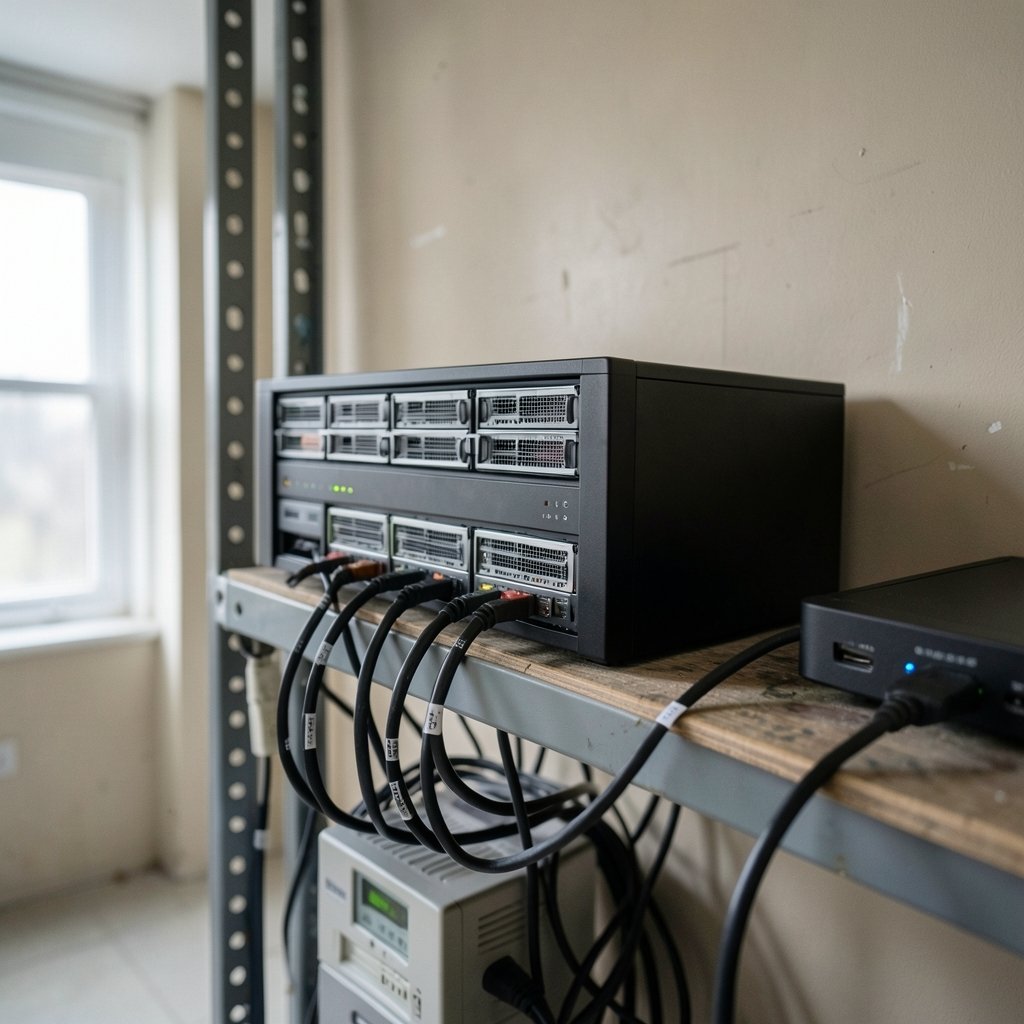
What happens when ransomware hits your network-attached storage (NAS) at 2 a.m. and starts encrypting every share, snapshot, and backup it can reach? For a growing number of organizations, the answer depends on one design decision made months earlier: whether those snapshots were locked so tightly that even an administrator with stolen credentials could not delete them.
That is the promise of immutable snapshots on NAS. It is also one of the most misunderstood controls in ransomware defense. Vendors market it aggressively, administrators often assume snapshots and backups are the same thing, and attackers have learned to go after backup infrastructure first. This article unpacks what immutable snapshots actually do, where they fail, and how to configure them so they hold up under a real attack.
What Immutable Snapshots Actually Are
A snapshot is a point-in-time copy of data on a storage system. It is fast, space-efficient, and useful for recovering from accidental deletions or a failed software update. But a standard snapshot has a fatal weakness in a ransomware scenario: anyone with administrative rights can delete it. If an attacker steals those credentials, your recovery copies vanish along with your data.
Immutable snapshots change that rule. Once created, they cannot be modified or deleted, even by an administrator with full credentials, for a defined retention period. The lock is enforced at the storage layer itself, not by a software policy that can be switched off.
The industry uses several overlapping terms, and they are not identical:
| Term | What it means | Typical enforcement |
|---|---|---|
| Snapshot | Point-in-time copy of data | Deletable by admin |
| Immutable snapshot | Snapshot locked for a set period | Enforced by storage OS |
| WORM | Write once, read many | Enforced by hardware/firmware |
| Tamper-proof retention | Time-based lock on files or shares | Enforced by file server role |
The distinction matters because vendors blur it. A “tamper-proof” share on a Windows file server is not the same as a WORM-locked volume on enterprise storage. Both can help, but they fail in different ways.
Why Ransomware Actors Target Backups First

Modern ransomware operators rarely encrypt the first server they touch. They spend days or weeks mapping the network, stealing credentials, and locating backup systems. The logic is simple: if victims can restore, they do not pay. Neutralizing recovery is the business model.
This is why the 3-2-1 backup rule has been extended. The classic version calls for three copies of data, on two different media, with one offsite. The newer 3-2-1-1-0 variant adds one immutable or offline copy and zero errors on restore verification. That extra “1” is precisely where immutable NAS snapshots fit.
According to the CISA #StopRansomware Guide, offline and immutable backups are a core mitigation against ransomware. The guide is blunt about the reason: attackers deliberately destroy or disable backups before launching encryption. If your only recovery path lives on a system the attacker can reach with admin rights, you do not have a recovery path. (StopRansomware)
The pattern shows up across incident reports. When the Rhysida ransomware group breached Berlin government systems, the recovery question dominated the response. Groups like The Gentlemen ransomware and operators using Warlock ransomware with SharePoint ToolShell exploits follow similar playbooks: gain access, escalate, then hunt for backups. (Ransomware)
How the Lock Is Enforced
Immutability is not a setting you toggle in a web console and forget. It is a retention policy baked into the storage operating system. Three common implementations dominate:
Storage-level WORM
Enterprise NAS platforms offer compliance locking. NetApp ONTAP SnapLock and Dell PowerScale SnapLock are the best-known examples, both offering Compliance and Enterprise modes. In Compliance mode, the retention period cannot be shortened or overridden, not even by a storage administrator. In Enterprise mode, a privileged user can sometimes override the lock, which makes it weaker against insider threats and credential theft.
File-server retention
Microsoft Windows Server provides time-based retention for SMB shares through File Server Resource Manager (FSRM) file management tasks. Files placed in a designated folder are locked for a set period and cannot be edited or deleted. This is a practical option for smaller environments that cannot afford enterprise storage, though it protects files rather than whole volumes.
Object-lock style APIs
Many modern NAS and backup appliances now support S3-compatible object lock, which applies WORM semantics to backup repositories. This has become the default design for backup targets, because it isolates the immutable copy from the production file system.
The NIST SP 800-209 Security Guidelines for Storage Infrastructure discusses snapshot and immutability controls as part of a layered storage security architecture. The takeaway from standards guidance is consistent: immutability works only when the lock is enforced below the layer an attacker can control.
Common Mistakes That Break Immutability
In practice, most failures are configuration failures, not product failures. These are the errors that show up again and again.
Treating snapshots as backups. A snapshot on the same NAS array is not a backup. If the device is compromised, destroyed, or stolen, both the live data and the snapshot go with it. Immutability helps only if the locked copy sits on isolated storage or the lock is enforced at a layer the attacker cannot reach.
Leaving the management plane exposed. An immutable snapshot protects data, not the control interface. If an attacker can reach the NAS management console, they can often disable snapshot policies for future snapshots, change retention settings, or wipe the configuration. Network segmentation and multi-factor authentication on the admin plane are not optional.
Using shared credentials. If the same domain administrator account manages production servers and the backup NAS, credential theft defeats the entire design. Separate accounts, least privilege, and dedicated backup credentials are baseline requirements.
Skipping restore tests. An immutable snapshot you have never restored is a hope, not a control. Test restores on a schedule and record the results. The “zero errors” in 3-2-1-1-0 exists for a reason.
Setting retention too short. A 24-hour lock is nearly useless against an attack that dwells for two weeks before detonating. Retention should exceed your realistic detection and response window, often 30 to 90 days.
Assuming vendor marketing equals protection. Claims about ransomware resistance are marketing until proven in your environment. Prefer independent testing and standards-body guidance over datasheets.
A Practical Configuration Checklist
For teams building this out, the sequence matters as much as the settings.
- Identify which data sets need immutable protection: backup repositories, financial records, legal hold data, and anything with a regulatory retention requirement.
- Choose the enforcement layer. Compliance-mode WORM for regulated data, file-server retention for smaller environments, object lock for backup targets.
- Set retention longer than your worst-case detection window. Thirty days is a floor, not a target.
- Isolate the immutable store on a separate network segment with its own credentials.
- Enable multi-factor authentication on every management interface.
- Document the restore procedure and test it quarterly.
- Review retention policies annually against changing threat patterns.
One more practical tip: label immutable volumes clearly in your documentation. During an incident, responders under pressure have been known to rebuild a NAS from scratch, unaware that locked snapshots were the only surviving copy. A one-page recovery runbook prevents that mistake.
Where Immutable Snapshots Fall Short
Immutability is powerful, but it is not a complete defense, and overstating it creates risk.
First, it protects stored data, not live systems. Ransomware still encrypts production servers, and recovery still takes time. Immutable snapshots shorten the recovery timeline; they do not prevent the outage.
Second, retention cuts both ways. Data locked for 90 days cannot be deleted early, even if it was stored by mistake or contains sensitive information that must be removed. Compliance-mode locks are deliberately inflexible, and that inflexibility has operational costs.
Third, the control depends on the storage layer remaining trustworthy. Firmware vulnerabilities, supply chain compromise, and misconfigured replication can undermine the lock. Immutability should sit inside a broader program: endpoint detection, network segmentation, phishing resistance, and tested incident response.
If you are still building foundational awareness, a primer on what ransomware is and how to prevent it is a sensible starting point before layering on storage-level controls.
Conclusion
Immutable snapshots on NAS are one of the few ransomware defenses that work precisely because they remove human discretion from the equation. When the lock is enforced at the storage layer, stolen credentials stop mattering for that copy of the data. But the control only delivers when it is configured with realistic retention, isolated from the production network, paired with hardened management access, and tested through actual restores. Treat immutability as one layer in a defense-in-depth strategy, not a silver bullet, and it will do exactly what it promises: give you a copy of your data that an attacker cannot reach, cannot delete, and cannot ransom.
Frequently Asked Questions
What is an immutable snapshot on a NAS?
An immutable snapshot is a point-in-time copy of data that cannot be modified or deleted for a set retention period, even by an administrator with full credentials. The lock is enforced by the storage operating system rather than by a software policy that can be disabled.
Are NAS snapshots the same as backups?
No. A snapshot typically lives on the same storage device as the live data, so it is lost if that device is compromised or destroyed. A backup is a separate copy on separate media or location. Immutable snapshots become backup-grade only when they are isolated or locked at a layer an attacker cannot control.
How long should immutable snapshot retention be?
Retention should exceed your realistic detection and response window. Many organizations use 30 to 90 days. A 24-hour lock offers almost no protection against attackers who dwell in a network for days or weeks before launching encryption.
Can ransomware delete immutable snapshots?
Not if the lock is genuinely enforced at the storage layer. Attackers with administrative credentials can delete ordinary snapshots, which is why they target backup systems first. Compliance-mode WORM locks and object-lock retention prevent deletion until the retention period expires.
What is the difference between Compliance and Enterprise WORM modes?
Compliance mode locks data so that no one, including storage administrators, can shorten the retention period or delete the data early. Enterprise mode allows privileged overrides under certain conditions, which makes it weaker against insider threats and credential theft but more flexible operationally.
Does immutability replace other ransomware defenses?
No. Immutable snapshots protect stored copies of data but do not stop ransomware from encrypting production systems or prevent the outage that follows. They work best as one layer alongside network segmentation, multi-factor authentication, endpoint detection, phishing resistance, and regularly tested incident response plans.
What should you verify before trusting a vendor’s immutability claim?
Ask for the enforcement mechanism, not the marketing term. Confirm whether the lock is applied at the storage layer or by a software policy that an administrator can disable. Request documentation on how retention is shortened, who holds override rights, and whether the vendor supports compliance-mode locking. Then validate it yourself: attempt to delete a locked snapshot before the retention period expires and confirm the system refuses. A control you have not tested is an assumption. Independent testing and standards-body guidance, such as NIST SP 800-209, are more reliable than datasheets.
The bottom line
Immutable snapshots change the economics of ransomware because they remove the attacker’s easiest path: destroying the recovery copy. But the protection is only as strong as its configuration. Enforce the lock below the layer an attacker can reach, isolate the immutable store, harden the management plane, set retention beyond your detection window, and prove recovery through scheduled restores. Do that, and immutability becomes a dependable layer in a defense-in-depth program rather than a checkbox.



