
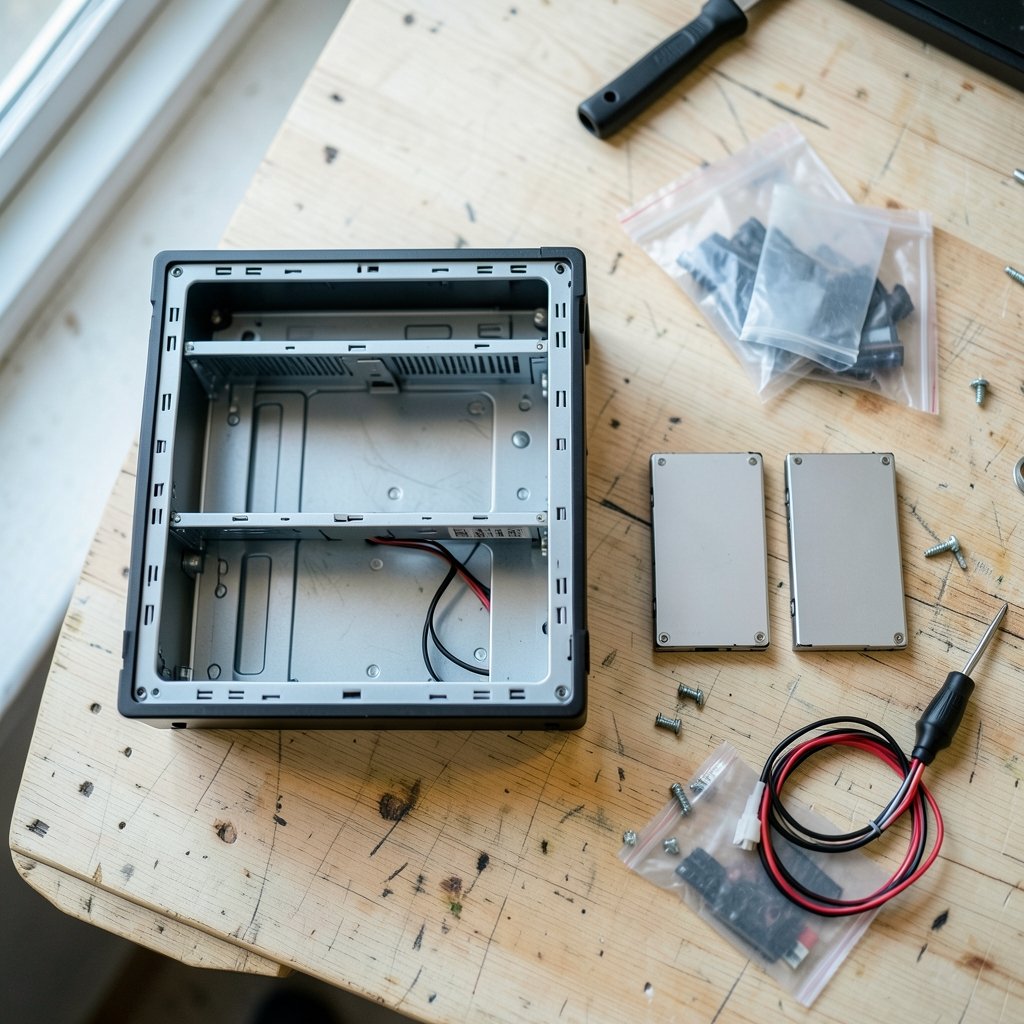
What if the hard drive you just bought for your NAS is quietly the wrong tool for the job? It spins up, it stores files, and the spec sheet looks fine. Then you rebuild a RAID array and suddenly a “healthy” drive is timing out, or a multi-user backup crawls to a near stop. That scenario is exactly why the SMR versus CMR debate exploded into one of the most heated storage arguments in recent memory. (What is Network-Attached Storage (NAS)?)
This guide breaks down how the two recording technologies actually differ, why the difference matters so much in a NAS, and how to buy with confidence instead of guesswork.
What SMR and CMR Actually Mean
Every spinning hard drive stores data on concentric tracks. The question is how those tracks get written.
CMR (conventional magnetic recording) writes each track independently. A drive head can rewrite any track without touching its neighbors. This is the classic, predictable design that has powered hard drives for decades.
SMR (shingled magnetic recording) overlaps adjacent tracks like roof shingles. Because the write head is physically wider than the read head, SMR squeezes more tracks onto the same platter area. That raises areal density, which lets manufacturers sell higher-capacity drives at lower cost per terabyte.
The trade-off is mechanical, not magical. Overlapping tracks mean that rewriting one track can force the drive to read and rewrite the neighboring shingles around it. Engineers call this a read-modify-write cycle. Drives hide this with a persistent cache and background cleanup, so simple sequential writes often feel fine. Heavy random writes are where the shingles start to pinch.
Why the NAS World Cares So Much

A desktop drive mostly serves one person. A NAS serves many. It handles simultaneous reads, writes, snapshots, virtual machines, media indexing, and RAID parity updates. That workload is random and sustained, and it is precisely the pattern SMR handles least gracefully.
The flashpoint came in April 2020, when reporting revealed that certain WD Red NAS drives used SMR without clear disclosure. Buyers who had chosen those drives specifically for RAID arrays were, understandably, furious. Western Digital responded by publishing a drive-technology table identifying which models used which recording method, and Seagate followed with its own published list of SMR models. The lesson stuck: for NAS buyers, recording technology is now a spec you check, not an assumption you make.
The RAID Rebuild Problem
RAID rebuilds are the stress test that exposes SMR weaknesses most brutally. When a drive fails, the array must reconstruct data across every remaining disk, which means hours of sustained reads and writes. An SMR drive can slow that process dramatically or, in reported cases, drop out of the array entirely during a rebuild. For a home user with a two-bay enclosure, that is an inconvenience. For a small business, it is a data-availability risk.
SMR vs CMR: A Side-by-Side Comparison
| Factor | CMR | SMR |
|---|---|---|
| Track layout | Independent tracks | Overlapping shingles |
| Sequential write speed | Strong | Strong, often comparable |
| Sustained random write | Predictable | Can degrade sharply |
| RAID rebuild behavior | Reliable | Higher risk of slowdowns or timeouts |
| Cost per terabyte | Higher | Lower |
| Best fit | Multi-user NAS, RAID, VMs | Archive, backup targets, write-once data |
Notice the trap in that table. Vendor sequential throughput numbers often look nearly identical between SMR and CMR drives. The gap shows up in sustained random writes and rebuild scenarios, which spec sheets rarely advertise. If you shop by headline speed alone, you can easily buy the wrong drive.
How to Tell Which Drive You Are Buying
The good news is that disclosure has improved since 2020. The bad news is that it still requires a little diligence.
- Check the vendor’s official recording-technology list before buying. Both major manufacturers now publish model-by-model breakdowns.
- Look at the product line as well as the capacity. Within WD’s Red family, for example, Red Plus and Red Pro are positioned as CMR, while the base Red line has included SMR models.
- Read the datasheet’s workload rating and intended use. Drives rated for 24/7 multi-bay operation usually signal CMR design.
- Ignore marketing adjectives. “NAS-optimized” is not a recording technology.
- When in doubt, ask the seller directly and get the answer in writing.
A common mistake is assuming that a higher price automatically means CMR. It usually does, but not always, and not across every capacity point in a product family. Another frequent error is buying a single SMR drive for a backup target and then treating it like a primary NAS volume. It will work, until it doesn’t.
When SMR Is Genuinely Fine
It would be unfair to paint SMR as a villain. The technology exists for good reasons, and for the right workload it is a smart, economical choice.
SMR makes sense for write-once, read-many data: cold archives, media libraries that rarely change, and backup targets that receive large sequential streams. It is also reasonable for single-user external storage where random write performance is not critical. If you are assembling a portable archive, the best external hard drives for backup can include SMR models without any real-world penalty, provided you understand what you are buying.
The rule of thumb is simple. Sequential and infrequent writes: SMR is acceptable. Random, concurrent, or rebuild-heavy writes: choose CMR.
Matching the Drive to the Job
Storage decisions rarely happen in isolation. The drive you pick should reflect the whole system around it.
If you are modernizing an older machine, the storage upgrade conversation often turns to SSDs, and it is worth knowing how to clone hard drive to ssd 2026 workflows differ from a simple NAS drive swap. SSDs solve random-write problems entirely, but they cost more per terabyte at high capacity, which is why spinning disks still dominate bulk NAS storage. (Network-attached storage)
For long transfers and rebuild windows, patience matters. Some users keep a long-form audio queue running during multi-hour copy jobs, and the best storytelling podcasts for long drives make those waits far more tolerable. It is a small quality-of-life detail, but anyone who has babysat a RAID rebuild knows the value of good background listening.
And if you are thinking about where storage demand is heading next, the broader hardware race matters too. The Tesla website robotaxi semi roadster three hardware bets 2026 illustrate how aggressively compute-heavy products are pushing data volumes upward. Every one of those systems generates telemetry that eventually lands on a disk somewhere.
Practical Buying Advice That Actually Works
Here is what experienced NAS builders do in practice, and what trips up newcomers.
Buy CMR for the array, SMR for the shelf. The drives inside your RAID enclosure should be CMR. Drives used for offline archives can be SMR. Mixing the two in one array is technically possible but invites unpredictable rebuild times.
Match drives within an array. Use identical models and firmware where possible. Mixed recording technologies in a single RAID set make performance troubleshooting a nightmare.
Plan capacity with rebuilds in mind. Larger drives take longer to rebuild. A 20TB CMR drive rebuilds slowly but predictably. A 20TB SMR drive may rebuild unpredictably, which is worse.
Test before you trust. Run a sustained write test on a new drive before loading real data. A simple large-file copy and a random-write benchmark will reveal SMR behavior quickly.
Keep firmware current. Vendors have shipped firmware updates that improve SMR cache handling. Updates do not turn SMR into CMR, but they can reduce worst-case stalls.
Do not overlook vibration and cooling. Multi-bay NAS drives are built for vibration tolerance. Putting desktop-grade drives in a dense enclosure is a separate reliability mistake, regardless of recording technology.
Current Disclosure Practices
The 2020 controversy changed industry behavior. Public model lists from both major vendors now make it possible to verify recording technology before purchase, and reviewers routinely test for SMR behavior. The remaining risk is quieter: a buyer who never checks. The information exists, but it does not chase anyone down.
One more nuance worth flagging. Some drives use drive-managed SMR, where the drive handles shingle management internally and presents a normal block interface. Others use host-managed SMR, where the operating system must cooperate. Consumer NAS drives are drive-managed. That means your NAS has no idea it is talking to an SMR disk, which is exactly why the performance cliff can appear without warning.
The Bottom Line on Cost
SMR’s real advantage is economics. Higher areal density means more terabytes per platter, which lowers manufacturing cost. That savings gets passed to buyers, sometimes quietly. If a NAS drive is dramatically cheaper per terabyte than its siblings at the same capacity, that is a signal worth investigating rather than a bargain to grab.
CMR drives cost more because they deliver predictable performance under load. For a NAS that stores family photos, business records, or virtual machine images, that predictability is worth the premium. For a cold archive that gets written once and read occasionally, it is money you do not need to spend.
Conclusion
The SMR versus CMR question comes down to one word: workload. CMR drives write tracks independently and behave predictably under the random, concurrent, rebuild-heavy load that defines a real NAS. SMR drives overlap tracks to pack in more capacity per platter, which makes them cheaper and perfectly suitable for archives, backups, and sequential workloads, but risky inside a RAID array that expects consistent performance.
Since 2020, vendors publish model-level recording-technology lists, so the information is available to anyone willing to check. The buyers who get burned are the ones who assume. Check the list, match your drives, test before you trust, and choose CMR for anything that lives inside an array. Your future rebuild will thank you.
Frequently Asked Questions
Is SMR bad for a NAS?
Not universally, but it is a poor fit for RAID arrays and multi-user workloads. SMR drives can slow dramatically during sustained random writes and RAID rebuilds, which is why most NAS builders choose CMR for drives that live inside an array. SMR is fine for backup targets and archive volumes.
How can I tell if a hard drive is SMR or CMR?
Check the manufacturer’s published recording-technology list, which both major vendors now provide model by model. You can also look at the product line positioning and the datasheet’s workload rating. If the information is not published, ask the seller directly before buying.
Why did the SMR NAS controversy happen?
In April 2020, reporting revealed that certain WD Red NAS drives used SMR without clear disclosure. Buyers had chosen those drives for RAID use, where SMR performance can degrade badly. Western Digital responded with a public drive-technology table, and Seagate published its own SMR model list.
Do SMR drives fail during RAID rebuilds?
They do not fail in the sense of breaking, but they can slow rebuilds dramatically or time out and drop out of the array. That behavior was reported during the 2020 controversy. The risk is not universal, but it is real enough that CMR is the safer choice for any array that must rebuild reliably.
Are SMR drives slower for everyday use?
For sequential tasks like copying large files or streaming video, the difference is often invisible. The gap appears in sustained random writes, where SMR’s read-modify-write cycles can cause noticeable stalls. Light desktop use rarely exposes the weakness; heavy concurrent NAS use does.
Is CMR always worth the extra cost?
For a NAS array, virtual machine storage, or anything with concurrent users, yes. For a cold archive or a backup drive that receives large sequential writes, SMR can save money without meaningful downside. Match the technology to the workload rather than paying for capability you will never use.



