Does a bigger e-reader screen actually make manga better, or does it just make your arm tired? Anyone who has tried to read a dense action spread on a phone knows the pain: tiny speech bubbles, screentones that turn into gray mush, and constant pinch-zooming that breaks the flow of the story. Screen size is the single most debated spec among manga readers, and for good reason. It shapes how much you zoom, how your wrist feels after an hour, and whether double-page spreads land the way the artist intended. This guide breaks down what each size class really delivers, where buyers go wrong, and how to match a device to your reading habits instead of a spec sheet. (Manga)
Why screen size matters more for manga than for novels
Novels reflow. You can change the font size, and a 6-inch screen reads just fine. Manga does not reflow. A page is a fixed image, and the device either shows it legibly or it doesn’t. That single fact changes the whole buying equation. (Understanding Reflow)
Manga pages are drawn at a roughly 1:1.4 aspect ratio, close to B5 paper. That means aspect ratio matters as much as the diagonal measurement. A tall, narrow screen fits a manga page with less wasted space than a wide, short one. Two devices with the same diagonal can feel completely different in hand.
Resolution and pixel density also matter more here than in novel reading. Small text in speech bubbles and fine screentone dots demand sharp rendering. On a low-density panel, tone patterns can shimmer or blur into flat gray, which ruins the art. Size gets the attention, but density and aspect ratio do much of the real work.
The main screen size classes, compared
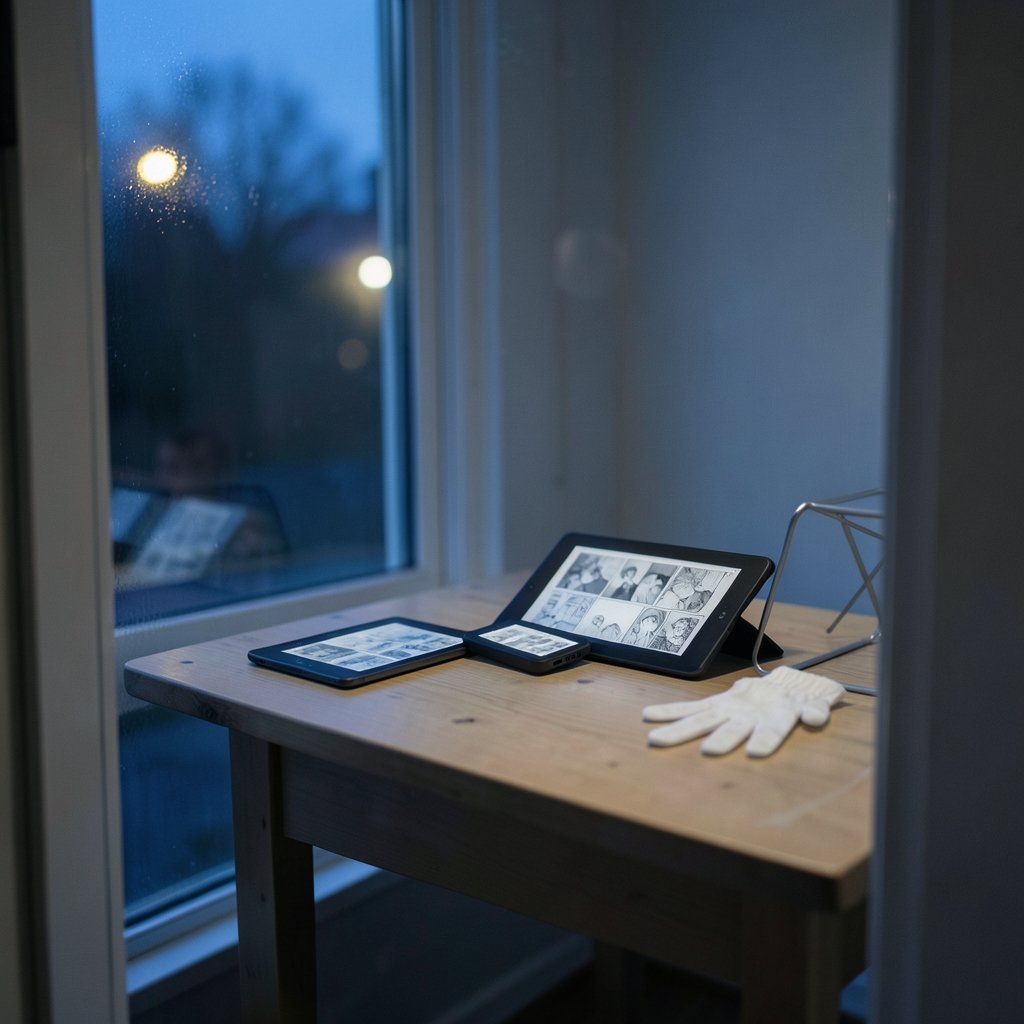
Most manga-friendly e-readers cluster into four size bands. Here is how they stack up in practice.
| Size class | Typical use | Strengths | Weaknesses |
|---|---|---|---|
| 6–7 inches | Pocket and commute reading | Light, one-handed, cheap | Frequent zooming on dense pages, cramped spreads |
| 7.8–8 inches | Balanced everyday reading | Full pages readable with light zoom, still portable | Some spreads need panel view |
| 10–10.3 inches | Full-page and spread reading | Near-paper experience, less zooming | Heavier, pricier, awkward one-handed |
| 13.3 inches | Document and large-format reading | Full spreads with no zoom at all | Bulky, expensive, overkill for most |
The jump from 7 to 8 inches sounds trivial on paper. In hand, it is often the difference between zooming on every other page and reading straight through. The jump from 8 to 10 inches is bigger still, but it comes with a weight penalty that matters during long sessions.
Small screens (6–7 inches): portability wins, zooming loses
A 6- or 7-inch e-reader is the classic commuter device. It slips into a jacket pocket, weighs almost nothing, and works beautifully for text-heavy manga with large panels.
The catch is density. Action series with layered panels, overlapping speech, and tiny sound effects force constant zooming. Panel-by-panel view helps, but it changes the reading rhythm. Artists compose pages as a whole, and stepping through panel by panel can flatten dramatic timing.
These devices suit readers who mostly read simple, dialogue-driven series on the go and don’t mind occasional zooming. They are a poor fit for anyone who reads complex layouts or double-page spreads as a habit.
Mid-size screens (7.8–8 inches): the practical sweet spot
For most people, the 7.8-to-8-inch range hits the best balance. A full manga page fits legibly with little or no zooming, and the device still feels portable enough to carry daily.
This size also handles double-page spreads reasonably well in landscape mode, though fine detail may still need a pinch. It is light enough for one-handed reading in bed, which sounds minor until you’ve tried holding a 10-inch slab above your face for forty minutes.
If someone asks for a single recommendation without knowing anything else about their habits, this band is the safest answer. It compromises on almost nothing and costs noticeably less than the large-format options.
Large screens (10 inches and up): the closest thing to paper
A 10-inch or larger e-reader is the closest digital match to holding a physical volume. Full pages render comfortably, spreads open up, and zooming becomes the exception rather than the rule. For art-heavy series, this is where the detail finally shows.
The trade-offs are real. These devices are heavier, harder to hold one-handed, and significantly more expensive. They also invite a common mistake: buyers assume bigger always means better and end up with a tablet-sized reader they never take anywhere. If the device stays on the nightstand, that’s fine. If it was meant to travel, it may sit unused.
A related trap is buying a large-screen device for manga and then discovering the panel is color or LCD-based rather than e-paper. That can be great for color webtoons, but it changes battery life and eye comfort. Knowing which panel type you’re getting matters as much as the diagonal.
Resolution, aspect ratio, and panel type: the specs size hides
Screen size gets the headlines, but three other specs quietly decide whether manga looks good.
Pixel density determines how crisp small text and screentones appear. A large screen with mediocre density can look softer than a smaller, denser one. Always check the resolution alongside the size.
Aspect ratio decides how much of the screen a page actually uses. A panel that’s too wide leaves letterboxing bars, shrinking the effective page area even on a big device.
Panel type shapes the reading experience itself. E-paper is gentle on the eyes and sips battery, which suits long black-and-white sessions. Color panels handle webtoons and color editions but behave more like tablets.
There’s also the question of refresh and page-turn speed. Manga readers flip pages fast during action sequences. A sluggish panel interrupts that flow in a way novel readers never notice.
Matching screen size to your reading habits
The right size depends less on the spec sheet and more on how you read. A few practical profiles:
- Commuter readers who read in short bursts on trains and buses should lean toward 7 inches. Portability beats page fit here.
- Bedtime readers who read for an hour or more should favor 7.8–8 inches. It’s light enough to hold and big enough to avoid zooming.
- Collectors and art lovers who read dense, detailed series should consider 10 inches or more. The page finally looks the way it was drawn.
- Mixed readers who split time between novels and manga often do best in the mid-size band, since it handles both formats well.
A useful exercise: open a few pages of the series you read most on a tablet or phone, then ask how often you zoomed. If the answer is “constantly,” size up. If it’s “rarely,” a smaller device will serve you fine.
Practical tips and common mistakes
A few habits separate happy buyers from frustrated ones.
First, check the aspect ratio before the diagonal. A tall screen fits manga better, and this one spec prevents more disappointment than any other.
Second, try panel view before dismissing it. Some readers love guided panel navigation for action series; others find it choppy. It’s a personal fit, not a universal upgrade.
Third, don’t ignore weight. A device that’s 100 grams heavier feels fine in the store and heavy after an hour. If you can, hold one before buying.
Fourth, verify format support. Most manga arrives as EPUB, CBZ, or PDF, and not every reader handles all three equally well. PDFs in particular don’t reflow, so a small screen will force zooming on fixed-layout files.
A common mistake is buying the biggest screen “for the future” and then never carrying it. Another is buying the smallest for portability and then resenting the zooming. Neither is wrong in principle; both are mismatches between device and habit.
If you also read comics or want to capture pages for a reading journal, knowing how to record your computer screen can help you save reference shots without reaching for a phone. And if you’re weighing a dual-screen device for manga and gaming, the Anbernic RG DDS dual screen 3DS handheld 2026 review covers how two panels change the reading and play experience.
How screen size fits into the wider device decision
Screen size rarely stands alone. It interacts with storage, battery, and ecosystem. A large screen drains more power per page turn, so battery life can dip. A small screen fills up faster with high-resolution image files, so storage matters more.
Buyers also compare e-readers to tablets and handheld consoles. A tablet offers color and speed but a backlit LCD that tires the eyes. An e-reader offers comfort and battery but slower refresh. Handhelds like the Anbernic RG DDS dual screen 3DS handheld 2026 blur the line, offering dual screens for a different kind of reading and play. None is universally better; each fits a different habit.
It helps to think in terms of the reading session. A twenty-minute commute favors lightness. A two-hour evening session favors page fit. A collector’s reread of a favorite series favors fidelity. Match the device to the session you actually have most often, not the one you imagine.
Conclusion
There is no single best e-reader screen size for manga, only the best size for how you read. The 7.8-to-8-inch range is the safest all-rounder, balancing page fit, portability, and price. Seven inches wins for commuters who value lightness over zoom-free reading. Ten inches and up wins for collectors and art lovers who want paper-like fidelity and don’t mind the weight.
Whatever size you choose, look past the diagonal. Aspect ratio, pixel density, and panel type do as much to shape the experience as raw inches. Hold a device if you can, check the specs that size hides, and match the screen to your real reading sessions. Do that, and the zooming, the eye strain, and the buyer’s remorse mostly disappear.
Frequently Asked Questions
What is the best e-reader screen size for reading manga?
For most readers, 7.8 to 8 inches is the best balance. A full manga page fits legibly with little zooming, and the device stays light enough to hold for long sessions. Commuters may prefer 7 inches, while collectors often favor 10 inches or more.
Is a 7-inch screen too small for manga?
It depends on the series. Dialogue-heavy manga with large panels reads fine at 7 inches. Dense action series with layered panels and tiny sound effects will force frequent zooming. If you read complex layouts regularly, size up.
Do I need a 10-inch e-reader for manga?
Not necessarily. A 10-inch screen gives a near-paper experience and handles double-page spreads well, but it’s heavier and pricier. Choose it if you read art-heavy series and mostly read at home. If portability matters, the mid-size range serves better.
Does aspect ratio matter more than screen size?
Often, yes. Manga pages are drawn at roughly a 1:1.4 ratio, so a tall screen uses more of its area for the page. A wide screen can leave letterboxing bars that shrink the effective page even on a large device.
Can I read manga on a small e-reader without zooming?
Sometimes. Simple layouts with large panels read fine without zooming on a 6- or 7-inch screen. Complex pages usually need zooming or panel-by-panel view. Panel view helps, but it changes the reading rhythm artists intend.
Is color important for manga on an e-reader?
Most manga is black and white, so a grayscale e-paper screen works well and is easier on the eyes. Color panels matter for webtoons and color editions. If you mostly read black-and-white series, prioritize density and page fit over color.