
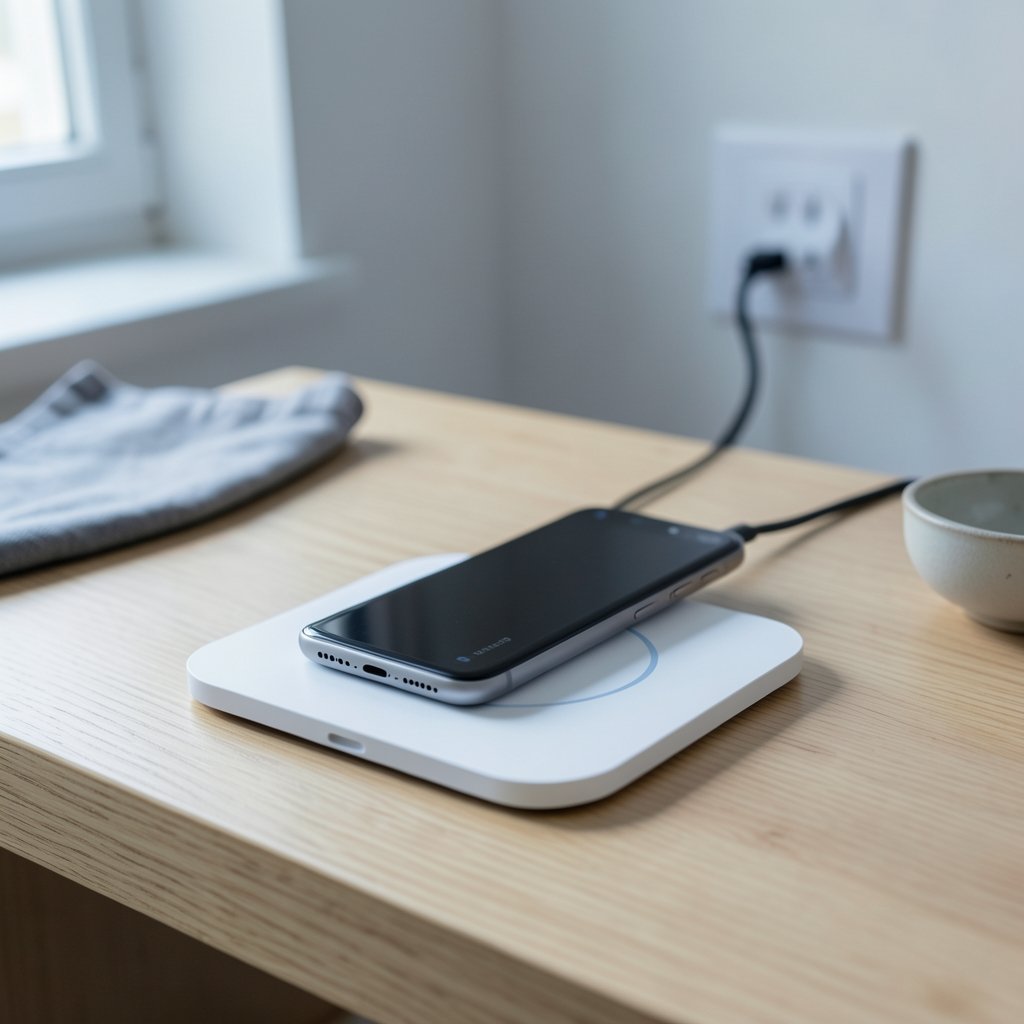
You set your phone down on the pad, hear the little chime, and walk away. Twenty minutes later, the battery is still at 12 percent. Sound familiar? If so, you’ve met one of the most common frustrations in modern tech: wireless charger alignment problems. The pad looks simple, but underneath it, a precise magnetic dance has to happen for power to flow. When the coils don’t line up, you get slow charging, excess heat, or nothing at all.
This guide breaks down why alignment fails, how to spot the symptoms, what the Qi2 standard changed, and the practical fixes that actually work in real life.
How Wireless Charging Actually Works
Wireless charging relies on inductive coupling. A transmitter coil in the pad creates an alternating magnetic field, and a receiver coil in your phone converts that field back into electrical current. The two coils need to sit close together and, ideally, directly on top of each other. (Inductive charging)
The efficiency of that transfer depends heavily on how well the coils overlap. When they’re perfectly stacked, most of the energy makes it into the battery. When the phone shifts even a centimeter or two, the coupling weakens, and the lost energy has to go somewhere. That “somewhere” is heat, which is why a misaligned phone often feels warm to the touch and charges painfully slowly.
The Qi standard), maintained by the Wireless Power Consortium, sets the baseline for this technology. It defines positioning tolerances for coils, and those tolerances are tighter than most people assume. A phone can be “on the pad” and still be outside the sweet spot.
The Most Common Alignment Problems
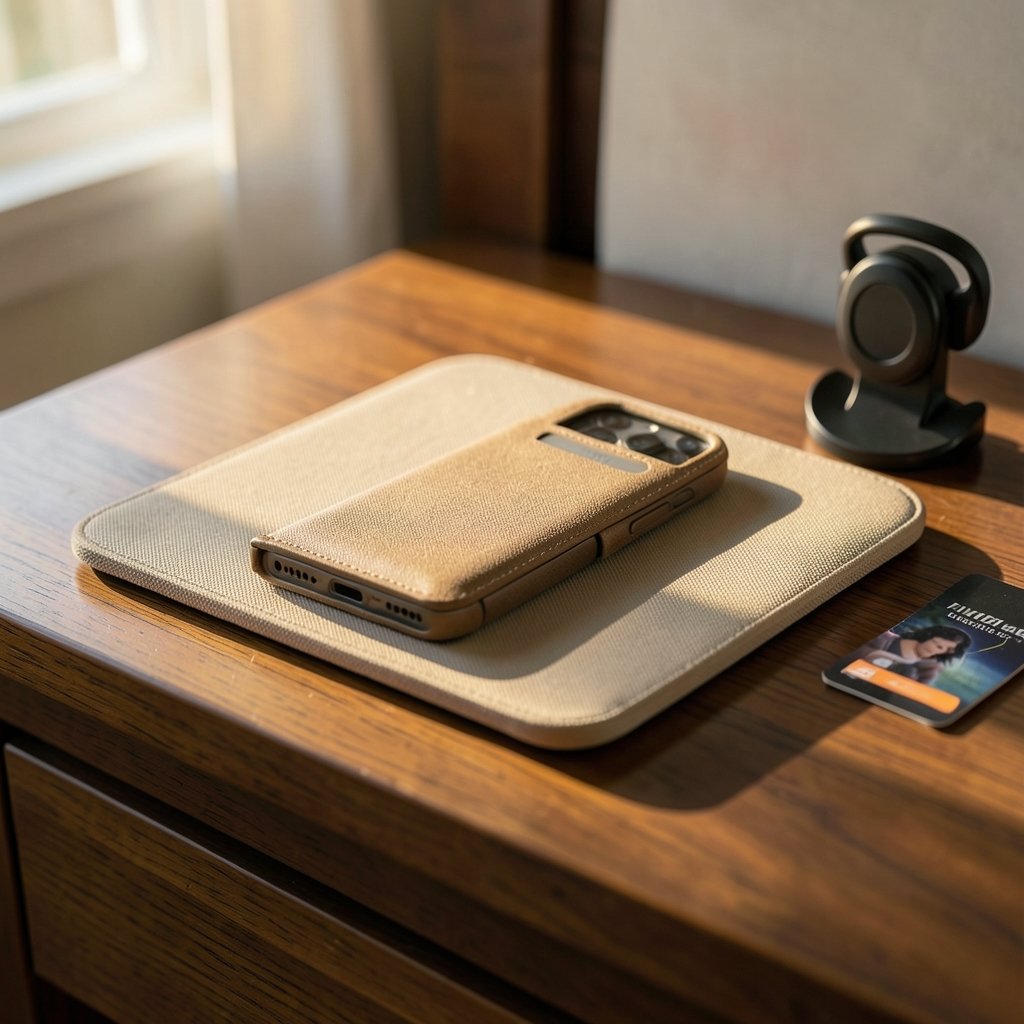
Most alignment failures fall into a handful of predictable categories. Knowing which one you’re dealing with saves a lot of guesswork.
Coil Offset From Phone Cases and Grips
Thick cases, wallet cases, magnetic mounts, and pop-socket grips all add distance between the phone’s coil and the pad’s coil. Even a case that’s technically “wireless charging compatible” can push the phone’s coil slightly off-center or add enough thickness to weaken the field. This is one of the most frequent culprits, and it’s easy to test: try charging without the case and see if the problem disappears.
Off-Center Placement on Large Pads
Big charging pads feel forgiving, but many of them have a single small coil in the middle. The rest of the surface is just decoration. If you set your phone down near the edge, you’re outside the active zone. Multi-coil pads solve this with free-positioning designs, but they cost more and still aren’t perfectly uniform across the whole surface.
Camera Bumps and Uneven Phone Bodies
Modern phones have protruding camera modules that tilt the device slightly when laid flat. That tiny tilt shifts the coil’s position relative to the pad. It sounds trivial, but in practice it’s enough to cause intermittent charging, where the phone connects, disconnects, and reconnects all night.
Vibration and Slippage
Phones vibrate. Notifications, alarms, and calls all nudge the device. On a smooth pad with no grip, a phone can drift out of alignment over the course of an evening. This is especially common on nightstands, where people set the phone down half-asleep and never check it.
Symptoms That Point to Misalignment
Not every charging problem is an alignment problem, but these signs strongly suggest it:
| Symptom | What It Usually Means |
|---|---|
| Phone charges, then stops randomly | Coil drifting in and out of range |
| Very slow charging despite a fast pad | Weak coupling from offset or a thick case |
| Phone or pad feels hot | Energy lost to misalignment turning into heat |
| Charging only works in one exact spot | Single-coil pad with a narrow active zone |
| No charging at all, no chime | Coil completely outside range, or a foreign object blocking detection |
That last row matters more than people realize. Qi chargers include foreign object detection (FOD), a safety feature that shuts off power when metal objects like coins, keys, or paper clips sit on the pad. Misalignment can confuse this system, because localized heating from a poorly coupled phone can look similar to a foreign object. The result is a charger that refuses to work for reasons that seem mysterious until you clear the pad and reposition the phone.
Why Qi2 Changed the Game
In January 2023, the Wireless Power Consortium announced Qi2, a major update built around magnetic alignment. Instead of relying on you to eyeball the right spot, Qi2 uses a ring of magnets to physically snap the phone into the correct position. It’s the same idea Apple popularized with MagSafe, now standardized across brands.
For alignment problems specifically, this is the biggest practical improvement in years. Magnetic attachment eliminates the guesswork, prevents drift, and keeps the coils locked together. If you’re shopping for new gear and alignment frustration is your main complaint, prioritizing Qi2-certified products is the single most effective upgrade you can make. The same magnetic logic shows up in other accessories too, like the mounting systems covered in this guide to the best wireless chargers for iPhone and Android. (Best wireless meat thermometer) (Wireless Devices and Health Concerns)
It’s worth noting that Qi2 doesn’t magically fix everything. A thick case can still weaken the magnetic grip, and a badly designed car mount can still let the phone shift. But it removes the most common failure mode: human error in placement.
Practical Fixes That Actually Work
Here’s what tends to solve alignment problems in the real world, roughly in order of effort.
- Test without the case. Charge bare for one session. If it works reliably, the case is your problem. Switch to a thin, MagSafe-compatible case.
- Find the sweet spot and mark it. For single-coil pads, place the phone, confirm the charging indicator, and note the position. Some pads have a subtle center marker; use it every time.
- Upgrade to a magnetic system. A Qi2 pad or a MagSafe-compatible mount holds the phone in place mechanically, so alignment stops depending on your aim.
- Add grip to slippery pads. A thin silicone mat or a pad with a textured surface reduces drift from vibration.
- Clear the surface completely. No coins, no keys, no metal-rimmed cards. FOD sensors are sensitive, and clutter causes false shutdowns.
- Check for camera-bump tilt. If your phone rocks on the pad, a slightly raised pad edge or a magnetic mount that holds the phone flat solves it.
- Try a different outlet and cable. Before blaming alignment, rule out a weak power adapter. A surprising number of “alignment problems” are actually underpowered bricks.
The pattern here is simple: the more mechanically fixed the phone is, the fewer alignment problems you’ll have. Free-floating placement is where trouble lives.
Alignment Issues Beyond the Nightstand
Wireless charging has spread into cars, desks, furniture, and public spaces, and each setting brings its own alignment quirks.
Car mounts are the worst offender. Road vibration, temperature swings, and awkward angles all conspire to shift the phone. Magnetic mounts handle this far better than cradle-style pads, which is why so many drivers now prefer them. If you’re setting up a vehicle, the same principles apply to the best wireless chargers for iPhone and Android that work well at home.
Furniture with built-in charging looks sleek but often hides a single coil under a thick surface. Wood, stone, and upholstery all add distance, and the “charging zone” printed on the surface can be optimistic. Testing with your specific phone before committing to built-in furniture is worth the effort.
Public charging spots in cafes and airports are hit-or-miss. They’re often older single-coil pads with worn surfaces, and they get abused daily. Expect to reposition your phone a few times.
The broader lesson is that alignment tolerances matter more as charging surfaces get thicker and more decorative. A pad designed for a bare phone on a nightstand doesn’t automatically work under a marble countertop.
Common Mistakes People Make
A few habits make alignment problems worse without people realizing it.
- Assuming all pads are equal. A cheap pad with one small coil behaves very differently from a multi-coil or magnetic model. Price isn’t the only difference; coil design is.
- Ignoring heat. A warm phone isn’t necessarily a problem, but a hot one is. Persistent heat from misalignment stresses the battery over time. If your phone gets uncomfortably warm while charging, stop and fix the alignment rather than pushing through.
- Charging through thick cases “because it says compatible.” Compatibility claims often assume ideal conditions. Real-world performance with a bulky case is another story.
- Stacking devices. Charging a phone on top of earbuds on top of a pad is a recipe for misalignment and interference. Keep one device per charging zone.
- Blaming the phone first. The pad, the case, and the placement are all more likely culprits than a defective phone. Test systematically before assuming hardware failure.
When to Replace Your Charger
Sometimes alignment problems aren’t fixable, and it’s time to move on. Consider replacing your pad if:
- It only works in one tiny spot, even with a bare phone
- It gets hot quickly even when the phone is centered
- It cuts out constantly despite a stable, flat surface
- It’s an older single-coil model and you’re tired of the guesswork
Modern magnetic chargers have largely solved the placement problem for phones that support them. For everyone else, a multi-coil pad with a clearly marked center is the next best thing. The same logic of “buy for the fit, not just the spec sheet” applies across the accessory world, whether you’re picking out the best wireless earbuds under 200 in 2026 or a charging pad that actually holds your phone where it belongs.
Conclusion
Wireless charger alignment problems come down to one fundamental issue: the transmitter coil and the receiver coil have to line up, and almost everything in real life works against that. Cases add distance, camera bumps add tilt, vibration adds drift, and single-coil pads leave no margin for error. The fix isn’t complicated. Test without your case, find and mark the sweet spot, clear the pad of metal objects, and seriously consider a magnetic Qi2 charger if your phone supports it. Those steps solve the vast majority of cases, and they cost far less than replacing a phone whose battery has been cooked by months of misaligned, heat-generating charging. Set your phone down with a little intention, and the technology does the rest.
FAQ
Why does my phone stop charging on the wireless pad after a few minutes?
This is usually drift or intermittent coupling. The phone shifts slightly, the coils fall out of range, and charging pauses. Vibration, a slippery pad surface, or a camera bump that tilts the phone are common causes. A magnetic mount or a pad with more grip typically fixes it.
Does a thick phone case really cause alignment problems?
Yes. A thick case adds distance between the coils, which weakens the magnetic coupling and reduces efficiency. It can also shift the phone’s coil slightly off-center. Cases marketed as wireless-charging compatible often work, but performance drops noticeably compared to charging without a case.
What is Qi2, and does it fix alignment issues?
Qi2 is an updated wireless charging standard that adds magnetic alignment, similar to Apple’s MagSafe. Magnets physically hold the phone in the correct position, which eliminates most placement guesswork and drift. For phones that support it, Qi2 chargers solve the majority of alignment complaints.
Why does my wireless charger get so hot?
Heat is the visible sign of wasted energy. When coils are misaligned, less power reaches the battery and more is lost as heat in the phone and pad. A warm charger is normal; a hot one suggests poor alignment, a thick case, or a low-quality pad. Persistent heat can shorten battery life over time.
Can a coin or key on the pad stop it from charging?
Yes. Qi chargers include foreign object detection that cuts power when metal objects are present, as a safety measure. Coins, keys, and metal-rimmed cards can trigger this shutdown. Misalignment can also confuse the detection system, so keep the pad surface completely clear.
How do I know if my charger has an alignment problem or is just broken?
Test systematically. Try a different phone, remove the case, and reposition carefully on a flat surface. If it charges reliably in one exact spot but nowhere else, it’s an alignment limitation. If it never works regardless of position, the charger or its power adapter is likely faulty.
