
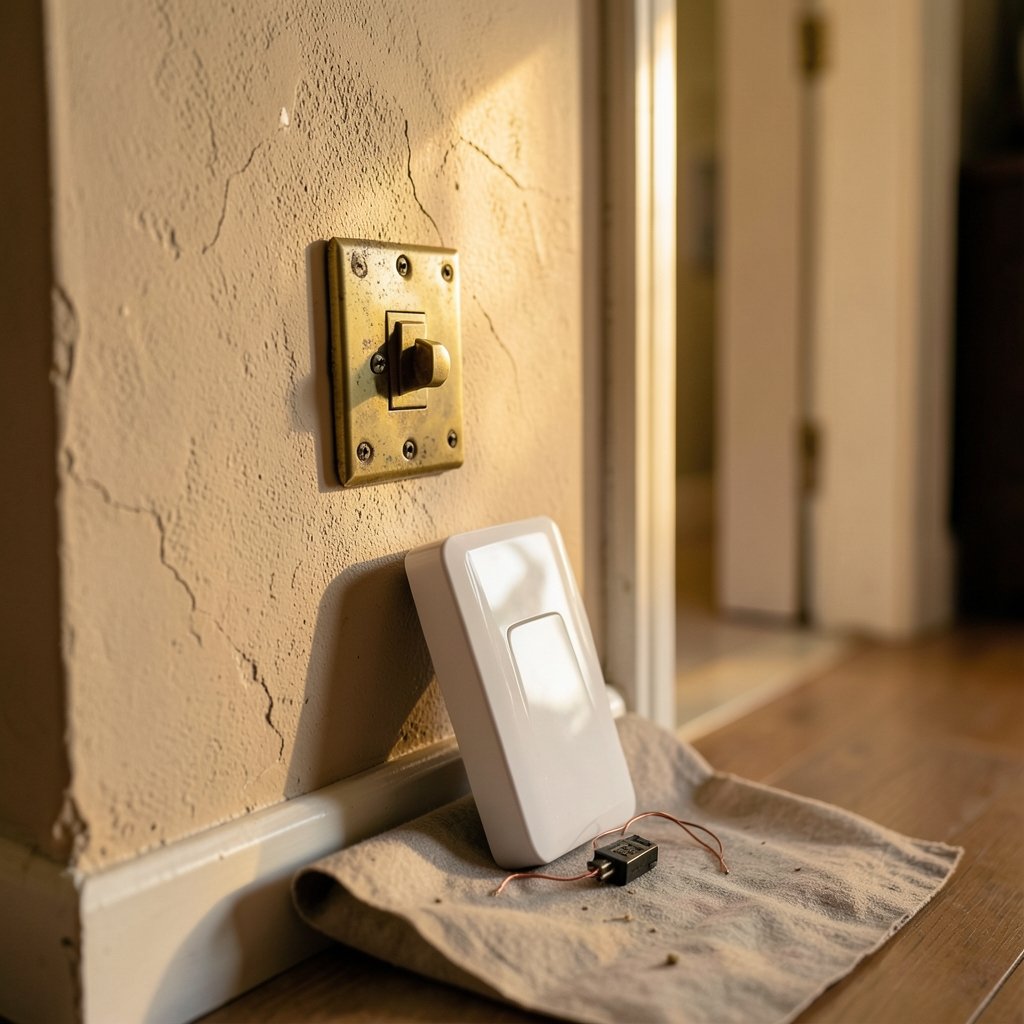
What if the biggest difference between two smart lighting upgrades isn’t the technology at all, but where the gadget physically lives in your wall? That question sits at the heart of the smart light switch vs smart relay debate. Both let you control lights from your phone, set schedules, and trigger scenes with your voice. But they install in different places, demand different wiring, and suit very different homes. Choosing wrong can mean a frustrating return, an electrician’s bill you didn’t plan for, or a switch that simply won’t fit your box.
This guide breaks down how each option works, what installation really involves, where people go wrong, and which one makes sense for your setup.
What Is a Smart Light Switch?
A smart light switch is a direct replacement for the switch already on your wall. You remove the old toggle or paddle, wire the smart unit into the same box, and screw it into the same faceplate opening. The device sits at line voltage, meaning it handles your home’s regular electrical current directly.
Because it lives where your hand expects it, a smart switch keeps the familiar physical interaction. Most models offer a paddle, button, or touch panel. Many also include dimming, and some add motion sensors or small displays.
The catch: the switch box itself must have room. Smart switches are bulkier than dumb switches, and older homes often have shallow boxes packed with wires. If your box lacks a neutral wire, a whole category of smart switches becomes off-limits unless you buy a no-neutral model.
What Is a Smart Relay?
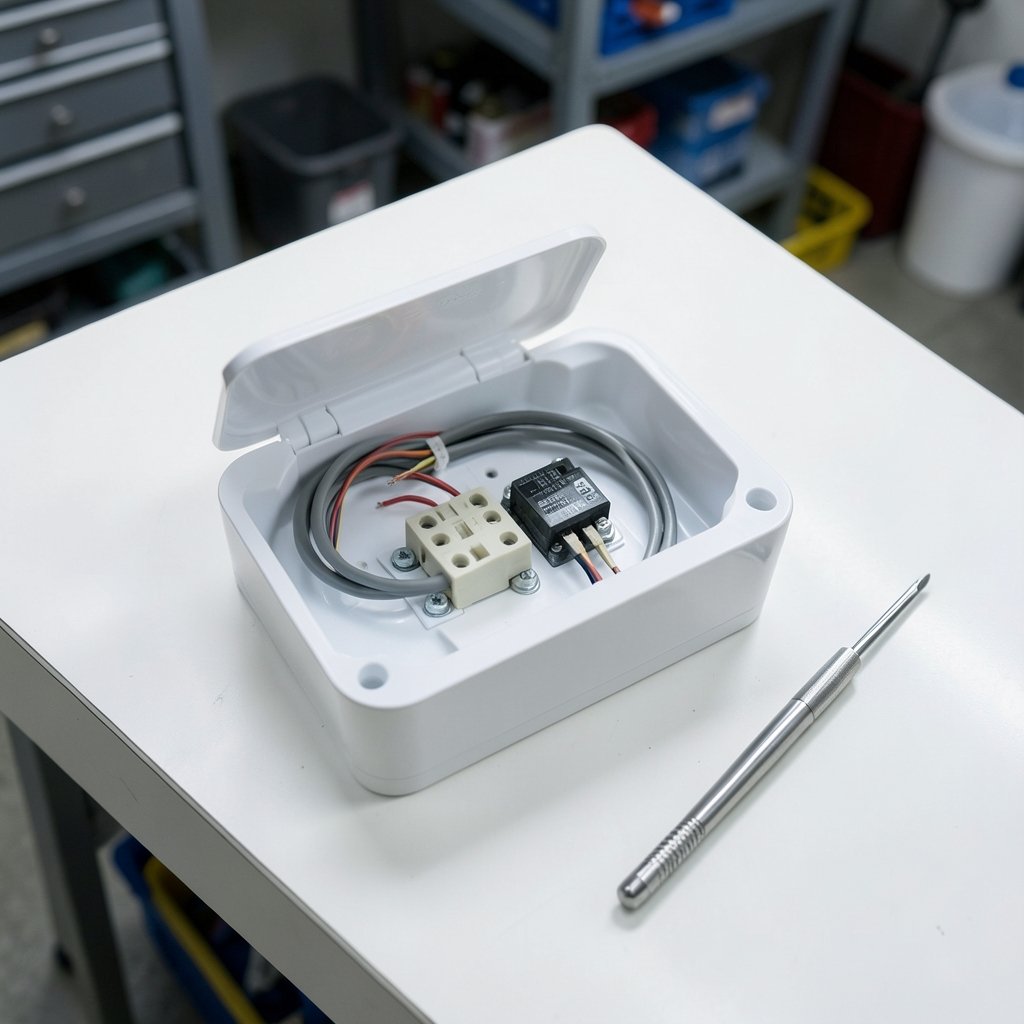
A smart relay is a small module that hides behind your existing switch or inside a ceiling rose or junction box. It doesn’t replace your wall switch. Instead, it intercepts the circuit and adds smart control while your original switch stays put.
The term itself isn’t standardized. Some vendors use “smart relay” for in-wall modules, others for DIN-rail units in electrical panels. That inconsistency is one of the first things to watch for when shopping.
Relays shine in retrofits. If you love your antique brass toggle switches or your home’s wiring is awkward, a relay can smarten the circuit without changing the look of anything visible. The trade-off is access. A module buried in a ceiling box is a pain to reach for resets, pairing, or firmware issues.
Smart Light Switch vs Smart Relay: Side-by-Side Comparison
| Feature | Smart Light Switch | Smart Relay |
|---|---|---|
| Where it installs | Wall switch box | Behind switch, ceiling box, or panel |
| Keeps original switch | No | Usually yes |
| Visible change | New faceplate/panel | None |
| Neutral wire | Often required | Varies by model |
| Access for resets | Easy, at the wall | Hard if ceiling-mounted |
| Best for | Clean upgrades, new builds | Retrofits, heritage switches |
| Load rating limits | Listed per switch | Listed per module |
| Multi-way support | Model-dependent | Often used to retrofit 3-way circuits |
Neither column wins outright. The right pick depends on your wiring, your walls, and how much you value keeping the original hardware.
Installation Reality: What Actually Happens on the Wall
Here’s where most people stumble. The marketing photos make both options look plug-and-play. Real walls tell a different story.
Check for a neutral wire first
Many smart switches need a neutral wire to power their radios. Older wiring often lacks one at the switch. Before buying anything, kill the breaker, pull the switch, and count the wires. If there’s no neutral, you have two paths: a no-neutral smart switch, or a relay that taps power elsewhere. Skipping this step is the single most common mistake.
Box depth and wire count
Smart switches are chunky. A box crammed with wires and wire nuts may not close over a smart switch’s body. Relays face the same issue in the switch box, which is why installers sometimes move them to the ceiling. Measure before you commit.
Load ratings matter more than you think
Every device lists a maximum load, and LED loads behave differently from resistive ones. A module rated for a certain wattage of incandescent bulbs may handle far fewer LED watts. Always read the datasheet for the exact model. Guessing from memory or from a review is how people end up with flickering lights or a dead module.
Multi-way circuits
Three-way and four-way setups confuse many buyers. Some smart switches support multi-way wiring with a companion switch. Relays are frequently used to retrofit existing multi-way circuits because they can sit at the light fixture and work with the existing travelers. Either way, follow the manufacturer’s wiring diagram line by line.
Where Each Option Wins
Smart switches win on serviceability
When a smart switch needs a reset or a firmware update, you walk up and press a button. When a relay is in the ceiling, you fetch a ladder. For anyone who tinkers, that access difference is huge. A wall switch also gives guests an obvious control point, and it keeps working as a normal switch if your hub goes down.
Relays win on invisibility and retrofits
If your home has period features, visible smart switches can clash. A relay keeps the original hardware and adds automation behind the scenes. It’s also the friendlier option when the switch box is too shallow or lacks a neutral but the fixture box has what’s needed.
Ecosystem and protocol
Both categories come in Wi-Fi, Zigbee, Z-Wave, Matter, and proprietary flavors. Matter support has grown steadily, which improves cross-brand compatibility, but certification lists change constantly. Check the device’s current certification before assuming it will play nicely with your hub. If you’re building out a broader smart home, the same logic applies to other gear, from lighting to the best smart speakers for home automation that tie your scenes together.
Practical Tips That Save Time and Money
- Photograph the wiring before you disconnect anything. A quick phone photo beats a memory of which wire went where.
- Label the breaker. Future you will thank present you.
- Buy one unit first. Test it in the actual location before ordering a houseful.
- Match the load to the datasheet, not the box art. LED wattage limits are usually lower than incandescent limits.
- Plan for offline behavior. Decide whether you need the physical switch to keep working when the network drops.
- Respect local rules. In many places, replacing a switch is a DIY task, but new circuits or panel work require a licensed electrician. Permits exist for a reason.
Common Mistakes People Make
The biggest error is buying before checking the neutral wire. The second is ignoring box depth. The third is misreading load ratings, especially with dimmable LEDs that buzz or flicker when paired with the wrong module. A fourth, subtler mistake: installing a relay in a spot that’s technically accessible but practically miserable, like a junction box behind a built-in cabinet.
There’s also a terminology trap. Because “smart relay” means different things to different vendors, two products with the same label can be completely different devices. Read the installation manual, not just the product title.
Safety and Compliance Basics
Electrical work carries real risk. Devices sold in the US are typically evaluated to recognized safety standards, and installation must follow local electrical codes. In the EU, CE marking covers directives like the Low Voltage Directive and the Radio Equipment Directive. None of that replaces the need to check the specific product’s listing and follow its manual. If you’re unsure about any step, stop and call an electrician. A smart home isn’t worth a scorched wall. (Electrical Safety)
How This Fits the Wider Smart Home Picture
Lighting control rarely lives alone. Once lights are automated, people usually want scenes, voice control, and routines that tie in other devices. That’s why the switch-versus-relay decision is worth getting right the first time. If you’re also weighing bigger hardware purchases, the same “check compatibility before you buy” rule applies to consoles and handhelds, whether you’re comparing the Switch 2 vs Steam Deck or planning around the upcoming Switch 2 games your household will want to play. Smart homes and smart entertainment both reward planning over impulse buying. (Smart switch)
A Simple Decision Framework
Ask yourself four questions in order:
- Does my switch box have a neutral wire and enough depth?
- Do I want to keep my existing switch hardware?
- How often will I need physical access to the device?
- What load am I actually switching, and what does the datasheet say?
If you answered yes to neutral and depth, want visible control, and value easy access, a smart switch is the straightforward pick. If you need to preserve original hardware, lack a neutral at the switch, or want invisible automation, a relay is likely the better fit. If you’re mid-renovation, smart switches installed now save headaches later.
Conclusion
The smart light switch vs smart relay choice isn’t about which device is more advanced. It’s about matching the hardware to your wiring, your walls, and your habits. Smart switches offer visibility, serviceability, and a familiar feel, but they demand box space and often a neutral wire. Smart relays disappear into the background and rescue awkward retrofits, but they can be a hassle to reach and their naming is inconsistent across brands.
Check your wiring first. Read the datasheet. Buy one unit and test it. Do those three things, and either path leads to a lighting setup that just works, quietly, every day.
FAQ
Do I need a neutral wire for a smart switch?
Many smart switches require one, but not all. No-neutral models exist, and relays sometimes avoid the problem entirely by drawing power elsewhere. Always confirm the requirement for the specific model before buying, because this single detail derails more installations than any other.
Can a smart relay work with my existing light switch?
Usually yes. That’s the main appeal. The relay sits behind the switch or at the fixture and adds smart control while your original switch keeps working as a physical control. Check the wiring diagram for your exact model, since behavior varies.
Is a smart relay harder to install than a smart switch?
It depends on location. A relay behind a wall switch is comparable to a switch swap. A relay in a ceiling box means working overhead, often on a ladder, which is more awkward and harder to service later. Difficulty is about access, not complexity.
Will a smart switch or relay work with LED bulbs?
Both can, but load ratings matter. LED wattage limits are often lower than incandescent limits, and some dimmable LEDs flicker or buzz with certain modules. Match the bulb type and total wattage to the device’s datasheet, and test before committing to a whole-house install.
Can I use a smart relay for a three-way circuit?
Frequently yes, and it’s a common retrofit approach because the module can work with the existing traveler wires. Not every relay supports it, though. Confirm multi-way compatibility in the manual and follow the diagram exactly.
What happens to my smart lights if the internet goes down?
It varies by device and hub. Local control setups often keep working, while cloud-dependent ones may not. Relays that preserve the physical switch usually keep basic on/off behavior, which is one reason some households prefer them for guest rooms and hallways.



