
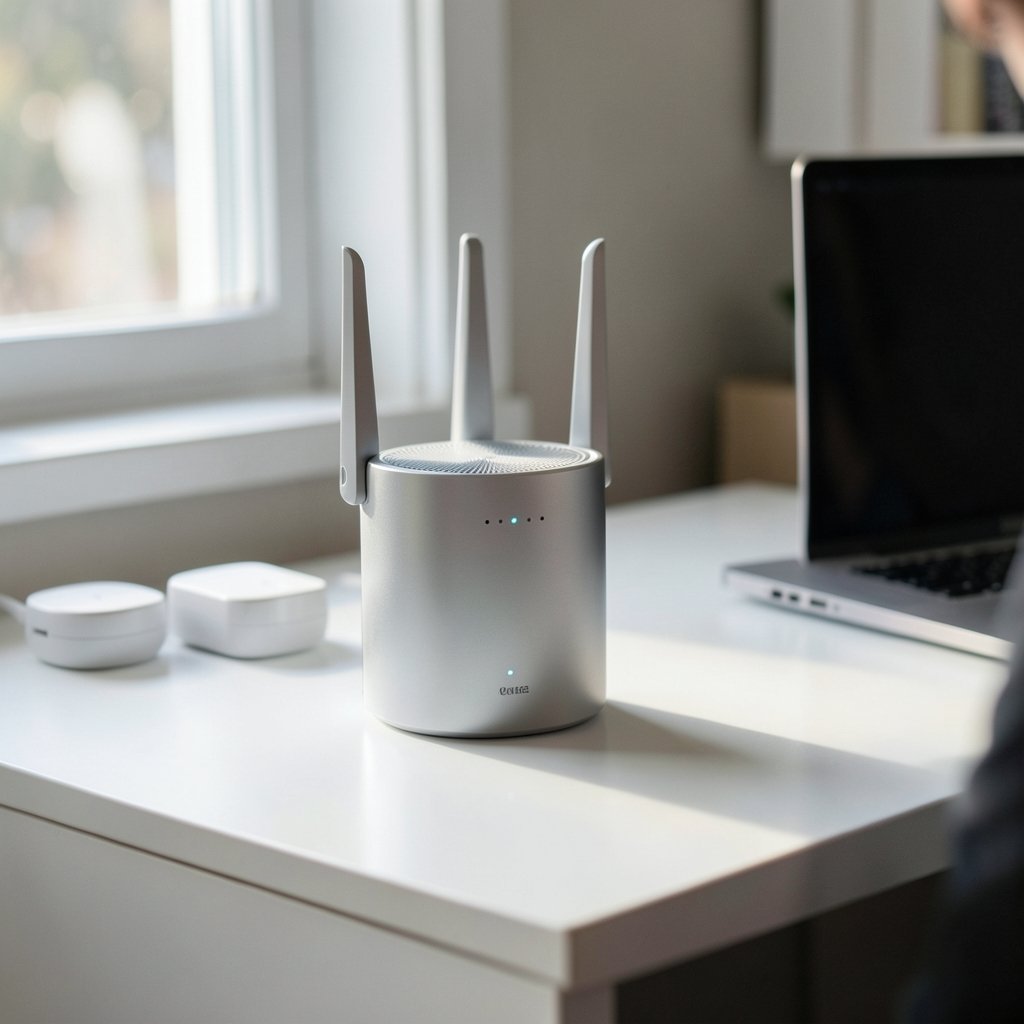
What happens when you buy a shiny new Wi-Fi 6E router, switch on WPA3, and your five-year-old smart plug suddenly refuses to connect? That exact headache is why WPA3 transition mode exists. It is the compromise the Wi-Fi industry built so that new, tougher security could arrive without bricking the billions of older devices already sitting in people’s homes. (Wi-Fi Security)
This guide breaks down what transition mode actually does under the hood, where it helps, where it quietly hurts, and how to decide whether to keep it on. If you have ever stared at a router’s security dropdown menu and wondered why “WPA2/WPA3 Mixed” is even an option, this is for you.
What WPA3 Transition Mode Actually Is
WPA3 arrived as a certification program built on top of WPA2, designed to fix real weaknesses in the older standard. The headline change in WPA3-Personal is that it replaces the old pre-shared key handshake with SAE (Simultaneous Authentication of Equals), a password-authenticated key exchange that resists offline dictionary attacks against captured handshakes. WPA3-Personal also requires Protected Management Frames (PMF), which stop attackers from forging certain management frames to knock clients offline. (Wi-Fi Protected Access)
The problem is obvious: a device built in 2015 knows nothing about SAE. So the Wi-Fi Alliance defined transition mode, where a single access point advertises WPA3 and WPA2 at the same time. In practice, most routers do this with one SSID that lists both authentication suites, letting WPA3-capable clients negotiate SAE while older gear falls back to the classic WPA2 handshake.
Think of it as a bilingual front desk. Newer visitors get the secure protocol; older visitors get the legacy one. Everyone checks into the same network, but not through the same door.
The Technical Mechanics: One SSID, Two Handshakes
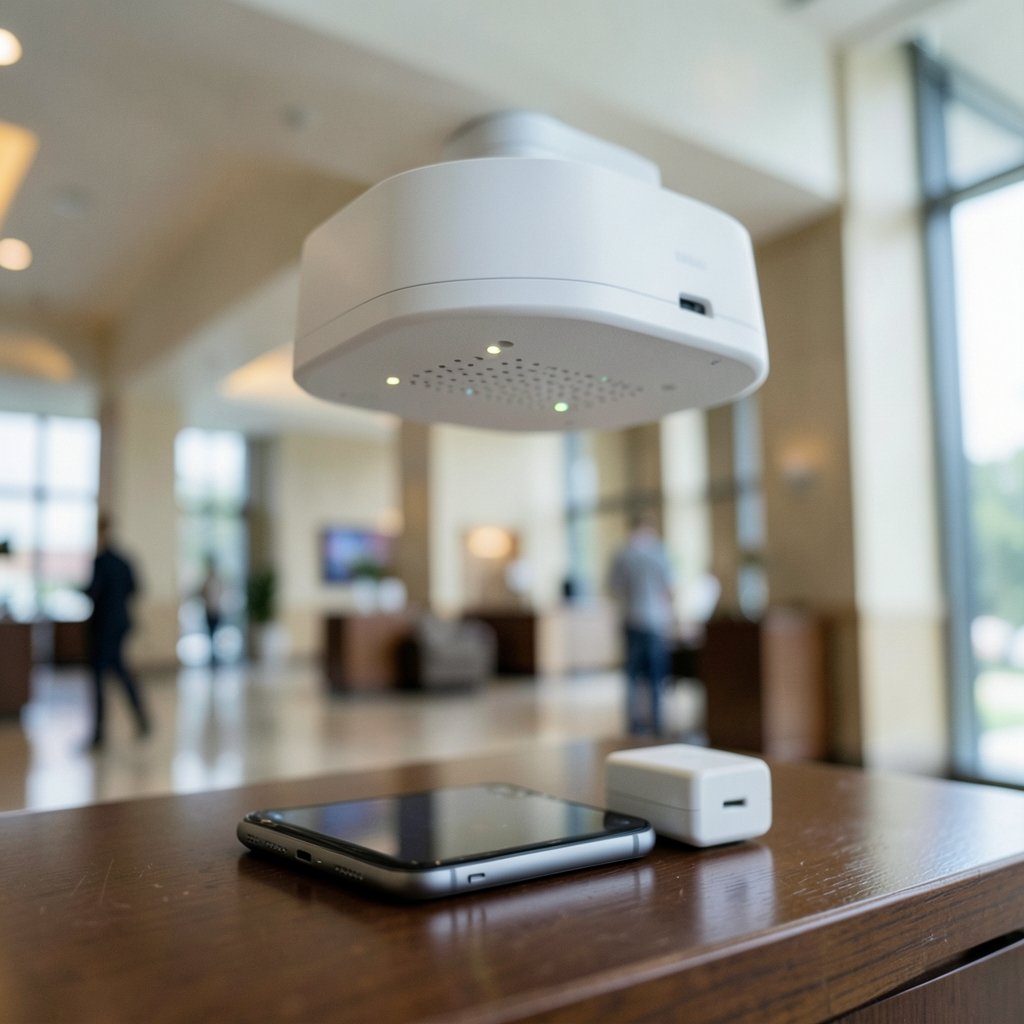
Under the hood, transition mode is less magical than the name suggests. The access point broadcasts a single network name, and inside the security information element it advertises support for both WPA2-PSK and WPA3-SAE. A client that supports SAE picks it. A client that does not gets the WPA2 path.
| Feature | WPA2-Personal | WPA3-Personal | Transition Mode |
|---|---|---|---|
| Handshake | 4-way PSK handshake | SAE (Dragonfly-based) | Both, negotiated per client |
| Offline dictionary attack resistance | Weak | Strong | Depends on client choice |
| Protected Management Frames | Optional | Required | Required for WPA3 clients |
| Legacy device support | Full | None | Full |
| Downgrade risk | N/A | Minimal | Present if attackers force WPA2 |
That last row is the crux. Transition mode is a compatibility bridge, and every bridge has someone standing at the far end trying to push traffic back across it.
Why Transition Mode Exists in the First Place
The Wi-Fi Alliance announced WPA3 certification in January 2018, and the industry faced an awkward truth: hundreds of millions of devices in the wild could not be updated. Thermostats, printers, baby monitors, older phones, industrial sensors. Requiring WPA3 outright would have meant either a fragmented market or a wave of forced hardware replacements.
Transition mode solved the deployment problem. Network operators could turn on WPA3 on day one without a support ticket avalanche. The Wi-Fi Alliance formalized this as distinct certification configurations for both Personal and Enterprise deployments, and the approach became standard practice on consumer routers, mesh systems, and enterprise access points alike.
There is a parallel in how the industry handled Protected Management Frames, which started as an optional amendment before becoming mandatory under WPA3. Standards bodies rarely get to break compatibility cleanly; they layer, phase, and bridge instead.
The Dragonblood Problem: When the Bridge Becomes a Weak Point
Here is where the story gets uncomfortable. In 2019, researchers Mathy Vanhoef and Eyal Ronen published Dragonblood, a security analysis of WPA3’s SAE handshake. Among their findings was a class of downgrade attacks that could force a client into the weaker WPA2 handshake when transition mode was enabled.
The logic is simple and nasty. If the access point accepts both handshakes, an attacker who can manipulate the negotiation can steer a capable client toward the older, weaker one. The very compatibility that makes transition mode useful also creates a surface for abuse.
The researchers also identified side-channel leaks in some SAE implementations and timing issues related to password partitioning. Vendors patched many of these flaws, and the Wi-Fi Alliance updated its guidance in response. But the core lesson stuck: transition mode trades some security for compatibility, and that trade is not free.
It is worth being precise here. Transition mode is not “broken.” Most of the specific Dragonblood attacks were mitigated. But the downgrade class is inherent to any design that accepts two handshakes on one network, and that is a structural property, not a bug you patch away.
Where Transition Mode Bites in the Real World
Spec sheets rarely capture operational pain. Here is what actually happens when you enable mixed mode on a busy network.
IoT devices misbehave. Cheap smart plugs and cameras often ship with buggy Wi-Fi stacks. Some will attempt SAE, fail, and then loop instead of cleanly falling back. Others reject PMF entirely, which WPA3 requires, and disconnect at random. A common fix is a separate legacy SSID locked to WPA2 for those devices.
Roaming gets flaky. Mixed-mode networks sometimes cause clients to renegotiate repeatedly as they move between access points, producing brief drops that look like dead zones. If you have ever had a laptop that connects fine at the desk but stutters in the hallway, transition mode negotiation may be part of the story.
Enterprise deployments get complicated. WPA3-Enterprise adds a 192-bit security mode using stronger cipher suites, and transition mode for Enterprise allows mixed WPA2/WPA3 EAP deployments. That is useful for phased rollouts across large campuses, but it means your RADIUS infrastructure has to handle both paths cleanly.
Diagnostics get harder. When a client fails to connect, you now have two handshakes to rule out instead of one. Field technicians regularly report spending more time isolating whether a failure is SAE-related, PMF-related, or just a bad password.
Practical Tips That Actually Work
- Split the network if you have legacy IoT. Keep a WPA3-only SSID for phones, laptops, and modern gear, and a WPA2 SSID for the old stuff. This is the single most effective fix.
- Update client firmware first. Many “WPA3-incompatible” devices are simply running outdated firmware with broken SAE support.
- Test PMF behavior before rolling out widely. Some clients associate but drop constantly under required PMF.
- Watch for downgrade indicators in logs. If you can see which handshake a client used, you can spot devices silently falling back to WPA2.
- Do not assume “mixed” means “safe enough.” Mixed mode protects modern clients that choose SAE, but it does not protect the ones that fall back.
If you are also sorting out naming conventions for your SSIDs, there is a genuinely useful breakdown of best name wifi practices that covers how to label separate legacy and modern networks without confusing household members.
Transition Mode vs. WPA3-Only: Which Should You Choose?
The honest answer depends on what is on your network. A home with a handful of recent devices can usually go WPA3-only today and never look back. A home with smart home gear from mixed eras, or an office with industrial equipment, will likely need transition mode for years.
| Scenario | Recommended Setting | Why |
|---|---|---|
| All devices from 2020 or later | WPA3-only | Full SAE and PMF support, no downgrade surface |
| Mixed modern plus old IoT | Transition mode plus a separate legacy SSID | Keeps modern traffic on SAE |
| Guest network | WPA3-only or open with captive portal | Guests rarely carry ancient hardware |
| Enterprise phased rollout | WPA3-Enterprise transition mode | Lets you migrate clients gradually |
The pattern is consistent: use transition mode as a migration tool, not a permanent destination. The moment your device inventory allows it, move to WPA3-only and close the downgrade door.
This mirrors how other platform migrations get handled. When Apple announced its private cloud compute Google cloud 2026 arrangements, the interesting part was not the headline but the compatibility layer underneath. Security transitions almost always involve a bridge period, and the quality of that bridge determines how much risk leaks through.
Common Mistakes People Make With WPA3 Transition Mode
The most frequent error is assuming that enabling mixed mode makes the whole network more secure. It does not. It makes some connections more secure, while leaving a fallback path open for the rest. If your threat model includes a determined attacker on the same network, mixed mode is meaningfully weaker than WPA3-only.
The second mistake is enabling transition mode and then never revisiting it. Routers get set up once and forgotten for years. A network still running mixed mode in 2026 for a device that was replaced in 2022 is carrying risk for no benefit.
The third is blaming the router when a device fails. In practice, the client is usually the problem. Older chipsets with partial SAE implementations, or firmware that mishandles PMF, cause most of the failures. Checking the client’s firmware version before touching router settings saves a lot of frustration.
The fourth is forgetting that guest networks deserve the same scrutiny. A guest SSID left in mixed mode for a decade is an easy target, and guests rarely need legacy compatibility.
How This Fits Into the Broader Security Picture
Wi-Fi security does not exist in isolation. Your network’s posture depends on the devices attached to it, the firmware they run, and how much you trust each one. If you are building out a home lab or training models on your own hardware, the same principle applies: the weakest compatible path defines your real exposure. There is a solid walkthrough on how to train an ai model that touches on securing the machines doing the work, which matters more than most people expect.
For anyone running a home office, pairing network hardening with proper home and household insurance coverage is a sensible belt-and-suspenders approach. Security protects the data; insurance protects the hardware.
And if you are weighing cloud-based AI tools alongside your local setup, the breakdown of Leonardo ai pricing plans and features explained is a useful reference for budgeting, since AI subscriptions now compete with router upgrades for the same household tech budget.
Conclusion
WPA3 transition mode is a well-designed compromise that solved a genuinely hard problem: how to roll out stronger Wi-Fi security without abandoning the devices people already own. It lets one access point speak both languages, and for a few years that was exactly what the market needed.
But a compromise is still a compromise. The downgrade attacks identified in the Dragonblood research showed that accepting two handshakes on one network creates a path an attacker can exploit. Vendors patched the worst of it, yet the structural tradeoff remains.
The practical takeaway is straightforward. Use transition mode to migrate, not to settle. Audit your device list, split off legacy hardware onto its own SSID, keep firmware current, and move to WPA3-only as soon as your inventory allows. Your network will be faster to troubleshoot, easier to reason about, and meaningfully harder to attack.
Frequently Asked Questions
What is WPA3 transition mode in simple terms?
It is a router setting that lets one Wi-Fi network accept both WPA3 and WPA2 connections at the same time. Newer devices use the stronger WPA3 handshake, while older devices fall back to WPA2 so they can still connect.
Is WPA3 transition mode less secure than WPA3-only?
Yes. Because the access point accepts the older WPA2 handshake, an attacker may be able to force a capable client onto the weaker path. Research published in 2019 documented downgrade attacks of this kind. WPA3-only removes that fallback entirely.
Will my old smart home devices work in transition mode?
Often, but not always. Some older devices handle the fallback cleanly; others loop, fail, or reject the Protected Management Frames that WPA3 requires. If a device refuses to connect, putting it on a separate WPA2-only network is usually the fastest fix.
Should I turn off transition mode on my router?
Turn it off once all your devices support WPA3. If you still have older hardware, keep transition mode on but move legacy devices to their own SSID so your modern devices are not exposed to the downgrade path.
Does transition mode slow down my Wi-Fi?
Not directly. Speed is unaffected by the security mode itself. What you may notice is slower connection setup or occasional reconnection hiccups on clients that negotiate poorly, which feels like slowness but is really a handshake problem.
What is the difference between WPA3 transition mode and WPA3-Enterprise transition mode?
WPA3-Personal transition mode mixes SAE and WPA2-PSK for home and small business networks. WPA3-Enterprise transition mode mixes WPA3-Enterprise authentication, including the 192-bit security mode, with WPA2-Enterprise EAP deployments so large organizations can migrate clients in phases.



