
You’re watching a movie, the soundbar is humming along nicely, and then the audio just vanishes for two seconds. Then it comes back. Then it drops again. Is your expensive new TV broken, or is this the most annoying HDMI quirk of the past decade? (HDMI)
If that scene sounds familiar, you’re not alone. eARC audio dropouts are one of the most common complaints among people who connect a soundbar or AV receiver to a modern television. The good news: most of these interruptions come from fixable setup problems, not dead hardware. The bad news: there’s no single magic cure, because eARC sits at the intersection of cables, firmware, and a handshaking protocol that doesn’t always play nice.
This guide walks through what eARC actually does, why the audio cuts out, and which fixes genuinely work in practice.
What eARC Is and Why It Matters
eARC stands for Enhanced Audio Return Channel. It arrived as part of the HDMI 2.1 specification, which was published in November 2017 by the HDMI Licensing Administrator. The older ARC (Audio Return Channel) sent audio from the TV back to a soundbar or receiver over the same HDMI cable that carries video, but its bandwidth was limited. eARC raised that bandwidth dramatically, enough to carry uncompressed surround formats like Dolby Atmos and DTS:X at full quality.
That extra bandwidth is exactly why people want eARC. It’s also why it’s fussier. A standard ARC connection is relatively forgiving. eARC pushes far more data through the return channel, so marginal cables, imperfect handshakes, and half-implemented firmware show up as audible glitches rather than silent compatibility.
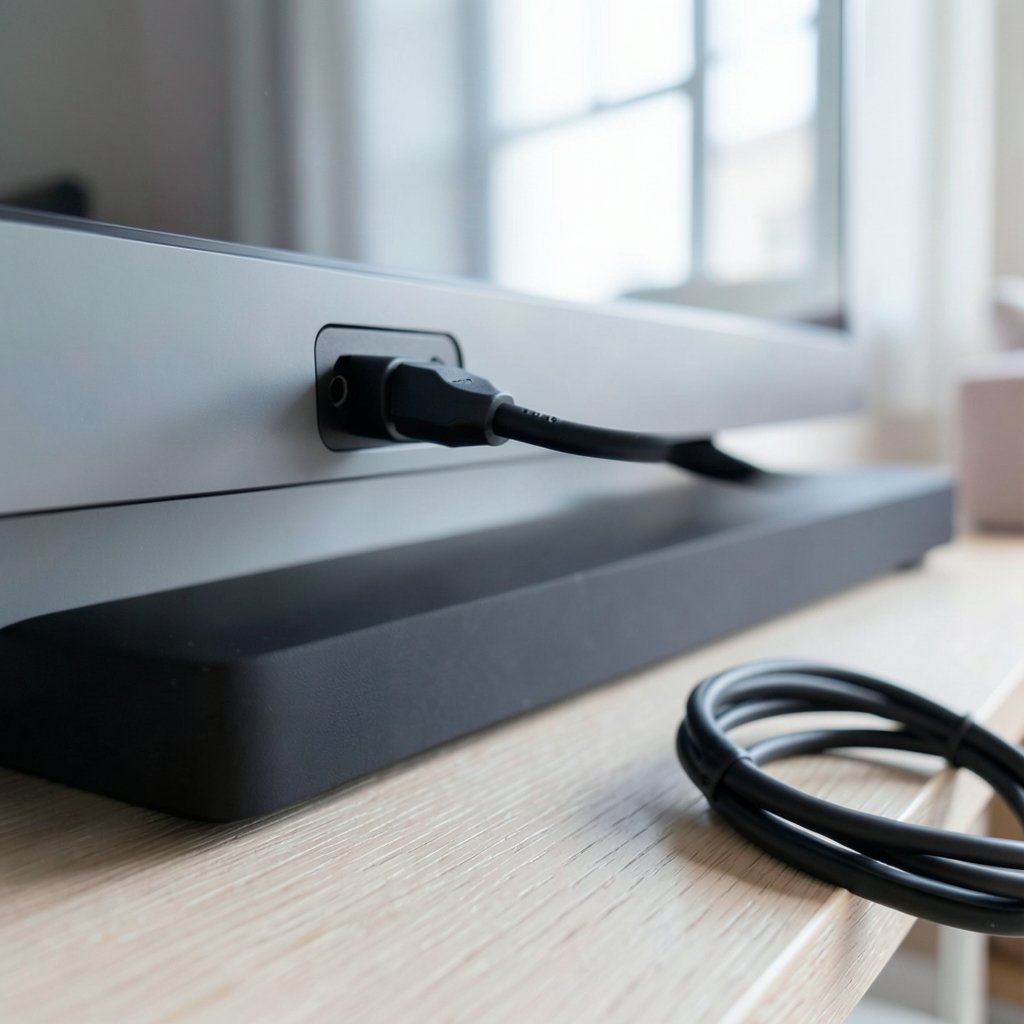
It’s worth knowing how the pieces connect. The TV sends video out to the soundbar or receiver, and the audio travels back along the same cable. Both ends must support eARC, and the cable must be Ethernet-capable. If any link in that chain is weak, audio can stutter, drop, or renegotiate mid-scene.
The Real Causes Behind the Dropouts
Ask ten people with eARC dropouts what fixed their problem and you’ll get ten different answers. That’s because the symptom is shared but the causes are not. Here are the ones that come up most often.
Handshake and EDID instability
HDMI devices constantly negotiate with each other using EDID data and CEC commands. When the TV and the audio device lose sync, the audio stream has to be re-established, which is the brief silence you hear. This is the classic “drop and recover” pattern. It often happens when you switch inputs, change picture modes, or when the TV briefly re-reads what’s connected. (HDMI Specification Overview)
Cable quality and length
This is the most underrated culprit. eARC needs a cable with Ethernet support, and certified Ultra High Speed cables are recommended for HDMI 2.1 features. Long, thin, or unbranded cables that worked fine for plain ARC often fail under eARC’s higher throughput. A cable that works 95 percent of the time is still a cable that will drop audio.
Firmware mismatches
TVs and soundbars run separate firmware, updated on separate schedules. A TV update can change how it handles eARC, and a soundbar that hasn’t been updated may not keep up. Firmware updates are one of the most frequently cited fixes for handshake and dropout problems, which tells you how often the software is the weak link.
CEC interference
CEC lets one remote control multiple devices, but it also lets devices send commands to each other. On some setups, a CEC command from a streaming box or game console can interrupt eARC audio routing. Turning CEC off isn’t convenient, but it’s a reliable diagnostic step.
Settings that fight each other
Sometimes the TV is set to output a format the soundbar can’t fully handle, or the audio mode is set to “Auto” when a fixed format would be more stable. These mismatches produce dropouts that look like hardware faults but are really configuration errors.
A Step-by-Step Fix That Actually Works
Rather than changing five things at once and hoping, work through this in order. Each step isolates one variable, so you’ll know what actually solved it.
- Update everything first. Check the TV firmware and the soundbar or receiver firmware. Install any pending updates and power-cycle both devices by unplugging them for a full minute.
- Swap the HDMI cable. Use a certified Ultra High Speed cable, and keep it as short as your layout allows. This single step resolves a surprising share of dropout complaints.
- Confirm both ends support eARC. Check the TV’s spec sheet and the audio device’s manual. If the soundbar is ARC-only, forcing eARC will cause instability.
- Move the connection to the correct port. On most TVs, only one HDMI port supports eARC, and it’s usually labeled. Plugging into the wrong port silently falls back to ARC or optical behavior.
- Turn off CEC temporarily. If the dropouts stop, you’ve found your culprit. You can often re-enable CEC later with a different device order or a CEC-less adapter.
- Lock the audio output format. Instead of “Auto,” try a fixed format such as Dolby Digital or PCM to see whether the stream stabilizes.
- Test a direct connection. Route the source device straight into the soundbar or receiver rather than through the TV, which sidesteps the return channel entirely.
If you’ve done all seven and the audio still stutters, the problem is likely a genuine compatibility issue between your specific TV and audio device. That’s when manufacturer support and community forums become useful, because someone with your exact model pair has probably already found the workaround.
eARC vs ARC vs Optical: What You Give Up
When dropouts get frustrating, a lot of people downgrade to a simpler connection just to get stable audio. That’s a reasonable trade, but it helps to know exactly what you’re losing.
| Connection | Max audio quality | Dropout risk | CEC control | Best for |
|---|---|---|---|---|
| eARC | Uncompressed surround, Dolby Atmos, DTS:X | Higher, setup-sensitive | Yes | Full home theater with matching gear |
| ARC | Compressed surround, limited Atmos | Lower | Yes | Simple soundbar setups |
| Optical (TOSLINK) | Compressed 5.1, no Atmos | Very low | No | Stability over features |
Optical is the old reliable. It won’t carry lossless Atmos, but it almost never drops. If your priority is “the sound just works,” optical remains a legitimate choice, especially for smaller rooms where uncompressed surround adds little.
For people comparing hardware and hunting for the best current deals before committing to a new soundbar or console, resources like when will ps5 price drop can help you time a purchase, since console and TV upgrades often happen together.
Practical Tips From Real-World Setups
A few habits separate smooth eARC setups from glitchy ones.
Keep the chain short. Every device between the source and the audio output adds another handshake. A console into the TV into the soundbar is two links. A console into a switcher into the TV into the soundbar is four, and each one can fail.
Label your cables. When you’re swapping cables to test, knowing which is which saves an hour of confusion. Certified cables usually carry a hologram or QR label.
Change one thing at a time. The biggest mistake people make is updating firmware, swapping cables, and toggling settings all in one sitting, then having no idea what worked. Patience here pays off.
Don’t ignore the “Auto” trap. Auto audio settings are convenient but try to be clever. When they guess wrong, you get dropouts. A fixed setting is boring and stable.
Check the source as well as the TV. Sometimes the dropout comes from a streaming app or a specific disc, not the HDMI chain. Test with a different source before blaming the hardware.
If you’re the type who troubleshoots by comparing devices and specs, the same careful approach pays off elsewhere. The methods in this guide to image search techniques for finding images online reward the same one-variable-at-a-time discipline, and best reverse image search engines compared shows how small differences between tools produce very different results, much like small differences between HDMI cables.
When It’s a Genuine Hardware or Firmware Defect
Not every dropout is user error. Some TV and soundbar combinations have documented eARC problems that no amount of cable swapping fixes. Signs you’re dealing with a real defect:
- The dropouts happen at the same intervals regardless of source or cable
- Audio cuts out specifically when switching inputs or resolutions
- The soundbar works perfectly over optical but fails over eARC
- Other users with the identical model pair report the same issue
In these cases, the fix usually comes from the manufacturer: a firmware patch, a specific setting combination, or in rare cases a replacement unit. Document what you’ve tried, because support agents will ask. Screenshots of your firmware versions and a clear description of when the audio drops make the conversation much shorter.
It’s also worth checking whether a newer model of your soundbar or TV has addressed the issue. Compatibility problems are often generational, and the fix arrives in next year’s hardware rather than this year’s patch.
Conclusion
eARC audio dropouts are frustrating precisely because they’re intermittent. The audio works most of the time, which makes every silence feel like a personal insult. But the pattern is understandable once you see it: eARC demands more from every part of the chain, and the weakest link shows up as a two-second gap in your movie.
Start with the boring stuff. Update the firmware, replace the cable with a certified Ultra High Speed one, confirm both devices actually support eARC, and plug into the right port. Then isolate variables one at a time. Most people find their answer within those first few steps. If not, you’re probably looking at a genuine compatibility issue that needs manufacturer attention or a workaround like optical audio.
The technology is genuinely better than ARC when it works. It just needs a clean chain and a little patience to get there.
Frequently Asked Questions
Why does my eARC audio keep cutting out every few seconds?
Repeated dropouts usually point to a handshake problem or a marginal cable. The TV and audio device lose sync, renegotiate, and the audio briefly disappears. Start by replacing the HDMI cable with a certified Ultra High Speed one, then update firmware on both devices. If the pattern continues at regular intervals regardless of source, it may be a known compatibility issue between your specific models.
Does eARC need a special HDMI cable?
Yes. eARC requires an Ethernet-capable cable, and certified Ultra High Speed cables are recommended for HDMI 2.1 features. A standard High Speed cable may work for basic ARC but fail under eARC’s higher bandwidth. Cable length matters too, so shorter is generally more reliable.
Can a firmware update really fix eARC dropouts?
Often, yes. Firmware updates are one of the most commonly cited fixes for handshake and dropout issues, because the negotiation logic lives in software on both the TV and the audio device. Check both devices for updates, install them, and power-cycle everything by unplugging for a full minute.
Is it better to use optical audio if eARC keeps dropping?
Optical is far more stable, but you give up lossless surround formats like Dolby Atmos and DTS:X. If stability matters more than maximum audio quality, optical is a legitimate choice. If you want the full experience, it’s worth troubleshooting eARC first before downgrading.
Does turning off CEC stop eARC dropouts?
Sometimes. CEC lets devices send control commands to each other, and on some setups those commands interrupt eARC audio routing. Disabling CEC is a useful diagnostic step: if the dropouts stop, you’ve found the cause and can decide whether to keep CEC off or find a workaround.
Why does the audio only drop when I switch inputs or apps?
That’s a classic handshake symptom. Changing inputs or resolutions forces the TV to re-read the connected device’s capabilities, and the audio stream has to be re-established. Locking the audio output to a fixed format instead of “Auto” often reduces these interruptions.



