

Quick Answer: What is a mac address?
A MAC address is a 48-bit hardware identifier burned into a network interface controller, written as six pairs of hexadecimal digits like 00:1A:2B:3C:4D:5E. It is used inside the IEEE 802 family of networking standards to deliver traffic on a local network segment, and you can find yours in your operating system’s network settings, a router’s client list, or a command-line lookup.
It is not the same as an IP address. A MAC address works at the data link layer and stays with the hardware, while an IP address works at the network layer and changes as a device moves between networks. The two are tied together by mapping protocols such as ARP and Neighbor Discovery.
Before relying on a MAC address for filtering, tracking, or troubleshooting, check the address format, the first three octets, whether the address is randomized, which interface it belongs to, and whether the device is on the same network segment.
The Label on the Envelope of Every Network Packet
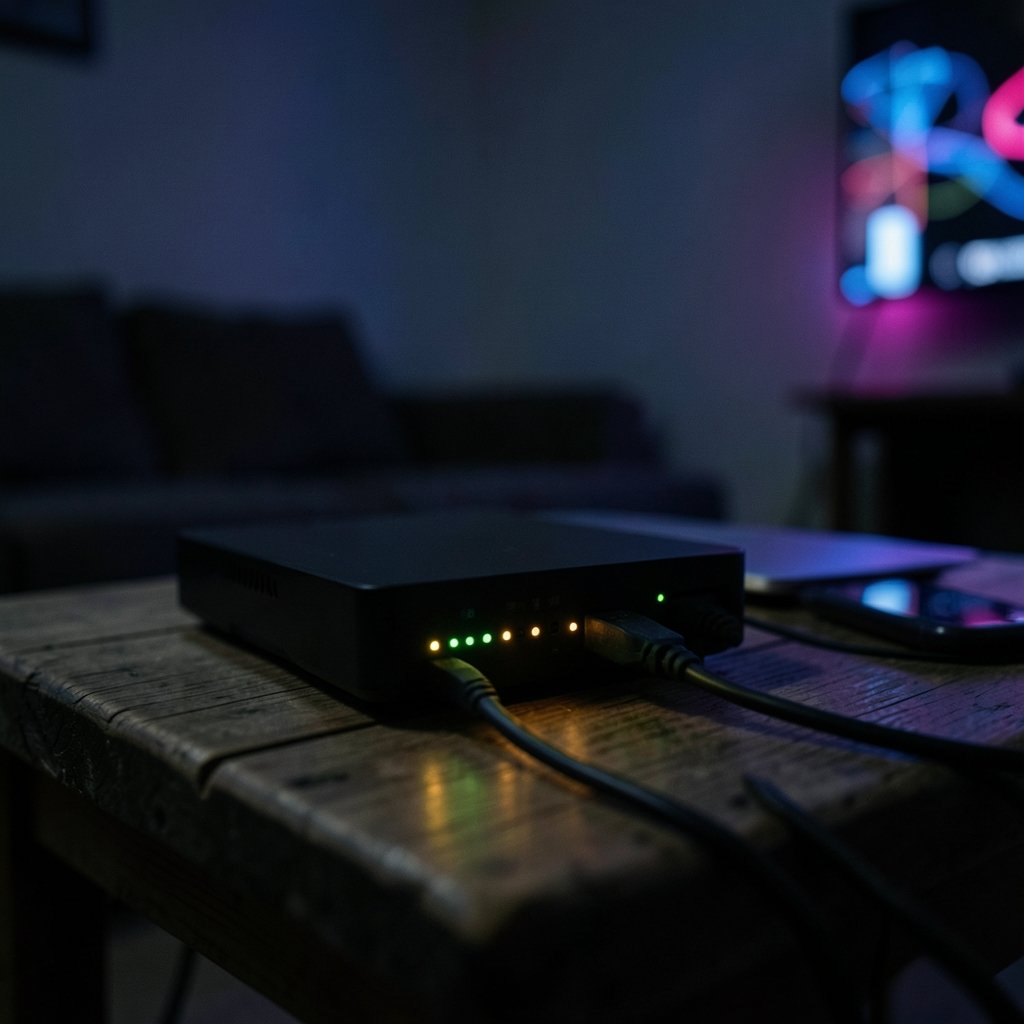
Have you ever wondered how a router knows which device on your Wi-Fi should get a particular packet? It is not the IP address alone. Underneath that, every network card carries a fixed serial number that identifies it on the local network. That number is the MAC address, short for Media Access Control address.
The concept sounds technical, but it is one of the most practical things to understand if you manage a home network, troubleshoot connection problems, or care about privacy on public Wi-Fi. This guide breaks it down in plain language, including what the address actually looks like, where to find it, and the myths worth dropping.
What a MAC Address Actually Is
A MAC address is a 48-bit identifier assigned to a network interface controller (NIC) for use as a network address in communications within a network segment. The IEEE 802 family of networking standards, which has governed local and metropolitan area networks since 1980, defines how these addresses work.
Every device that connects to a network, whether by Ethernet cable or Wi-Fi, has at least one network interface, and each interface has its own MAC address. A laptop with both Wi-Fi and Ethernet has two. That detail trips people up constantly: they look up “the” MAC address, find one, and then wonder why the router sees a different one.
The address is usually fixed in hardware at manufacture, which is why it is sometimes called a physical address or hardware address. But it is not truly permanent. Modern operating systems can override it in software, and many do so by default on Wi-Fi.
How to Read the Format: Six Pairs of Hex Digits
A standard MAC address looks like this: `00:1A:2B:3C:4D:5E`. That is six groups of two hexadecimal digits, giving 48 bits in total. You will also see it written with hyphens (`00-1A-2B-3C-4D-5E`) or in Cisco-style dotted notation (`001A.2B3C.4D5E`). All three mean the same thing.
The address splits into two halves with different jobs:
| Part | Bits | Who assigns it | What it tells you |
|---|---|---|---|
| First 24 bits (OUI) | 24 | IEEE Registration Authority | The manufacturer or organization |
| Last 24 bits | 24 | The manufacturer | The specific interface |
The first half is the Organizationally Unique Identifier (OUI). The IEEE Registration Authority administers OUI assignments and publishes a public lookup file, which is how tools can tell you that a given address belongs to a particular chip or device maker. The second half is assigned by that manufacturer, which is responsible for keeping its own devices unique.
The two bits that change everything
Two bits inside the first octet carry special meaning, and they are the source of most confusion:
- The least significant bit of the first octet marks the address as unicast or multicast.
- The second-least-significant bit marks it as globally unique or locally administered.
A locally administered address is one that was set in software rather than by the manufacturer. When your phone or laptop uses a randomized MAC address for privacy, it is setting this bit. That is why the second hexadecimal digit in a randomized address is often 2, 6, A, or E.
MAC Address vs. IP Address: Layer 2 and Layer 3
People mix these up constantly, and it is worth being precise. A MAC address operates at the data link layer (Layer 2) and is used for delivery on a local network segment. An IP address operates at the network layer (Layer 3) and is used for routing across networks.
Think of it this way: the IP address is the destination city on a package, and the MAC address is the name on the mailbox at the final address. Routers move packets between networks using IP. Within the last network segment, the frame is delivered using the MAC address. (Forward gmail another email address without losing messages)
To bridge the two, devices use mapping protocols. The original Address Resolution Protocol (ARP) specification from 1982 remains the reference for how IPv4 maps an IP address to a MAC address. IPv6 does the same job with Neighbor Discovery. If you have ever run a command to find your Wi-Fi password on a Mac, you have already been working a few layers above this machinery without noticing.
Where to Find Your MAC Address
The exact steps vary by system, but the idea is the same everywhere: open the network settings and look at the hardware details for the active interface.
- On Windows, open Settings, go to Network & Internet, and check the properties of the active adapter. Or run `ipconfig /all` and look for the Physical Address line.
- On macOS, open System Settings, go to Network, select the interface, and click Details. The Hardware tab shows the MAC address.
- On Linux, run `ip link` or `ifconfig` and read the link/ether value.
- On iOS or Android, open Wi-Fi settings, tap the network, and look for the Wi-Fi Address or MAC address field.
- On a router, open the client list or attached devices page. This shows every device currently connected, which is often the fastest way to spot an unknown one.
A practical tip that saves real time: if a device shows a different MAC address every day in your router’s client list, it is almost certainly using randomized addressing, not being spoofed. Check the privacy setting before you panic.
Why Uniqueness Is a Promise, Not a Guarantee
MAC addresses are intended to be globally unique, but duplicates happen. Manufacturing errors occur, people clone addresses deliberately, and virtual machines generate them in bulk. In virtualized environments, duplicate or overlapping addresses are common enough that network teams plan for them.
This matters for anyone who thinks a MAC address is a reliable identity. It is a routing label, not a fingerprint. Two devices on the same segment with the same address will cause intermittent, maddening connectivity problems that look like a bad cable or a dying router.
Randomized Addresses and the Privacy Shift
Operating systems increasingly use randomized or locally administered MAC addresses for privacy, especially on Wi-Fi. The reasoning is simple: a fixed hardware identifier that broadcasts everywhere you go is a tracking beacon. Cafes, airports, and retailers have used MAC addresses to recognize returning devices.
The trade-off is real. Randomized addresses break features that depend on stable identification, including some home router parental controls, guest network rules, and MAC-based device naming. If a network requires a fixed address, most systems let you turn randomization off for that specific network rather than globally. That per-network approach is the one that actually works in practice.
MAC Filtering Is Not the Security Control People Think It Is
A very common mistake is treating MAC filtering as a security measure. It is not a robust one. Because MAC addresses can be spoofed trivially, anyone who can observe traffic on a network can copy an allowed address and bypass the filter. MAC filtering raises the effort slightly and stops casual snooping, nothing more.
What actually protects a network is modern encryption, a strong passphrase, and keeping firmware current. If you are handling sensitive files, encrypting them at rest matters far more than any address-based rule. A practical walkthrough of encrypting files on a Mac with Disk Utility is a better use of an afternoon than building a MAC allowlist. (Split screen mac practical guide that actually works)
That said, MAC filtering has legitimate uses: keeping a guest off a network, organizing a small office, or enforcing a policy where the threat model is low. Just do not call it security.
EUI-64 and the 64-Bit Extension
The 48-bit format is not the only one. The 64-bit Extended Unique Identifier (EUI-64) extends the same idea and appears in IPv6 interface identifiers, where the address is formed by inserting a fixed pattern into the middle of a 48-bit MAC address. The IPv6 addressing architecture specification defines how this works.
Most people never need to touch EUI-64 directly, but it explains why IPv6 addresses sometimes contain what looks like a MAC address embedded in the middle. If you are setting up a desk workflow with a new desktop, understanding how interfaces get identified helps when you are matching a display and network setup to a machine, whether you are comparing a Mac mini against a Mac Studio or picking the best monitors for a Mac mini. (Best code editor for mac)
Common Mistakes Worth Avoiding
A few errors show up again and again in practice:
- Looking up the wrong interface. Laptops with Wi-Fi and Ethernet have separate addresses. Confirm which one is active.
- Assuming the address never changes. Randomization is on by default on many phones and increasingly on laptops.
- Confusing the OUI with the device model. The OUI identifies the manufacturer or organization, not the exact model.
- Expecting MAC addresses to cross routers. They do not. Each hop rewrites the Layer 2 header.
- Treating a MAC address as a serial number for warranty or identity. It identifies an interface, not a person or a purchase.
Conclusion
A MAC address is a 48-bit hardware identifier that moves traffic across a local network segment, written as six pairs of hexadecimal digits and split into a manufacturer-assigned OUI and a device-specific half. It is not an IP address, it is not a security control, and it is not always permanent. Once you know how to read the format, find the right interface, and recognize a randomized address, most of the confusion around MAC addresses disappears. The next time a router client list looks strange, you will know exactly what you are looking at.
Frequently Asked Questions
Is a MAC address the same on every network?
No. A MAC address belongs to the interface, not the network, so the same interface keeps the same address across networks unless randomization is enabled. However, a device with multiple interfaces, such as Wi-Fi and Ethernet, has a different MAC address for each one.
Can two devices have the same MAC address?
Yes, though it is not supposed to happen. Manufacturing errors, deliberate cloning, and virtual machine generation can all produce duplicates. When two devices on the same segment share an address, connectivity becomes intermittent and hard to diagnose.
Why does my phone show a different MAC address on different Wi-Fi networks?
Many phones and laptops use randomized, locally administered MAC addresses for privacy, and they generate a separate address per network. That prevents a fixed identifier from being used to track the device across locations. Most systems let you disable randomization for a specific network if it causes problems.
Does changing my MAC address break anything?
It can. Some networks, routers, and access rules expect a stable address, so changing it may drop you from a guest network or reset device-based settings. On the other hand, changing it is a normal troubleshooting step when a network has cached a stale address.
Is a MAC address visible to websites?
Generally no. MAC addresses stay within the local network segment and are not carried across routers to the wider internet, so a website cannot see yours directly. What websites see is your IP address, which is a different identifier at a different layer.
How is a MAC address different from an IP address?
A MAC address is a fixed hardware identifier used at the data link layer to deliver frames within a local segment. An IP address is a logical address used at the network layer to route packets between networks. Mapping protocols such as ARP connect the two so packets can find the right interface.


