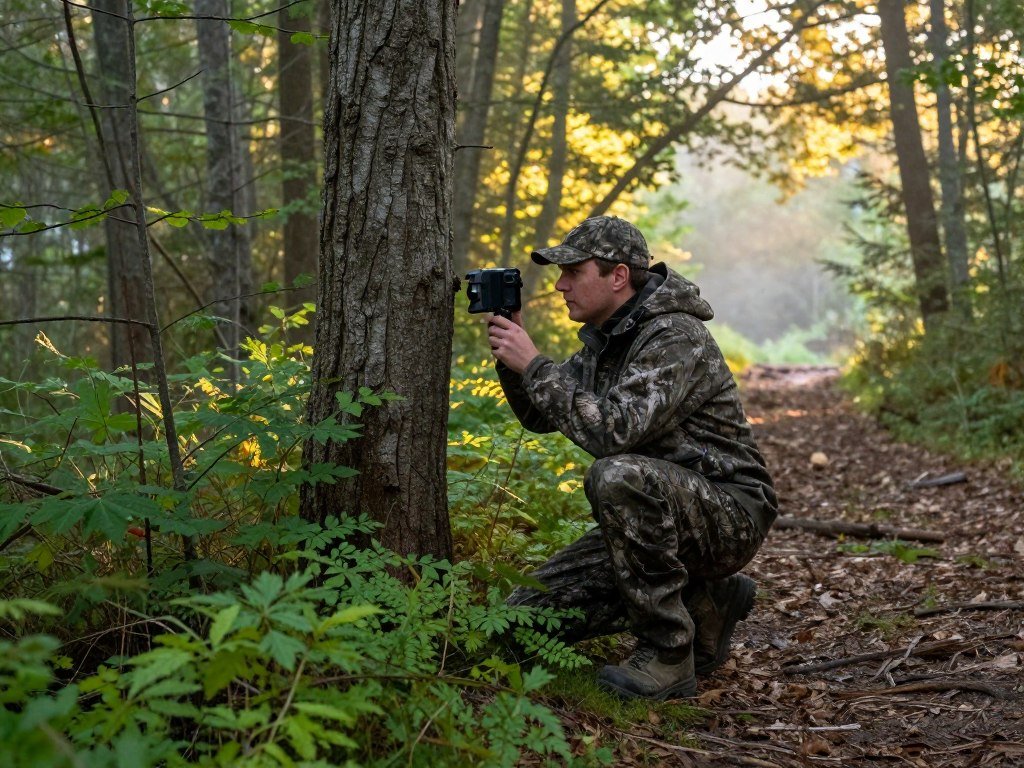
A camera on a remote trail can save a scouting trip, but the right model depends on what you need it to capture and how often you can visit. Your best trail camera may send photos to your phone, or it may store them on a card for you to collect later.
Cellular access can make remote scouting easier, but it adds a recurring service cost. A standard camera avoids that bill and keeps recording locally. Terrain, animal traffic, and your access to the camera all shape which tradeoff makes sense.
Battery life also matters when a placement is hard to reach. A quiet area may need fewer visits than a busy crossing that triggers many photos. A useful shortlist starts with the location, the need for phone access, and the amount of maintenance you can manage.
Key Takeaways
- Choose cellular access when remote updates matter.
- Choose local recording to avoid a monthly service cost.
- Match the camera to terrain and animal activity.
- Plan visits around battery and card needs.
- Test placement before leaving the camera in the field.
Which Best Trail Camera Fits Your Hunting Needs?
For most hunters who do not need remote uploads, the Bushnell Core S-4K is the strongest all-around choice. Its local recording and simple setup make it the best overall pick for image quality without a cellular plan.
Choose based on where the camera sits and how soon you need its footage. A cellular model suits remote sites, while a standard camera works well when you can visit and collect its card.

Best overall for image quality and local recording
The Bushnell Core S-4K is the top choice when you want sharp local photos and detailed video. It records to a memory card instead of sending images through a cellular network. That makes it a strong fit for hunters who visit their areas often enough to check the camera.
Its fast capture and no-glow night flash also suit a close game trail. You can review full-size files on site, without paying for a cellular plan or relying on a signal. The tradeoff is simple: you must return to the camera to change settings or collect footage.
Best cellular option for remote scouting
The Tactacam Reveal X 3.0 is the better pick when phone-based scouting matters. It sends images through its built-in cellular connection, so you can check activity without hiking back to the setup.
This model suits hunters who watch remote areas or want to adjust settings through an app. Cellular access brings an ongoing plan cost, though, and coverage at the camera matters more than signal on the road nearby.
Best lower-cost option for basic scouting
The GardePro A3S is a budget-friendly standard camera for hunters who want basic local scouting. Its lower price makes sense for a second location or a site where frequent updates are unnecessary.
It can capture useful photos and video, but it is not the strongest choice for fast animals crossing the frame. Pick it for a quieter trail and a tighter budget, rather than expecting every quick pass to land perfectly.
These models cover the main needs without treating every camera as the same kind of tool. A hunter who checks a nearby setup may value low operating cost, while a distant site can make phone access worth its price. Match the camera to the distance between the setup and your next planned visit.
How Do the Top Picks Compare in Testing?
Bushnell Core S-4K leads these three picks with an overall score of 85. Its high marks for ease of operation and durability help set it apart, while the other cameras offer different strengths.
The Bushnell score is the highest overall, but the best fit still depends on the categories you value. Tactacam earns the strongest features score, and GardePro rates better for ease and features than for performance or durability.
| Camera | Overall | Performance | Image quality | Ease | Features | Durability |
|---|---|---|---|---|---|---|
| Bushnell Core S-4K | 85 | 8.0 | 9.0 | 9.0 | 7.0 | 9.0 |
| Tactacam Reveal X 3.0 | 83 | 8.0 | 9.0 | 7.0 | 9.0 | 8.5 |
| GardePro A3S | 71 | 6.0 | 7.0 | 8.0 | 8.0 | 7.0 |

The category scores show where each model performs well, rather than declaring one winner for every setup. Bushnell’s 85 overall reflects a balanced showing, with 9.0 scores for image quality, ease, and durability.
Tactacam scored 9.0 for image quality and features, which suits a hunter who values app tools and strong pictures. Its 7.0 ease score is lower than Bushnell’s, so its feature set may take more adjustment.
GardePro earned 8.0 for ease and features, but 6.0 for performance. That gap matters if your area has animals that move quickly across the detection zone. Its 7.0 durability score also trails the two higher-ranked picks.
All three scores make more sense when read beside the type of scouting you do. A high category rating cannot tell you whether cellular coverage reaches a ridge or whether you can revisit a standard camera. Treat the category scores as a way to match a camera to your priorities, not as a substitute for checking its setup and running costs.
Which Cellular Camera Sends Useful Photos to Your Phone?
The Tactacam Reveal X 3.0 is the best cellular fit here when remote app control matters more than avoiding a monthly plan. Its integrated cellular connection sends photos and video to your phone, and remote settings can save a site visit.
The Reveal X 3.0 earned an overall score of 83, one point above the Moultrie Edge 3. It lists at $120 and captures 8.3 MP still images, 1080p video, and low-glow night views rated to 96 feet.

Its 0.5-second trigger speed gives it a useful balance for routine scouting. The app connection lets you check images and change settings without walking to the camera. That is especially helpful when terrain or distance makes a quick visit inconvenient.
The Reveal continues to function without a cellular plan, but remote app control is unavailable. You can still use it for local recording, but the main reason to choose this model is phone access from the field.
The Moultrie Edge 3 costs less at $100 and lists 40 MP still-image resolution. It also records 1080p video, has a 0.4-second trigger speed, and offers low-glow night vision rated to 100 feet.
Those features may fit a setup that values listed still resolution or a lower camera price. The Tactacam earned the higher overall test score, 83 to Moultrie’s 82, so choose it for the stronger test result. Choose the Edge 3 when its feature mix better suits your needs.
Phone delivery only helps when the camera can connect from its exact mounting point. Nearby phone signal does not prove that the camera itself can reach the network. A cellular camera coverage check should use the planned placement, not a spot along the access road. Check that the camera’s cellular connection can reach your placement before relying on phone delivery.
What Makes the Bushnell Core S-4K the Best No-Plan Pick?
If you want high-quality local recording without paying for cellular uploads, choose the Bushnell Core S-4K. It is a standard camera with no remote connection, and its local files stay on a memory card.
The Bushnell records 30 MP still images and 4K video, with a 0.2-second trigger speed. Its no-glow night vision is rated to 110 feet, giving a close game trail detailed day and night coverage.

For hunters seeking the best trail camera without a subscription, this model is a clear choice. The SD card stores images and clips for later review. You do not need a cellular plan to keep recording, and you avoid a monthly upload bill.
The cost of that choice is access. You must visit the camera to change its settings, remove its card, or see what it recorded. A remote location can turn a low-cost plan into a long hike, so think about travel time as well as purchase price.
Resolution alone does not guarantee a useful image. A high number of pixels cannot fix poor aim, motion blur, or an animal that leaves before capture. The Bushnell’s fast trigger helps with quick crossings, while 4K video can show movement and behavior beyond a still frame.
No-glow flash also suits a close trail where a visible flash could draw attention. Its night rating gives you a useful range, but the animal’s distance and movement still shape the result. Test the angle and image quality before trusting a setup through a long stretch.
For hunters who can revisit their placements, the Bushnell offers detailed local footage without a cellular plan. It makes less sense when you need updates from far away or cannot reach the card. Choose a placement you can revisit easily, since this model cannot send footage to your phone.
Is the GardePro A3S a Good Budget Trail Camera?
The GardePro A3S is a credible lower-cost choice when your budget matters more than catching every fast-moving animal. At $95, it offers useful basics for slower wildlife activity and local recording.
Its 48 MP figure is software-upscaled, not a promise of equal sensor detail. It records 1296P video, uses no-glow night vision rated to 100 feet, and lists a trigger speed of about 0.1-0.6 seconds.
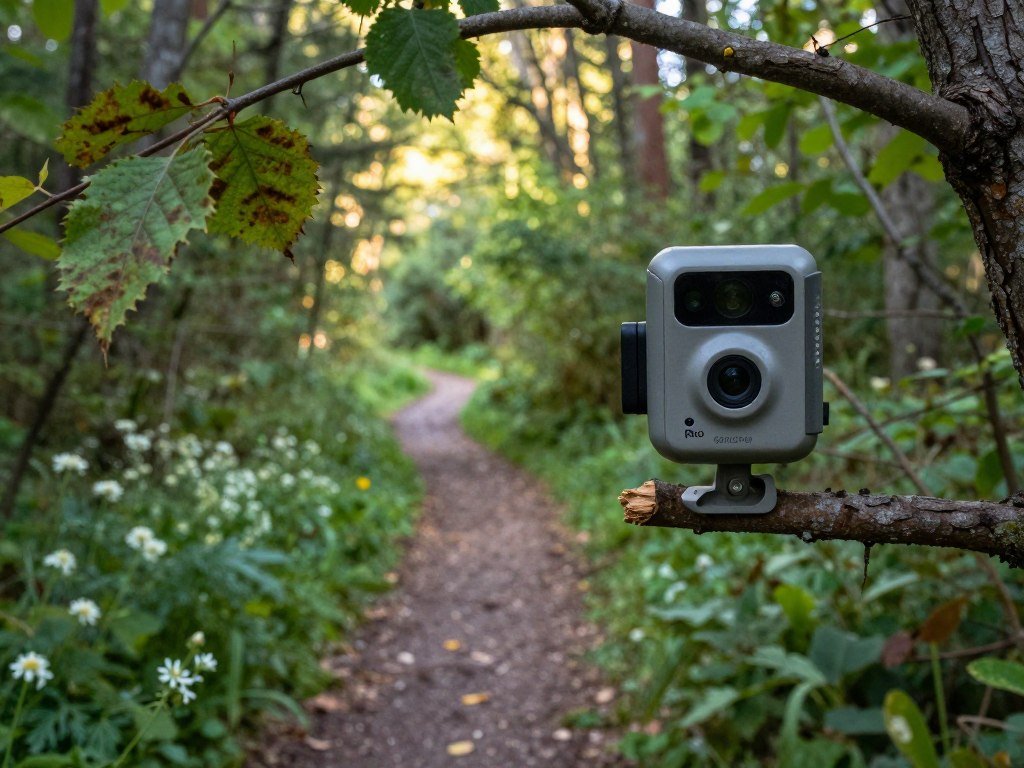
The A3S can make vivid photos and useful video for reviewing activity. It has a broad feature set for a budget standard camera, but the headline resolution should not be the only reason to buy it. The actual value lies in getting serviceable footage without spending as much upfront.
Its variable trigger timing can cost a shot. A fast animal may cross the frame before the camera captures an image, while a slower animal may appear clearly. The risk grows on narrow crossings where the subject passes quickly and leaves little room for delay.
Video can help show what happened around a capture, but it cannot fix a late start. If the animal enters near the edge, it may appear blurred or partly outside the frame. A quiet trail with slower movement gives the camera a better chance to produce a usable record.
Choose the A3S for a tight budget, a secondary scouting spot, or wildlife that tends to move at a slower pace. It is a weaker fit when dependable capture of fast crossings matters most. Consider what you need the camera to prove, rather than buying for the largest printed megapixel number.
Before leaving it alone, set the camera at the real mounting point and check its aim. Walk the route to see whether the sensor catches a crossing early enough. Test its aim and sensitivity at the actual trail before leaving it unattended.
How Much Do Cellular Trail Camera Plans Cost?
A cellular camera’s total cost includes the camera itself and a recurring upload plan. Monthly charges range from $5 for limited uploads to $20 for unlimited service in the plans compared here, before any camera purchase.
Count your expected images before choosing a tier. A low monthly fee can work for quiet areas, while frequent activity may make unlimited uploads easier to budget.
Per-camera photo limits and unlimited plans
The Tactacam 250-photo tier starts at $5 per month. Its unlimited option costs around $13 per month, giving you a higher allowance at a larger recurring cost.
Muddy charges $5 per camera each month for 200 images. Each extra 2,000 images costs $5. Its $20 monthly unlimited plan includes unlimited images, HD uploads, and two-way communication without extra charges.
| Plan | Monthly charge | Included uploads | Extra terms |
|---|---|---|---|
| Tactacam 250-photo tier | $5 | 250 photos | Unlimited option around $13 monthly |
| Muddy 200-image tier | $5 per camera | 200 images | Extra 2,000 images cost $5 |
| Muddy unlimited | $20 per camera | Unlimited images | HD uploads and two-way communication included |
| Stealth Cam unlimited | $20 first camera | Unlimited | Second $15; third through seventh $11 each; each additional camera $8 |
| Ridgetec unlimited | $13 per camera | Unlimited | Shared-plan additional cameras cost $6 each monthly |
Stealth Cam’s monthly price drops as you add cameras, but the first unit costs the most. Ridgetec starts at $13 per camera, with additional cameras on a shared plan costing $6 each per month.
Multi-camera pricing and add-ons
For several placements, compare the full cost across every camera, not just the first one. Stealth Cam’s tiered price favors larger camera groups, while Ridgetec’s shared-plan charge makes each added camera less expensive.
Tactacam Xtra is an optional $9 monthly add-on, not a replacement for comparing plan allowances. It includes unlimited HD photos, on-demand photos, and multi-shot photos sent to the app.
A plan with more uploads can reduce the chance of hitting a cap, but the right tier depends on animal traffic and how often you review images. A quiet property may need fewer uploads than a busy trail used by several species. Compare the cost for your expected monthly image volume before choosing an unlimited tier.
Can You Get Trail Camera Photos Without Paying a Monthly Plan?
The Spypoint free plan offers a way to receive a limited number of camera photos each month without a monthly charge. It includes up to 100 photos, plus remote settings control through the app.
Photos beyond the monthly cap require local card access or a paid option. The free tier can suit a quiet site, but a busy trail may use its allowance well before the month ends.
The Spypoint Flex-M costs $130 and captures 28 MP still images. It records 720p video with audio, has a 0.4-second trigger speed, and uses low-glow night vision rated to 90 feet.
Its overall score is 70, so the free uploads are the main reason to consider it here. The camera still provides local files, while the app offers a way to view selected photos without a monthly payment. A free tier changes the cost pattern, not the camera’s capture limits.
Before choosing a free plan, check what happens after the cap and whether your use depends on clips or stills. A photo allowance does not mean every video will reach the app. The service terms can also affect which settings remain available remotely.
- Monthly photo cap: confirm how many images reach the app.
- Video uploads: check whether clips are included or need payment.
- Remote settings: confirm that app controls remain active on the free tier.
For hunters who need only occasional updates, a 100-photo allowance can reduce ongoing costs. A high-traffic route can fill the cap quickly, leaving later events on the memory card until you visit. Estimate your activity level first, because a busy trail can use a small photo allowance quickly.
Which Night Flash Is Best for Stealth and Clear Images?
For skittish wildlife near a tight trail, no-glow is the safer choice when avoiding visible flash matters most. No-glow IR is designed to be invisible to the human eye, though invisible light does not guarantee a sharp image.
Low-glow IR can add illumination and show a faint red glow. White LED flash can capture color at night, but it is more noticeable and uses more power.
Low-glow for added illumination
| Flash type | Visible flash | Night image character | Best-use situation |
|---|---|---|---|
| Low-glow IR | Faint red glow | Infrared night image | More illumination when slight glow is acceptable |
| No-glow IR | Designed to be invisible | Infrared night image | Concealed capture near wary wildlife |
| White LED | Bright visible flash | Color night image | Color detail when visibility matters less |
Low-glow can be a practical choice when you want added light without the strong flash of a white LED. The faint red glow may be visible, so it is less suited to placements where keeping the camera unnoticed matters most.
No-glow for concealed night capture
No-glow IR is the stealth choice, but the night image remains an infrared image. You do not get the color detail that white LED flash can provide. For many hunting placements, that trade is acceptable when a visible flash could disturb the scene.
White LED flash can show color in night images, which may help distinguish details. Its bright flash is more conspicuous, and it uses more power than IR options. That makes it a less discreet choice for a tight trail or a wary animal.
Conditions also affect image quality. Distance, background light, and the subject’s movement can all change how clear a night capture looks. A camera may record a sharp image of a still animal and blur one moving at the same distance.
An invisible flash only solves the visibility concern, not motion or focus. Pick the type that fits the animal and placement, then judge the actual night images instead of relying on the flash label. Aim the camera at the likely crossing and test night images at the distance the subject will actually pass.
How Do Trigger Speed, Detection Range and Field of View Affect Captures?
A camera can have impressive resolution and still miss a fast animal if its trigger or placement is wrong. Trigger speed is the time between motion detection and the camera capturing an image or starting a video.
Recovery time is different: it is the wait between captures. Both timing measures matter when an animal stays in the detection zone or makes several passes.
Trigger and recovery timing
A short trigger delay can help catch an animal before it leaves the frame. The recovery interval determines how soon the camera can take another image after the first. A fast first capture does not mean the camera will record every later movement.
Trail cameras commonly use passive infrared sensors, which detect changes in heat and movement. Their detection range is typically about 50-100 feet, with results shaped by sensor design, temperature, and placement.
Detection zone and field of view
Detection range describes how far away the sensor may notice movement. FOV describes how much of the scene the lens can show. These are different measures, so a camera can detect an animal outside the part of the scene you want to record.
The Bushnell Core S-4K has a 50-degree FOV and a built-in 1.5-inch color screen. The WOSPORTS G600 has a much wider 120-degree FOV, which covers more ground but can make the animal look smaller in the frame.
A wide FOV can help at a broad crossing or open area. A narrower view may give a closer-looking frame of a trail, but it demands careful aim. The useful choice depends on the width of the route and where the animal is likely to pass.
University of California Agriculture and Natural Resources explains that animals are easier to detect when they cross perpendicular to the sensor. Its wildlife camera guidance suggests aiming across a trail at about 45 degrees.
- Clear the sensor path of branches and moving plants.
- Aim toward the animal’s likely route across the frame.
- Walk across the view to test a pass from each side.
Use the built-in screen, when available, to check framing before you leave. A quick walk test can show whether the animal enters the frame too late or crosses beyond the detection zone. Check the full crossing from both directions before settling on the final angle.
How Can You Extend Battery Life and Avoid Filling the Card?
The quickest way to extend a camera’s battery life is to reduce unnecessary captures and transmissions. Frequent triggers, video clips, cellular uploads, and a weak signal can all draw more power.
High image volume and video also use more card space. A setup that records every movement can run through batteries and storage before your next visit, even when the camera works as intended.
The Tactacam Reveal X 3.0 requires 16 AA batteries. An older Bushnell 8MP Trophy Cam uses eight AA batteries and can last up to one year with suitable settings.
That older camera’s runtime is an example, not a promise for every model or location. A cellular camera may use more power when it sends many photos or struggles to hold a signal. Cold weather and frequent animal activity can also affect how long a setup lasts.
Card capacity matters too. The Reconyx HC500 supports SD cards up to 32 GB, which sets a clear upper limit for that model. Check the camera’s supported card size before choosing a replacement.
- Use shorter video clips when long footage is not needed.
- Lower sensitivity if moving brush triggers empty captures.
- Check battery power and card space during each visit.
- Clear brush that moves in the sensor’s path.
These steps reduce wasted captures without cutting out every useful event. Start with the plants that move in wind, then adjust sensitivity only if false triggers continue. Keep settings suited to the animal activity rather than changing them blindly.
For a hard-to-reach site, plan your card and battery checks before the trip. A spare set helps if the camera has recorded more often than expected. Carry spare batteries and a spare card whenever the placement is difficult to reach.
Are Wi-Fi Trail Cameras Worth It Away From Home?
Wi-Fi is worth considering when the camera sits close enough to a reliable home network and remote coverage is not essential. Local Wi-Fi needs a usable network at the placement, while cellular cameras use mobile networks for remote uploads.
Network reach matters more than the word Wi-Fi on the box. A camera outside the network’s reach may still record locally, but it cannot send images through that connection.
Local Wi-Fi and nearby camera access
The GardePro T6LRW Wi-Fi is suggested for locations with Wi-Fi within 700 yards. That distance can make it a possible fit near a home or outbuilding, but the path between the router and camera still matters.
Walls, trees, and terrain can weaken a signal before it reaches the camera. A connection that works at the house may not work at the far edge of a yard. Test the actual mounting point rather than assuming the listed distance guarantees service.
Upload add-ons and distance limits
Optional upload add-ons carry separate costs and limits. Direct Video costs $8.99 for 150 uploads, while Direct Video Plus costs $15.99 for 300 video uploads.
HD Image Uploads costs $5.99 for 100 uploads. HD Video Uploads costs $10.99 for 50 uploads. These add-on prices do not establish the camera’s purchase price.
For the best Wi-Fi trail camera for the money, the GardePro T6LRW is a possible fit only when its network reach and selected upload add-on suit your location and use. A nearby network can be handy, but it is not the same as cellular access from a remote hunting area.
Compare how many images or clips you expect to send against each add-on limit. If you mostly need local recording, paid uploads may add little value. If you need frequent remote updates, a network that reaches the site is part of the camera’s usefulness.
Check the connection at the planned height and direction, since a small move can change reception. Do not rely on an indoor router test to predict performance through trees and distance. Verify the network path at the mounting point before relying on Wi-Fi uploads.
Can Trail Cameras Help With Security Without Breaking Hunting Rules?
A trail camera can document activity at a gate or remote crossing, but it is not a substitute for continuous security monitoring. Event recording can help you review who or what passed, while a live security system serves a different role.
State rules can restrict trail-camera use for hunting or scouting, especially on public land or during certain seasons. Laws differ, so check the relevant state wildlife agency and land manager before deployment.
Monitoring property and wildlife discreetly
A camera at a gate or driveway can record when someone arrives or when wildlife uses a crossing. Remote property owners may value cellular access, while local recording can suit a site they visit often.
These devices record triggered events rather than watching continuously. They may miss activity outside the detection area or between captures. For a full security setup, compare that limit with tools built for continuous monitoring in this wireless outdoor security camera guide.
Camera placement also raises privacy and property concerns. Use a location you have the right to monitor, and avoid aiming toward areas where others expect privacy. A clear record is useful only when the camera is placed lawfully and safely.
Rules for scouting can differ by state, land type, and season. Some restrictions apply to hunting use, while other rules may cover public land or particular time periods. Check current details with the state wildlife agency and the land manager for the exact location.
Browning models for different field needs
Browning’s Recon Force Elite HP5 Ultra lists 46 MP photos, 1440p video with sound, a 0.1-second trigger, and a 130-foot flash range. It is one example of a model built around detailed capture and quick response.
The Defender Pro Scout Max HD AI has a 0.25-second trigger, no-glow flash, multi-shot and rapid-fire modes, and smart IR video recording. The Spec Ops Elite HP5 Ultra pairs a 0.1-second trigger with a two-inch color screen, 46 MP photos, and 1440p video.
The Dark Ops Pro DCL Nano uses dual-camera-lens technology, a 1.5-inch color screen, no-glow flash, a 0.15-second trigger, and a 54-degree viewing angle. The Defender Pro Scout Max Extreme HD offers 22 MP photos, a 0.25-second trigger, a 100-foot image-detection range, cellular access, and SD-card recording.
Browning cellular cameras offer remote access, live view, and mobile-app compatibility through networks including Verizon and AT&T. The Browning cellular camera features vary by model, so treat these products as examples of different feature sets, not blanket picks.
- Check state wildlife and land rules for your season and location.
- Place cameras only on property you may monitor.
- Secure the housing against theft or tampering.
Use a locked housing or a mounting point that makes tampering harder, while keeping the camera within your legal placement area. A camera can support property checks, but it cannot replace a response plan for an active threat. Confirm the current rules for the exact property and season before using a camera to scout game.
Conclusion
The best choice is the one that fits how you scout, not the one with the longest feature list. The Bushnell Core S-4K suits hunters who want strong local capture without a cellular plan, while the Tactacam Reveal X 3.0 fits hunters who value remote app access.
Decide first whether phone uploads are essential. Then confirm cellular coverage or local access at the exact placement, and test the camera’s aim before leaving it in the field.
Choose the camera that matches your access needs, then test its placement before leaving it in the field.
FAQ
What is the number one rated trail camera?
The Bushnell Core S-4K is the number one rated camera among these 2026 picks, with an overall score of 85. It scored 9.0 for image quality, ease of operation, and durability. Tactacam Reveal X 3.0 followed at 83, with a stronger features score but a lower ease score. The top rating favors Bushnell’s balanced results.
What is the best trail camera for the money?
The $95 GardePro A3S is the lower-cost pick for basic scouting. It scored 8.0 for ease of operation, but its performance score was 6.0 and durability was 7.0. Its 48 MP figure is software-upscaled, so do not treat it as equal to native sensor detail. It suits slower wildlife activity better than fast crossings.
Is Moultrie or Tactacam better?
Tactacam Reveal X 3.0 scored 83 overall, one point higher than the Moultrie Edge 3 at 82. Tactacam is the stronger choice when you want the higher test score and remote app controls. Moultrie may suit your setup better if its lower camera price and feature mix fit a group of placements. Both record 1080p video.
Which trail camera is best without a subscription?
The Bushnell Core S-4K is the strongest non-cellular pick without a subscription. It stores photos and video on an SD card and has no remote connectivity. That avoids a cellular plan, but you must visit the camera to change settings or retrieve footage. Choose a placement you can reach without too much trouble.
Is there a monthly fee for trail cameras?
Only cellular uploads require a service plan; standard cameras can record locally without a monthly fee. Tactacam plans start at $5 per month for 250 photos, with an unlimited option around $13 per month. Other providers set different allowances and prices. Include the plan cost alongside the camera price when comparing cellular models.
Are WiFi trail cameras worth it?
Wi-Fi trail cameras are useful when a reliable home network reaches the camera’s location. They can be a poor fit for remote sites that sit beyond that signal. Cellular cameras use mobile networks for remote uploads, while standard cameras keep files on a local card. Choose based on where you can get a dependable connection.
What should I know before buying a trail camera?
Compare flash visibility, trigger and recovery timing, detection area, power needs, local storage, and any recurring upload cost. A fast trigger cannot make up for poor aim, and a wide FOV can make an animal look smaller. Check whether you can reach the camera and whether its network works at the planned spot. Test a walking pass before leaving it.
What is the best WiFi trail camera for the money?
The GardePro T6LRW is a possible fit when Wi-Fi reaches within 700 yards of the camera. Its value depends on whether the network works at the mounting point and whether an optional upload add-on matches your use. Add-on prices begin at $5.99 for 100 HD image uploads. The camera’s purchase price is separate from those upload charges.



