
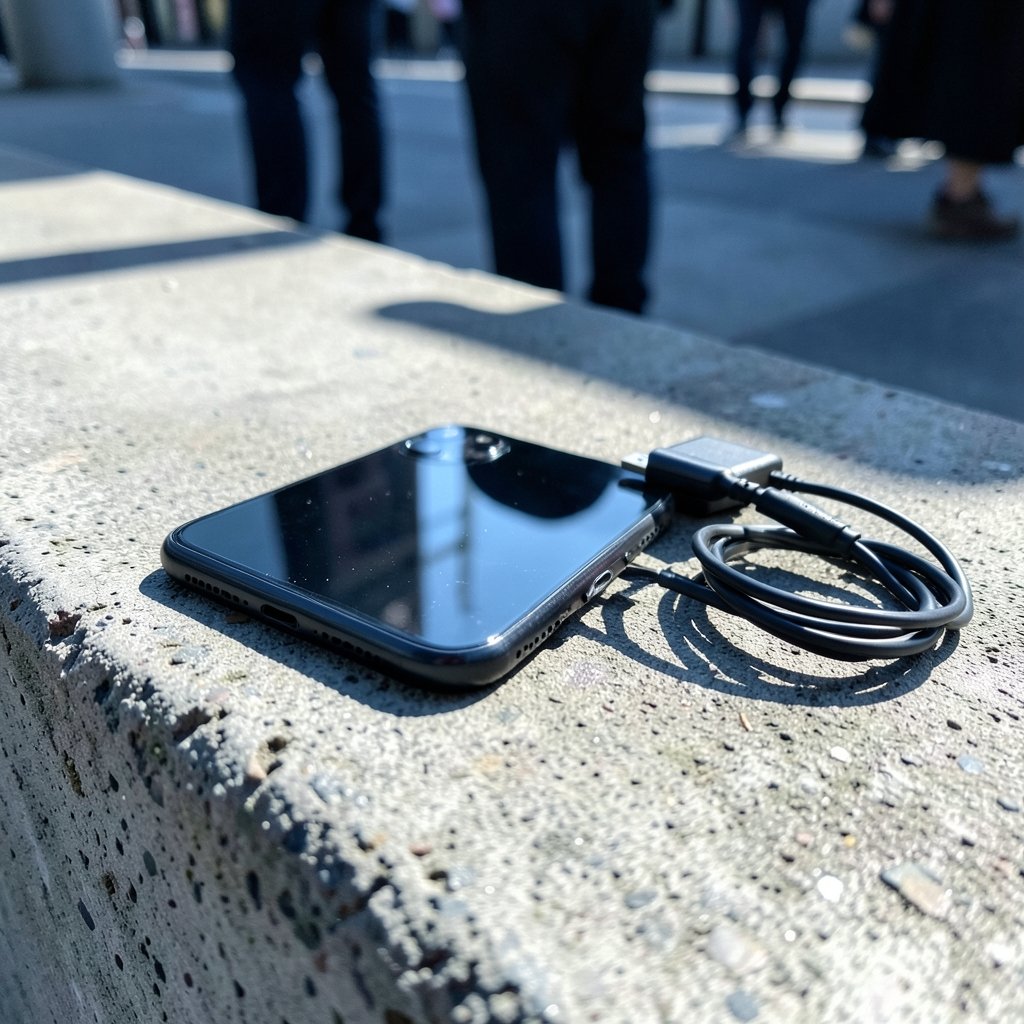
Does anyone still plug in headphones? Millions of people do, and for good reason. Wired audio means no charging, no pairing dance, no lag on video, and no dropouts mid-call. So when a new iPhone arrives, the first practical question from a lot of buyers is refreshingly old-fashioned: can I still use wired headphones with it?
The short answer is yes, but the details matter more than the marketing suggests. The iPhone 17 family has no headphone jack, so every wired setup runs through the USB-C port. What you plug into that port, and how the phone handles it, decides whether you get clean sound or a frustrating afternoon. Here is the full picture, including the adapter traps, the settings people miss, and what to check before you spend money.
The Jack Is Gone, and It Is Not Coming Back
Apple removed the 3.5 mm headphone jack starting with the iPhone 7 in September 2016, a change documented in Apple’s original iPhone 7 announcement. At the time it was controversial. A decade later it is simply how phones are built, and the iPhone 17 continues the pattern: no analog jack anywhere on the body.
Then came the second shift. With the iPhone 15 in September 2023, Apple moved from Lightning to USB-C for charging and data, a switch announced in Apple’s iPhone 15 newsroom release. That matters for audio because it changed which adapters and cables work. Anyone upgrading from an iPhone 14 or older cannot reuse a Lightning dongle. The old adapter is now a drawer ornament.
So the modern wired chain looks like this: headphones with a 3.5 mm plug, a USB-C to 3.5 mm adapter, and the iPhone 17’s USB-C port. Or, more simply, headphones that terminate in USB-C directly. Both routes work. They are not equally reliable. (USB Power Delivery official overview)
Why the EU Charger Law Shapes Your Headphone Choice
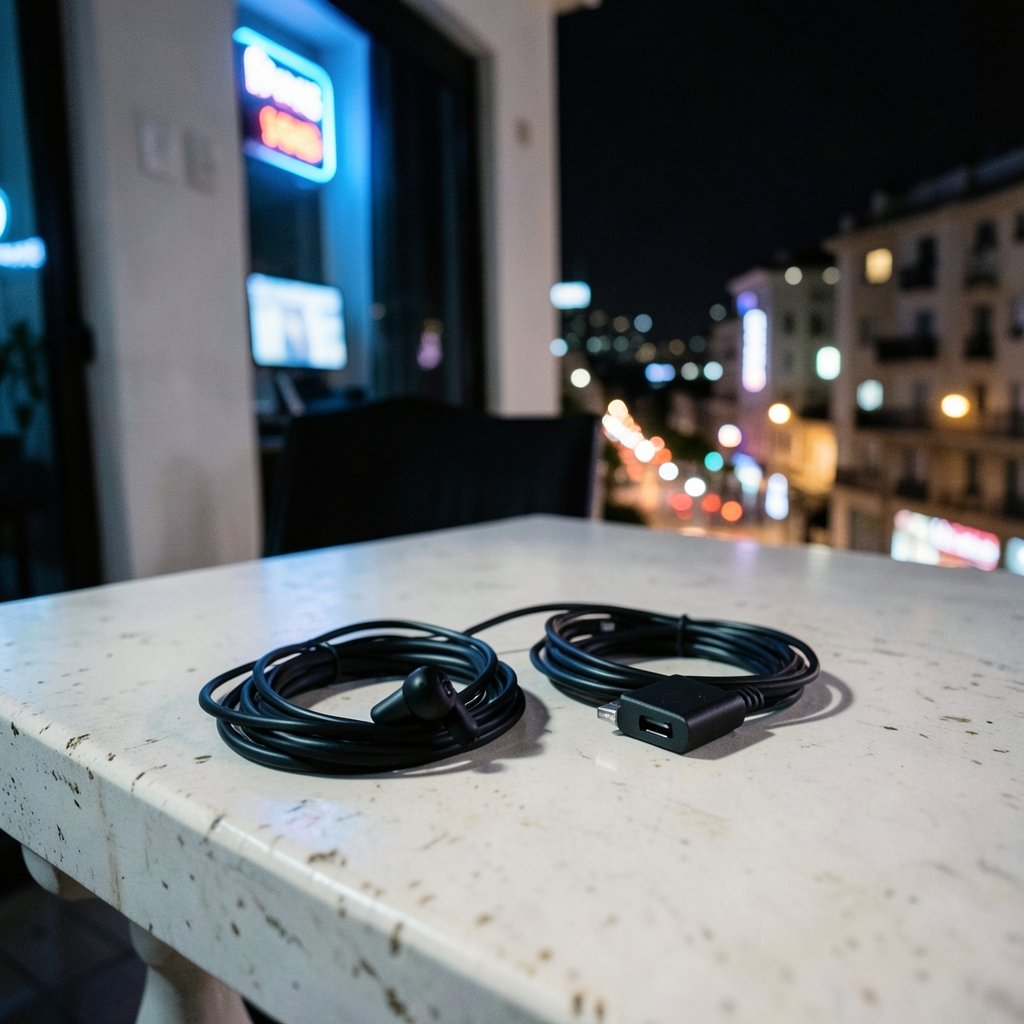
It helps to understand why USB-C is on the phone at all. The European Union’s common charger rules, set out in Directive (EU) 2022/2380, require a USB-C receptacle on certain devices and took effect on 28 December 2024. The goal is fewer cables and less waste. A side effect is that iPhone audio accessories now share a connector with laptops, Android phones, and most modern earbuds.
Apple’s own USB-C to 3.5 mm Headphone Jack Adapter is the reference option, and Apple Support maintains a page explaining the adapter and how it handles audio. It is small, it works, and it is the safest bet if you want zero surprises. The catch is price and the fact that it is easy to lose. Buy two if you commute.
Adapter Compatibility: The Part Nobody Warns You About
Here is where people get burned. USB-C is a physical shape, not a promise of audio support. The USB Implementers Forum, which maintains the USB Type-C specification, explains that the connector supports multiple modes, including audio accessory modes and digital audio delivery. In plain terms, some USB-C adapters pass analog audio through, some contain their own digital-to-analog converter, and some do neither well. (USB-C connector standard overview)
Cheap no-name dongles often fail on iPhones specifically. They may work on an Android phone and produce nothing on an iPhone, or crackle, or trigger a “cannot use accessory” message. The fix is boring but effective: check that the listing explicitly states iPhone compatibility, and prefer adapters that carry Apple’s Made for iPhone certification. If a product page only says “USB-C to 3.5 mm” with no phone compatibility claim, treat it as a gamble. (Iphone 18 vs galaxy s26 which phone should you buy today)
A practical field test before any trip: plug in, play a track, unplug, replug, and play again. Adapters that fail often fail on the second connection, not the first.
USB-C Headphones vs. Adapter Plus 3.5 mm Cans
Both approaches are valid. The trade-offs are real, though.
| Factor | USB-C headphones (direct) | 3.5 mm headphones + USB-C adapter |
|---|---|---|
| Cable clutter | One cable | Two pieces, one easy to lose |
| Replacement cost | Whole headset if the plug dies | Cheap adapter swap |
| Compatibility with other gear | Limited to USB-C devices | Works with laptops, consoles, older phones |
| Charging while listening | Usually blocks the port | Also blocks the port |
| Failure points | Connector and cable | Connector, adapter, and jack |
The final row is the one people underestimate. Each extra connection creates a spot for dust and wear. If you already own a pair of wired headphones you like, the adapter keeps them in use. If you are buying new and want simplicity, a direct USB-C pair is cleaner. Check that the model lists iPhone support rather than only “USB-C devices.”
What About Listening and Charging at the Same Time?
This is the most common complaint, and there is no elegant fix. The iPhone 17 has one USB-C port. Plug in headphones and it is occupied. A splitter with both a USB-C audio passthrough and a charging port exists, but quality varies wildly and many cheap splitters degrade audio or refuse to charge at full speed.
The realistic options are:
- Charge before you leave and accept a wired-only session.
- Use a reputable splitter that explicitly supports audio plus power delivery, and test it during the return window.
- Keep a wireless pair as backup for long days.
That third option is not defeat. It is just honest planning. If you want a deeper look at how the current flagships compare on everyday usability, the breakdown of the iPhone 18 vs Galaxy S26 decision covers the broader buying logic.
Sound Quality: What You Actually Gain From Wired
Wired audio avoids Bluetooth compression and latency. For music, the difference is subtle on modern codecs but audible on dense tracks. For video editing, gaming, and video calls, the latency advantage is obvious: lips and audio stay in sync.
There is a catch worth knowing. The adapter’s built-in converter has limits. Apple’s dongle handles standard resolution audio well, but it will not drive power-hungry high-impedance headphones to their best. If you own serious over-ear headphones, a powered adapter or a small portable DAC is the better match. For typical earbuds and consumer headphones, the standard adapter is plenty.
Also check the basics in Settings. With wired output connected, confirm the volume limit is not capping playback, and make sure no accessibility setting is routing audio oddly. Most “my headphones sound bad” cases turn out to be a volume limit, a dusty port, or lint packed into the adapter’s plug.
Common Mistakes and How to Avoid Them
A few patterns show up again and again in forums and repair desks.
- Buying a Lightning adapter by mistake. It will not fit the iPhone 17. Check the connector in the product photo, not the title.
- Ignoring the port’s dust problem. A pocket-lint-packed USB-C port causes dropouts that look like adapter failure. Clean it gently with a wooden toothpick, phone off.
- Assuming any USB-C earbud works. Many budget USB-C earbuds are built for Android and lack iPhone audio support.
- Skipping the case question. Thick cases can block some angled adapters. Test with your case on.
- Forgetting the adapter at home. Keep a spare in your bag, the same way you keep a charging cable.
If odd behavior shows up after a drop or a software update, run through the usual diagnostics before blaming the headphones. A guide to common iPhone problems and fixes covers the quick checks that rule out phone-side issues.
Settings and Setup: A Five-Minute Checklist
Before you decide an adapter is broken, run this sequence:
- Update iOS to the latest version, since accessory support sometimes improves with updates.
- Plug in the adapter and headphones, then play audio and watch for a notification confirming the accessory.
- Check Settings for any volume limit or sound check option that could mute output.
- Test the same adapter on another device to isolate whether the fault is the phone or the dongle.
- Try a different pair of headphones to rule out a dead cable.
Five minutes of testing saves a return shipping label. It also tells you quickly whether the problem is the accessory or the phone, which changes what you do next.
Do You Need an Adapter for Calls and Voice Memos?
Wired headsets with a microphone work through the same path. The iPhone routes mic input through the USB-C connection, and inline remotes handle play, pause, and call answering on most certified models. If call handling matters, look for a headset with a clearly labeled inline mic rather than a bare music cable.
One legal note worth knowing: recording calls has rules that vary by place, and the built-in method has limits. A walkthrough of how to record a phone call on iPhone, including the built-method limits and legal traps, is worth reading before you rely on any headset for call capture.
Buying Advice That Holds Up
If the goal is a reliable wired setup for the iPhone 17, this priority order works:
- Adapter first. Apple’s USB-C to 3.5 mm adapter or a certified equivalent. This is the foundation.
- Headphones second. Use what you own. Upgrade only if you need a microphone or better isolation.
- Spares third. A second adapter costs less than a ruined commute.
Budget matters too, especially if you are buying the phone and accessories together. Regional pricing shifts a lot, and a look at iPhone pricing in the Philippines shows how accessory budgets fit into the total purchase in one market. The same logic applies anywhere: the adapter is a rounding error next to the phone, so do not cut corners on it.
For anyone weighing a phone upgrade at the same time, a comparison of the Samsung Galaxy S26 vs iPhone 17 on which flagship fits your needs puts the port and accessory story in context.
Conclusion
Wired headphones still work with the iPhone 17, and for many people they remain the better choice: no batteries, no pairing, no latency. The setup is simple once you accept the shape of it. A USB-C port replaces the old jack, an adapter or a USB-C headset bridges the gap, and compatibility is the one thing worth checking carefully before you buy.
The practical rules are short. Confirm iPhone support on any adapter, prefer certified accessories, keep a spare, and clean the port now and then. Do that, and the wired experience on the iPhone 17 is exactly what it should be: plug in, press play, forget about it.
FAQ
Does the iPhone 17 have a headphone jack?
No. Apple dropped the 3.5 mm jack with the iPhone 7 in 2016 and has not brought it back. The iPhone 17 uses its USB-C port for wired audio, so you need either a USB-C to 3.5 mm adapter or headphones with a USB-C plug.
Can I use my old wired headphones with the iPhone 17?
Yes, as long as they end in a standard 3.5 mm plug and you add a USB-C to 3.5 mm adapter. Headphones with a Lightning plug will not work, because the iPhone 17 no longer has a Lightning port.
Do cheap USB-C to 3.5 mm adapters work on iPhone?
Sometimes, but it is a gamble. USB-C is a connector shape, not a guarantee of audio support, and many budget adapters are built for Android. Look for an explicit iPhone compatibility claim or Made for iPhone certification before buying.
Can I charge the phone and use wired headphones at the same time?
Not with a single port and no extra hardware. You need a splitter that supports both audio passthrough and power delivery, and quality varies. Test any splitter during its return window, and keep a wireless pair as backup for long days.
Why do my wired headphones sound quiet or distorted on iPhone?
Check three things: a volume limit in Settings, lint or dust in the USB-C port, and the adapter itself. Test the adapter on another device to see whether the fault follows the dongle. Most quiet-audio complaints trace back to one of those three.
Are wired headphones better than Bluetooth for the iPhone 17?
They are better for latency and for never needing a charge. Bluetooth wins on convenience and cable-free movement. For gaming, video editing, and calls where sync matters, wired has a real edge. For casual listening around the house, wireless is usually fine.



