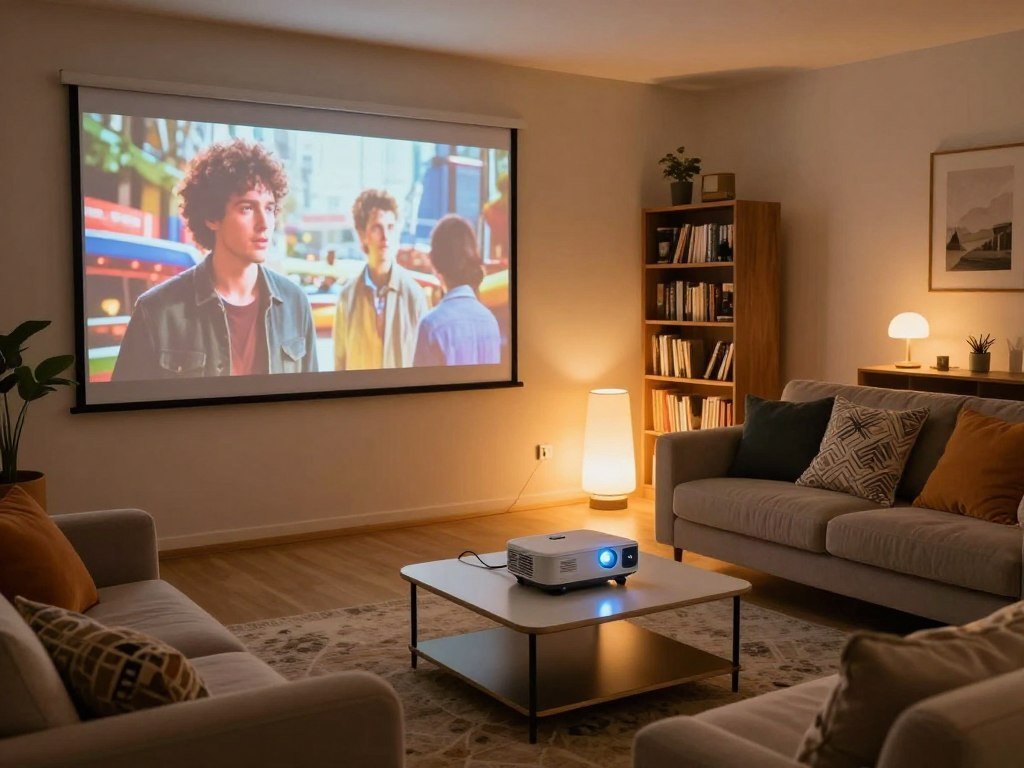
A projector can turn a living room or dedicated media room into a big-screen movie space, but the right pick depends on more than resolution. Your household budget, room conditions, image quality goals, and intended use all shape the choice. Throw ratio is the distance from the projector lens to the screen divided by the width of the projected image.
A screen, seating distance, and room light affect the picture you see. This guide compares the features and tradeoffs that matter for movie nights, gaming, and everyday viewing, so you can focus on what fits your home.
Start by measuring the room and deciding which picture tradeoffs matter most to your household.
Key Takeaways
- Set a spending range before comparing projector features.
- Check the room’s light, screen space, and seating distance.
- Compare measured brightness with the projector’s claimed output.
- Match resolution and image size to your viewing distance.
- Confirm placement, focus, and gaming needs before buying.
Best Projectors for Home Theater by Budget
For most buyers seeking a strong home-theater balance, plan around the $2,000-$3,500 range before paying extra for specialized features. The BenQ W4100i is one example at $2,999. That range is a home-theater value sweet spot for buyers seeking a broad mix of features.
A 2025 projector test compared 20 budget projectors priced from $100 to $600. The Wemax Vogue listed at $423 measured 1,404 ANSI lumens in Bright mode and 1,142 lumens in Movie mode. The Yaber K3 listed at $499 measured 1,078 ANSI lumens in its brightest mode.

Brightness alone does not establish picture quality; contrast, color, and image processing matter too.
Those measurements make the Wemax Vogue a useful point of comparison, not a blanket recommendation. A high brightness reading cannot tell you whether color or shadow detail will suit your movies.
| Budget | Example | Known price | Concrete buying signal |
|---|---|---|---|
| $100-$600 test category | 20 projectors | $100-$600 | Wemax Vogue measured 1,404 ANSI lumens in Bright mode |
| $2,000-$3,500 | General value range | $2,000-$3,500 | Value sweet spot |
| $2,299 | JMGO N1 Ultra | $2,299 MSRP | 4K triple laser |
| $5,999 | Sony VPL-XW5000ES | $5,999 | Native 4K SXRD |
What to expect below $600
Below $500, prioritize reliable 1080p image processing instead of assuming a model offers native 4K. Budget projectors can suit casual viewing, but their feature claims need careful comparison.
For the best 4K projector for a home theater under $500, do not treat a 4K label as proof of a native 4K imaging chip. At that price, focus first on the image the projector can actually produce.
The $2,000-$3,500 value range
A home theater projector in this range can offer stronger image control and more options than many entry-level models. The BenQ W4100i gives buyers a named 4K example at $2,999, with its full comparison later in this guide.
For the best 4K projector for a home theater under $1,000, remember that native 4K is not assured at that budget. A 2025 projector test is useful for context, but its $100-$600 price range cannot stand in for every current model.
When a premium projector makes sense
Projectors priced from $3,000 to $4,999 include lower-priced native 4K and laser-light-source choices. Premium models can make sense when a feature solves a real need, such as a large installation or native 4K imaging.
At the lowest budgets, judge the picture you can actually get rather than paying a premium for a 4K label.
What Screen Size and Room Fit Your Space?
A home-theater projector can fill a screen from 100 to 150 inches diagonally, with some setups reaching 200 inches. A large image needs room to breathe, and a 100-inch image suits a living room only when seating and throw distance work together.
Image size is measured from one corner of the picture to the opposite corner. A projector for a living room can work in a compact or flexible installation, but room light, seating, and placement still shape the result.
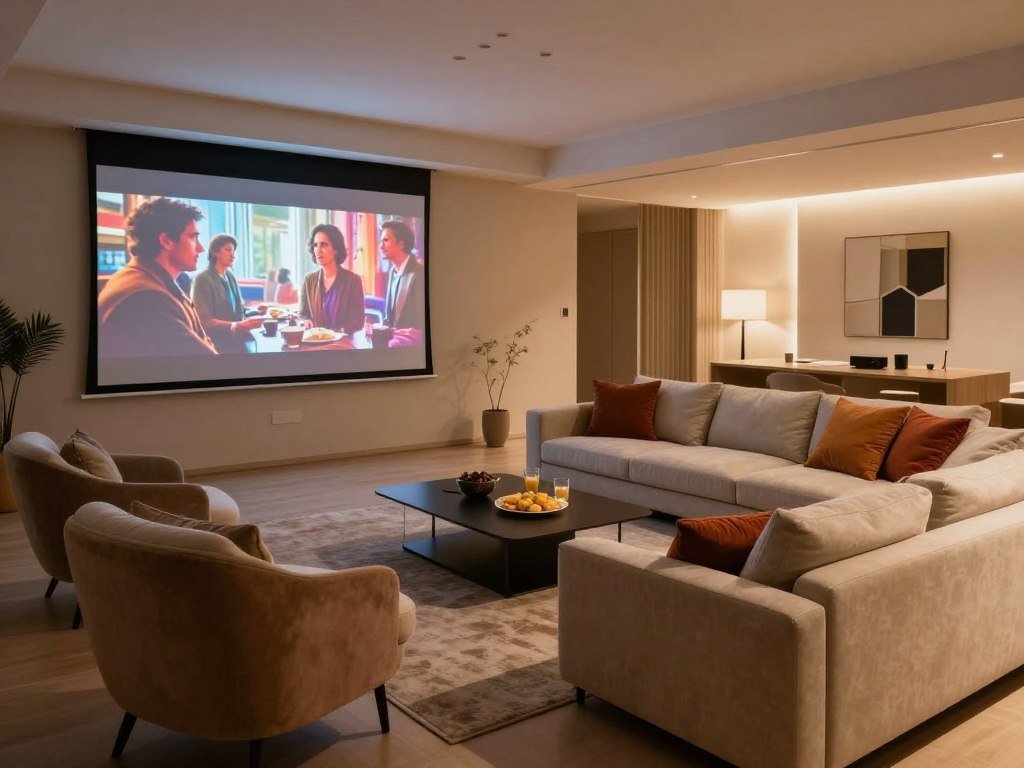
A screen also helps prevent wall color and reflectivity from changing color accuracy, contrast, and brightness uniformity. Check the room before settling on a size:
- Available wall or screen width
- Lens-to-screen distance
- Seating distance
- Control of windows and lamps
A wide image can feel impressive from the back of a room but tiring from a close seat. Leave enough space for comfortable viewing and normal movement around furniture.
Confirm the intended image size and seating position before choosing where the projector will sit.
Is 4K or 8K Resolution Worth It?
For most home theaters, 4K is the practical resolution target, while 8K e-shift is a premium way to increase onscreen detail. Native 4K displays the full 3,840-by-2,160 pixel grid, while pixel shifting moves pixels to create a 4K onscreen image.
Check the projector’s imaging device as well as its advertised resolution. The BenQ W4100i delivers 4K onscreen resolution, while the Epson QB1000 uses pixel shifting to display 4K from native 1080p panels.

JVC’s DLA-RS4200, also called the DLA-NZ900, combines native 4K with 8K e-shiftX. That system shifts pixels to increase onscreen detail; it does not use a native 8K imaging device.
For the best 8K projector for home use, first match screen size and seating distance to the projector’s actual resolution capability. A larger image viewed nearby can make fine detail easier to see than a small image viewed far away.
Standard 16:9 UHD uses 3,840 by 2,160 pixels. The separate 4,096-by-2,160 format is wider, so a product’s native resolution gives a clearer comparison than its “4K” label. See this UHD resolution guide for a related explanation of those formats.
Compare the projector’s native imaging device with its advertised onscreen resolution before deciding that the difference justifies the price.
Which Projector Light Source Fits Your Use?
A laser projector can be appealing if you want to avoid routine lamp replacement, while a lamp model can still suit a buyer focused on upfront value. Maintenance needs differ by light source. A replaceable lamp can be changed when it wears out, while a laser light engine is built for long use.
The Sony VPL-XW5000ES is a 4K laser projector with a Z-Phosphor light source and a stated 20,000-hour lamp life. Epson’s QL3000 uses a blue laser phosphor light source and is rated up to 6,000 lumens.

The QL3000’s high brightness suits larger spaces, but its premium class is not necessary for every room. A laser source alone does not guarantee better picture quality than a lamp projector.
Use these points to weigh the options:
- Maintenance tolerance
- Expected viewing hours
- Required brightness
- Purchase budget
Choose the light source by balancing maintenance expectations against the brightness your room actually needs.
How Much Brightness Does a Home Theater Need?
A measured ANSI-lumen figure is more useful than a marketing claim when you compare projector brightness. ANSI lumens are a standardized brightness measurement. Measured output can differ from a manufacturer’s claimed figure because tests use a set method and product modes can vary.
In 2025, brightness testing used nine image readings. The JMGO N1 Ultra measured 2,511 ANSI lumens against its claimed 4,000 lumens, a gap that does not by itself establish the projector’s overall quality.

Other rated figures include 3,300 lumens for the Epson QB1000, 2,000 lumens for the JVC DLA-NZ500, and 3,200 lumens for the BenQ W4100i. They provide comparison points, not a complete picture of viewing performance.
Large screens spread light across a wider area, and ambient light adds to the brightness demand. In a dark room, the same projector output can go further. A technical look at HDR brightness and contrast explains why peak brightness alone does not settle image quality.
Match brightness to the screen size and room light, not to the highest number on a product box.
Why Does Contrast Matter in Dark Scenes?
For movie scenes with deep shadows, a higher contrast ratio can preserve more separation between blacks and highlights. Native contrast is the difference between a projector’s white and black output. Strong black levels help dark scenes keep depth instead of flattening into gray.
Measured results vary by projector and test context. The Yaber K3 measured native contrast above 4,000:1, while the top five single-LCD projectors in a 2025 test measured above 2,800:1.
| Projector or group | Measured contrast result |
|---|---|
| Yaber K3 | Above 4,000:1 native |
| Top five single-LCD models | Above 2,800:1 native |
| XGIMI Elfin Flip | Under 500:1 |
| Wemax Vogue | Under 500:1 |
| Groview JQ818C versus Aurzen EAZZE D1 | Groview measured 10 times the contrast |
The figures come from different test contexts, so they are not one head-to-head ranking. The Groview JQ818C also delivered twice the brightness of the Aurzen EAZZE D1 in their side-by-side comparison.
That result shows why brighter output and stronger contrast can appear together in one test, while another projector may trade one quality for another. A bright sample image does not reveal how well a projector preserves dark detail.
Look for shadow detail in dark scenes rather than judging contrast from a bright demo image alone.
How Do Color Accuracy and Uniformity Affect the Picture?
Color coverage tells you how many colors a projector can reproduce, while color accuracy tells you how faithfully it reproduces them. Rec. 709 is the color space used for SDR content. A wider gamut does not prove that colors look accurate.
In a 2025 test, the XGIMI Elfin Flip and Wemax Vogue each covered over 95% of Rec. 709. Single-LCD projectors covered 50%-80%, though results can differ among models using the same display type.
Brightness uniformity measures how evenly light spreads across the image. The Elfin Flip measured 88% brightness uniformity, while the Wemax Vogue measured 80%.
The JMGO N1 Ultra reproduced 210% of Rec. 709 and 110% of BT.2020 with 10-bit color depth. Those gamut figures describe its color range, not whether each color is accurate.
The Epson EpiqVision Ultra LS800 has accurate out-of-box color in CINEMA and NATURAL modes. That can help if you want a natural picture without making extensive color changes.
For movies, prioritize natural-looking color and even brightness across the screen over a large gamut number alone.
What Throw Ratio and Focus Checks Matter Before Installation?
Measure the lens-to-screen distance before buying, because throw ratio determines whether the projector can make the image size you want. Ultra-short-throw projectors have a throw ratio below 0.4 and sit very close to the screen.
Compare the model’s throw ratio with your planned screen width and installation distance. Then check lens shift, offset, and focus consistency before mounting the projector.
Some 4K models in this category are described as producing more than 2,000 lumens. A category list updated October 11, 2026, uses the ultra-short-throw name for projectors with a ratio below 0.4.
Corner focus can differ from center focus. In a 2025 test, the Dangbei N2, Alvar F505, and Nexigo PJ40 Ultra each scored at least 8/10 for corner focus.
Use this installation checklist before fixing a mount:
- Throw ratio
- Lens-to-screen distance
- Lens shift and offset
- Corner focus after center focus is set
Test focus in all four corners after the center is sharp, especially before fixing a ceiling mount.
Which 2026 4K Projectors Deserve a Closer Look?
For a midrange 4K home theater, the BenQ W4100i is a clear starting point at its listed $2,999 price. Its rated 3,200 lumens and 4K onscreen resolution make it a strong model to compare. Choose among these models by matching their features to the room and installation.
The Sony VPL-XW5000ES is a native 4K laser option listed at $5,999. It uses a 1.60:1 zoom lens and lens shift, which gives installers more placement control.
Midrange 4K options
The JMGO N1 Ultra, with a $2,299 MSRP, is a triple-laser alternative. The BenQ W4100i is a different choice for buyers who want 4K onscreen resolution and a 4-LED light source.
For anyone weighing the best 4K projector in 2026, compare imaging method, rated brightness, and listed price together. The model with the largest output number may not be the best match for your seating or screen.
Premium laser models
The Epson QB1000 costs $7,999 and uses pixel-shifted 4K with a laser source. The JVC DLA-NZ500 is listed at $6,999.95 and combines native 4K with laser lighting.
| Model | Imaging or light-source detail | Rated brightness | Listed price |
|---|---|---|---|
| Sony VPL-XW5000ES | Native 4K SXRD | 2,000 lumens | $5,999 |
| BenQ W4100i | 4K onscreen, 4-LED | 3,200 lumens | $2,999 |
| Epson QB1000 | Pixel-shifted 4K laser | 3,300 lumens | $7,999 |
| JVC DLA-NZ500 | Native 4K laser | 2,000 lumens | $6,999.95 |
| Epson QL3000 | 4K pixel-shift, blue laser phosphor | 6,000 lumens | $15,999 |
Models for large or specialized rooms
The Epson QL3000 is a high-brightness choice for large spaces, with a 6,000-lumen rating and a $15,999 listed price. Its output and price place it in a different class from a typical living room model.
Other 2026 models to compare include the Epson Home Cinema LS11000, Epson EpiqVision Ultra LS800, BenQ HT4550i, and JVC DLA-NZ7. Prices here are guide-listed figures, not a promise of current retail pricing.
Check the installation dimensions and current configuration before choosing among the premium models.
What Features Matter for Gaming and Streaming?
For gaming, input lag can matter more than a projector’s smart features or extra picture modes. Input lag is the delay between a game system sending an action and the image showing it. Below 20 ms is very good, 20-50 ms is acceptable, and above 100 ms is unsuitable for gaming.
In 2025 tests, only the Nexigo PJ40 measured below 20 ms, and four projectors measured below 50 ms. Check the lag in the picture mode you expect to use, since settings can affect responsiveness.
HDMI 2.1 support matters for high-frame-rate signals; the BenQ W4100i has HDMI 2.1 inputs that support 4K/120 signals. Confirm the exact input and signal support before planning around a high refresh rate.
A smart operating system runs apps inside the projector, while an external device sends streaming content through an input. App support can vary, so a streaming stick is a practical backup.
The Epson LS11000 uses larger, slower-moving fans intended to reduce exhaust noise. That design is a noise consideration, not a stated decibel measurement.
Input lag also differs from pixel response time, and a screen’s refresh rate cannot exceed the frames its game system sends. For more on display timing, see this guide to gaming input lag and this PS5 display guide.
Confirm the input lag in the game mode you plan to use, since a low-lag mode can change how responsive play feels.
How Can You Get the Best Picture in Your Room?
A good projector can still look washed out if the room is bright or the projection surface changes the image. A dedicated screen offers a more consistent surface than an untested wall. Ambient light lowers perceived contrast and can make projected color look pale.
A wall’s color and reflective properties can affect color accuracy, contrast, and uniformity. Lamps and window light can also reduce the impact of a projector’s dark-scene detail.
Use this short setup checklist:
- Use a suitable projector screen
- Control lamps and window light
- Align the projector squarely
- Confirm the screen’s 16:9 shape matches the content
Many home-cinema films and shows use the common widescreen 16:9 shape. Matching the screen to that content helps avoid unwanted blank space or cropping.
Dim the room and use a screen with a neutral surface before judging the projector’s color and contrast.
Judge image quality only after the projector and screen are aligned and the room lighting reflects your usual viewing conditions.
Conclusion
The right projector is the one that fits your room and viewing priorities without making you pay for features you will not use. Room fit, measured picture performance, and price matter more than any single product claim.
Compare your shortlist against your actual screen size and placement, then choose the model that meets your needs without stretching your budget for extras. Measure your intended screen and throw distance, then compare the shortlist against those dimensions before purchasing.
FAQ
Can a projector replace a TV in a bright living room?
A projector can replace a TV in a bright living room only when you can manage the light or use a screen suited to that space. Ambient light can wash out the image and soften dark scenes. Close curtains, dim lamps, or choose a screen designed for rooms with light. A TV may be easier if the room stays bright all day.
Is native 4K noticeably better than pixel-shifted 4K?
Native 4K uses an imaging device with the full 3,840-by-2,160 pixel grid, while pixel shifting moves pixels to create a 4K onscreen image. Native 4K can show finer detail, but the difference depends on screen size and seating distance. It is often easier to see on a large image viewed from nearby than on a small image viewed across the room.
How far should a projector sit from a 100-inch screen?
Multiply the projected image’s width by the projector’s throw ratio to estimate lens-to-screen distance. A 100-inch 16:9 image is about 87 inches wide, so a 1.2:1 ratio calls for roughly 104 inches. The projector’s lens range can change that estimate, so use the exact model’s range before mounting. Measure from the lens, not the back of the projector.
Do I need a special screen for an ultra-short-throw projector?
A compatible screen is a good choice for an ultra-short-throw projector because its throw ratio below 0.4 puts it very close to the screen. That steep projection angle can make the surface and its texture more visible. A screen made for this placement can also help manage room light. Check that the screen works with the projector type before buying.
Are laser projectors better than lamp projectors for movies?
Laser projectors can reduce routine light-source maintenance, while lamp models let you replace the lamp when it wears out. Neither light source guarantees better movie picture quality. Contrast, color accuracy, focus, and the screen all affect the image. Sony lists a 20,000-hour lamp life for the VPL-XW5000ES, but that stated figure does not apply to every laser model.
Is a projector with a high ANSI-lumen rating always brighter in real use?
No, a high claimed ANSI-lumen rating does not always mean the projector will look brighter in real use. Measured output can differ from a manufacturer’s figure, and viewing conditions affect perceived brightness. A large screen spreads the light over more area, while room light can make the image look dimmer. Compare measured results when available, not just the box claim.



