
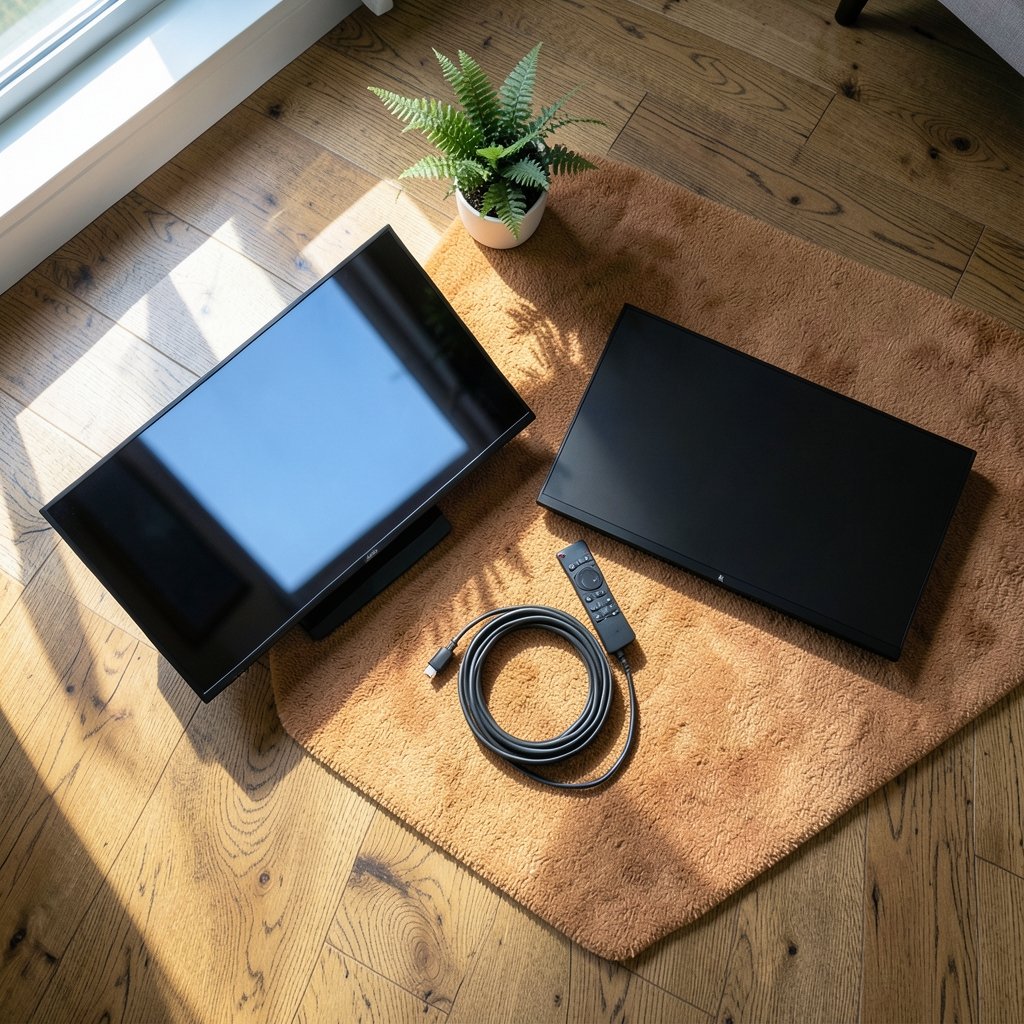
Have you ever moved a screen from one room to another and felt like you were looking at a completely different device? The picture settings never changed, yet everything looked washed out, flat, or oddly harsh. That experience is not imagination. It is physics, and it sits at the heart of the gaming monitor versus TV debate.
Room lighting is the quiet variable almost nobody checks before buying. Most buyers compare specs on paper, like contrast ratios and peak brightness, in a vacuum. In the real world, a window, a desk lamp, or a cheap LED bulb can undo half of what the spec sheet promised. This guide breaks down how ambient light reshapes what each screen type does best, and what that means for buyers in 2027.
Why ambient light matters more than most specs
Every screen has two jobs: it emits light from the panel and reflects light from the room. The second job rarely appears on a spec sheet, but it often decides how good a picture looks.
In a bright room, light bounces off the screen surface and adds a veil of glare over the image. Dark scenes suffer first. What should be deep black turns into a milky gray, and shadow detail disappears into the haze. A panel that measures a deep black level in a dark lab can look flat and gray on a sunny afternoon.
That is why contrast in a lit room is a different number from contrast in a dark room. The measured contrast ratio assumes near-total darkness. Real rooms add reflected light on top of the image, and the darker the content, the more that reflected light dominates.
The practical takeaway: a screen is only as good as the room it lives in. That single idea explains most of the differences between monitors and TVs below. (ENERGY STAR: Monitors program overview)
How each screen handles a bright room
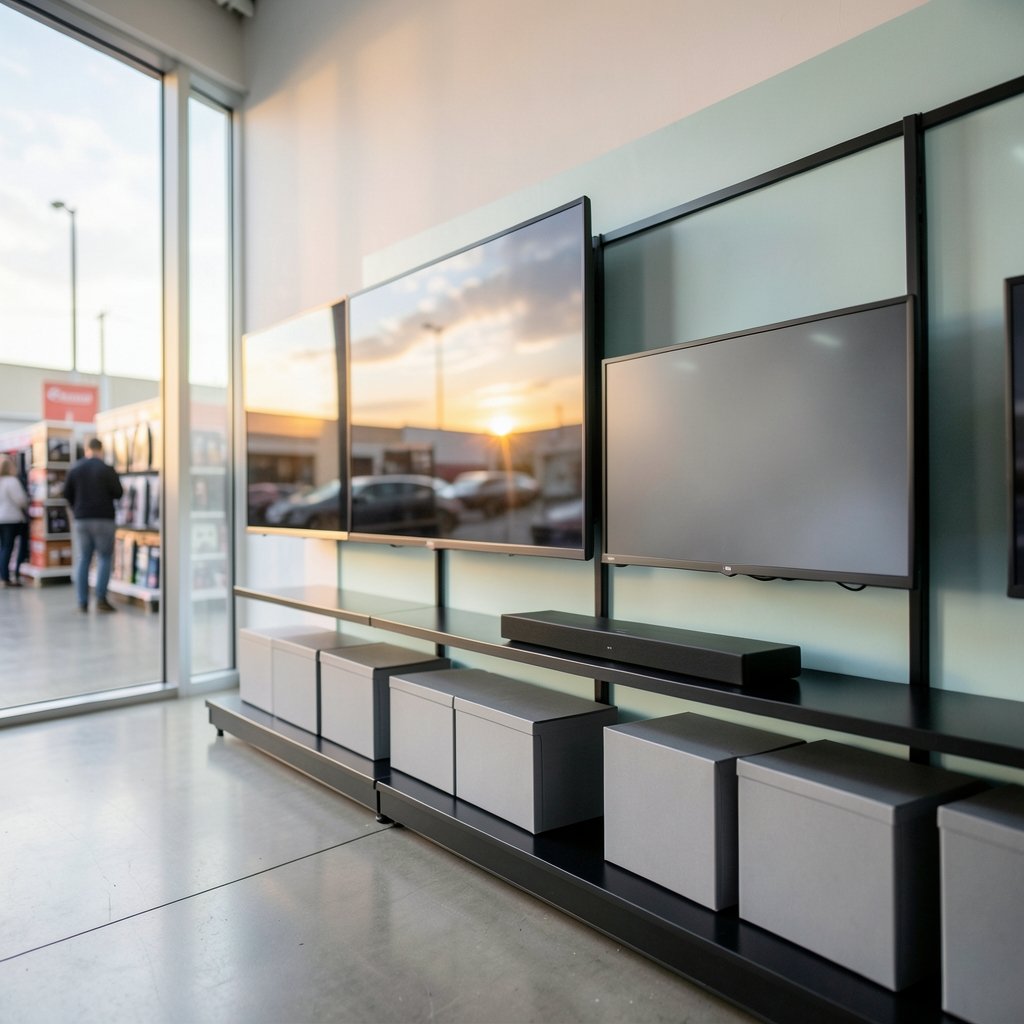
Monitors and TVs are designed for different rooms, and their coatings and brightness curves show it.
The matte monitor advantage
Most gaming monitors ship with matte or anti-glare coatings. In a room with a window behind the desk or an overhead light, that finish scatters reflections instead of showing a sharp, distracting image of the lamp. The trade-off is a slight softening of the image and a faint haze in dark scenes.
Monitors also tend to sit closer to the viewer. At arm’s length, a reflection is far more distracting than it would be from across a living room, so the matte choice makes practical sense.
The glossy TV punch
Many TVs use glossy panels to maximize perceived contrast and color saturation. In a dark or dim room, that produces deep blacks and vivid highlights. In a bright room with a window opposite the screen, the same coating can turn the TV into a mirror.
TVs usually compensate with higher peak brightness, which helps in daylight but cannot fix a reflection pointed straight at the viewer. Position matters as much as the panel.
| Factor | Gaming monitor | TV |
|---|---|---|
| Typical coating | Matte or anti-glare | Often glossy |
| Viewing distance | Close, desk-based | Far, couch-based |
| Peak brightness | Moderate to high | Often higher |
| Reflection handling in bright rooms | Scatters glare | Can mirror the room |
| Best lighting setup | Controlled desk lighting | Dim room, no direct window |
The black level illusion
Here is a fact that surprises many buyers: in a well-lit room, a premium panel and a budget panel can look surprisingly similar in dark scenes. Reflected ambient light lifts the black floor of both, and the gap between them shrinks.
This is not a reason to ignore quality. It is a reason to buy for your actual room. If the screen sits in a bright living room all day, spending extra on perfect dark-room black levels delivers less than expected. If the room can be darkened, those same qualities become visible and worth the money.
The same logic applies to HDR. HDR content relies on bright highlights and deep shadows living side by side. Ambient light compresses that range from both ends, so HDR looks flatter in a bright room no matter how capable the display is. (High-dynamic-range television (Wikipedia))
For a deeper look at how rendering and upscaling interact with display quality, see this explainer on DLSS vs FSR and how AI upscaling changes PC gaming. Sharper upscaling helps most in bright rooms, where haze softens fine detail.
HDR, peak brightness, and the light you cannot control
HDR is often marketed as a brightness feature, and in bright rooms that framing is close to correct. Higher peak brightness helps highlights punch through ambient glare. But brightness alone does not guarantee a good HDR image.
Two things matter more than the headline number:
- Tone mapping. The screen decides how to fit the HDR signal into its own brightness range. In a bright room, aggressive tone mapping can crush highlights or lift shadows in ways that look wrong.
- Auto brightness limiting. Many panels dim automatically when large bright areas fill the screen. In a dark room this is barely noticeable. In a bright room the dimming can be visible and distracting.
The fix is not always a new screen. Dimming the room a little, or moving a lamp out of the reflection path, often improves HDR more than a settings change.
Practical lighting setups that actually work
Most people never think about lighting until the picture looks bad. A few simple adjustments fix the majority of problems.
For a desk with a gaming monitor
- Kill the backlight glare. Never place a lamp or window directly behind the monitor facing the viewer. That setup creates the worst kind of glare.
- Light the wall behind the screen. A soft bias light behind the monitor reduces the contrast between the bright screen and a dark wall, which many people find easier on the eyes.
- Use diffused, indirect light. A shaded floor lamp aimed at a wall beats a bare bulb overhead.
- Control the window. Blinds or a sheer curtain tame daytime glare without plunging the room into darkness.
For a TV in a living room
- Avoid direct window light on the screen. Side lighting is far kinder than light hitting the panel face-on.
- Dim, don’t kill, the lights. A little ambient light reduces eye strain during long sessions and softens the transition between bright and dark scenes.
- Match the mood to the content. Bright rooms suit sports and bright games. Darker rooms suit cinematic titles and horror.
If the picture still looks off after these steps, the problem may be settings rather than lighting. This guide to common gaming monitor problems and fixes that actually work covers the usual culprits, from wrong color modes to broken cables.
Bias lighting: helpful habit or hype?
Bias lighting, a soft light placed behind the screen, is one of the most debated topics in display setup. The claims are big: less eye strain, better perceived contrast, more comfortable viewing.
The honest answer is that the evidence is mixed. Many people genuinely find a lit wall behind the screen more comfortable, especially during long sessions in a dark room. The effect on perceived contrast is real but modest, and it depends on the light being soft and indirect.
What does not work is a harsh, bright strip that creates its own glare. If bias lighting is used, it should be dim, warm, and hidden from direct view. Treat it as a comfort tweak, not a picture-quality upgrade.
Choosing the right screen for your room
The monitor versus TV question is really a room question. Before comparing panels, map the room.
| Room situation | Better fit | Why |
|---|---|---|
| Bright home office with a window | Gaming monitor with matte coating | Glare control and close viewing distance |
| Dark dedicated game room | Either, leaning TV for size | Glossy panels shine in controlled light |
| Shared living room with daytime use | TV with high brightness | Peak brightness fights ambient light |
| Competitive play at a desk | Gaming monitor | Low latency, matte finish, close focus |
For competitive players, response time and refresh rate matter as much as lighting. This guide to the best budget gaming monitor for competitive play covers what to prioritize when the budget is tight.
Panel type also interacts with lighting. VA panels offer deep native contrast but can show smearing in dark scenes, while IPS panels trade some contrast for consistency and viewing angles. A practical guide on how to choose a gaming monitor that matches the panel to what you actually play explains the trade-offs in plain terms.
Common mistakes buyers make
A few habits trip up almost everyone at some point.
- Judging a screen in a store. Showroom lighting is nothing like a home. A screen that looks stunning under bright retail lights can look washed out in a dim bedroom, and vice versa.
- Chasing contrast specs in a bright room. The number assumes darkness. In a lit room, reflected light sets the real limit.
- Ignoring the coating. A glossy panel in a sunny room is a constant battle. A matte panel in a dark room can look slightly hazy. Match the finish to the room.
- Skipping the settings. Out-of-box modes are often tuned for showroom punch. Calibrating brightness and color temperature to the room makes a bigger difference than many upgrades.
- Forgetting the wall color. Dark walls reduce reflected light and make the picture look deeper. White walls bounce light everywhere, including onto the screen.
What changes in 2027
The fundamentals of light and reflection do not change, but the hardware around them keeps improving. Three trends are worth watching.
First, brighter panels are becoming more common at mid-range prices. Higher brightness helps in bright rooms, but it also makes good glare control more important, not less.
Second, better anti-glare coatings are closing the gap between matte and glossy. Some newer finishes scatter reflections while keeping more punch than older matte screens.
Third, smarter tone mapping is helping screens adapt to ambient light automatically. The results vary, and no algorithm replaces a sensible lamp placement.
None of this changes the core advice. Match the screen to the room, control the light you can, and stop expecting a spec sheet to describe your living room.
Conclusion
The gaming monitor versus TV debate has no universal winner, because the deciding factor is not the panel. It is the room. A matte monitor in a bright office and a glossy TV in a dark living room can both look excellent, while the same two screens swapped between rooms can both disappoint.
The practical path is simple. Look at where the screen will sit, note the windows, lamps, and wall colors, and choose a coating and brightness level that suit that space. Then spend ten minutes on lighting and settings before spending money on an upgrade. In most rooms, that order of operations delivers the biggest visible improvement for the least cost.
FAQ
Does room lighting really change picture quality that much?
Yes, especially in dark scenes. Reflected light from the room lifts the black level of any screen, which reduces visible contrast. In a bright room, the difference between a premium panel and a budget one can shrink dramatically.
Is a matte or glossy screen better for a bright room?
A matte or anti-glare coating is usually the safer choice in a bright room. It scatters reflections instead of showing a sharp mirror image. Glossy panels can look better in controlled, dim light but struggle with windows and lamps.
Should I use bias lighting behind my monitor?
It is a comfort choice more than a quality upgrade. Many people find soft, indirect light behind the screen easier on the eyes during long sessions. Keep it dim and hidden, and do not expect it to transform contrast.
Can I fix a washed-out picture without buying a new screen?
Often, yes. Move lamps out of the reflection path, add blinds to windows, adjust brightness and color temperature, and check that the correct picture mode is active. These steps solve many glare and haze complaints.
Do TVs handle bright rooms better than monitors?
Not automatically. Many TVs have higher peak brightness, which helps in daylight, but glossy coatings can mirror a bright room. A bright TV in a sunny room with a window opposite may perform worse than a matte monitor.
Does HDR look worse in a bright room?
HDR relies on the contrast between bright highlights and deep shadows. Ambient light compresses that range from both ends, so HDR looks flatter in a lit room. Dimming the room usually improves HDR more than changing settings.



