
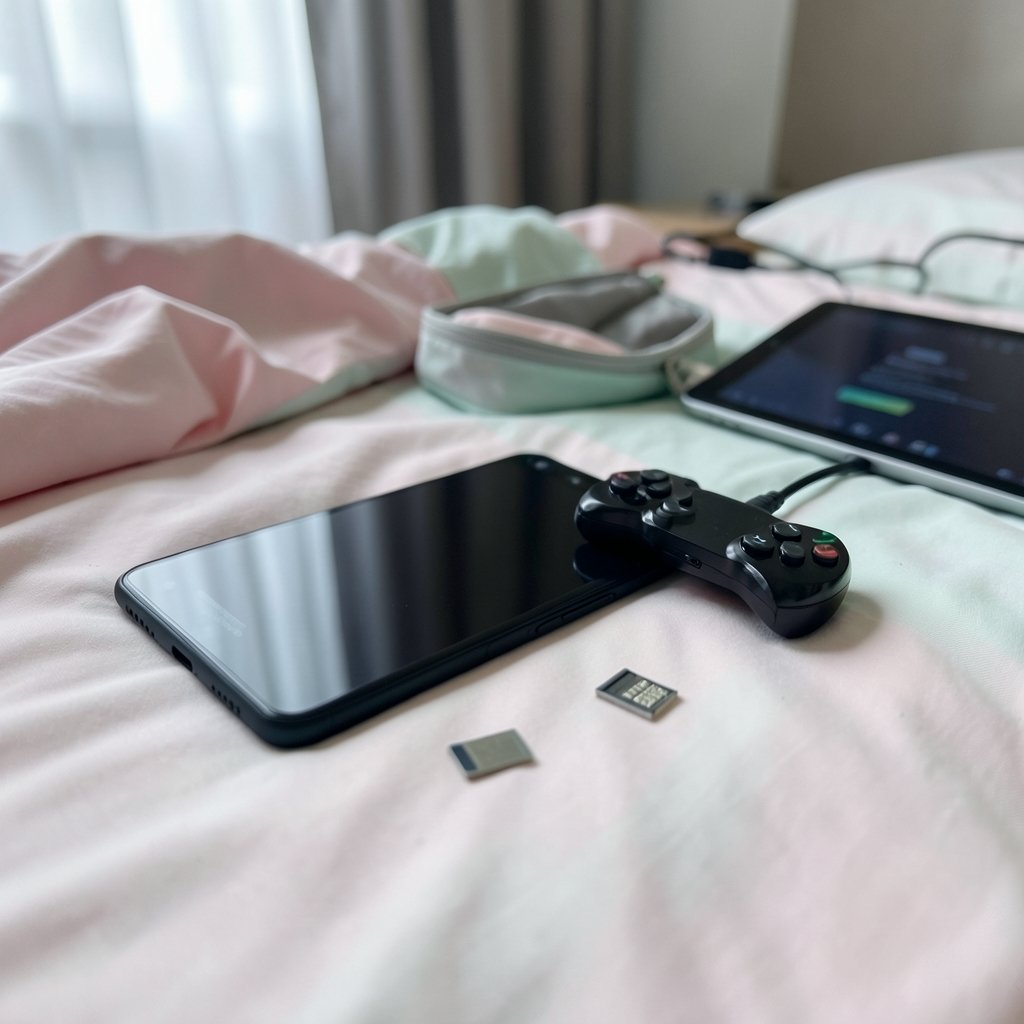
Ever downloaded three Switch emulators, watched one run a game perfectly, and then wondered why the other two crashed on the same title? Eden, Citron, and Sudachi Reborn all trace their lineage back to the same emulator codebase, yet they behave like three different apps once you play something. This article covers how they differ on compatibility, controls, and save files, and what to watch for as these projects keep changing through 2027.
Why These Three Emulators Look So Similar
The short answer is shared ancestry. When the well-known Switch emulator Yuzu shut down in 2024 after a legal settlement with Nintendo, its open-source code was already public. Developers forked it, renamed it, and kept building. Eden, Citron, and Sudachi all descend from that lineage, which is why their menus, file layouts, and even their bugs often look familiar.
The important consequence: a fix in one fork often appears in another weeks later, and a regression in one frequently shows up in all three. Treat them as siblings, not strangers.
One more thing to keep in mind. The legal picture around Switch emulation remains unsettled. Nintendo’s 2024 actions against Yuzu and later against Ryujinx reshaped the scene, and forks operate under continuing ambiguity. If you want the background, the Wikipedia entry on Yuzu and its shutdown covers the timeline and the settlement terms in more detail than any forum thread will.
Compatibility: Which Emulator Runs What

Here is the honest truth nobody likes to hear: compatibility is title-specific and build-specific. There is no permanent champion. A game that runs flawlessly on Eden today may stutter after a driver update, or a Citron build may suddenly fix a title that has been broken for months.
That said, some general patterns hold.
| Area | Eden | Citron | Sudachi Reborn |
|---|---|---|---|
| Development activity | Generally the most active of the three | Active, closely tracks Eden | Uneven; release cadence varies |
| Compatibility profile | Broad, fastest to adopt upstream fixes | Similar to Eden, occasional title-specific wins | Historically a different performance balance |
| Best for | Players who want the latest fixes | Players comparing builds for a stubborn game | Experimenters and tinkerers |
| Risk | Regressions from fast changes | Regressions from fast changes | Uncertainty about project continuity |
A few practical notes on each:
Eden is usually the safest first stop if you want the newest compatibility work. Because it is the most actively developed, it tends to absorb fixes quickly, but that pace also means occasional breakage. Keeping one older build on hand is genuinely smart.
Citron sits close to Eden in behavior. Differences between the two tend to be narrow and version-specific rather than sweeping. If a game refuses to boot on one, testing the other is a five-minute experiment worth running.
Sudachi Reborn is the one to approach with caution. Sudachi as a lineage has a real history and its own release pattern, but a project specifically branded “Sudachi Reborn” is not something that can be confirmed with confidence. Before you commit time to it, check that the build you downloaded comes from a maintainer you can actually identify and that the project is still receiving updates. Treat unverified forks the way you would treat any unsigned software.
The Settings That Actually Move the Needle
Most compatibility complaints trace back to configuration, not the emulator itself. In practice, these adjustments fix more games than switching forks ever will:
- Switch the graphics driver. On Snapdragon devices, trying a different Vulkan driver build resolves a large share of crashes and visual glitches.
- Toggle the shader backend. Clearing a corrupted shader cache fixes stutters and black screens surprisingly often.
- Lower the resolution scale. Dropping from docked to handheld resolution can turn an unplayable title into a stable one.
- Test one variable at a time. Changing five settings at once tells you nothing about which one mattered.
If you are new to sideloading emulator builds, the guide to installing APK files safely on Android is worth reading before you start hunting for forks, because a bad source is a bigger risk than a bad build. (Android (operating system)))
Controls: Gamepad, Touch, and Everything Between
All three emulators support on-screen touch controls and physical gamepad mapping, and all three let you save per-title profiles. The differences show up in the details.
Physical controllers are where these apps shine. Bluetooth gamepads, USB-C controllers, and clip-on phone grips all work, and you can remap buttons individually. The common mistake here is forgetting that each game keeps its own profile. You set up a perfect layout for one title, launch another, and nothing responds because that game is still on the default mapping. Check the active profile before you blame the emulator.
Touch controls are usable but rarely ideal for anything action-heavy. They work well for turn-based games, menu-driven titles, and slower RPGs. For anything requiring precise timing, a physical controller is not a luxury.
Motion and rumble support varies by build and by controller. If a title depends on gyro aiming, test it early rather than discovering the problem twenty hours in.
A word on setup hygiene: keep your controller firmware current, pair the device before launching the emulator, and avoid switching controllers mid-session. Most “my controls stopped working” reports come down to one of those three things.
Save Files: Where They Live and How to Move Them
Save files are the part people worry about most, and rightly so. Losing a forty-hour playthrough because you switched forks is a genuinely bad day.
The good news is that Yuzu-lineage emulators generally share a similar save directory structure, which means saves are often interchangeable between Eden, Citron, and Sudachi-family builds. The bad news is that “often” is doing real work in that sentence. Cross-version compatibility is not guaranteed, and a save written by a newer build may not load in an older one.
Finding Your Saves
Saves typically live in a per-title folder inside the emulator’s data directory, keyed by a title ID. The practical approach:
- Locate the emulator’s data folder in your device storage.
- Find the save subdirectory and note the per-title folders inside it.
- Copy the entire folder for the game you care about, not individual files.
- Back that copy up somewhere outside the emulator’s directory.
Step four is the one people skip, and it is the one that saves them. Keep a dated backup before every emulator switch or major update.
Moving Saves Between Forks
Because the layouts are similar, migration is usually a copy-and-paste job. Copy the title folder from the old emulator’s save directory into the matching location in the new one, launch the game, and confirm the save appears. If it does not load, the likely causes are a version mismatch or a title ID difference between regions. Reverting to the build that created the save and re-exporting is the reliable fallback.
One caution worth stating plainly: do not run two emulators against the same save folder simultaneously. Cloud sync tools and background processes can corrupt saves that way. Copy, do not share.
If you also want to move screenshots, ROMs, and config files between devices, the roundup of methods to transfer files from Android to PC covers the practical options.
Performance and Stability in Practice
Raw speed gets all the attention, but stability matters more for actually finishing a game. A title that runs at a locked frame rate with no crashes beats one that hits higher peaks and dies every hour.
Across all three forks, the same handful of factors dominate real-world performance:
- The device chipset. Snapdragon chips with strong Vulkan support consistently outperform older or mid-range hardware.
- Thermal throttling. Long sessions on a phone will slow down. A clip-on cooler is not a gimmick.
- Shader compilation. First launches stutter while shaders build. This settles after a few sessions.
- Resolution scale. The single biggest lever you control.
If you are curious about how modern rendering tricks change what you see on screen, the explainer on frame generation and the AI-created frames you never actually rendered is a useful primer on why some visual improvements cost almost nothing in performance.
The Legal and Safety Side Nobody Enjoys Discussing
Emulator projects exist in a gray zone that shifted significantly in 2024. Downloading builds from unofficial mirrors carries real risk: modified APKs, bundled adware, and silent permission changes are common. The practical rules are simple. Get builds from the project’s own release channel, verify the maintainer, and scan anything you sideload.
If you are setting up a device for a younger player, the guide to setting up parental controls on Android is a sensible companion read before you hand over an emulator-loaded phone.
Which One Should You Actually Use?
Start with the most actively developed option, keep a second fork installed as a fallback, and treat any unverified fork as an experiment rather than a daily driver. Back up your saves before every switch. Test one setting change at a time. And accept that in this ecosystem, “best” is a moving target measured in weeks, not years.
Conclusion
Eden, Citron, and Sudachi Reborn are less three competitors and more three branches of one constantly shifting tree. Eden usually leads on fresh compatibility work, Citron offers a close alternative worth testing when a specific title misbehaves, and Sudachi Reborn deserves caution until its provenance and activity are clear. Controls are broadly similar across all three, with per-title profiles being the detail that trips most people up. Save files are usually portable between forks, but “usually” is not “always,” so back them up first. Pick one, keep a spare, protect your saves, and let the builds evolve.
Frequently Asked Questions
Can I use the same save file across Eden, Citron, and Sudachi Reborn?
Often yes, because they share a similar Yuzu-derived save layout. Copy the whole per-title folder rather than individual files, and keep a backup first. Version mismatches can prevent a save from loading, so revert to the original build if a transfer fails.
Which of the three has the best game compatibility?
There is no permanent winner. Compatibility depends on the specific game and the specific build. Eden is generally the most actively developed and quickest to adopt fixes, while Citron behaves closely enough that testing it is worthwhile when a title refuses to run.
Do I need a physical controller to play?
No, but it helps. All three support on-screen touch controls that work fine for turn-based and menu-driven games. For action titles, precise timing, or gyro aiming, a Bluetooth or USB-C gamepad is a meaningful upgrade.
Why did my controls stop working after switching games?
Almost always because each title stores its own controller profile. Launching a new game loads the default mapping, not the one you configured elsewhere. Check the active profile for that title before troubleshooting anything else.
Is Sudachi Reborn safe to download?
Be careful. A project specifically branded “Sudachi Reborn” cannot be confirmed with confidence, so verify the maintainer and check whether the project is still receiving updates. Download only from a release channel you can identify, and scan anything you sideload.
Will these emulators still work in 2027?
Nobody can promise that. The projects depend on volunteer maintainers, and the legal landscape around Switch emulation remains unsettled following the 2024 actions against Yuzu and Ryujinx. Keep backups of your saves and builds so a project going quiet does not cost you your progress.



