
Can a phone really run PlayStation 3 games in 2027? That question pops up in every emulation forum, usually followed by three names: Armsx3, Dukeps3, and RPCS3. The honest answer is messier than the videos suggest, and it starts with a fact many guides skip. One of those three names is not an Android app at all, and the other two are hard to confirm as real, maintained projects. If someone is deciding where to spend their storage space and weekend, that distinction matters more than any compatibility chart.
What Each Name Actually Refers To
RPCS3 is the well-known one. It is an open-source PlayStation 3 emulator built for desktop Windows and Linux, and its official documentation lists those platforms as the supported ones. There is no official Android build. When people say “RPCS3 on Android,” they usually mean one of three things: streaming a PC running RPCS3 to a phone, running a desktop emulator through a compatibility layer, or watching a video of something that is not RPCS3 at all.
Armsx3 and Dukeps3 are different. They circulate in app lists and short videos as Android PS3 emulators, but they do not appear among established, documented emulation projects in the way RPCS3 does. That does not automatically make them fake. It does mean a careful reader should treat them as unverified until there is a public repository, an official site, or a store listing with a real development history behind it. The emulation scene has a long tradition of renamed builds, abandoned experiments, and repackaged apps wearing a new logo.
A practical test works better than any list. A real emulator project leaves a trail: release notes, issue trackers, commit history, a community that argues about settings. An app that only exists as a download link and a promo clip has no trail to check.
Why PS3 Emulation Is So Hard on a Phone
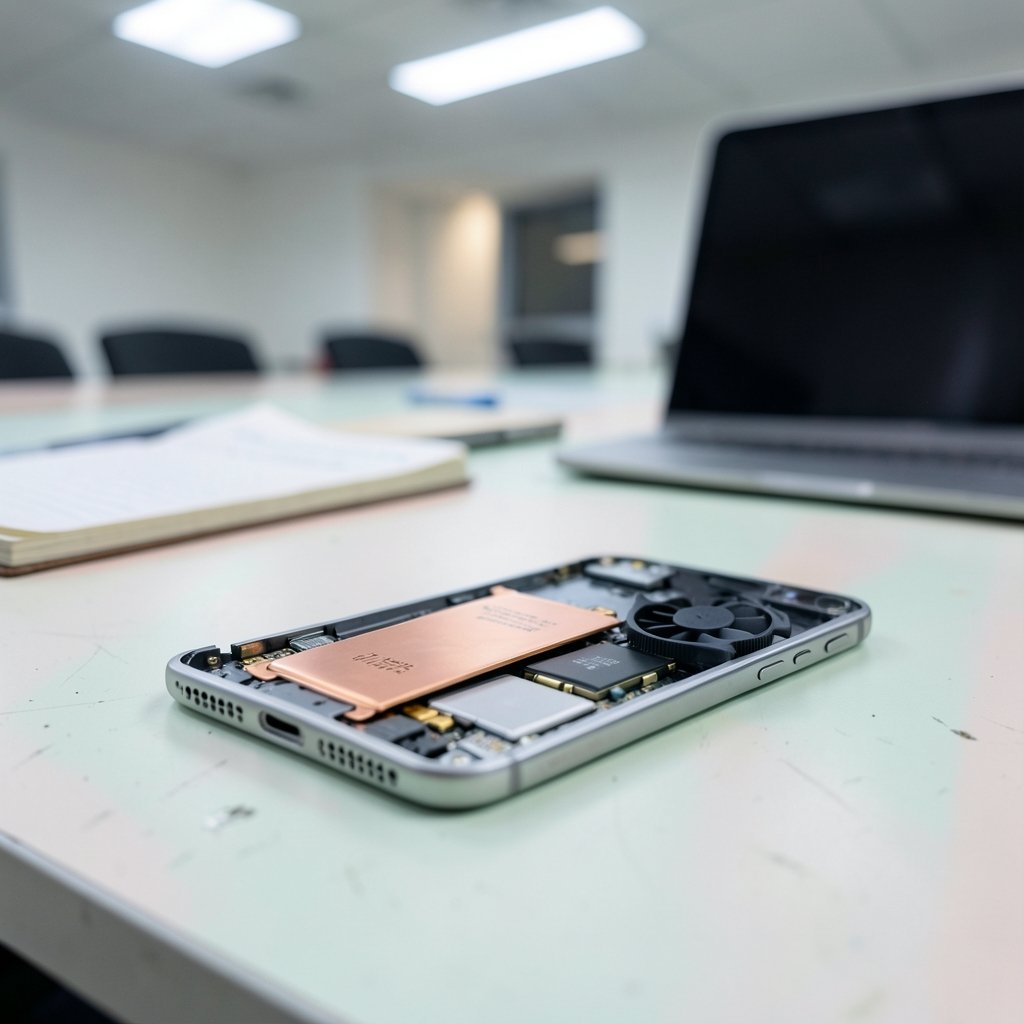
The PS3 ran on the Cell Broadband Engine, a chip with one general-purpose core and several synergistic processing units that developers had to program in unusual ways. Emulating that arrangement on a different processor demands heavy translation work, and the RSX graphics chip adds another layer. Desktop emulators handle this with raw CPU power and mature graphics drivers. A phone has neither in the same measure.
That gap shows up in three places:
- Thermal limits. A phone that runs a demanding emulator for ten minutes throttles, and frame rates fall with it.
- Graphics drivers. Mobile GPU drivers vary widely by manufacturer, and emulators depend on them heavily.
- Memory bandwidth. Shared mobile memory is fast for a phone but not built for this workload.
None of this means mobile emulation never improves. It means any claim of smooth, full-speed PS3 play on a mid-range handset deserves skepticism, especially when the source is a thirty-second clip.
Compatibility: What the Numbers Really Mean
Compatibility is where marketing language does the most damage. A single “compatible” badge hides the fact that PS3 emulation status is tracked per game, not per emulator. The community compatibility list for RPCS3 sorts titles into categories such as Playable, Ingame, Intro, and Nothing, and the spread across those categories is enormous. A project can be impressive and still fail on the specific game someone cares about.
| Status | What it usually means in practice |
|---|---|
| Playable | Boots, runs, and finishes with acceptable speed on recommended hardware |
| Ingame | Loads and responds but has serious glitches or crashes |
| Intro | Reaches menus or a cutscene, then stops |
| Nothing | Does not boot at all |
For Armsx3 and Dukeps3, no comparable public compatibility database is easy to find. That absence is itself information. Without a maintained list, any compatibility claim is anecdotal, and anecdotal claims age badly because emulator updates change results overnight.
The practical advice is boring but effective: pick the game first, then search for recent reports about that specific title. A 2027 compatibility claim about a whole console is close to meaningless.
Controls: Where Android Ports Fall Apart
Controller handling separates serious projects from quick repackages. On desktop, RPCS3 configures input through its own settings, with support for DualShock 3 and 4 pads and generic gamepads. Mapping is documented and stable, so a player sets it once and forgets it.
On Android, mapping is not standardized across unofficial apps. Expect to see one of these patterns:
- Touch overlays that place virtual buttons over the screen. They work for menu-driven games and feel wrong for anything requiring precision.
- Bluetooth gamepad support that varies by app, sometimes with missing triggers or swapped sticks.
- Partial mapping where the app detects a controller but ignores half its buttons.
If a gamepad is part of the plan, test the connection before installing anything heavy. Pair the pad, open a simple game, and confirm every button registers. A controller that works everywhere else can still behave strangely inside an emulator wrapper.
Save Files: The Quiet Dealbreaker
Save data is the least glamorous topic and the one most likely to cost someone a weekend. In desktop RPCS3, saves live per game inside the emulator’s data directory, and the project documents how to import and export them. That structure is predictable, which makes backups simple: copy the folder, keep it somewhere safe, and restore it later.
Unofficial Android builds rarely document where saves go. Common outcomes include saves stored in app-private storage that disappears on uninstall, saves tied to a specific build that breaks after an update, and memory-card files that exist but cannot be exported. Before investing hours in a game, find the save location and copy it off the device once. If the app offers no export path, treat every session as disposable. (Install apk files safely android without getting burned)
This is also where the legal side enters. PS3 system software and game files are copyrighted, and emulator guides generally expect users to dump firmware and games from hardware they own. Google Play’s developer policy on intellectual property explains why apps that facilitate infringement get removed, which is part of why “PS3 emulator” listings come and go. Anyone setting up emulation on a phone should also know how to install APK files safely on Android without getting burned, because sideloaded builds from random sites are exactly where trouble hides. (Transfer files from android pc 7 methods that actually work)
The Streaming Alternative Nobody Mentions First
There is a route that sidesteps most of this: run the emulator on a desktop and stream the picture to the phone. The phone becomes a screen and a controller, and the heavy lifting stays on hardware that can handle it. Latency depends on the local network, and it only works at home, but it delivers real compatibility instead of hopeful compatibility.
For readers who want to experiment with Android itself rather than stream, an Android emulator on Windows 11 is a useful sandbox. Testing an app inside a virtual device shows whether it installs, launches, and behaves before it touches a real phone. That habit saves people from discovering problems after a long download.
A Sensible Way to Test Any of These Apps
Rather than trusting a comparison table, run a short trial. It takes an evening and answers the questions that matter.
- Check whether the app has a public project page, repository, or changelog. No trail, no trust.
- Install it on a spare device or inside a virtual Android environment first.
- Boot one undemanding game and watch for ten minutes. Note heat and frame rate.
- Pair a controller and test every button.
- Locate the save folder and copy it off the device.
- Uninstall and reinstall to see whether saves survive.
Most questionable apps fail at step three or five. Finding that out early is far cheaper than finding it out after twenty hours of play.
Security and Privacy Checks Worth Doing
Emulator apps request broad permissions, and some ask for storage access they do not need. Review permissions before granting anything, and be wary of apps that request accessibility services or device administrator rights. Those are not normal requests for a game emulator.
Account safety matters too. Some repackaged apps push users toward sign-ups or bundled installers. If a login appears, check where saved passwords on Android are stored and how to review them, so a forgotten credential does not linger. Parental controls deserve a mention as well, since sideloaded apps bypass store review entirely; a practical guide to setting up parental controls on Android covers the settings that keep unknown installs off a child’s device.
How to Read 2027 Claims
Any statement about a 2027 release, roadmap, or Android version of these tools should be labeled as speculation unless a project publishes it. Emulation timelines slip constantly, and videos that promise a date rarely survive contact with reality. The safer approach is to judge what exists now, on hardware in hand, with a game that can actually be tested.
Conclusion
The Armsx3 vs Dukeps3 vs RPCS3 question has an uncomfortable shape. RPCS3 is a real, documented desktop emulator with no official Android version. Armsx3 and Dukeps3 are names that need evidence before anyone treats them as established tools. Compatibility claims belong to individual games, controls need testing before a long session, and save files need backing up before anything else. A phone in 2027 can do remarkable things, but trusting a promo clip over a changelog is how people lose a weekend. Test small, back up early, and let the app prove itself.
FAQ
Is RPCS3 available as an Android app?
No official Android version exists. RPCS3 is documented for desktop Windows and Linux, and its setup guide covers those platforms. Mentions of RPCS3 on Android usually refer to streaming from a PC or to unofficial workarounds rather than a supported release.
Are Armsx3 and Dukeps3 real PS3 emulators?
They cannot be confirmed as established, documented projects the way RPCS3 can. That does not prove they are fake, but it means claims about them should be treated as unverified until a public repository, official site, or store listing with real development history appears.
Why is PS3 emulation so demanding on phones?
The Cell processor’s unusual multi-core design and the RSX graphics chip require heavy translation work. Desktop emulators rely on strong CPUs and mature graphics drivers. Phones face thermal throttling, varied GPU drivers, and shared memory, all of which limit sustained performance.
Can I use a Bluetooth controller with these apps?
Sometimes, but mapping is not standardized across unofficial Android builds. Triggers or sticks may not register even when the app detects the pad. Pair the controller and test every button inside the app before starting a long game.
Where are save files stored?
In desktop RPCS3, saves sit per game inside the emulator’s data directory and can be imported or exported. Unofficial Android builds rarely document this, and saves may vanish on uninstall or break after an update. Find the folder and copy it off the device early.
Is PS3 emulation on Android legal?
Emulators themselves are generally lawful, but PS3 system software and game files are copyrighted. Dumping firmware and games from hardware you own is the expected practice. Apps that facilitate infringement risk removal under Google Play’s intellectual property policy.
Final Verdict for 2027
If a single sentence must summarize the Armsx3 vs Dukeps3 vs RPCS3 comparison, it is this: one is a documented project with a public record, and the other two are names awaiting proof. RPCS3 earns trust through changelogs, compatibility tracking, and desktop guides that anyone can read and verify. Armsx3 and Dukeps3 earn nothing yet, because no equivalent trail exists to check against.
That asymmetry should shape every decision. Treat RPCS3 as the baseline for what PS3 emulation actually requires, treat Android as a constrained platform that may never match it, and treat any app promising the full library on a phone as a claim to test rather than a product to buy. The evening spent running the six-step trial is worth more than any comparison table, including this one.



