
What actually makes an accessible controller good day after day, once the launch excitement fades and the setup has to survive real life? That question matters more than any spec sheet. The Xbox Adaptive Controller and the PlayStation Access Controller are the two flagship accessibility devices in console gaming, and on paper they look like rivals. In practice, they solve different problems for different players. Evaluating the everyday experience in 2027 means looking past the marketing and asking how each device behaves on a Tuesday night when you just want to play. (Best controller pc gaming actually works 2026)
Two Controllers, Two Different Ideas
The Xbox Adaptive Controller (XAC) arrived in September 2018 at $99.99. It is not really a controller in the traditional sense. It is a hub: a large, flat board with a dense array of 3.5 mm jacks and USB ports designed to connect third-party switches, buttons, joysticks, and mounts. Out of the box, it does not give you a full set of controls. It gives you a way to build the controls you need.
The PlayStation Access Controller launched on December 6, 2023, at $89.99. It takes the opposite approach. It is a self-contained, modular controller with swappable stick caps and button caps, a 360-degree orientation that lets you lay it flat or angle it, and four 3.5 mm expansion ports for extra accessories. You can unbox it and play without buying anything else.
That single difference, hub versus standalone, shapes almost everything about daily use. Neither design is better in the abstract. The right choice depends on how much customization a player needs and how much setup work they can tolerate.
The Setup Reality Check
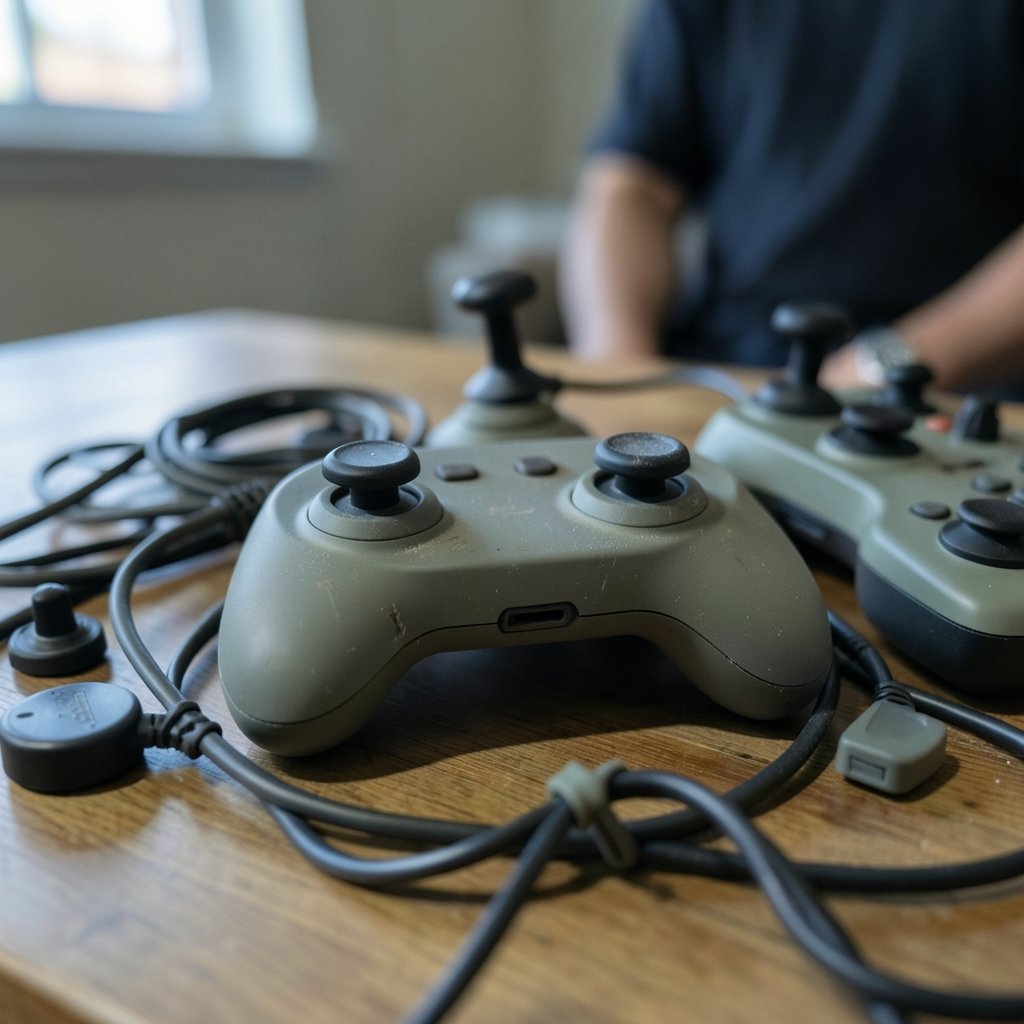
Here is where everyday experience diverges fastest. A controller that takes twenty minutes to configure once is fine. A controller that needs reconfiguring every time you switch games is a problem.
With the XAC, the setup is the product. Many players pair it with switch kits and joystick toppers, and the cost and complexity add up quickly. The reward is near-total flexibility: a player who can use only one finger, or a sip-and-puff switch, or a foot pedal, can assemble a layout that fits their body exactly. The trade-off is that the XAC is rarely a solo purchase. Budget for accessories, and budget time for trial and error.
The Access Controller flips that equation. Its modular caps and orientation mean most players get a workable layout without extra hardware. The four expansion ports still allow add-ons, but they are optional rather than foundational. For a household with multiple players, that lower barrier matters. So does the fact that profiles can be stored on the controller itself, which makes moving between setups less painful.
A practical tip from the accessibility community: test your intended layout with the games you actually play, not the ones reviewers use. A configuration that works beautifully in a slow puzzle game can fall apart in a fast shooter that demands simultaneous inputs.
Platform Reach and Cross-Use
The XAC works on Xbox consoles and Windows PC. The Access Controller is built for PS5, and Sony has stated it also works on PC for supported games. That platform split is the first filter for most buyers. If your library lives on Xbox and PC, the XAC fits naturally. If it lives on PlayStation, the Access Controller is the obvious starting point.
Cross-platform use gets murkier. Adapters exist for the XAC on other systems, but they are unofficial and add another failure point to the chain. Anyone weighing a controller for mixed-platform play should also think about how the rest of their setup behaves. If cloud gaming is part of your routine, it is worth knowing how service limits affect play sessions, such as the Xbox cloud gaming hour cap Game Pass players should know about before committing to long sessions.
PC compatibility is also a moving target. Firmware updates and driver changes can shift what works, so check current documentation rather than relying on launch-era reviews. If you are deciding between console ecosystems more broadly, a comparison of Xbox vs PS5 controller PC compatibility features can clarify which fits your desk setup.
Remapping, Profiles, and Daily Friction
Both controllers are remappable through system software. XAC profiles are configured through the Xbox Accessories app on console and PC. Access Controller profiles live in PS5 system settings, with multiple profiles storable on the device.
The everyday question is not whether remapping exists. It is how quickly you can switch. Consider three scenarios:
- One player, one game, one layout. Both controllers are fine after initial setup.
- One player, several games with different demands. Profile switching speed becomes the deciding factor.
- Multiple players sharing a console. Stored profiles and simple menus save real time.
In scenario three, the Access Controller’s on-board profiles have a clear edge. In scenario one, the XAC’s deeper customization usually wins because the layout can be tuned more precisely.
What the Software Does to the Hardware
Neither controller fixes a game that ignores accessibility. Hardware is the doorway; software is the room. In-game remapping, hold-versus-toggle options, subtitle sizing, aim assistance, and difficulty settings determine whether a session feels smooth or exhausting. A perfect controller paired with rigid software still produces a frustrating evening.
This is why evaluating everyday experience in 2027 should start with the games, not the hardware. Build a short list of titles you play most and check their accessibility options before buying anything. Community databases and charity guidance are useful here. Organizations such as AbleGamers document co-design methods and player-facing advice, and their published work on inclusive game design explains why software settings matter as much as the device in your hands.
The same logic applies to standards. Digital accessibility has well-established frameworks, and the Web Content Accessibility Guidelines (WCAG) overview from the W3C explains the principles behind perceivable, operable, and understandable interfaces. Games are not websites, but the underlying thinking, giving users multiple ways to achieve the same action, translates directly to control layouts. (Accessibility: Wikipedia overview)
Cost Over Time, Beyond Checkout
Launch prices are a poor guide to lifetime cost. The XAC’s $99.99 sticker understates the real figure for many players, because switches, joysticks, and mounts are often essential. The Access Controller’s $89.99 is closer to a complete solution, though add-ons remain available for those who want them.
Then there is repair and replacement. Accessible hardware often sits in the path of wheelchairs, beds, and daily transfers, so durability and support matter. Before buying, check warranty terms, spare-part availability, and whether local charities can help with funding or setup. Charity programs and third-party accessory makers shape long-term usability as much as the launch specs do.
A common mistake is buying the flagship device first and the accessories later. It usually works better to map the exact inputs a player needs, then choose the controller that supports that map with the fewest extra purchases.
The 2027 Unknowns Worth Watching
Predicting 2027 precisely is a fool’s game, but some things are safe to watch. Prices and bundles may shift. Firmware may change PC compatibility. New accessory ecosystems may appear. Legal context may also evolve: the European Accessibility Act applies to certain consumer products and services from June 28, 2025, and the European Commission’s European Accessibility Act overview explains its scope. Whether game controllers fall squarely within it is a legal question best checked against official guidance rather than assumed. (W3C WAI: Accessibility Principles)
What will not change quickly is the core trade-off. The XAC offers maximum flexibility at the cost of setup and extra hardware. The Access Controller offers out-of-the-box usability at the cost of fewer expansion options. Buyers who understand that trade-off will make better decisions than buyers who chase whichever device has louder praise.
Practical Evaluation Steps
If you are choosing between the two, run a structured test rather than a gut check:
- List the five games you play most and note the inputs each demands.
- Identify which body movements you can reliably perform and which you cannot.
- Match those movements to available inputs on each controller, counting required accessories.
- Price the full setup, including switches, mounts, and shipping.
- Test profile switching with a friend or family member if the console is shared.
- Check repair options and local support before committing.
This process takes an afternoon and saves months of frustration. It also surfaces problems early, which is the same principle behind fixing common gaming controller problems yourself before small issues become expensive ones.
Conclusion
The Xbox Adaptive Controller and the PlayStation Access Controller are both serious, well-designed tools, and the choice between them is less about winning a spec war than about matching a device to a body, a library, and a budget. The XAC rewards players who need deep customization and can invest in accessories. The Access Controller rewards players who want to play quickly with minimal extra gear. In 2027, the smartest buyers will judge both on everyday friction: setup time, profile switching, software support, and long-term repair options. Get those right, and the controller disappears into the background where it belongs.
Frequently Asked Questions
Which controller is better for a player who needs only one or two buttons?
The Xbox Adaptive Controller is usually the stronger fit, because its many 3.5 mm jacks let you connect exactly the switches you need and ignore the rest. The Access Controller can also accept external switches through its expansion ports, but it is designed around its own built-in buttons and sticks first.
Can the PlayStation Access Controller work on a PC?
Sony has stated that the Access Controller works on Windows PC for supported games. Compatibility can vary by title and firmware, so check current documentation before relying on it as your only PC controller.
Do I need to buy extra accessories with the Xbox Adaptive Controller?
Often, yes. The XAC is a hub, and many players pair it with switches, joysticks, and mounts to build a complete layout. That flexibility is its strength, but it means the real cost is usually higher than the $99.99 launch price.
Are these controllers useful for players without disabilities?
They can be. Players with limited hand strength, repetitive strain injuries, or temporary impairments sometimes find adaptive layouts more comfortable. The main trade-off is setup time and, for the XAC, the need for additional hardware.
How often do profiles need to be reconfigured?
Less often than you might expect once a layout is dialed in. The Access Controller can store multiple profiles on the device, and the XAC saves configurations through the Xbox Accessories app. The friction appears mainly when several players share one console or when games demand very different inputs.
What should I check before buying in 2027?
Confirm current pricing, PC compatibility, warranty terms, and accessory availability, since all of these can change. Also review the accessibility options in the specific games you play, because software support often matters more than the controller itself.
A final consideration is the secondhand and loaner market. Adaptive controllers are expensive enough that many players first encounter them through charities, libraries, or rehabilitation services rather than retail. If you are buying new, ask whether the seller offers returns after a real trial period; a controller that feels wrong on day one rarely improves with familiarity alone. If you are donating or reselling, include the original cables and any mounts, since missing parts are the most common reason adaptive setups sit unused. Whichever device you choose, treat the purchase as the start of a tuning process rather than the end of a search. The best controller in 2027 is the one that fades from attention, letting the game, not the hardware, occupy your evening.



