
What if the handheld you buy this year spends more time on a shelf than in your hands? That is the real question behind the PlayStation Portal vs Steam Deck debate. Both devices look like handhelds. Both cost real money. But they answer completely different questions about how, where, and how often you actually play.
This guide skips the spec-sheet shouting match. Instead, it walks through the practical tests that separate a device you use every day from one that gathers dust.
Two Devices, Two Very Different Ideas
The PlayStation Portal is a remote player, not a console. Sony announced it in May 2023 and launched it that November. It has an 8-inch 1080p screen, DualSense-style controls with adaptive triggers and haptics, and it streams games from a PS5 over your home Wi-Fi or the internet. It does not run games on its own. Sony later added a cloud streaming beta for PlayStation Plus Premium subscribers in late 2024, but the core idea has not changed: the Portal is a window into hardware you already own.
The Steam Deck is the opposite approach. Valve announced it in July 2021, and the first LCD units shipped in February 2022. It runs SteamOS, a Linux-based system, and plays a verified slice of the Steam library locally. The OLED model arrived in November 2023 with a 7.4-inch HDR screen, a bigger battery, and better thermals. No streaming required, no PS5 in the closet, no dependency on your router.
Put simply: one is a thin client, the other is a self-contained PC. Every practical difference flows from that split.
The Everyday Test: What Actually Matters
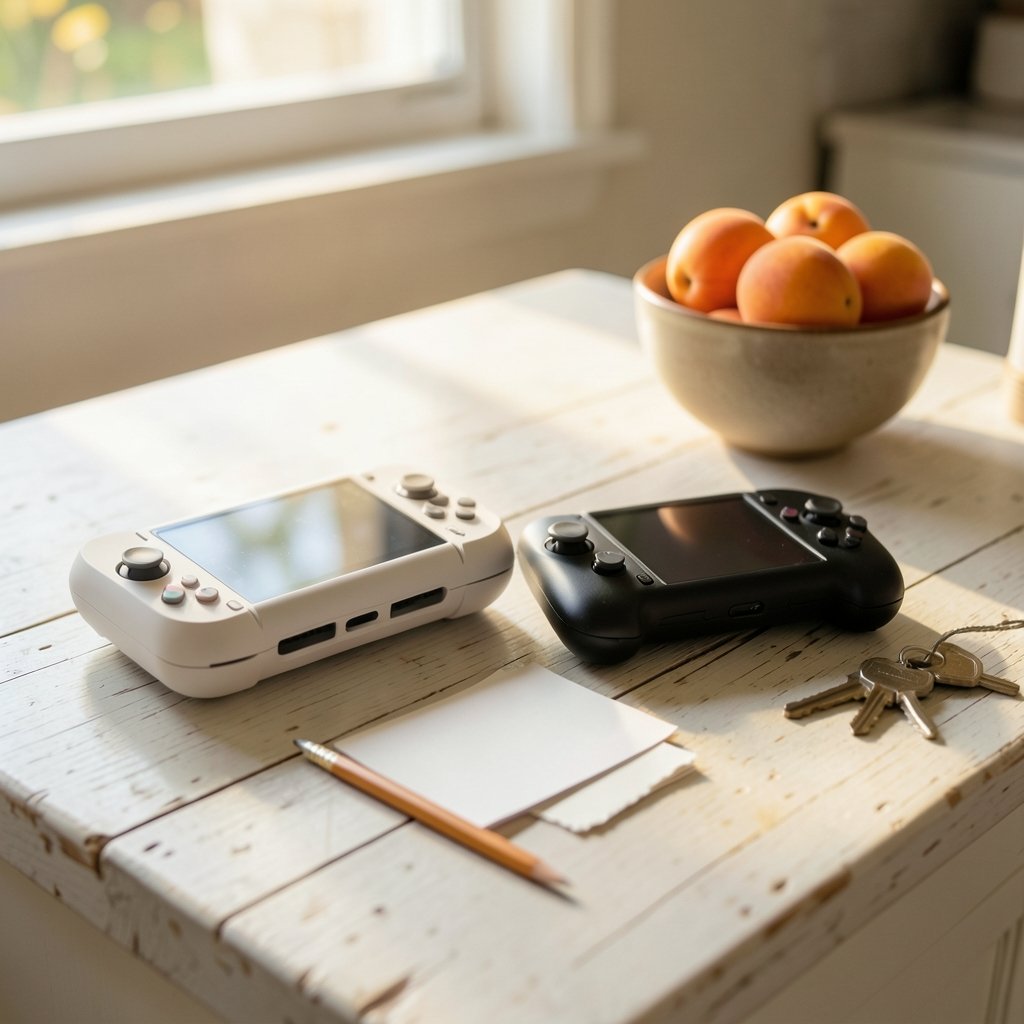
Reviewers love frame rates and screen nits. Real life cares about different things. Here is the checklist that matters after the honeymoon phase ends.
| Test | PlayStation Portal | Steam Deck |
|---|---|---|
| Library you already own | Your PS5 games, instantly | Only games you rebuy or already own on Steam |
| Works offline | No | Yes |
| Setup effort | Low | Medium |
| Network dependence | Total | None for local play |
| Game compatibility questions | Rare | Common |
| Maintenance | Firmware updates only | Shaders, Proton updates, storage swaps |
Notice that neither column is “better.” They are answering different questions. The Portal asks: do you already live inside PlayStation? The Deck asks: are you willing to tinker a little in exchange for freedom?
Test One: Where Does Your Library Live?
This is the first filter, and it eliminates one device for most people within five minutes.
If your shelf holds a PS5 and a stack of disc or digital games, the Portal costs you nothing extra in software. Your library is already there. You pick it up, connect, and play. That is a genuinely great feeling.
If your library lives on Steam, the Deck is the obvious answer. Thousands of titles, cloud saves, and no repurchasing. Valve’s Deck Verified program rates games as Verified, Playable, Unsupported, or Unknown, so you can check compatibility before buying. Valve documents the review criteria in its developer guidance on Steam Deck compatibility, which explains exactly what those badges mean.
Here is the mistake almost everyone makes: buying the device first and worrying about the library second. Do it the other way around. Count your games. Check how many are on each platform. The answer usually becomes obvious.
Test Two: How Reliable Is Your Network?
The Portal’s biggest strength is also its biggest risk. It depends entirely on your connection.
Streaming quality hinges on latency, not raw horsepower. A strong Wi-Fi 6 router, a 5 GHz band, and sensible router placement matter more than any setting inside the device. Sony maintains a Remote Play support hub covering network requirements and setup, and it is worth reading before you buy rather than after.
Practical tips that actually work:
- Put the router in the same room or one wall away from where you play.
- Use the 5 GHz band, never 2.4 GHz, for streaming.
- Plug the PS5 into Ethernet if you can. It halves the variables.
- Test remote play on your phone first. It uses the same pipeline and costs nothing.
If your home network is patchy, the Portal will feel like a laggy video call with a controller attached. No firmware update fixes bad Wi-Fi. The Steam Deck sidesteps this entirely because games run on the device itself.
That said, the Deck has its own network quirks. Downloads stall, shader caches fill up, and the occasional update misbehaves. If you hit trouble, this walkthrough of common Steam Deck problems and fixes that actually work covers the usual culprits.
Test Three: How Long Are Your Sessions?
Short sessions favor the Portal. Long sessions favor the Deck. That sounds backwards, so let me explain.
The Portal boots fast, connects in seconds, and has no installs, no downloads, no shader compilation. If you get 30 minutes on the couch while dinner cooks, it is frictionless. But it also drains your PS5’s attention and your home network, and if someone else wants the TV, that is fine, but if someone wants the router, it is not.
The Deck rewards longer sits. You can suspend mid-game, come back hours later, and pick up exactly where you left off. Offline play on a train or a flight is where it shines. The trade-off is battery life and heat. Demanding titles chew through the OLED model’s larger battery in a couple of hours.
A useful rule of thumb: if most of your play happens within Wi-Fi range of your PS5, the Portal wins on convenience. If it happens anywhere else, the Deck wins by default.
Test Four: How Much Tinkering Do You Tolerate?
The Deck is a PC. That means settings menus, Proton compatibility layers, and the occasional game that needs a community fix. Proton is Valve’s Wine-based compatibility layer that lets Windows games run on Linux, and its documentation explains how the translation works under the hood.
Some players love this. They enjoy squeezing extra frames out of a demanding title. If that sounds like you, a practical guide to setting up your Steam Deck for best performance will save you hours of trial and error.
Other players want zero friction. They want to press a button and play. For them, the Portal’s single-purpose design is a feature, not a limitation.
Be honest with yourself here. The most common regret among Deck owners is not hardware failure. It is buying a tinkering machine when they wanted an appliance.
Test Five: Which Model and Which Year?
Both devices have revision histories, and 2027 buyers should not assume 2023 specs and prices still apply.
The Steam Deck lineup shifted from LCD to OLED, with the LCD models discontinued in favor of the OLED line. Storage tiers, bundles, and regional availability have moved around since launch. Valve also sells refurbished units in some regions, which changes the value math considerably.
The Portal’s story is more about software than hardware. The cloud streaming beta that arrived in late 2024 expanded what the device can do without a local PS5, but its scope, catalogue, and subscription requirements have shifted repeatedly. Check the current terms before assuming anything.
If you are weighing specific models, a direct Legion Go S vs Steam Deck comparison is useful because it shows how much the Windows handheld field has changed the calculus. And if Deck stock is thin where you live, this roundup of Steam Deck out-of-stock alternatives for 2026 is a sensible starting point.
Where Each Device Genuinely Wins
The Portal wins when:
- You own a PS5 and a healthy game library.
- Your home network is solid and your PS5 can use Ethernet.
- You play in short bursts near the router.
- You want zero setup and zero maintenance.
The Steam Deck wins when:
- Your library is on Steam.
- You travel, commute, or play away from home Wi-Fi.
- You want offline play and full ownership of your saves.
- You do not mind occasional tinkering.
Neither wins when:
- You expect a handheld to replace a console.
- You buy before checking your library.
- You assume streaming quality is guaranteed.
The Comparison Everyone Asks About
Two adjacent questions come up constantly in this debate, and both are worth a look before you commit.
First, the console crossover. A Switch 2 vs Steam Deck breakdown helps if you are deciding whether a hybrid console or an open PC handheld suits your habits better. The answer usually comes down to exclusives versus flexibility. (Handheld game console)
Second, the beginner question. If you are new to handheld PCs entirely, this explanation of whether a Steam Deck is worth buying for beginners and everyday use covers the realistic expectations nobody puts on the box.
For a broader field view, the Steam Deck vs ROG Ally X comparison shows how Windows-based rivals stack up, which matters if you are not locked into either ecosystem.
The Verdict: Pick the Question, Not the Device
Here is the honest summary. The Portal is a wonderful accessory and a mediocre purchase for anyone without a PS5 and reliable Wi-Fi. The Steam Deck is a wonderful computer and a frustrating purchase for anyone who wants an appliance.
The everyday test comes down to three questions, in order:
- Where is your library?
- How good is your network?
- How much friction will you tolerate?
Answer those honestly and the decision makes itself. Most buyers who regret their choice skipped step one.
Frequently Asked Questions
Does the PlayStation Portal work without a PS5?
Not for local play. The Portal streams from a PS5 over Wi-Fi or the internet, so a console is required for the standard experience. Sony introduced a cloud streaming beta for PlayStation Plus Premium subscribers in late 2024, which allows some games to stream without a local PS5, but availability, catalogue, and subscription terms have changed repeatedly. Check current details before relying on it.
Can the Steam Deck play every Steam game?
No. Valve’s Deck Verified program rates games as Verified, Playable, Unsupported, or Unknown based on readability, input, and performance. Many titles run flawlessly, some need settings tweaks, and a small number do not work well at all. Community databases can help you check titles Valve has not rated.
Which device is better for travel?
The Steam Deck, by a wide margin. It runs games locally, so it works on a plane, a train, or a hotel with terrible Wi-Fi. The Portal needs a strong connection to your PS5, which makes it a poor travel companion unless you have excellent upload speeds and low-latency internet at both ends.
Is input lag a problem on the Portal?
It can be. Streaming latency depends on your router, band, distance, and whether the PS5 is wired. On a good home network the experience feels responsive. On a weak one it feels like remote desktop gaming, which is to say, not great. Test remote play on your phone before buying to see how your network behaves.
Do I need to be technical to use a Steam Deck?
Less than you might think, more than a console. Most Verified games launch and play without touching a setting. But you will occasionally deal with compatibility layers, shader downloads, and storage management. If that sounds unpleasant, the Portal’s single-purpose design will suit you better.
Will either device be replaced soon?
Neither Sony nor Valve has officially announced a successor. Both products have received mid-cycle revisions, the Portal through software and the Deck through the OLED hardware refresh. Treat any 2027 hardware roadmap claims as unverified until the companies confirm them directly.
Conclusion
The PlayStation Portal and the Steam Deck are not really rivals. They are answers to different questions, and the “best” one depends entirely on the life you actually live.
If you own a PS5, keep a strong router, and play in short bursts near home, the Portal delivers a smooth, low-effort experience that feels almost magical when the network cooperates. If your library lives on Steam, you travel, or you want offline freedom and do not mind a little tinkering, the Deck is the more versatile machine by a comfortable margin.
The smartest move is the least exciting one: count your games, test your network, and be honest about your patience for settings menus. Do that first, and the choice stops being a debate and starts being obvious.



