
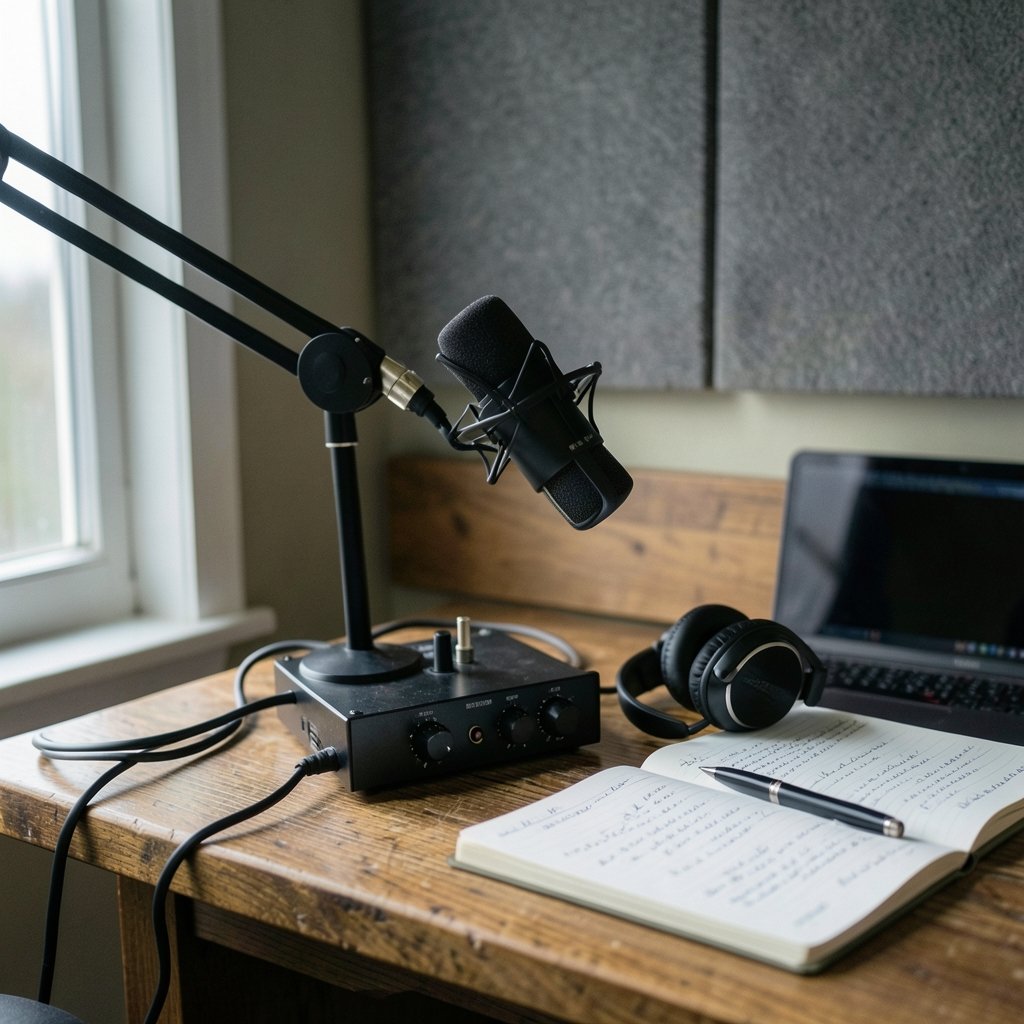
What if the difference between a podcast nobody finishes and one people binge isn’t your voice, your guests, or your ideas, but the twenty minutes of cleanup you keep skipping? That’s the promise behind AI podcast editing tools, and it’s the reason so many shows suddenly sound professional. The pitch is simple: edit audio by editing text, let the machine remove the “ums,” and ship an episode in the time it used to take just to set levels.
The reality is messier. Some tools are brilliant at noise removal and useless at structure. Others transcribe perfectly but can’t match loudness across a season. This guide walks through eight tools worth your time in 2027, what each one actually does well, where it falls short, and the mistakes that trip up even experienced hosts.
Why AI Editing Became the Default Workflow
A few years ago, cleaning up a two-person interview meant scrubbing a waveform by hand, hunting for breaths, and nudging faders. Then text-based editing arrived. Descript popularized the idea of editing audio by deleting words in a transcript, and the whole category shifted. Now most serious tools offer some version of it.
Underneath, two technologies do the heavy lifting. First, speech recognition: models like Whisper, open-sourced in 2022, made accurate transcription cheap enough to build into every editor. Second, loudness normalization, which measures your audio against a standard and adjusts it automatically. That second part matters more than beginners expect, and it’s where a lot of shows quietly go wrong.
The Loudness Problem Nobody Warns You About
Here’s a trap. You finish an episode, run it through a “normalize” button, and it sounds great on your headphones. Then a listener plays it after a commercial and has to crank the volume. Or worse, it’s noticeably louder than every other show in their queue.
The reason is that “correct” loudness depends on where the audio goes. The AES recommended practice for streaming loudness sets targets of −16 LUFS for mono and −19 LUFS for stereo. European broadcasters follow a different rule, −23 LUFS, under a standard known as EBU R 128. Meanwhile, a huge number of podcasters simply target −16 LUFS in stereo because it’s a common convention, not because any standard demands it.
That conflict is real, and it’s why AI tools that “just fix levels” can still leave you inconsistent. The best editors let you see the measured loudness and pick a target rather than hiding the decision. If a tool won’t show you numbers, treat that as a warning sign.
1. Descript: The Text-First Editor That Started It All
Descript remains the reference point for editing audio like a document. Delete a sentence in the transcript and the audio disappears. Filler-word removal, studio-sound cleanup, and multi-track support are all built in. For interview shows and solo commentary, the workflow is genuinely faster than waveform editing.
Where it stumbles: heavily accented speech, crosstalk, and fast overlapping conversation can confuse the transcript, and correcting it eats the time you saved. Practical tip: record each speaker on a separate track even if the tool supports one mixed file. Clean separation makes the AI’s job easier and your fixes faster.
2. Adobe Podcast’s Free Cleanup: Strong Results on Bad Audio
Adobe’s speech-enhancement tool, which began life as a public beta in the early 2020s, has one job and does it well: take a rough recording and make it sound like it came from a decent microphone. It runs in a browser, and for a long stretch it was free, which made it the go-to rescue tool for guests who recorded on a laptop in a hotel room.
Two cautions. First, aggressive enhancement can smooth away character, leaving voices that sound slightly synthetic. Second, free tiers change. Before you build a workflow around any free service, confirm what it costs today rather than trusting a year-old tutorial.
3. Auphonic: The Leveling Specialist
Auphonic has been doing automatic leveling and loudness normalization since around 2011, long before “AI” was a marketing word. It handles the boring, essential work: matching levels between speakers, hitting a loudness target, and producing clean output files.
It won’t cut your filler words or restructure your episode, and it isn’t trying to. Think of it as the finishing step. Many experienced producers run their episode through a structural editor first, then through a leveling service last. That order matters, because re-editing after normalization means redoing the levels.
4. Riverside: Recording and Cleanup in One Place
Remote recording platforms changed the game by capturing local audio on each guest’s machine instead of streaming it over the internet. Riverside built transcription and AI cleanup on top of that foundation, so the raw material arriving in your editor is already high quality.
The lesson here is bigger than any single product: source quality beats post-processing every time. A clean local recording with a cheap microphone will outperform a compressed stream captured on expensive gear. If you’re choosing between spending on editing software and spending on better recording, fix the recording first.
5. Zencastr: Reliable Remote Capture With Built-In Assistance
Zencastr occupies similar territory, offering remote recording plus transcription and cleanup features added through the early 2020s. It’s a solid choice for hosts who want one tool for capture and light editing without stitching together four subscriptions.
The common mistake with both Riverside and Zencastr is trusting the cloud backup alone. Local recordings can fail, browsers crash, and guests close tabs. Always have each participant record a local backup, and always test the setup before the guest joins.
6. Tools Built on Whisper: Cheap Transcription, DIY Cleanup
Because Whisper is open source, a wave of lighter tools and scripts wrap it in a friendly interface. These options appeal to hosts who want accurate transcripts without a subscription, and who don’t mind assembling a small pipeline.
The trade-off is real. You get flexibility and low cost, but you also become your own support desk. If you enjoy tinkering, this route is rewarding. If you want to publish and move on, a packaged editor will save you hours. The same build-versus-buy tension shows up across software categories, as this look at make alternatives and the real build tools that beat them makes clear.
7. Dedicated Noise-Removal Services
A cluster of specialized services focuses purely on stripping background noise, room echo, and hum. They’re useful when you have one problematic recording and don’t want to switch your whole workflow.
Use them surgically. Over-applying noise removal creates a hollow, watery artifact that listeners notice immediately, even if they can’t name it. A little room tone is more natural than a dead-silent background. If you want to understand how automated tools detect problems in the first place, this breakdown of vulnerability scanning examples and what real-world tools actually find offers a useful parallel in how detection systems trade false positives for coverage.
8. All-in-One Suites With AI Assistants
The newest entrants bundle recording, transcription, filler removal, show notes, and publishing into one dashboard. Convenience is the selling point, and for a solo host producing weekly episodes, it can be worth the premium.
The risk is lock-in. When your transcripts, audio, and analytics all live in one place, leaving becomes painful. Before committing, check whether you can export raw audio and transcripts in standard formats. That single question protects you more than any feature comparison.
How the Eight Tools Compare
| Tool | Best For | Strength | Watch Out For |
|---|---|---|---|
| Descript | Text-based editing | Edit audio by editing transcript | Struggles with crosstalk |
| Adobe Podcast cleanup | Rescuing bad audio | Strong speech cleanup | Can sound synthetic; free tier may change |
| Auphonic | Loudness and leveling | Reliable normalization targets | No structural editing |
| Riverside | Remote interviews | Local high-quality capture | Cloud-only backups fail |
| Zencastr | Simple remote recording | Capture plus light editing | Feature depth varies |
| Whisper-based tools | Budget transcription | Accurate, low cost | You maintain the pipeline |
| Noise-removal services | One-off fixes | Targeted cleanup | Artifacts if overused |
| All-in-one suites | Solo weekly shows | Everything in one place | Lock-in risk |
Mistakes That Wreck Otherwise Good Episodes
The most common failure isn’t picking the wrong tool. It’s skipping preparation. Recording in a reverberant room and hoping software will fix it is the audio equivalent of taking a blurry photo and expecting sharpening to save it.
Second mistake: normalizing twice. If your editor applies loudness normalization and your publishing platform does too, you can end up with inconsistent results across episodes. Pick one place to handle loudness and let everything else leave it alone.
Third: trusting automatic filler removal blindly. Most tools catch “um” and “uh” but mangle legitimate words, cut mid-breath, or leave awkward gaps. Always spot-check the first five minutes before exporting. A quick listen saves an embarrassing publish.
Fourth: ignoring the transcript’s second life. Accurate transcripts become show notes, blog posts, and searchable archives. Tools that produce clean, exportable text quietly pay for themselves twice.
If you’re weighing a switch between platforms, it helps to know how workflows shift when you move, which this piece on ClickUp alternatives and how work changes when you switch tools covers in detail.
What Actually Works in Practice
Start with the cheapest fix: better recording conditions. A closet full of clothes beats most plugins. Then add one structural editor and one leveling step. Resist the urge to stack five subscriptions.
Set a loudness target and write it down. Check the measured value on every export. Keep a local backup of every raw recording. And listen to your finished episode on phone speakers, earbuds, and a car stereo before publishing, because that’s how most of your audience will hear it.
Conclusion
The best AI podcast editing tool in 2027 isn’t the one with the longest feature list. It’s the one that fits the way you actually record, removes the tasks you hate, and leaves you with audio that sounds consistent week after week. Text-based editors reward interview shows, leveling services keep a season uniform, and remote recording platforms prevent problems before they start. Pick two tools, learn them properly, and spend the saved hours on the part no algorithm can do: making the conversation worth listening to.
Frequently Asked Questions
What is the best AI podcast editing tool for beginners?
A text-based editor paired with an automatic leveling service is the easiest starting point. Editing by transcript feels intuitive, and letting a separate tool handle loudness removes the most technical step. Beginners should avoid stacking multiple subscriptions before they understand their own workflow.
Do AI tools remove filler words perfectly?
No. Most catch common fillers like “um” and “uh” reliably, but they can clip legitimate words, cut breaths awkwardly, or miss unusual speech patterns. Always review the first several minutes of any automatically cleaned episode before exporting.
What loudness should a podcast target?
It depends on distribution. The AES recommended practice for streaming sets −16 LUFS for mono and −19 LUFS for stereo, while European broadcast uses −23 LUFS under EBU R 128. Many podcasters target −16 LUFS in stereo as a convention rather than a formal standard. Pick one target, document it, and apply it consistently.
Can AI fix audio recorded in a bad-sounding room?
Only partially. Noise removal and speech enhancement reduce hum and background sound, but heavy processing creates hollow, unnatural artifacts. Recording in a soft, furnished space with a decent microphone always beats repairing a reverberant recording afterward.
Is free AI podcast editing software good enough?
Often yes, especially for cleanup and enhancement. The catch is that free tiers change without warning, so a workflow built on a free service can break overnight. Verify current terms before depending on any free tool for a weekly show.
How long does AI editing actually save?
It varies by show format, but the biggest gains come from skipping manual waveform scrubbing and loudness matching. Interview shows with clean separate tracks benefit most. Shows with heavy crosstalk or poor recordings may see smaller gains because transcript correction eats the savings.



