
What if the biggest problem with AI video in 2027 isn’t quality at all, but knowing which clip you’re legally allowed to publish? That question drives every serious conversation about AI stock video and B-roll right now. The tools have gotten genuinely good. The paperwork has not gotten easier.
This guide cuts through the noise. It covers how these generators actually work, where they still fall short, how licensing and disclosure rules differ from traditional stock libraries, and what practical habits separate editors who save time from editors who waste a week fixing artifacts. No hype, no fake benchmarks, no promises about tools that don’t exist yet.
What AI stock video actually means in 2027
The phrase gets used loosely, so let’s pin it down. AI stock video usually means one of two things: a library of pre-generated clips you license like normal stock footage, or a generator that produces a clip on demand from a text prompt or a reference image. Most platforms now blend both models, offering a searchable catalog alongside a prompt box. (Best ai video generator)
The underlying technology has been fairly stable for a few years. Most current systems use diffusion models, often with a temporal layer bolted onto an image model so frames stay coherent. A widely cited survey of video diffusion methods describes this as the dominant approach across the field, and it explains why so many tools share the same strengths and the same failure modes. If you want the technical background, that survey is the place to start, and it’s worth reading before you trust any vendor’s marketing copy.
What changed is accessibility. A solo editor with a laptop can now produce a usable five-second shot of rain hitting a windowpane without booking a studio. That’s a real shift. What hasn’t changed is the gap between a demo reel and a finished timeline.
How these generators work under the hood

Understanding the pipeline helps you predict failures before they cost you a render.
- Prompt or image input. You describe the shot or upload a still frame as a starting point.
- Latent generation. The model builds a sequence frame by frame, guided by learned motion patterns.
- Temporal smoothing. A second pass tries to keep subjects consistent between frames.
- Upscaling and interpolation. Resolution gets pushed up and frame rates get filled in.
- Export. You get a short clip, typically seconds long, often capped around 1080p to 4K.
Each stage introduces its own quirks. Temporal smoothing is where most artifacts are born, and upscaling is where they get magnified. If you’re new to image-driven workflows, a beginner’s guide to generating video from images is a gentler on-ramp than diving straight into text prompts, because a strong source frame does a lot of the model’s work for you. (Best ai video generators from text and images)
Where the tools still stumble
Here’s the honest part that promotional pages skip. As of the most recent public information, consumer-accessible AI video tools output clips measured in seconds, not minutes. Physics remain unreliable. Hands morph. Crowds melt. Text on signs becomes alien script. Long shots drift in color and lighting.
Benchmarks don’t fix this. Evaluation suites like VBench score generated video on dimensions such as motion smoothness, subject consistency, and aesthetic quality. Those scores are useful for comparing models in a lab. They do not predict whether a clip will survive a client review. Practitioners consistently report a gap between benchmark rankings and real production usability, and that gap is the single most important thing to know before you buy.
The practical workaround is boring but effective: generate short, treat each clip as a single shot, and cut around the weak frames. Editors who try to generate a continuous ten-second sequence in one pass usually end up with more unusable footage than editors who generate four separate two-second shots and stitch them.
Comparing the main approaches
Different jobs call for different tools. This table maps common needs to the approach that tends to work best, based on how these systems behave in practice.
| Your need | Best approach | Why it works |
|---|---|---|
| Quick abstract background | Text-to-video generator | Patterns and motion hide artifacts well |
| Product insert shots | Image-to-video with a clean still | You control the subject; the model handles motion |
| Realistic human action | Traditional stock library | AI still struggles with anatomy and physics |
| Brand-specific scenes | Custom generator plus heavy review | Consistency requires iteration, not one prompt |
| High-volume social content | Free or low-cost generator tiers | Volume matters more than polish |
| Broadcast or legal-sensitive work | Licensed stock with clear provenance | Documentation beats novelty |
Notice that traditional stock doesn’t disappear from this list. It shifts. AI handles the abstract, the atmospheric, and the cheap. Licensed footage handles the human, the specific, and the accountable. The best AI video generator for your team is often the one that complements your existing library rather than replacing it.
Licensing, provenance, and the rules that bite
This is where most guides get vague, and where most real problems occur. Stock video is licensed, not sold, and the terms vary between royalty-free and rights-managed agreements. AI generators typically hand you a file plus a terms-of-service page, and those terms vary enormously. Some grant broad commercial use. Some restrict certain categories. Some change the rules retroactively.
Three developments matter for anyone publishing AI footage:
Provenance metadata. The C2PA standard defines how to attach verifiable information about whether media was AI-generated or edited. Adobe is a founding member, and adoption has spread across cameras, editing software, and some platforms. If your workflow supports it, signing your exports is a cheap insurance policy.
Disclosure law. The EU AI Act, which entered into force in August 2024, requires disclosure that content is AI-generated in certain cases, with obligations phasing in over the following years. If you publish to European audiences, assume you need a labeling habit, not a one-time fix.
Copyright uncertainty. In the United States, the Copyright Office has stated that purely AI-generated material isn’t copyrightable because human authorship is required. That means your AI B-roll may not be something you can defend as your own work. It also means your competitors may be able to use something visually similar.
The practical takeaway: keep records. Save your prompts, your generation dates, your tool versions, and your license terms. When a client asks in eighteen months where a shot came from, a folder of screenshots is worth more than your memory.
Watermarking and detection: don’t rely on them
Invisible watermarking schemes exist, and so do detectors. Neither is reliable against editing, cropping, or re-encoding. Treat detection as a signal, not a guarantee. If your compliance plan depends on a detector catching undisclosed AI footage, that plan has a hole in it.
The same logic applies in reverse. You cannot assume a clip is safe to use just because no watermark appeared. Provenance metadata can be stripped. The only durable safeguard is your own documentation trail.
A practical workflow that survives real deadlines
Experienced editors tend to converge on a similar process, and it’s less glamorous than the demos suggest.
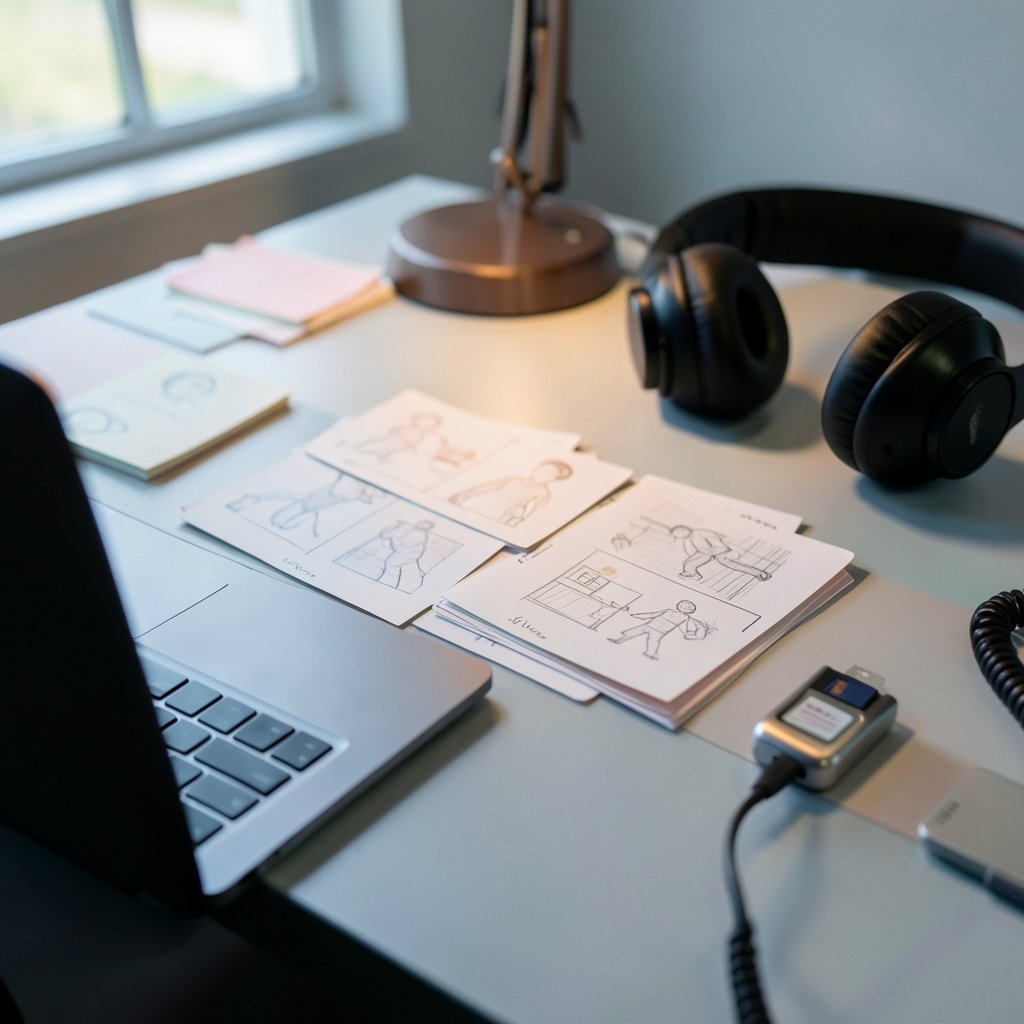
- Storyboard first. Decide what the shot must accomplish before you open a generator. Vague prompts produce vague footage.
- Generate in batches. Run six to ten variations of the same prompt. Selection is faster than refinement.
- Review at full speed and at quarter speed. Artifacts hide in motion and reveal themselves in stills.
- Cut short. Use the strongest two seconds. Nobody needs the rest.
- Grade and stabilize. A light color match and a subtle stabilization pass rescue more AI clips than any prompt tweak.
- Log everything. Prompt, tool, date, license snapshot.
- Label on export. Attach provenance data and add disclosure where required.
If you want to go deeper on building repeatable evaluation into that process, a structured benchmark harness walkthrough is a useful next step, especially if you’re comparing several tools across a team.
Common mistakes that waste the most time
Chasing photorealism with AI humans. It’s the hardest problem and the least rewarding. Use real footage for people. Use AI for texture, weather, abstracts, and transitions.
Trusting a single prompt. Consistency comes from iteration, not inspiration. The first output is a draft.
Ignoring aspect ratios early. Generating in the wrong ratio and reframing later destroys composition and crops out the good parts.
Skipping the license read. Terms differ on commercial use, resale, and training data. Ten minutes of reading prevents a takedown.
Assuming benchmark scores transfer. A model that wins on consistency metrics may produce footage that looks flat and lifeless in a real edit.
Forgetting audio. AI video generators produce silent clips. Plan your sound design separately, or the cut will feel unfinished no matter how good the picture is.
Where the field is heading
The trajectory is toward longer clips, better temporal consistency, and tighter integration with editing software. Provenance standards are likely to become default rather than optional, and disclosure requirements will keep expanding as regulators catch up with the technology. The gap between benchmark performance and production usability should narrow, though it has been stubborn so far.
What probably won’t change quickly is the licensing complexity. Every new capability creates a new question about who owns what. Teams that build documentation habits now will spend far less time firefighting later. If you’re evaluating a broader set of tools, a comparison of AI generators across categories helps frame where video fits against image and text tools in the same stack.
Conclusion
The best AI stock video and B-roll generators in 2027 aren’t the ones with the flashiest demo reel. They’re the ones that fit a specific job, produce short clips you can actually cut, and come with terms you’ve read and recorded. AI has earned a permanent place in the B-roll toolkit, but it hasn’t replaced licensed footage for human subjects, specific locations, or anything that needs a paper trail.
Build the workflow before you build the library. Generate in batches, cut ruthlessly, log everything, and label on export. Do that, and the technology becomes a genuine time-saver instead of a source of expensive surprises.
Frequently asked questions
Are AI-generated stock videos safe for commercial use?
It depends entirely on the tool’s terms of service. Some grant broad commercial rights, others restrict categories or require attribution. Read the terms, save a dated copy, and check whether the license can change retroactively. There is no universal answer.
Can I copyright an AI-generated B-roll clip?
In the United States, purely AI-generated material is generally not copyrightable because human authorship is required. If you add substantial human creative work, that contribution may be protectable, but the raw output typically isn’t. Rules differ by country, so check local guidance.
Do I have to disclose that my video uses AI footage?
Sometimes. The EU AI Act requires disclosure in certain cases, with obligations phasing in over several years. Platform policies may also require labeling. When in doubt, label it. Disclosure rarely hurts and undisclosed AI footage can seriously damage trust.
Why do AI video clips look worse than the demo videos?
Demos are curated. They show the best output from hundreds of attempts, often at short durations and favorable subjects. Real production involves unpredictable prompts, longer sequences, and subjects the model handles poorly, like hands and crowds.
Can AI generators replace traditional stock footage entirely?
Not yet. AI handles abstracts, textures, weather, and atmospheric shots well. It still struggles with realistic human motion, specific real locations, and anything requiring documented provenance. Most professional workflows combine both.
How long are AI-generated video clips in 2027?
Most consumer-accessible tools output clips measured in seconds, occasionally approaching a minute, typically at 1080p to 4K. They are not yet a substitute for continuous broadcast-length sequences. Plan your edits around short shots rather than long takes.



