
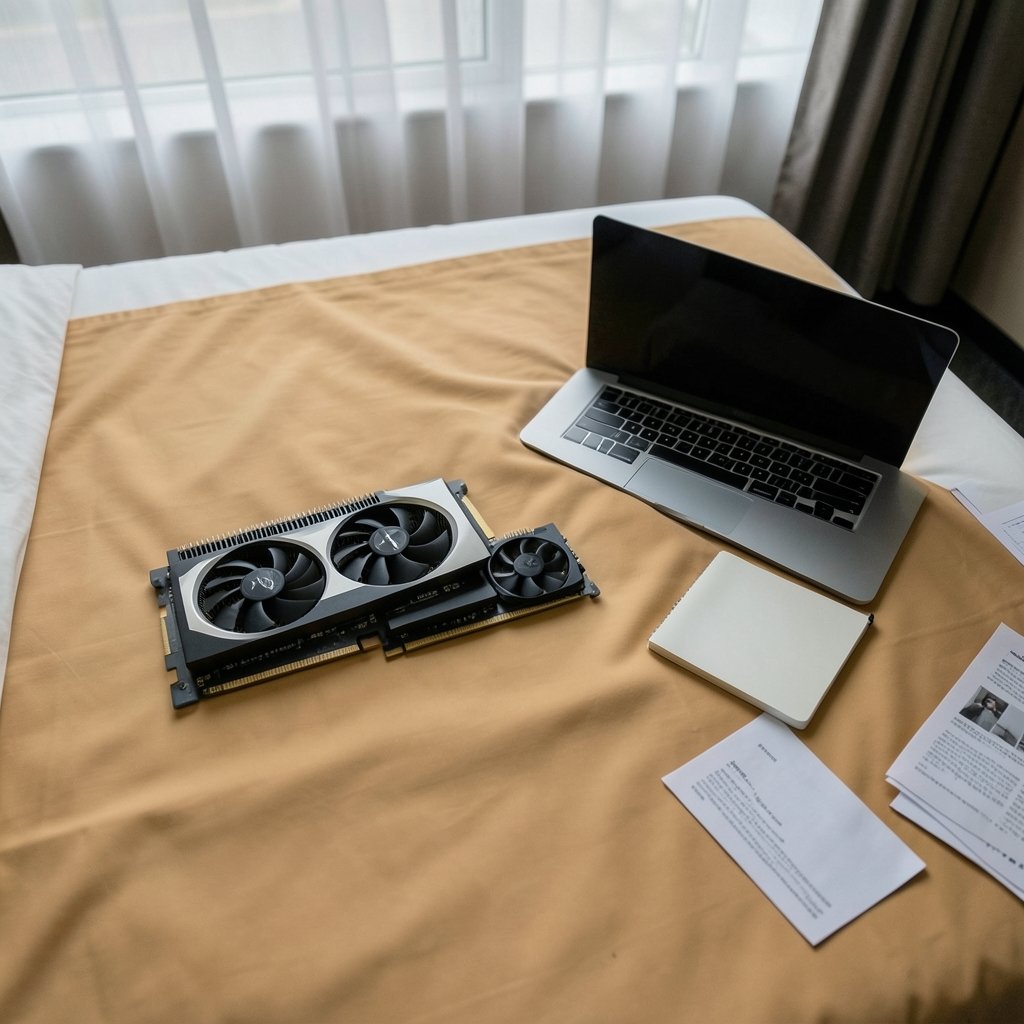
What if the graphics card everyone is whispering about doesn’t officially exist yet? That is exactly the situation with the NVIDIA RTX Spark N1x, a rumored GPU that surfaces in forum threads, leaked spec tables, and YouTube thumbnails with two competing core counts: 6144 versus 5120. Before anyone plans a 2027 upgrade around either number, they need a reality check and a repeatable compatibility process. This guide separates what is confirmed from what is speculation, then walks through the checks that actually protect a buyer from an expensive mistake.
The Honest Starting Point: This Card Is Unverified
Here is the uncomfortable fact that most spec sheets skip. No NVIDIA product called the RTX Spark N1x appears in the company’s public naming conventions. RTX is a consumer graphics brand, and neither “Spark” nor “N1x” is an established NVIDIA product line. That does not automatically mean the card is fake. It might be a regional SKU, an internal codename, a misread leak, or a rumor that snowballed. But until NVIDIA’s own product page or driver release notes list the model by name, every specification attached to it, including the 6144 and 5120 core figures, is unconfirmed.
That matters because core count is the least useful compatibility number anyway. A GPU with 6144 cores and a GPU with 5120 cores from the same architecture will run the same software, need the same driver family, and fit the same slot. The difference is performance headroom, not compatibility. Buyers who fixate on the core count while ignoring driver support, compute capability, power delivery, and slot generation are optimizing the wrong variable.
What 6144 vs 5120 Cores Would Actually Mean

If both variants are real, the gap is roughly 20 percent more shader cores on the higher tier. In practice that translates to a modest frame-rate advantage in GPU-bound games and faster render times in compute workloads, not a different class of product. Neither number changes whether your software will launch.
| Question | 6144-core variant | 5120-core variant |
|---|---|---|
| Does it change driver requirements? | No | No |
| Does it change compute capability? | No, same architecture family | No, same architecture family |
| Does it change PCIe slot needs? | No | No |
| Does it change PSU requirements? | Possibly, higher tier cards often draw more power | Possibly lower |
| Does it change software compatibility? | No | No |
| What it actually affects | Performance headroom | Performance headroom |
The practical takeaway: treat the core count as a performance tier label, not a compatibility checkpoint. The checks below are what determine whether a card works in a given machine.
Step One: Confirm the Model Exists in Official Documentation
The single most reliable compatibility test is boring. Look for the model name in NVIDIA’s driver release notes and supported-product lists. Driver release notes enumerate supported GPUs by name, and if a model is not listed, it is not officially supported. Before spending money on any card, including a rumored one, check the current release notes at the time of purchase rather than a screenshot from six months earlier.
A practical habit: save a dated copy of the release notes page when you buy. If a driver update later drops support or the card turns out to be an OEM-only part, that record helps with returns and warranty claims. People who skip this step are the ones who discover after the return window that their card is a rebadged regional variant with a different firmware branch.
Step Two: Check Compute Capability, Not Core Count
For anyone doing GPU compute, machine learning, or 3D rendering, compute capability is the number that matters. It is expressed as a major.minor version, and software is compiled against it. A framework built for one compute capability may refuse to run, run slowly, or crash on another. The official CUDA-enabled GPU list publishes compute capability per model, which is the correct place to verify architecture support.
The same logic applies to the CUDA Toolkit. Each toolkit release supports specific compute capabilities and requires a minimum driver version. Matching a new GPU to an older toolkit is a common failure point, especially in workstation environments where the software stack is frozen for stability. Before upgrading, confirm three things line up: the GPU’s compute capability, the toolkit version your software needs, and the driver version that toolkit requires.
Step Three: Verify Physical and Power Compatibility
A card that passes every software check can still fail at the slot. Three physical factors decide whether it fits and runs:
- PCIe generation. The slot and the card must be electrically compatible. PCIe generations are defined by the PCI-SIG standards body, and newer cards generally work in older slots at reduced bandwidth, but the reverse is not always true and bifurcation rules vary by motherboard.
- Power supply capacity and connectors. High-end cards increasingly require 12VHPWR or 12V-2×6 connectors and specific wattage headroom. Check the card’s official specification page and your PSU’s rated output, not the marketing wattage on the box.
- Physical clearance. Card length, slot thickness, and case airflow are unglamorous but decisive. A three-slot card in a two-slot space is a return, not an upgrade.
This is the stage where first-hand experience beats spec reading. Builders who measure twice tend to notice that their motherboard’s second PCIe slot runs at half bandwidth, or that their case blocks the power connector bend radius, before the card arrives rather than after.
Step Four: Cross-Check With Vendor-Agnostic Databases
Official documentation is authoritative, but independent databases catch gaps. The Vulkan capability database, maintained by the community, lists which features a specific GPU and driver combination exposes. That is useful when a card is new, region-specific, or poorly documented, because it shows real-world reports from people running the hardware.
For workstation and data-center deployments, the NVIDIA driver support matrix is the reference document. It lists validated GPUs, operating system versions, and CUDA versions together, which is exactly the combination that trips up enterprise rollouts. Checking the matrix before purchase prevents the classic scenario where a card is supported on one OS branch but not the one the fleet runs.
How This Fits Into a Broader 2027 Upgrade Plan
A GPU is rarely the only component changing in an upgrade cycle. The 2027 horizon brings questions about CPU platforms, storage interfaces, and even application frameworks. Each of those has its own compatibility trap, and the same discipline applies: verify against primary documentation before buying.
If the plan includes a new processor, the socket, chipset, and memory generation all need to align, and the AMD vs Intel CPU compatibility check walks through those dependencies. Storage is another quiet failure point, since the NVMe vs SATA compatibility comparison explains why a drive can fit a slot and still not boot. And for anyone weighing graphics tiers, the RTX 4090 vs RTX 5080 compatibility breakdown shows how to compare generations without getting lost in core counts.
The pattern holds across all of them. Compatibility is a chain of small confirmations, and the weakest link decides the outcome.
Common Mistakes That Sink GPU Upgrades
Certain errors show up again and again, and they are worth naming plainly.
- Trusting a leaked spec table as a product listing. A render or a forum post is not a driver release note. Verify the model name in official documentation first.
- Assuming a higher core count means broader support. It does not. Architecture family and compute capability determine support.
- Ignoring the driver branch. Workstation and game-ready drivers follow different release cadences, and a card validated on one branch may lag on the other.
- Skipping the PSU calculation. Transient power spikes on high-end cards can exceed rated draw by a wide margin. Headroom is not optional.
- Forgetting the motherboard manual. Lane sharing, bifurcation, and BIOS version requirements live there, not on the GPU box.
- Buying before the return window closes on a rumored part. If a model is unverified, buy from a seller with a clear return policy and test immediately.
A Practical Checklist Before Spending Money
For readers who want a repeatable process, this sequence covers the essentials in order of importance:
- Confirm the exact model name appears in current official driver release notes.
- Look up the GPU’s compute capability and match it to your software’s requirements.
- Check the required driver version against the toolkit or application version you run.
- Verify PCIe generation compatibility with your motherboard manual.
- Calculate PSU wattage with headroom and confirm the connector type.
- Measure physical clearance in the case.
- Cross-check real-world reports in an independent capability database.
- Test the card within the return window and keep dated documentation.
Anyone running a modern software stack may also want to consider how desktop frameworks affect driver and OS support, which the Tauri vs Electron compatibility analysis covers for developers planning 2027 tooling. The same forward-looking logic applies to high-end graphics tiers, as the RTX 5090 vs 4090 compatibility guide demonstrates for buyers deciding whether to jump a generation.
What to Do About the 6144 vs 5120 Question
The balanced answer is this: wait for a primary source. If NVIDIA lists an RTX Spark N1x with either core count on an official product page or in driver release notes dated before the purchase, the specification becomes checkable and the process above applies normally. Until then, treat both numbers as unconfirmed and avoid building a 2027 budget around them.
That is not cynicism. It is the same discipline that protects buyers from every unverified leak: verify the model, verify the architecture support, verify the physical fit, then buy. Core counts are marketing. Compatibility is engineering.
Conclusion
The NVIDIA RTX Spark N1x may turn out to be a real product, a regional variant, or a rumor that fades. What will not change is how compatibility gets verified. Official driver release notes confirm a model exists. Compute capability and toolkit requirements confirm software will run. PCIe generation, power delivery, and physical clearance confirm the card fits and survives. The 6144 versus 5120 core question is a performance comparison, not a compatibility one, and treating it as the latter is how buyers end up with a card that benchmarks beautifully and refuses to boot. Check the boring documents first. The exciting numbers can wait.
FAQ
Does the NVIDIA RTX Spark N1x actually exist?
There is no verified public record of an NVIDIA product with that name. It does not match known NVIDIA naming conventions, and no official product page or driver release note confirms it. Treat any specification, including the 6144 and 5120 core counts, as unconfirmed until NVIDIA documents the model directly.
Is 6144 cores better than 5120 cores for compatibility?
No. Core count affects performance, not compatibility. Two cards from the same architecture family run the same software and need the same driver branch regardless of shader count. Compatibility depends on compute capability, driver version, framework support, and physical fit.
How do I check if a GPU is supported by my software?
Look up the GPU’s compute capability in the official CUDA-enabled GPU list, then compare it against the compute capability and driver version your software or toolkit requires. If the model does not appear in the driver release notes, it is not officially supported.
What physical factors matter most before buying a GPU?
PCIe generation compatibility with your motherboard, power supply wattage and connector type, and physical clearance inside the case. Check the card’s official specification page and your motherboard manual rather than relying on retailer listings.
Can a newer GPU work in an older PCIe slot?
Usually yes, at reduced bandwidth, because PCIe generations are designed for backward compatibility. However, lane sharing, bifurcation rules, and BIOS version requirements vary by motherboard, so confirm the specifics in your board’s manual before buying.
When should I buy a rumored GPU?
Only after the model appears in official documentation, or from a seller with a clear return policy so the card can be tested immediately. Buying an unverified part without a return path is the most common way upgrade budgets get wasted.



