
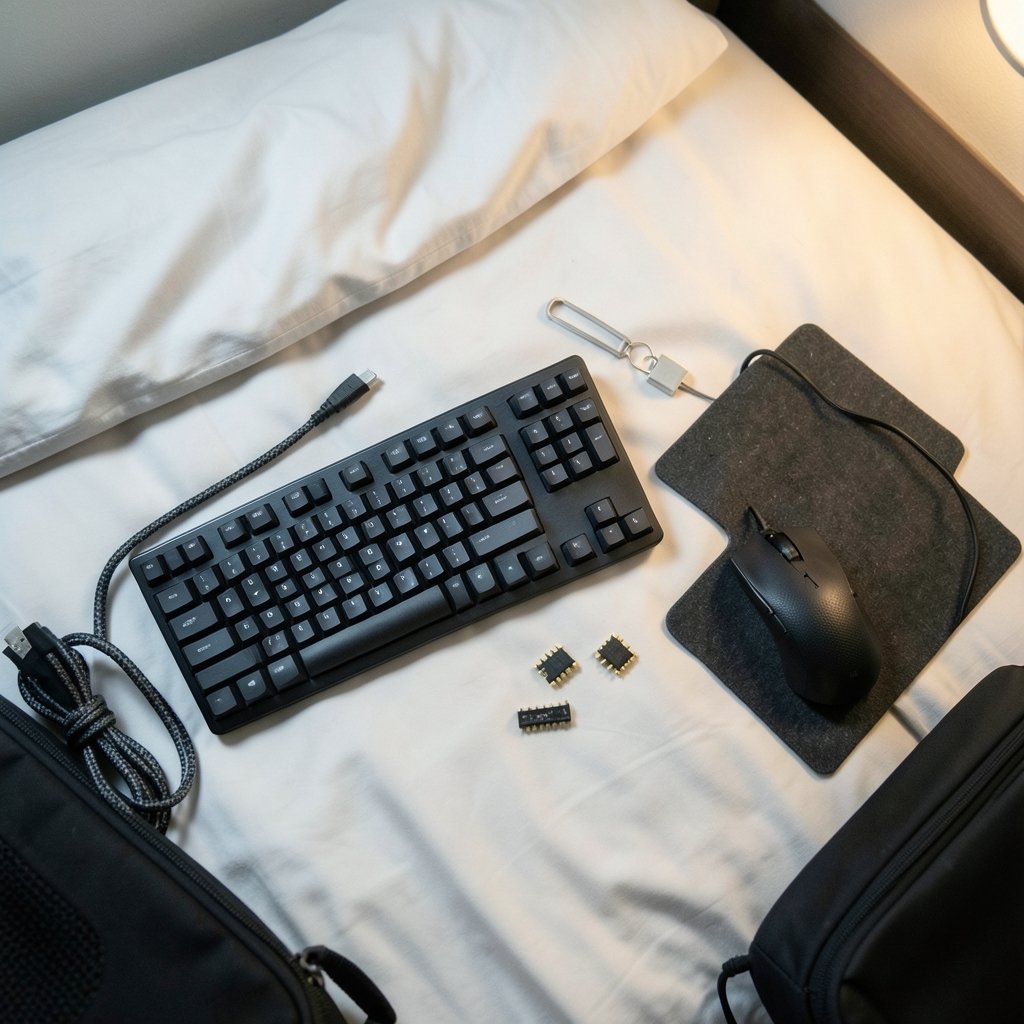
Quick Answer: Which gaming keyboards are best for competitive gaming?
The best competitive gaming keyboards are compact, wired boards built around fast, consistent switches, and for most players that means a tenkeyless or 60–65% layout with either Hall-effect magnetic switches or light linear mechanical switches. You can act on this by shortlisting boards with adjustable actuation, full N-key rollover over USB, and a form factor that frees desk space for your mouse.
Alternatives exist and they matter. Hall-effect boards with Rapid Trigger offer the most tuning headroom, while classic linear mechanical boards are cheaper and perfectly capable. Analog optical and membrane boards sit further down the list for pure competitive use.
Before buying, compare switch type and actuation distance, form factor, polling rate, build quality, keycap material, wired versus wireless, and price.
Why the Keyboard Matters Less Than You Think

What is the first thing players blame when a shot misses? Usually the mouse, sometimes the monitor, and occasionally the keyboard. That instinct is half right. The keyboard is rarely the bottleneck, but it is the input you touch most often, and small frictions add up over a long session.
Here is the honest framing. End-to-end latency in a competitive game is dominated by monitor refresh rate, frame rate, and mouse polling, not keyboard polling. A keyboard that shaves a fraction of a millisecond off its report interval will not rescue a 60 Hz display. What a good competitive keyboard actually delivers is consistency: predictable actuation, no ghosted keys, a layout that leaves room for your mouse arm, and switches that feel the same on hour six as on hour one.
That reframing matters because it changes what you should shop for. Chasing marketing numbers like “0.125 ms latency” is a trap. Those figures are measured under specific lab conditions and are not directly comparable across brands. Independent testers use different methods than manufacturer labs, so cross-brand latency tables deserve skepticism. Buy for feel, layout, and reliability first.
If you are building a whole setup rather than just picking a board, it helps to see how each part fits together. The same logic that governs best gaming monitors for competitive gaming applies here: the peripheral that removes friction from your hands wins, not the one with the biggest spec sheet.
The Specs That Actually Change Your Game
Switch type and actuation distance
Mechanical switches register a press when the key travels far enough to close the contact. Standard linear switches like Cherry MX Red actuate at about 2.0 mm with roughly 45 cN of operating force. Speed variants shorten that to about 1.2 mm. In theory, shorter travel means your input registers sooner. In practice, the difference is small and comes with a tradeoff: a shallower actuation point makes accidental presses more likely if you rest your fingers heavily on the keys.
Hall-effect switches and Rapid Trigger
Hall-effect (magnetic) switches are contactless. They sense key position magnetically rather than closing a physical contact, which means no wear on the sensing element and, more importantly, software-adjustable actuation points. That is what enables Rapid Trigger, a firmware feature that lets a key re-actuate on the upstroke without traveling back past a fixed reset point. Wooting popularized it, and it has since spread across the market.
Does Rapid Trigger win games? For counter-strafing in tactical shooters, many players report it feels more direct. That is a feel claim, not a proven performance edge. Treat it as a genuinely useful feature for players who practice movement mechanics, not a magic upgrade.
Polling rate and rollover
N-key rollover (NKRO) means the board can register every key you press at once. Over USB, most competitive keyboards support full NKRO, so this is a baseline, not a selling point. Polling rates above 1,000 Hz exist (some boards advertise 8,000 Hz), but the latency reduction is sub-millisecond and unlikely to be perceptible in normal play.
Form factor
This is the most underrated spec. A tenkeyless or 60–65% board frees desk space for your mouse, which is a real ergonomic benefit if you play low-sensitivity FPS. Full-size boards add a numpad that competitive titles almost never use. That is editorial judgment, not a measured fact, but it holds up in practice.
| Spec | What it changes | Priority for competitive play |
|---|---|---|
| Switch type | Feel, actuation distance, tuning options | High |
| Rapid Trigger / adjustable actuation | Movement precision, custom reset points | Medium to high |
| Form factor (TKL, 60–65%) | Desk space for mouse movement | High |
| Polling rate | Theoretical input latency | Low above 1,000 Hz |
| NKRO / anti-ghosting | Simultaneous keypresses | Baseline requirement |
| Wired vs wireless | Latency consistency | Wired or 2.4 GHz only |
| Keycap material | Durability, grip, sound | Personal preference |
Wired or Wireless? Settle This First
Competitive players should default to wired, or to 2.4 GHz wireless with a dedicated low-latency mode. Bluetooth is unsuitable for competitive play because its latency is higher and less consistent. A stuttering input during a clutch round is worse than a cable on your desk.
The practical compromise many players land on is a wired board with a detachable cable and a clean routing path. If cable drag bothers you, a lightweight paracord-style cable solves it for a few dollars. The same principle applies to your network connection: consistency beats peak numbers, as the comparison of ethernet vs wi-fi gaming makes clear.
Mistakes Players Make When Buying
The first common mistake is buying a full-size RGB board because it looked impressive in a photo. It eats desk space, adds weight, and the numpad goes unused. The second is paying a premium for 8,000 Hz polling while gaming on a 60 Hz monitor. The third is switching to a 60% layout the week before a tournament and losing access to arrow keys and function layers mid-match.
What actually works in practice is boring and effective. Pick a layout you already know. Choose switches you have tested, even if only on a friend’s board or a store demo. Set your actuation point deliberately if your board allows it, then leave it alone for a few weeks so muscle memory can form. And clean the board regularly; dust and crumbs under keycaps cause more missed inputs than most spec differences ever will.
Another trap is over-tuning. Players who discover adjustable actuation often set it absurdly shallow, then wonder why they keep firing accidentally. Start near the middle of the range and adjust only if you notice a specific problem.
Matching the Board to Your Game
Different genres reward different things. In tactical shooters, counter-strafing and precise taps favor a board with a crisp, predictable reset and, ideally, Rapid Trigger. In MOBAs and RTS games, heavy simultaneous key use makes NKRO and a comfortable layout the priority, and a slightly deeper actuation point can reduce misclicks on ability keys. In fighting games played on keyboard, a hitbox-style layout with light, fast switches tends to suit players better than a standard staggered board.
If you also play on console and are weighing where to spend your setup budget, it is worth understanding how the platforms differ before you commit. A look at best gaming consoles 2026: which system actually fits your setup helps you decide whether the keyboard upgrade or a platform switch deserves the money first. Likewise, if you split time between a console and a PC, the ps5 pro vs gaming pc breakdown covers where each one genuinely wins.
What to Look for at Each Budget
At the entry level, a wired TKL with linear mechanical switches and NKRO covers everything a new competitive player needs. Expect solid plastics and ABS keycaps; neither will hold you back.
In the mid range, look for better stabilizers, PBT keycaps, and a detachable cable. This is where build quality starts to matter more than spec sheets, because a rattly spacebar or a mushy shift key is a daily annoyance.
At the premium end, Hall-effect switches with adjustable actuation and Rapid Trigger become available, along with aluminum cases and gasket mounting. These boards are genuinely nicer to use, but the competitive gain over a good mid-range mechanical board is modest. Buy premium for feel and longevity, not for a promised rank climb.
One more budget note: keycap and switch choices are personal. There is no evidence that a specific switch type improves competitive outcomes beyond comfort and preference. Anyone who tells you otherwise is selling something.
Conclusion
The best competitive gaming keyboard is not the one with the longest feature list. It is the compact, wired board with switches you trust, a layout that gives your mouse room, and enough reliability that you stop thinking about it mid-match. Hall-effect boards with Rapid Trigger offer the most tuning headroom and are worth it if movement mechanics are central to your game. A well-built linear mechanical TKL gets you most of the way there for far less money.
Spend your research time on switch feel and form factor, not on latency decimals. Test what you can, commit to one layout, and let practice do the rest.
Frequently Asked Questions
Do pro players actually use Rapid Trigger keyboards?
Many do, especially in tactical shooters where counter-strafing matters, but plenty of professionals still compete on standard linear mechanical boards. The feature is popular because it feels responsive, not because it has been proven to raise performance. Comfort and familiarity still outweigh spec advantages at the top level.
Is a 60% keyboard too small for competitive gaming?
It depends on the game. A 60% board frees significant desk space for mouse movement, which suits low-sensitivity FPS play. The catch is that arrow keys and function keys move to layers, which takes adjustment. If your game relies on those keys heavily, a 65% or TKL board is the safer pick.
How much does polling rate really matter?
Above 1,000 Hz, the returns are tiny. Higher polling reduces report intervals by fractions of a millisecond, which is very unlikely to be perceptible during play. Your monitor refresh rate and frame rate contribute far more to end-to-end responsiveness than keyboard polling does.
Are optical switches better than mechanical ones for competitive play?
Optical switches register input with light rather than physical contact, which can make them fast and durable. In practice, the difference in competitive performance between a good optical board and a good mechanical one is minimal. Choose based on feel and reliability rather than the underlying technology.
Should I buy a wireless keyboard for tournaments?
Only if it uses a 2.4 GHz connection with a dedicated low-latency mode, and even then, check the venue’s rules on wireless devices. Bluetooth is not suitable for competitive play due to higher and less consistent latency. Wired remains the safest choice for tournament environments.
How often should I replace a competitive gaming keyboard?
Most quality boards last years with basic care. Replace it when switches start double-firing, keys feel inconsistent, or the cable connection becomes unreliable. Cleaning keycaps and clearing debris regularly will extend its life far more than upgrading on a fixed schedule.
Finally, keep a spare cable and, if you own a hot-swap board, a few replacement switches on hand. A single failing switch can end a session, and swapping it takes minutes rather than ordering a new keyboard. Buy for reliability you can maintain, not specs you will never notice.



