

Ever watched your character freeze mid-jump, then teleport backward into a wall, and wondered if a VPN could fix it? That question sends a lot of new players down a rabbit hole of “gaming VPN” ads promising lower ping and smoother matches. The honest answer is more interesting than the marketing.
Quick Answer: What are the best gaming VPNs for beginners?
The best gaming VPNs for beginners are mainstream providers that offer WireGuard, a kill switch, and servers close to game servers, rather than products branded specifically for gaming. “Gaming VPN” is mostly a marketing label, since nearly all consumer VPNs run the same underlying protocols.
A VPN can genuinely help when an internet provider throttles game traffic or routes it badly, but it usually adds latency because traffic takes a detour through an encrypted tunnel. Free VPNs are a poor fit for gaming because of data caps and privacy trade-offs, and consoles need router-level setup rather than a simple app.
Before choosing one, compare protocol support, server locations near your game region, kill switch and DNS leak protection, logging policy and audits, price, and device limits.
Why “Gaming VPN” Is Mostly a Label, Not a Category
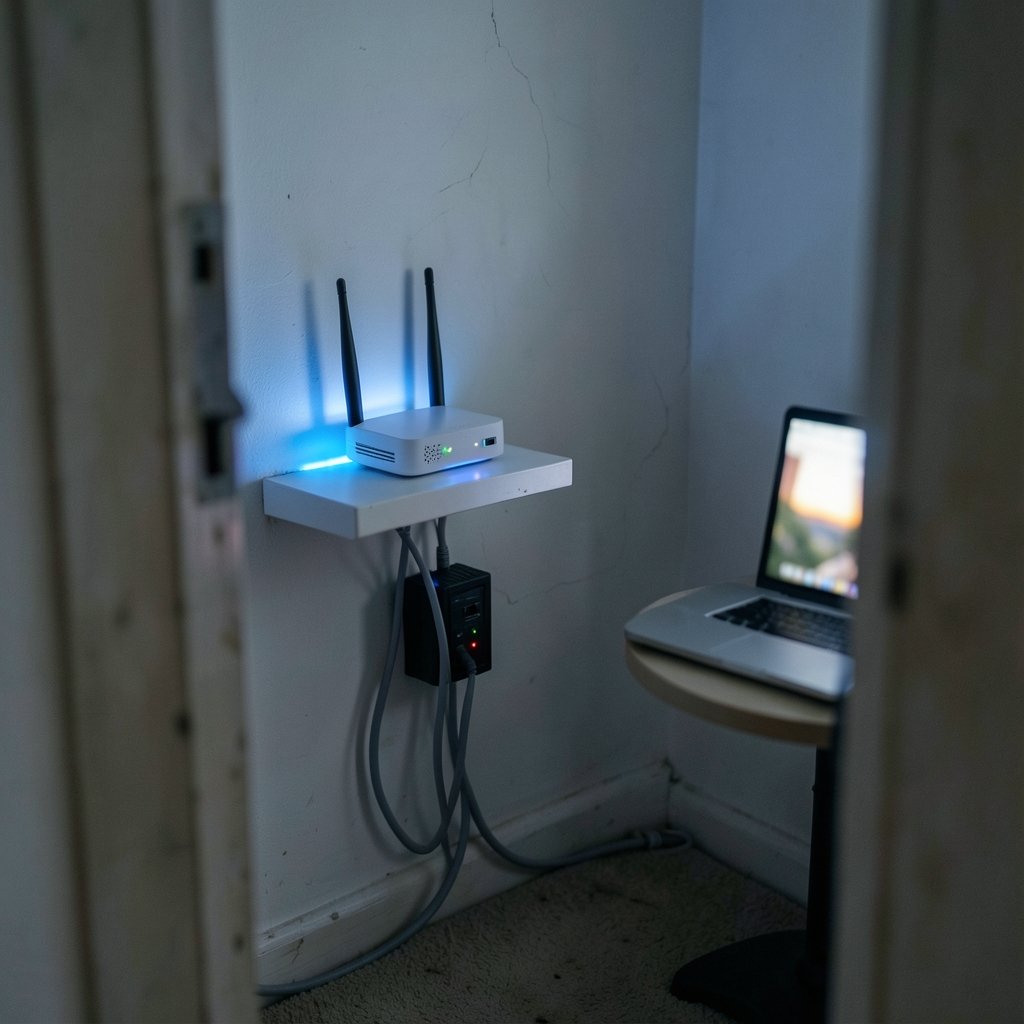
Here is the first thing worth knowing: almost every consumer VPN runs on the same handful of protocols. WireGuard, OpenVPN, and IKEv2/IPsec do the heavy lifting across the industry. WireGuard earned its popularity because it has low overhead and reconnects fast, which is why many providers offer it as their quickest option. WireGuard was merged into the Linux kernel in 2020, and consumer adoption grew from roughly that point onward.
That means a provider’s “gaming mode” is rarely new technology. It is usually a combination of a nearby server, the WireGuard protocol, and maybe a split-tunneling feature that lets game traffic skip the tunnel entirely. You can often assemble the same setup yourself in a few clicks, which is a useful confidence boost for anyone nervous about settings.
The practical takeaway: ignore the label and look at the plumbing. A VPN with a server in your city and a solid WireGuard implementation will beat a “gaming” branded app with distant servers every time.
How a VPN Actually Affects Ping and Matchmaking
A VPN creates an encrypted tunnel between your device and a VPN server. Your internet provider can no longer read the traffic, and the destination sees the VPN server’s IP address instead of yours. That is the standard definition, and it has not changed in years.
For gaming, the important part is what the tunnel does to your round-trip time. Adding an encryption hop and a detour through a server typically increases latency. So why do some players swear a VPN improved their connection? Because a VPN can help in specific cases:
- Your internet provider routes game traffic poorly, and the VPN’s route to the game server is genuinely shorter.
- Your provider throttles game traffic, and the encrypted tunnel hides what the traffic is.
- You want to play with friends on a server region that your normal route handles badly.
None of these are guarantees. A VPN is a routing experiment, not a magic ping button. The sensible approach is to test it: measure your ping without a VPN, connect to a nearby server, and measure again. If the number goes up, disconnect. That single habit saves more frustration than any review roundup.
There is a related trap worth flagging. Some players assume a VPN will fix lag caused by their own Wi-Fi, an old router, or a crowded household network. It will not. If your connection is unstable at the local level, fix that first. The same logic applies to your whole setup: a slow display or a weak machine can make a good connection feel bad, which is why guides on whether a gaming monitor is worth buying for beginners in everyday use spend so much time on matching hardware to real needs rather than chasing specs.
What Beginners Should Actually Compare
Forget feature lists that run to forty bullet points. For a new player, a short checklist covers almost everything that matters.
| Factor | Why it matters for gaming | What to look for |
|---|---|---|
| Protocol | Determines speed and overhead | WireGuard offered as a first-class option |
| Server locations | Distance drives latency | Servers in or near your game region |
| Kill switch | Stops traffic if the tunnel drops | Available and easy to enable |
| DNS leak protection | Prevents DNS requests escaping the tunnel | Enabled by default or one toggle away |
| Logging policy | Privacy depends on what is stored | Clear no-logs policy plus independent audits |
| Jurisdiction | Legal context for data requests | A country whose privacy law you are comfortable with |
| Price and devices | Budget and household size | Transparent pricing, enough simultaneous connections |
Notice what is missing: “gaming accelerator” branding, RGB interfaces, and claims of ping reduction in the double digits. Those are marketing, not engineering.
Logging policy and audits deserve a closer look
Beginners tend to skim this part, and it is the part that matters most. A no-logs policy is a promise; an independent audit is evidence someone checked. Several providers have published third-party no-logs audits since roughly 2018 to 2023, conducted by firms such as Cure53, Deloitte, and PwC. Those claims should be read on each provider’s own transparency page rather than taken from a sales banner.
Jurisdiction matters too. Where a company is based shapes which laws govern data requests. There is no universally “best” jurisdiction, only trade-offs you should understand before paying.
Kill switch and DNS leaks are baseline, not bonus
If the tunnel drops mid-match, a kill switch cuts your internet rather than exposing your real IP. DNS leak protection keeps domain lookups inside the tunnel. Both are standard on serious providers. Check that they exist, then check that they are switched on. Plenty of people pay for protection they never enabled.
Free VPNs and the Beginner Trap
Free VPNs are tempting, and the trade-offs are real. Many cap data, limit server choice, or monetize through ads and data collection. Consumer organizations and academic measurement studies have documented privacy risks in some free VPN apps. For gaming specifically, a data cap is fatal: a few game updates can burn through a monthly allowance in an afternoon.
There is a second, quieter cost. Free services often have crowded servers, which means more latency and more disconnects. You end up debugging the VPN instead of playing.
A reasonable middle path for a cautious beginner: use a reputable provider’s short money-back window to test ping on the servers you would actually use. If the numbers do not improve, ask for the refund. That is a far better use of a trial than trusting a badge that says “optimized for gaming.”
The Rules Nobody Reads: Terms of Service and Anti-Cheat
This is where enthusiasm meets fine print. Using a VPN to dodge region locks or bans can violate a game’s or platform’s terms of service and may lead to account action. Steam’s Subscriber Agreement, for example, restricts using VPNs to fake country location for purchases. That is a long-standing restriction, so read the current text before you try anything clever with regional pricing.
Anti-cheat systems add another layer of uncertainty. Some anti-cheat tools and matchmaking services may flag or restrict VPN use, and behavior varies by game. Public documentation is inconsistent, so treat this as unknown territory and check per title before you queue ranked with a tunnel running.
Legal status also varies by country. VPN use is restricted or regulated in some jurisdictions, including China, Russia, and parts of the Middle East. Status changes frequently, so verify current local law rather than relying on a forum post from three years ago.
Consoles Are a Different Story
On a PC, a VPN is an app. On a PlayStation, Xbox, or Switch, it usually is not. Consoles generally require router-level setup, where the VPN runs on the router and every device behind it shares the tunnel. That is a practical constraint, not a policy statement, and it changes the buying decision.
If console gaming is your main hobby, a router-based approach is the realistic option. Be aware of the side effects: smart TVs, phones, and work laptops on the same network will also route through the tunnel unless you configure exceptions. For many households, that is more hassle than it is worth, and a better router or a wired connection solves more problems.
If you are still assembling your setup, a step-by-step guide to a first gaming PC build for beginners is a more useful investment of an evening than tuning VPN settings on hardware you have not built yet.
Practical Setup Tips That Actually Work
Once you have picked a provider, the difference between “it works” and “it is a mess” comes down to a handful of habits.
- Test before you commit. Record your ping in three games without a VPN. Then connect to the closest server and repeat. Keep the setup only if the numbers hold or improve.
- Pick servers by geography, not by name. A server labeled “gaming” in another country loses to a plain server in your own city almost every time.
- Turn on the kill switch and leak protection first. Do this before your first match, not after a disconnect scare.
- Try split tunneling. If your provider supports it, route only the game through the tunnel and leave everything else alone. This keeps latency predictable for browsing and streaming.
- Use wired ethernet where possible. Encryption overhead is easier to absorb when the underlying link is stable.
- Recheck after game updates. Server populations and routing change. A setup that worked last season may not work now.
Common mistakes show up again and again. People buy an annual plan before testing. They leave the default server on “fastest,” which sometimes means “least loaded” rather than “closest.” They forget that a VPN protects the tunnel, not the device, so the same care applies to what you install and click. That instinct is worth building generally: learning to spot AI hallucinations without technical knowledge is the same skill as reading a VPN’s marketing page with a raised eyebrow.
It also helps to keep expectations calibrated across your whole setup. A VPN will not rescue a display with poor motion handling, which is why buying guides on whether a gaming monitor is worth buying for beginners focus on panel response and refresh rate rather than buzzwords. The same principle applies to peripherals: debates about a mechanical vs membrane keyboard for gaming come down to measurable feel and durability, not labels. And if you game on a laptop, a realistic list of the best gaming laptops under 1000 that actually fit a budget will do more for your experience than any tunnel.
A Sensible Shortlist Approach for New Players
Rather than naming five products that may change pricing next month, it is more useful to describe the shape of a good shortlist. Aim for three candidates, each meeting the baseline:
- WireGuard support, with a clear toggle in the app.
- Servers in your region, ideally in your own country.
- Kill switch and DNS leak protection, both confirmed working.
- A published no-logs policy with at least one independent audit.
- A refund window long enough to test properly, ideally thirty days.
- Transparent pricing with no surprise renewal jump.
Then test all three the same way: same game, same time of day, same server region. Keep the winner. This is unglamorous, and it beats every “top ten” list because it measures your connection, not someone else’s.
One more consideration for households: device limits. A plan that covers five devices sounds generous until phones, tablets, and a console router setup all want a slot. Check the limit before you buy, and remember that router-level setups can consume a connection or require a dedicated configuration.
Conclusion
The best gaming VPN for a beginner is not the one with the loudest gaming branding. It is the one with WireGuard, nearby servers, a working kill switch, an audited no-logs policy, and a refund window wide enough to test honestly. A VPN is a routing tool with real trade-offs: it can rescue a throttled or badly routed connection, and it can just as easily add latency to a healthy one. Test before you commit, read the terms of service for the games you play, and treat consoles as a router project rather than an app download. Do that, and you will spend your evenings playing instead of troubleshooting.
FAQ
Does a VPN lower ping?
Sometimes, but not usually. A VPN adds an encryption hop and a detour, which typically increases round-trip time. It can lower ping when your internet provider routes game traffic poorly or throttles it, and the VPN’s path to the server is genuinely better. The only way to know is to measure your ping with and without the tunnel on the same server.
Is a free VPN good enough for gaming?
Rarely. Many free VPNs cap data, limit server choice, or monetize through ads and data collection, and privacy risks in some free apps have been documented. Data caps are especially painful for gaming, since game updates can consume a monthly allowance quickly. Crowded free servers also tend to produce more latency and disconnects.
Can I use a VPN on a PlayStation or Xbox?
Yes, but generally through router-level setup rather than a per-app client. The VPN runs on the router, and every device behind it shares the tunnel unless you configure exceptions. That means phones, TVs, and work laptops may also route through it, which is more hassle for many households than it is worth.
Will a VPN get me banned in online games?
It can put your account at risk if you use it to evade region locks or bans, which may violate a game’s or platform’s terms of service. Steam’s Subscriber Agreement, for instance, restricts using VPNs to fake country location for purchases. Anti-cheat behavior around VPNs varies by game and is not consistently documented, so check per title.
What features matter most for a beginner?
Protocol support, especially WireGuard; servers close to your game region; a kill switch; DNS leak protection; a clear no-logs policy backed by an independent audit; and transparent pricing with a refund window. Gaming-specific branding matters far less than these basics, and split tunneling is a nice bonus if you want only game traffic in the tunnel.
Is using a VPN legal everywhere?
No. VPN use is restricted or regulated in some jurisdictions, including China, Russia, and parts of the Middle East, and the rules change frequently. Check your local law before subscribing rather than relying on older forum advice. Legality and a game’s terms of service are separate questions, and both apply.



