
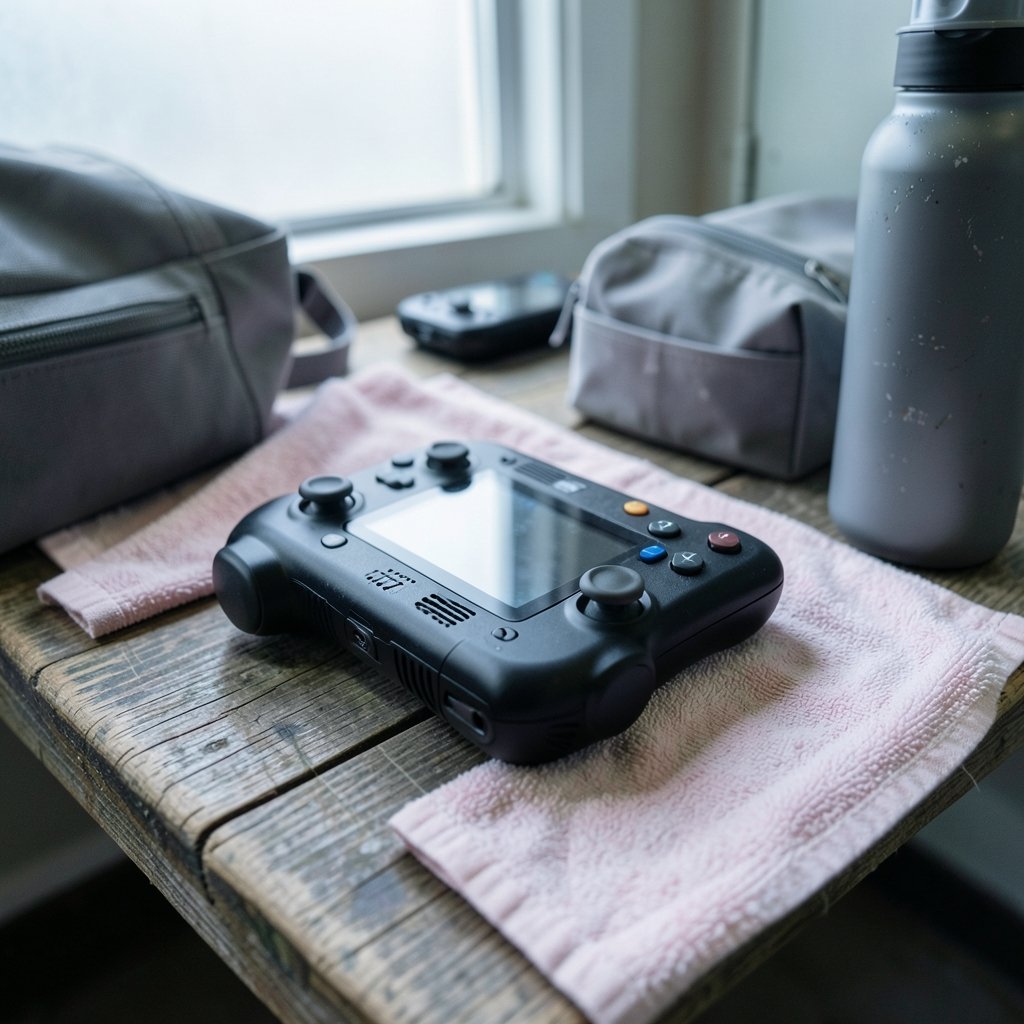
Quick Answer: Which gaming handhelds are best for competitive gaming?
Windows-based handhelds like the ASUS ROG Ally and Ally X lead the pack for competitive play, because they run native PC versions of shooters and fighting games with anti-cheat systems intact. Their 120 Hz variable refresh displays give you the responsiveness that ranked matches demand.
The Lenovo Legion Go pushes refresh rate further with a 144 Hz panel, while the Steam Deck OLED sits at 90 Hz without variable refresh. Cloud-focused devices and the Switch family lag behind for latency-sensitive titles, though they remain fine for casual play.
Before buying, compare refresh rate, variable refresh support, anti-cheat compatibility, frame rates at lowered settings, battery life under load, controller durability, and weight in your hands.
Why Handhelds Struggle With Competitive Play
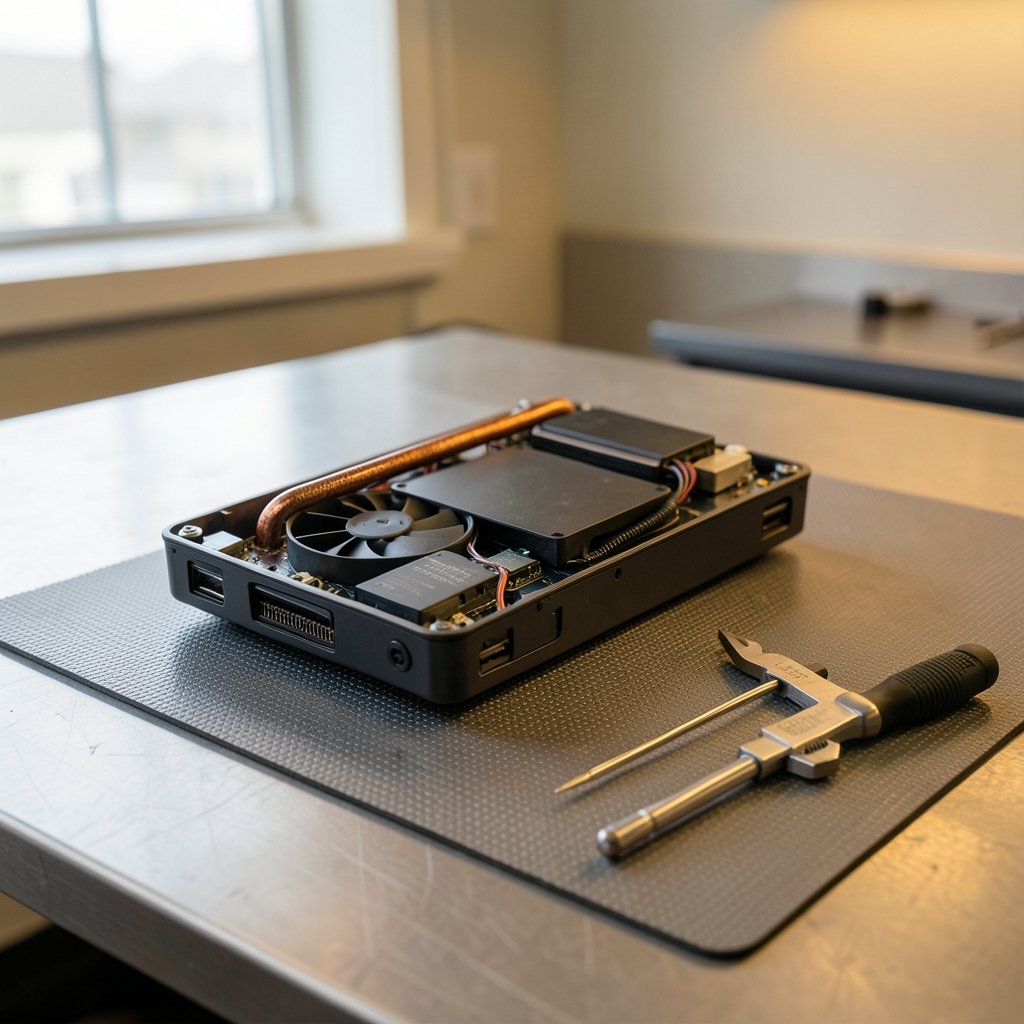
Can a device that fits in a backpack really hold up in a ranked match? Sometimes, but the hardware fights you the whole way.
Competitive gaming rewards three things: high frame rates, low input latency, and rock-solid network connections. Handhelds compromise on all three by design. Their AMD APUs prioritize efficiency over raw power, so demanding games often need lowered resolution and settings to stay smooth. That is not a dealbreaker, but it changes how you play.
Refresh rate matters just as much. A 120 Hz or 144 Hz screen with variable refresh rate (VRR) reduces perceived input lag and keeps motion readable during fast turns. Handheld APUs often cannot sustain high frame rates in demanding titles at native resolution, so competitive players typically drop resolution and settings to chase stability.
Then there is the software layer. Anti-cheat compatibility decides whether a game even launches. This is where the handheld you pick matters more than any spec sheet number.
The Windows Handheld Advantage
The ASUS ROG Ally (June 2023) and Ally X (2024) run Windows 11 on AMD chips, with a 7-inch 1080p screen at 120 Hz and FreeSync support. That combination is the closest a handheld gets to a competitive-ready laptop.
Windows support means native anti-cheat compatibility for many PC competitive titles, though not all. That “though not all” is doing heavy lifting. Some games still behave oddly on handheld hardware, and controller support varies by title. But broadly, Windows handhelds offer the widest native compatibility with PC competitive games and their anti-cheat systems.
The tradeoff is overhead. Windows adds battery drain and background processes compared with SteamOS. You will spend more time tweaking power profiles and less time playing. If you want the deepest library and the fewest compatibility headaches, though, this is the lane. For a wider view of how these devices stack up against fixed hardware, the breakdown of best handheld gaming consoles 2026 which one actually fits covers the field nicely.
Steam Deck: Great Value, Awkward Fit for Ranked Play
The Steam Deck (LCD in February 2022, OLED in November 2023) is a wonderful machine. It is also the least competitive-friendly of the major players, and the reasons are specific.
Its 7-inch screen tops out at 90 Hz on the OLED model and 60 Hz on the LCD, with no built-in VRR. For slower genres that is fine. For fast-paced shooters, 90 Hz without variable refresh leaves responsiveness on the table compared with 120 Hz+ rivals.
The bigger issue is anti-cheat. Valve has worked with Easy Anti-Cheat and BattlEye to enable Linux support, but support is per-game and opt-in by developers. Some competitive titles, particularly certain battle royale and tactical shooters, remain unsupported on SteamOS. Before buying, check the specific games you care about. Community compatibility databases track which titles work, and that check takes five minutes but saves hours of frustration.
If your competitive diet is fighting games, racing, or older esports titles, the Deck holds up better. If it is modern shooters, look elsewhere first.
Lenovo Legion Go: Big Screen, Big Tradeoffs
The Lenovo Legion Go (October 2023) throws an 8.8-inch 144 Hz display and detachable controllers into the mix. That refresh rate is the highest of the mainstream Windows handhelds, and the larger screen makes spotting enemies easier.
The catch is portability. Its larger size and weight make it less portable than 7-inch rivals. It is a handheld in the loosest sense, closer to a small tablet with controllers bolted on. For players who mostly game at a desk or on a couch and rarely commute with a device, that trade is reasonable. For anyone who wants a pocketable companion, it is not.
The detachable controllers also introduce a durability question. Moving parts wear. Competitive players put hundreds of hours of aggressive stick and button inputs into a device, so build quality deserves real weight in your decision.
How the Main Contenders Compare
| Device | Screen | Refresh Rate | VRR | OS | Anti-Cheat Reality |
|---|---|---|---|---|---|
| ASUS ROG Ally / Ally X | 7-inch 1080p | 120 Hz | Yes (FreeSync) | Windows 11 | Broad native PC support, not universal |
| Lenovo Legion Go | 8.8-inch | 144 Hz | Yes | Windows 11 | Broad native PC support, not universal |
| Steam Deck OLED | 7-inch | 90 Hz | No | SteamOS | Per-game, developer opt-in |
| Steam Deck LCD | 7-inch | 60 Hz | No | SteamOS | Per-game, developer opt-in |
| Nintendo Switch / Switch 2 | 6.2-inch class | 60 Hz | No | Nintendo | Nintendo consoles only |
| Cloud handhelds (e.g., Logitech G Cloud) | 7-inch class | 60 Hz | Varies | Android | Depends entirely on streaming |
The pattern is clear. Windows handhelds win on compatibility. Steam Deck wins on polish and price. Everything else is a specialist tool.
What About the Switch and Cloud Handhelds?
The Nintendo Switch (2017) and its successor work differently. They run Nintendo’s software library, not PC titles, so the anti-cheat question mostly disappears. What remains is hardware longevity. The original Switch’s Joy-Con drift became the subject of class-action litigation and regulatory attention in multiple countries, which matters if you plan to grind ranked modes for years.
Cloud handhelds like the Logitech G Cloud (2022) depend on network latency and are generally considered unsuitable for latency-sensitive competitive play. Streaming adds a hop between your input and the game server. In a fighting game, that hop is felt. In a turn-based game, it is invisible. Know which one you play.
If streaming is your plan anyway, the comparison of Xbox cloud gaming vs ps plus premium which cloud service is worth reading before you commit. And no matter which device you choose, your connection matters as much as your hardware, which is why the case for ethernet vs wi fi gaming which connection actually wins applies doubly on a handheld.
Practical Tips That Actually Work
Here is what experienced handheld players do, and what newcomers get wrong.
Lower resolution before lowering everything else. Dropping to 720p often buys more frames than fiddling with a dozen graphics sliders. On a 7-inch screen, the visual cost is smaller than you would expect.
Cap frame rates for consistency. A locked 60 fps feels better than a fluctuating 45 to 70. Consistency beats peak numbers in competitive play.
Test your specific games first. Anti-cheat support is per-title. Check before you buy, not after.
Use a wired or strong 5 GHz connection. Handhelds are portable, which tempts people into weak Wi-Fi corners. Do not play ranked there.
Watch controller wear. Sticks drift, triggers loosen, and buttons mush out. Budget for repairs or pick a device with replaceable parts.
Avoid the “max settings” trap. Handhelds are not desktops. Treat them like the efficient machines they are and they will reward you.
The most common mistake is buying for the spec sheet instead of the game list. A 144 Hz screen means nothing if your main title will not launch.
Do You Even Need a Handheld for Competitive Play?
Honest question. If your goal is climbing ranked ladders in shooters, a handheld is a compromise device. A desktop or a console plugged into a low-latency monitor will beat it every time. The comparison of ps5 pro vs gaming pc which one actually fits your setup lays out that decision well.
Handhelds make sense when portability is the point. Travel, commutes, lunch breaks, a second screen in a household with one TV. In those moments, a Windows handheld running your actual PC library at 60 to 120 fps is genuinely great. It is not a replacement for a competitive rig. It is a companion to one.
That framing also helps you pick. If the handheld is your primary device, spend up for the Ally X or Legion Go. If it is secondary, a Steam Deck OLED may serve you better for the money, as long as your games cooperate with SteamOS.
Conclusion
The best gaming handheld for competitive play is a Windows machine, and the ASUS ROG Ally X currently makes the strongest overall case. It pairs a 120 Hz VRR display with native PC game compatibility, which is the combination competitive players actually need. The Lenovo Legion Go is the pick for players who want the biggest screen and highest refresh rate and do not mind the bulk.
The Steam Deck remains the best-value handheld and a joy to use, but its 90 Hz ceiling and per-game anti-cheat situation make it a second choice for ranked shooters. The Switch and cloud handhelds serve different audiences entirely.
Buy for your games, not the spec sheet. Check anti-cheat support, confirm frame rates at realistic settings, weigh the device in your hands if you can, and treat the handheld as what it is: a portable way to play, not a shortcut to the top of the ladder.
FAQ
Is a handheld ever better than a console for competitive gaming?
Rarely for pure performance. A console connected to a fast monitor offers more stable frame rates and lower latency. Handhelds win on flexibility, letting you practice or play casually away from a TV. Treat them as a supplement, not a replacement.
Can the Steam Deck run competitive shooters?
Some, yes, but support is per-game and depends on developers opting into Easy Anti-Cheat and BattlEye on Linux. Certain battle royale and tactical shooters remain unsupported. Check your specific titles in a community compatibility database before buying.
Does refresh rate really matter on a small screen?
It does. Going from 60 Hz to 120 Hz reduces perceived input lag and makes fast motion easier to track, even on a 7-inch panel. Variable refresh rate smooths out frame drops, which handhelds produce often. The effect is noticeable in fast-paced games.
Are cloud gaming handhelds good enough for ranked matches?
Generally no. Cloud handhelds depend on network latency, adding a hop between your input and the game server. That delay is tolerable in slower genres but punishing in shooters and fighting games. Use them for casual play, not ranked climbs.
How long do handheld controllers last under heavy use?
It varies widely by build quality. Analog sticks are usually the first component to wear, followed by triggers and face buttons. Players logging hundreds of hours should expect some drift or mushiness over time and should favor devices with replaceable or repairable parts.
Should I lower resolution or graphics settings first?
Lower resolution first. Dropping to 720p typically buys more frames than adjusting individual graphics options, and the visual cost is small on a compact screen. Then lock a consistent frame rate rather than chasing a higher, fluctuating one.



