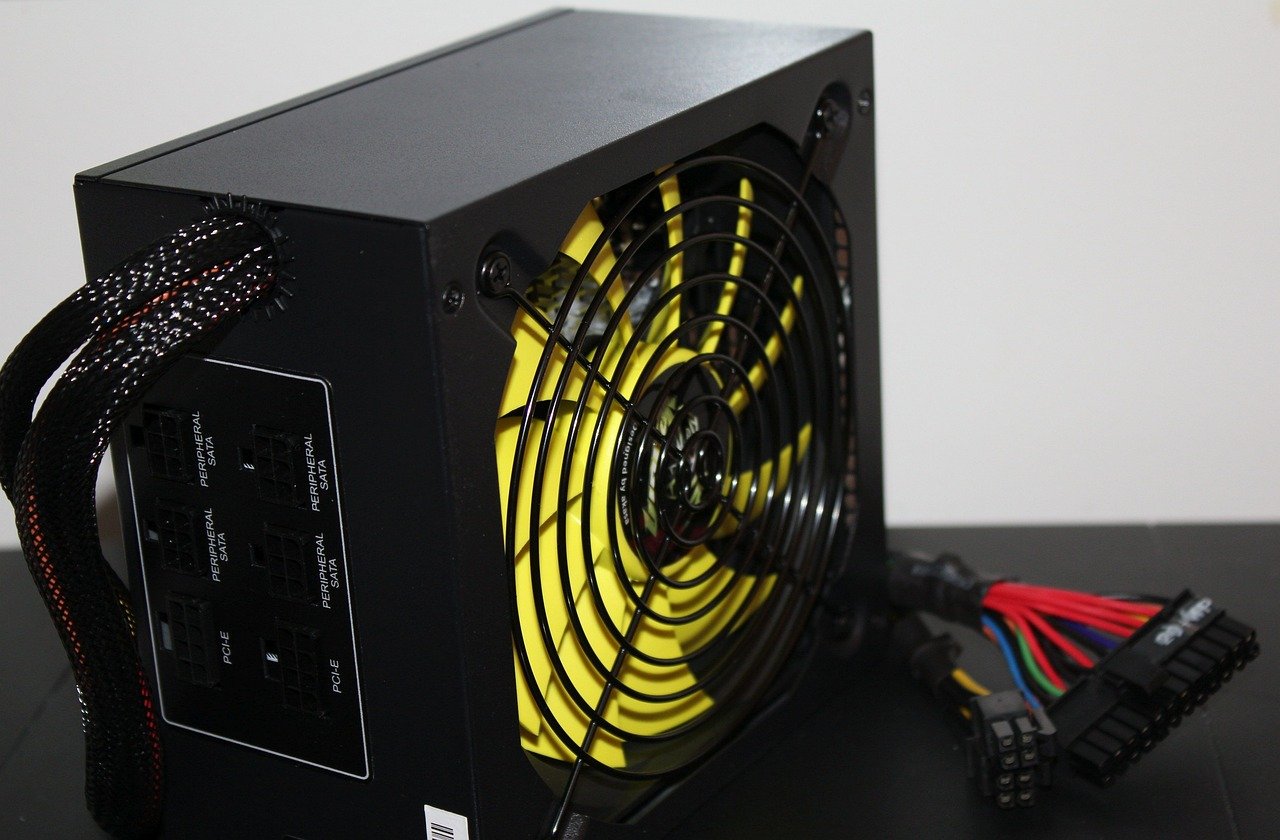
Quick Answer: How do I choose gaming power supplies?
Choosing a gaming power supply means matching wattage to your real component draw, then judging quality by protections and independent test data rather than the 80 PLUS badge alone. Start by adding your graphics card’s board power to your processor’s package power, add roughly 100 to 150 watts for everything else, and leave headroom for transient spikes.
Efficiency tiers such as Bronze, Gold and Platinum describe how much power is wasted as heat, not how stable or safe a unit is. A cheaper Bronze unit with solid protections can beat a flashy Gold unit with none. Connector standards matter too, especially the 12V-2×6 plug used by high-power cards.
Before buying, compare continuous wattage at your operating temperature, protection circuits, connector count, hold-up time, noise ratings, warranty length and independent teardown reviews.
Why the Power Supply Deserves More of Your Budget
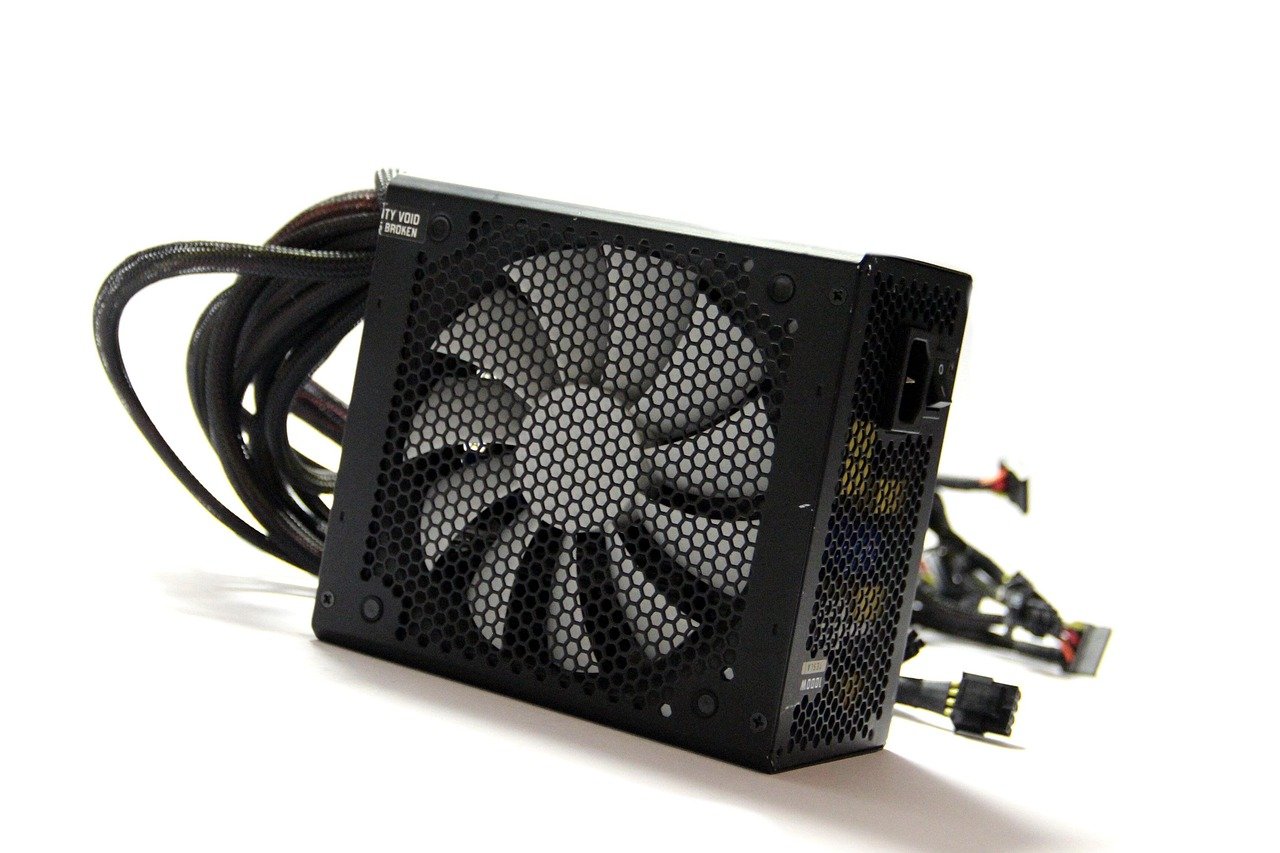
Most builders spend hours comparing graphics cards and almost no time on the box that feeds them. That is backwards. A power supply sits between the wall and every expensive part you own. When it fails badly, it can take the motherboard, drives and GPU with it.
The frustrating part is that a bad unit rarely announces itself. It just causes random shutdowns during boss fights, coil whine you can hear through headphones, or a system that refuses to wake from sleep. So the question is not “how many watts?” It is “which unit will behave predictably for the next five to seven years?”
Start With Real Wattage Math, Not Guesswork
The single most common mistake is buying wattage by feel. People either overspend on 1000 W they will never use or underspend on 550 W for a card that spikes far higher.
A practical rule of thumb: add the GPU’s board power and the CPU’s package power, add roughly 100 to 150 watts for the motherboard, drives, fans and memory, then leave headroom on top. Modern graphics cards can briefly pull far more than their sustained rating, which is exactly why Intel’s ATX 3.0 specification requires power supplies to tolerate short excursions above rated wattage.
| Build Type | Typical Sustained Draw | Sensible PSU Range |
|---|---|---|
| Office or light gaming | 200–300 W | 450–550 W |
| Mid-range gaming | 350–450 W | 650–750 W |
| High-end gaming | 500–650 W | 850–1000 W |
| Enthusiast, flagship GPU | 700 W+ | 1000–1200 W |
Treat that table as a starting point, not gospel. Headroom recommendations vary widely between vendors and reviewers, so present them to yourself as rules of thumb. If you are already weighing trade-offs across a build, the same logic of matching hardware to actual use applies when you choose a gaming monitor that matches the panel you actually play — buy for your real workload, not a fantasy one.
Why Transient Spikes Matter More Than Peak Numbers
A card rated at 320 W might hit 500 W for a few milliseconds. Older group-regulated designs can trip their protections and shut down. ATX 3.0’s excursion requirements exist precisely because of this behavior. If you are buying a current-generation card, an ATX 3.0 or newer unit removes a lot of guesswork.
Read the 80 PLUS Badge Correctly
The 80 PLUS program is a voluntary efficiency certification launched in 2004, with the Titanium tier added in 2011. It grades efficiency at 20%, 50% and 100% load, and separately at 115 V and 230 V. The tiers run White, Bronze, Silver, Gold, Platinum and Titanium.
Here is what the badge does not tell you: nothing about voltage regulation, ripple suppression, protection circuits or build quality. A Titanium unit and a White unit can both be safe, or one can be junk. Efficiency simply describes how much energy becomes heat instead of computing.
That said, efficiency has a practical payoff. Less waste heat usually means a quieter fan at a given load, and the benefit is largest under heavy sustained load. At idle, the differences between tiers are small enough to ignore.
Regional mains voltage also matters. At 230 V, efficiency is typically higher than at 115 V, and some units carry separate certifications for each. Buy the variant certified for your region rather than assuming the badge applies everywhere.
Check the Protection Circuits Before Anything Else
This is the part reviewers test and marketing pages hide. A reputable unit includes OCP (over-current), OVP (over-voltage), UVP (under-voltage), OPP (over-power), OTP (over-temperature) and SCP (short-circuit protection). Units without them can fail in ways that damage other components.
How do you verify? You generally cannot from a spec sheet. Independent teardowns and lab reviews are more reliable than capacitor-brand claims, which are common and hard to check. Cybenetics publishes independent efficiency and noise certification with test reports, which makes it a useful second opinion alongside 80 PLUS.
If a listing brags about “Japanese capacitors” but shows no protection table and no third-party testing, that is a warning sign, not a selling point.
Understand the Connector Standards
PCI-SIG owns the PCIe CEM specification, including the 12VHPWR connector introduced with PCIe 5.0 in 2022 and the revised 12V-2×6 design in 2023. The revision changed the sense-pin layout to reduce the risk of partial insertion.
That matters because melted 12VHPWR connectors on high-power GPUs became a widely reported problem from late 2022. The commonly cited causes were incomplete insertion and tight bending near the plug. Note carefully: this is a connector and cabling issue, not a wattage issue. Buying a bigger power supply does not fix a half-seated plug.
Practical habits that actually work:
- Push the connector in until it clicks and sits flush, then look at it from the side to confirm.
- Leave a few centimeters of straight cable before any bend.
- Avoid sharp 90-degree folds right at the plug.
- Use the cable supplied with your power supply rather than a random adapter.
Sources still disagree on whether 12V-2×6 fully eliminates the melting risk or only reduces it, so treat careful installation as mandatory rather than optional.
Build Quality Signals You Can Actually Judge
Since capacitor claims are unreliable, lean on things you can verify.
Warranty length is a decent proxy. Ten or twelve years signals confidence; two years signals the opposite. Continuous wattage at a stated temperature matters more than a peak number printed in large type. Hold-up time — commonly cited around 17 ms at full load — and the power-good signal affect stability during brief mains dips, though exact figures vary by ATX revision, so check the current Intel design guide if precision matters to you.
Fan behavior is another clue. A unit that stays in passive mode at low load and ramps smoothly is usually better engineered than one that screams from the first watt. Cybenetics noise ratings help here.
Cable quality and connector count deserve a look too. Count the PCIe connectors your card needs and confirm the unit supplies them natively. Fewer adapters means fewer failure points.
A Quick Note on Form Factor and Fit
Before falling in love with a unit, measure your case. Length is the usual culprit: 160 mm fits almost anything, while 180 mm and beyond can collide with drive cages or shroud cutouts. Also confirm the depth clearance for cable bends behind the motherboard tray. This is the same “measure before you commit” discipline that saves people from bad purchases elsewhere, whether that is picking the best gaming laptop under 1000 that actually fits your budget or choosing a study destination that suits your real constraints.
Efficiency, Noise and Room Conditions
A power supply’s noise depends on its fan curve and on how much heat the unit dumps into your case. In a small, poorly ventilated build, a lower-efficiency unit raises internal temperatures, which makes every other fan work harder.
The same principle applies across your whole setup. Just as room lighting changes how a gaming monitor versus a TV actually looks in your space, ambient conditions change how a power supply behaves. A unit that is silent in a cool, open case can become audible in a cramped one.
If you are assembling a full desk setup and want to understand how peripheral choices affect daily feel, the logic behind mechanical versus membrane keyboards for gaming and everyday typing follows the same pattern: match the tool to the actual use, not the spec sheet.
Common Mistakes That Cost People Money
Buying wattage as a status symbol. A 1200 W unit on a 400 W system wastes money and often runs less efficiently at low load.
Trusting the badge alone. Gold does not mean good. It means efficient.
Ignoring the connector generation. An older unit with adapters for a new card works, but native support is cleaner and safer.
Skipping independent reviews. Marketing copy is not testing. Lab teardowns are.
Reusing a decade-old unit with a new GPU. Capacitors age. A supply that was fine in 2015 may not handle transient spikes from a 2025 card.
Forgetting the case fit. The best unit in the world is useless if it does not physically go in.
How to Compare Two Units Side by Side
When you have narrowed the field, run the same checklist on both.
| Check | What Good Looks Like |
|---|---|
| Continuous wattage | Stated at a realistic operating temperature |
| Protections | OCP, OVP, UVP, OPP, OTP, SCP all present |
| Independent testing | Lab teardown or certification report available |
| Connectors | Native cables for your GPU, no adapters needed |
| Warranty | 7–12 years from a brand with local support |
| Noise | Passive mode at low load, rated noise data published |
| Fit | Length and depth confirmed against your case |
Two units with identical wattage and identical badges can land on opposite sides of this table. That is the whole point of the exercise.
Conclusion
Choosing a gaming power supply comes down to three habits: do the wattage math honestly, judge quality by protections and independent testing rather than the efficiency sticker, and install the connectors carefully. Everything else — the badge, the capacitor marketing, the peak wattage in giant font — is noise.
Buy slightly more headroom than you think you need, insist on a full protection suite, confirm the unit fits your case, and check a lab review before you pay. Do that, and the power supply becomes the part of your build you never think about again. Which is exactly what you want.
Frequently Asked Questions
Is a Gold-rated power supply always better than a Bronze one?
No. The 80 PLUS tier describes efficiency only. It says nothing about voltage regulation, ripple, protection circuits or build quality. A well-built Bronze unit with a full protection suite and good lab results can be a safer choice than a Gold unit with no independent testing behind it. Compare protections and teardown reviews first, then use efficiency as a tiebreaker.
How much wattage headroom should I leave?
A common approach is to add your GPU board power and CPU package power, add roughly 100 to 150 W for the rest of the system, then add some margin on top. These figures are community convention rather than a formal standard, and recommendations vary between vendors and reviewers. If you are buying a current high-power card, an ATX 3.0 or newer unit handles transient spikes more gracefully than raw wattage alone.
Do I need an ATX 3.0 power supply?
Not strictly, but it helps with modern high-power graphics cards. ATX 3.0 requires units to tolerate short power excursions well above rated wattage, which is exactly the behavior that causes older designs to shut down unexpectedly. It also introduced the 12VHPWR connector, later revised as 12V-2×6. For a mid-range build with modest power draw, a good quality older-standard unit can still work fine.
What caused the melted 12VHPWR connectors?
Reports of melted connectors on high-power GPUs appeared from late 2022. The commonly cited causes were incomplete insertion and tight bending of the cable near the plug. It is a connector and cabling problem, not a wattage problem, so buying a larger power supply does not solve it. Push the plug in until it seats fully, keep a few centimeters of straight cable before any bend, and use the cable that came with your unit.
Can a bad power supply damage my other components?
Yes, that is the main risk. A unit lacking proper over-current, over-voltage or short-circuit protection can fail in ways that send damage downstream to the motherboard, drives or graphics card. This is why protection circuits matter more than efficiency tier. Reputable independent reviews test these circuits; marketing pages usually do not mention them at all.
Does a higher efficiency rating make a power supply quieter?
Usually, yes, but indirectly. Higher efficiency means less energy is wasted as heat, so the fan typically spins slower at a given load. The benefit is largest during long, heavy gaming sessions. At idle or light load, the difference between tiers is small. Fan curve design and passive mode matter just as much as the efficiency rating for real-world noise.