
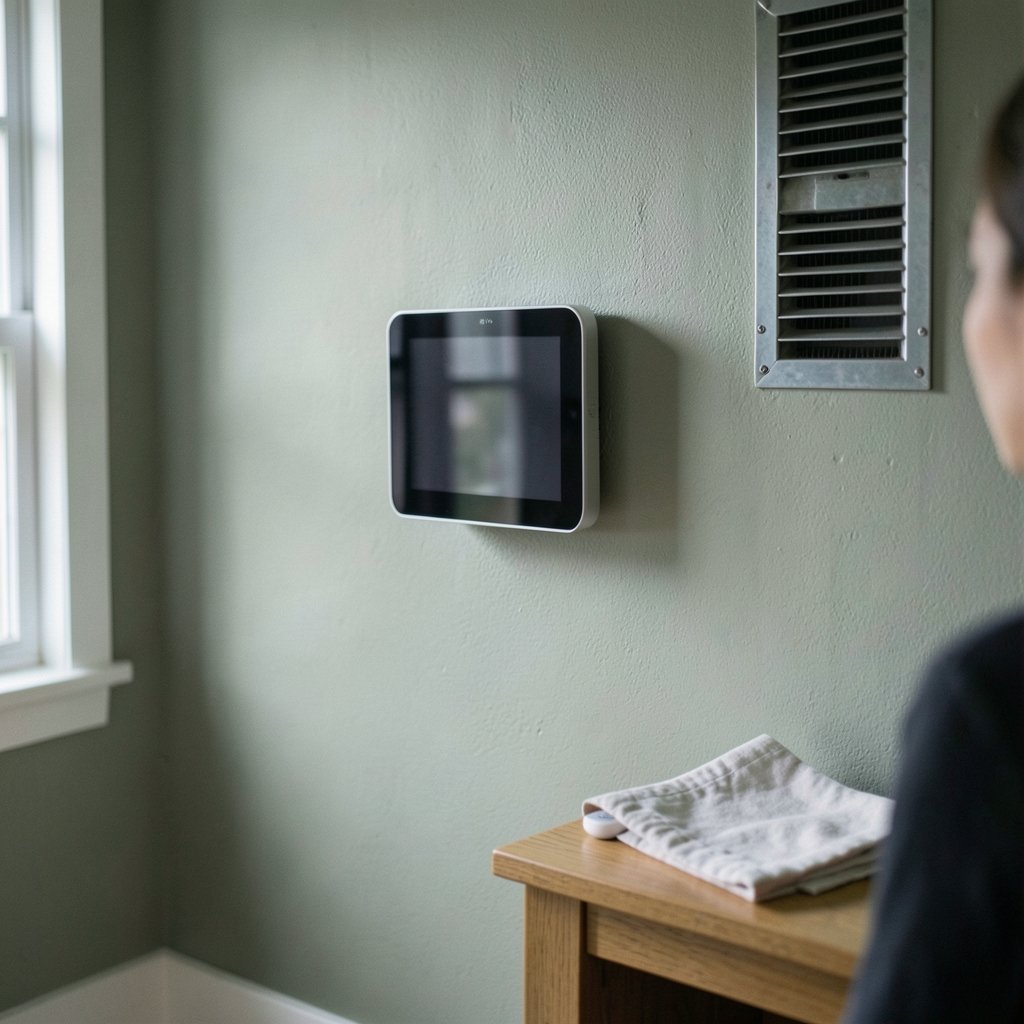
What if the single most boring device on your wall could cut your heating bill, fix the cold spot in your bedroom, and tell you your heat pump is failing before it dies? That is the promise of a Wi-Fi thermostat — and, to be fair, sometimes it is also the hype. The gap between a smart thermostat that genuinely saves energy and one that just looks nice on an app is wider than most shopping guides admit. This article walks through what separates the two, which features matter for which homes, and how to avoid the expensive mistakes that show up again and again in real installations.
Why “Best” Depends on Your HVAC System First
Before comparing brands, it helps to understand one uncomfortable truth: the best Wi-Fi thermostat for a house with a modern heat pump may be a poor choice for an apartment with baseboard electric heat and no C-wire. Compatibility comes before features.
Three compatibility questions decide most of the shortlist:
- Do you have a C-wire? The common wire provides steady low-voltage power. Without one, many smart thermostats need a power adapter kit, a spare wire run, or a model designed to steal power from the heating circuit.
- What kind of system do you have? Forced-air gas furnaces, heat pumps with auxiliary heat, dual-fuel setups, and zoned hydronic systems all have different wiring and staging requirements.
- How many stages? A two-stage or variable-speed compressor needs a thermostat that can drive those stages properly. A basic model will run the equipment below its capability.
A practical tip from the field: photograph your existing thermostat’s wiring terminals before you disconnect anything, and check the model number of your air handler or furnace. Manufacturer installation manuals list supported configurations in far more detail than any retail listing, and they are the primary source worth trusting.
The Features That Actually Change Your Bill

Marketing pages love to list dozens of features. In practice, a handful do the heavy lifting.
Scheduling and geofencing
Geofencing uses your phone’s location to switch between home and away modes. It sounds like a gimmick until you realize that most people are terrible at maintaining a manual schedule. A thermostat that automatically backs off when the last person leaves removes the human error that erodes savings.
Learning behavior
Learning thermostats build a schedule from your adjustments over the first week or two. They work well for households with predictable routines and poorly for shift workers or homes with frequent guests. Be honest about which one you have.
Remote sensors
Remote temperature sensors are the most underrated feature in the category. Thermostats measure temperature at the wall where they are mounted, which is often a hallway near a return vent — not where you actually sit. Sensors placed in bedrooms and living rooms let the system prioritize the rooms you use. This matters enormously in two-story homes and in houses with a single-zone system serving very different spaces.
Humidity and air quality monitoring
Some models report indoor humidity and can drive a whole-house dehumidifier or ventilator. If your home feels clammy in summer, humidity control is worth more comfort than another degree of cooling.
Smart Home Platform and Protocol Support
A thermostat that does not talk to your other devices is just a programmable thermostat with a nicer screen. Two standards currently shape compatibility:
- Matter is the cross-vendor interoperability standard designed so devices from different manufacturers work together locally.
- Thread is a low-power mesh networking protocol often paired with Matter, which lets devices communicate without loading your Wi-Fi network.
Before buying, check whether the model is certified for the platform you actually use. A thermostat that works flawlessly with one platform may offer only basic on/off control with another. If you run a mesh network at home, confirm your access point setup is stable before blaming the thermostat for dropouts — issues like a mesh wifi wired backhaul not working can make any connected device look broken.
Energy Savings: What the Numbers Really Mean
Manufacturers often cite savings percentages, and those figures come from modeling rather than from your house. The honest framing is this: savings depend on how much you currently waste. A household that already sets back the thermostat manually will save little. A household that heats an empty house all day will save a lot.
A few practical points that hold up regardless of brand:
- Setback range matters more than algorithm. A schedule that drops the temperature several degrees while you are away or asleep does most of the work.
- Heat pumps have limits. Aggressive setbacks on a heat pump can trigger expensive auxiliary resistance heat during recovery. Modest setbacks usually win.
- Rebates change the math. Many utilities offer rebates for qualifying connected thermostats, and some demand-response programs pay you for brief setpoint adjustments during peak events. Rebate amounts and eligibility rules vary by utility and change from year to year, so check your utility’s current program page rather than trusting a retailer’s badge.
If saving energy is the broader goal, it also pays to look beyond the thermostat. The same household logic applies to heating and cooling controls elsewhere in the home; a look at the best smart thermostats to save energy helps frame how much of your bill is actually controllable through setpoint behavior versus envelope and equipment issues.
A Comparison Framework That Works in Practice
Rather than crowning one winner, use a framework. The table below shows how the main categories of Wi-Fi thermostat differ in what they are good at.
| Category | Best for | Main trade-off | Watch out for |
|---|---|---|---|
| Learning thermostat | Predictable routines, single-zone homes | Higher upfront cost | Struggles with irregular schedules |
| Budget Wi-Fi model | Renters, simple systems, first smart device | Fewer sensors and integrations | Limited staging and heat pump support |
| Heat-pump specialist | Variable-speed and dual-fuel systems | Narrower platform support | Requires careful configuration |
| Sensor-heavy system | Multi-room homes, hot and cold spots | Extra hardware cost | Sensor placement determines results |
| Utility-program model | Households chasing rebates | Vendor or utility lock-in | Program terms can change |
The right row depends on your house, not on a review site’s ranking. Review rankings also shift frequently and are often funded by affiliate commissions, so treat them as leads rather than evidence.
Installation: Where Most Problems Begin
A thermostat is a low-voltage device, but it is still electrical work connected to equipment that can be damaged by a careless wire. Common mistakes show up repeatedly:
- Skipping the breaker. Turning off the air handler before touching wires prevents blown fuses on the control board.
- Misreading terminal labels. Labels vary between manufacturers, and a wire in the wrong terminal can cause short cycling or no cooling at all.
- Ignoring the C-wire. Borrowing power incorrectly can cause flickering screens or random reboots.
- Not configuring equipment type. A thermostat left in the wrong mode may run a heat pump’s auxiliary heat as first stage, which is expensive.
- Poor placement. Direct sun, a supply register, a lamp, or a drafty hallway all distort readings.
If you are not comfortable identifying terminals, hiring an HVAC technician is usually cheaper than a control board replacement. Many utility rebate programs also require professional installation for the rebate to apply.
Security, Privacy, and Longevity
A connected thermostat collects occupancy patterns and temperature data. Before committing, check whether the manufacturer publishes a security disclosure policy and how long it promises to support the device with firmware updates. A thermostat should last a decade or more; a device abandoned after two years of updates is a poor investment, no matter how good the app looks on day one.
Practical habits that help:
- Use a unique password and enable two-factor authentication on the account.
- Keep the thermostat’s firmware current.
- Segment smart-home devices onto a separate network if your router supports it.
- Confirm what data leaves the home and whether it is shared with third parties.
When a Wi-Fi Thermostat Is the Wrong Purchase
Sometimes the answer is “not yet.” If your home has a single zone, a functioning programmable thermostat, and no remote sensor needs, the upgrade may deliver convenience rather than savings. If your HVAC equipment is near end of life, put the money toward the system instead. And if your Wi-Fi coverage is unreliable at the thermostat’s location, fix the network first — a device that drops offline cannot save energy.
Watch how connected hardware in the home is evolving. Regulatory filings and certification listings often reveal upcoming device generations before launch, and coverage such as the PS Portal 2 Wi-Fi Alliance filing shows how seriously manufacturers now treat wireless certification as a product milestone. The same logic applies to thermostats: certification for Matter or Thread is a clear signal of long-term support.
One small but oddly satisfying detail: naming your devices sensibly makes a connected home easier to manage. A quick browse of best name wifi ideas can save you from a future of “Thermostat-4F2A” confusion when you are troubleshooting at midnight.
Conclusion
The best Wi-Fi thermostat is not a single model — it is the one that matches your wiring, your equipment type, your routine, and your local rebate rules. Start with compatibility, add remote sensors if your home has hot and cold spots, and treat energy-savings claims as conditional on how much you currently waste. Get the C-wire and equipment configuration right, place sensors thoughtfully, and keep the firmware current. Do that, and the boring device on the wall quietly earns its place.
Frequently Asked Questions
Do I need a C-wire for a Wi-Fi thermostat?
Most Wi-Fi thermostats need a common wire to draw steady power. Some models include a power adapter kit or can run without one, but performance varies. Check your existing wiring and the manufacturer’s installation manual before buying, and consider professional installation if no spare wire is available.
Can a Wi-Fi thermostat really lower my energy bill?
It can, but the savings depend on your starting point. Households that currently heat or cool an empty home on a fixed schedule see the largest reductions. Homes that already set back temperatures manually see mostly convenience benefits. Modest setbacks work better than aggressive ones on heat pump systems.
Will a smart thermostat work with a heat pump?
Many do, but support for auxiliary heat, dual fuel, and variable-speed equipment varies widely. Confirm the model explicitly lists your configuration, and make sure the installer configures equipment type and staging correctly. A misconfigured thermostat can run expensive auxiliary heat as first stage.
Are utility rebates worth pursuing?
Often yes, since rebates can cover a substantial part of the purchase price. Eligibility, required documentation, and whether professional installation is mandatory all vary by utility and program year. Check your utility’s current program details rather than relying on a retailer’s claim.
How many remote sensors do I need?
One sensor per room you actually occupy during the day or night is a reasonable starting point — typically a bedroom and a main living area. More sensors do not automatically improve comfort; placement away from sunlight, vents, and exterior drafts matters more than quantity.
What happens if my Wi-Fi goes down?
Most thermostats keep running their last schedule locally, so heating and cooling continue. You simply lose app control and remote monitoring until the connection returns. If dropouts are frequent, address network coverage at the thermostat’s location before assuming the device is faulty.



