

What if the charger you already own is quietly the wrong one for half your gadgets? That is the strange reality of USB-C. The plug looks identical on every device, yet the power behind it can range from a trickle to enough juice for a full laptop. Buying the “best” charger is less about chasing a brand name and more about matching a few technical details to what you actually plug in.
This guide walks through what separates a genuinely good USB-C charger from a mediocre one, where people go wrong, and which specs matter for phones, tablets, and laptops. No hype, just the details that decide whether a charger works well or frustrates you daily.
Why “best” depends on what you are charging
There is no single best USB-C charger because a 30 W wall adapter and a 140 W brick serve different jobs. A phone charger that fits in a pocket is a poor choice for a 16-inch laptop, and a heavy laptop brick is overkill for earbuds.
The smart move is to think in categories:
| Category | Typical wattage | Good for |
|---|---|---|
| Pocket phone charger | 20–30 W | Phones, earbuds, small tablets |
| Travel multi-port | 45–65 W | Phone plus tablet or thin laptop |
| Laptop-class single port | 65–100 W | Most ultrabooks |
| High-power desktop | 100–240 W | Gaming and creator laptops |
Buy the category that matches your heaviest device, then let smaller gadgets draw only what they need. That last point matters, and it surprises people. A 100 W charger does not force 100 W into a phone. The device and charger negotiate through USB Power Delivery, and the phone takes what it can handle.
The one standard that actually matters: USB Power Delivery
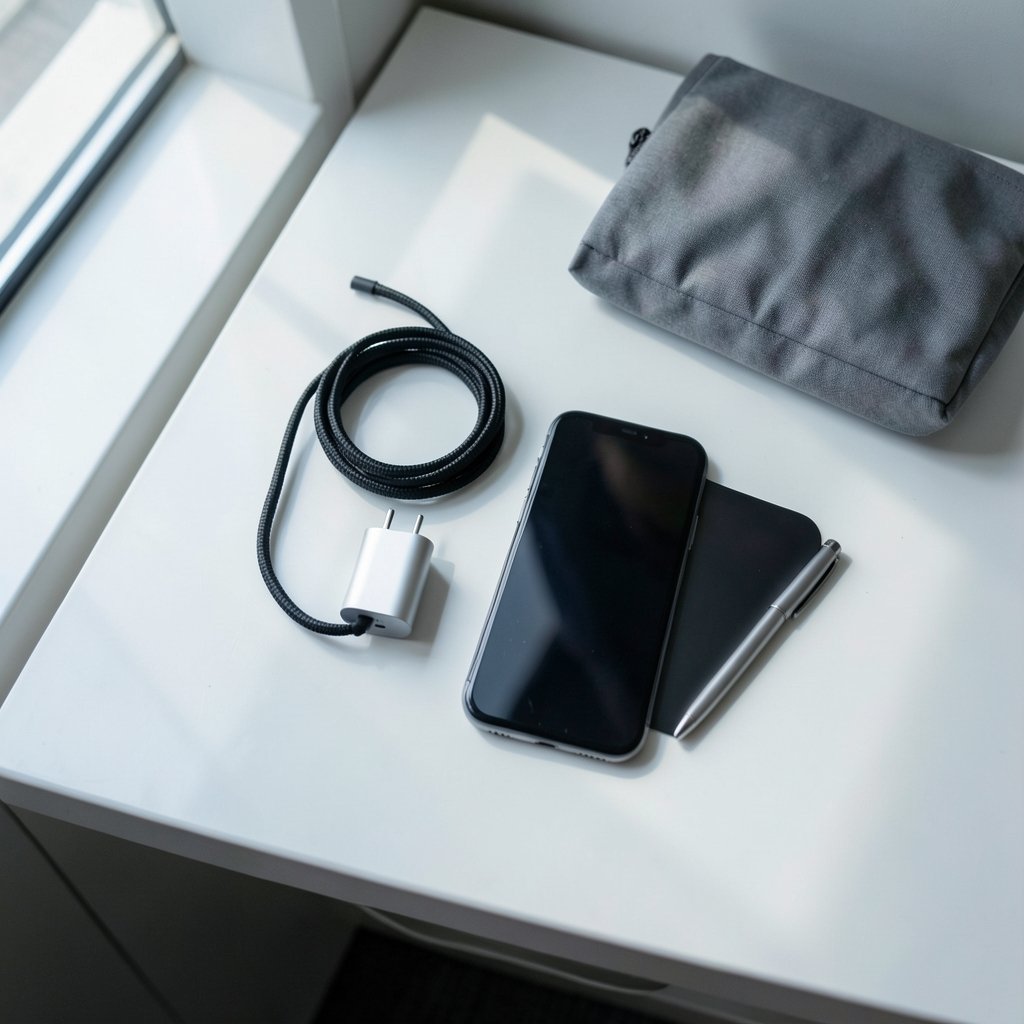
USB Power Delivery (USB PD) is the open fast-charging standard built into USB-C. PD 3.0 arrived in 2017, and PD 3.1 landed in 2021 with a ceiling of 240 W, enough for large laptops. If a charger supports PD, it will fast-charge a wide range of devices from different makers.
What trips people up is proprietary fast-charge modes. Some phone brands push past standard PD using their own protocols. Those can be faster on that brand’s phones but do nothing for anything else. For most households juggling mixed devices, a solid PD charger is the safer bet because it plays nicely with everything.
A charger that lists only a proprietary mode and never mentions PD is a red flag. Check the box or product page for the letters “PD” and a wattage figure.
Cables are half the equation
Here is the mistake almost everyone makes: spending on a great charger and then using a random cable from a drawer. The connector shape tells you nothing about what the cable can carry.
USB-C cables are rated by current. A cable built for 3 A tops out around 60 W (20 V times 3 A). To move more power, you need a 5 A cable, and those carry an e-marker chip that tells the charger it can handle the load. Without that chip, a 100 W charger may fall back to a lower wattage.
Practical rules that actually work:
- Match the cable’s rating to the charger’s wattage. A 100 W charger needs a 5 A, e-marked cable.
- Keep one known-good high-wattage cable with your laptop and do not let it wander.
- Replace frayed or suspiciously stiff cables. Cheap ones often skip proper insulation and the e-marker.
- Do not assume the cable in the box with a phone is rated for your laptop.
If you want to squeeze the most from your setup, it helps to know how to set up a USB-C charger for best performance so the cable, port, and device all agree on the same power profile.
GaN chargers: smaller, cooler, not magic
Gallium nitride (GaN) is a semiconductor material that lets chargers run smaller and cooler than older silicon designs at the same wattage. That is why a modern 65 W charger can be the size of a matchbox while an old 65 W brick looked like a paperweight.
But “GaN” is not a regulated label. There is no single standard that defines what counts as a GaN charger, so marketing claims vary wildly between brands. Treat GaN as a nice bonus for size and heat, not a guarantee of quality. A well-built silicon charger can outperform a poorly designed GaN one.
The honest takeaway: GaN is worth paying a little extra for if portability matters. It is not worth paying a premium if the charger sits on a desk all day.
Safety marks beat brand promises
A charger is a device that sits between mains power and something you hold against your face. Safety certification is not optional.
Look for the marks that indicate a product passed conformity testing: UL listing in the US, CE marking in the EU, and the UKCA mark in the UK. These confirm a charger met safety requirements, not that it is the fastest or best-performing.
One caveat worth knowing: counterfeit marks exist. If a bargain charger’s price seems impossible, verify the certification through the certifier’s public database before trusting it. Off-brand chargers with no recognizable marks are the ones most likely to run hot, buzz, or fail early.
That buzzing is a real phenomenon. Some chargers emit a faint high-pitched noise, and it is worth understanding rather than ignoring, since it can signal a design or component issue. There is a clear explanation of what causes it and how to deal with it when USB-C charger coil whine happens and how to stop it.
Multi-port chargers: read the fine print
Multi-port chargers are the most misunderstood category. A charger labeled “100 W” with three ports rarely gives 100 W to each. The total is shared, and the split changes depending on how many devices are plugged in.
Common patterns:
- A single device may get the full rated wattage.
- Plug in a second device, and the first port may drop to a lower share.
- Some chargers pause or reset a port when a new device connects.
That last behavior is why a laptop can suddenly stop charging, or a phone can drop off, when you add another gadget. If that sounds familiar, it is a known quirk of shared-power designs, and you can read about why your USB-C charger disconnects when a second device is plugged in and what to look for in a better unit.
Before buying a multi-port charger, find the per-port ratings and the “power sharing” table. If the maker does not publish one, that is a warning sign. A good multi-port charger tells you exactly what each port delivers in every combination.
Matching wattage to your devices
Getting the wattage right is simpler than it looks. Find the wattage your device expects, then buy at or above it.
- Phones and earbuds: 20–30 W covers fast charging on most models.
- Tablets: 30–45 W is usually enough, though large tablets can pull more.
- Ultrabooks: 45–65 W handles most thin laptops.
- Performance laptops: 90–140 W, sometimes up to 240 W with PD 3.1.
A charger rated above your device’s needs is safe. The negotiation handles it. A charger rated below your device’s needs is the problem: the device charges slowly or, under heavy load, may not keep up at all. That is why a phone charger can leave a working laptop slowly draining while plugged in.
What the EU rules changed
The EU’s common charger rules, adopted in 2022, require a USB-C charging port on many small and medium electronic devices sold in the EU from 28 December 2024, and on laptops from 28 April 2026. The rules do not mandate a specific wattage, but they push USB-C PD toward being the default across devices.
For buyers, that is good news. It means fewer proprietary cables and more chargers that work across brands. It also means the market is crowded, so the safety-mark habit matters more than ever.
When one charger is not enough
Some setups genuinely need more than a wall adapter. If you keep a laptop, a phone, and a tablet topped up, a single high-wattage multi-port charger can replace three bricks. If you also back up data to external drives, the power side and the storage side are separate problems, and mixing them up wastes money. A practical guide to NAS backup with an external USB drive covers the storage side so your charger budget stays focused on power.
Common mistakes that waste money
A few habits separate a smooth charging setup from a drawer full of regret:
- Buying wattage you cannot use. A 240 W charger is pointless if every cable and device caps lower.
- Ignoring the cable. The single most common cause of slow charging is a weak cable, not a weak charger.
- Trusting the total wattage on multi-port units. Check per-port numbers.
- Skipping safety marks to save a few dollars. The savings rarely justify the risk.
- Assuming all USB-C ports are equal. Some ports on laptops and hubs are data-only or lower power.
How to test a charger after you buy it
You do not need lab gear to sanity-check a new charger. Plug in your most demanding device and watch whether it charges at the expected speed. If a laptop that normally fills in an hour takes three, something in the chain is limiting power, usually the cable.
Feel the charger after 30 minutes of heavy load. Warm is normal. Too hot to hold comfortably is not, and it usually points to a cheap design or a mismatched cable. Listen for buzzing, and check that ports do not reset when you add a device. These simple checks catch most bad buys within the return window.
Conclusion
The best USB-C charger is not the most expensive or the most powerful. It is the one that matches your heaviest device, supports USB Power Delivery, comes with a properly rated cable, and carries a real safety mark. Get those four things right and almost any reputable charger will serve you well for years.
Start by listing what you charge and the wattage each device wants. Buy one category above your biggest need, keep a good 5 A cable with your laptop, and read the per-port specs on any multi-port unit before checkout. Do that, and the identical-looking plugs stop being a gamble and start being genuinely convenient.
A quick buying checklist. When you are standing in front of a shelf or scrolling a product page, run through these in order: confirm USB PD support and the wattage figure, check for a real safety mark, verify the cable rating matches the charger, and for multi-port units, find the per-port power-sharing table. If any of those four is missing or vague, move on. A charger that hides its specs is usually hiding something else too.
One last word on price. The gap between a no-name bargain and a reputable mid-priced charger is often small, and the difference in build quality, cable quality, and documentation is large. You do not need the flagship model, but you should avoid the bottom of the market. A charger that fails early, runs hot, or quietly throttles your laptop costs more in the long run than the few dollars you saved at checkout.
Keep the box and receipt. Chargers and cables fail, and most reputable brands honor warranties. Storing the packaging for the first few months makes a return or claim painless, and it gives you the exact model number if you need to look up specs later. It is a small habit that pays off the one time something goes wrong.
With those basics in hand, the rest is simple maintenance: replace worn cables, avoid daisy-chaining cheap adapters, and re-check your setup whenever you add a new device. Charging technology keeps moving, but the fundamentals of matching power, cable, and certification stay the same.



