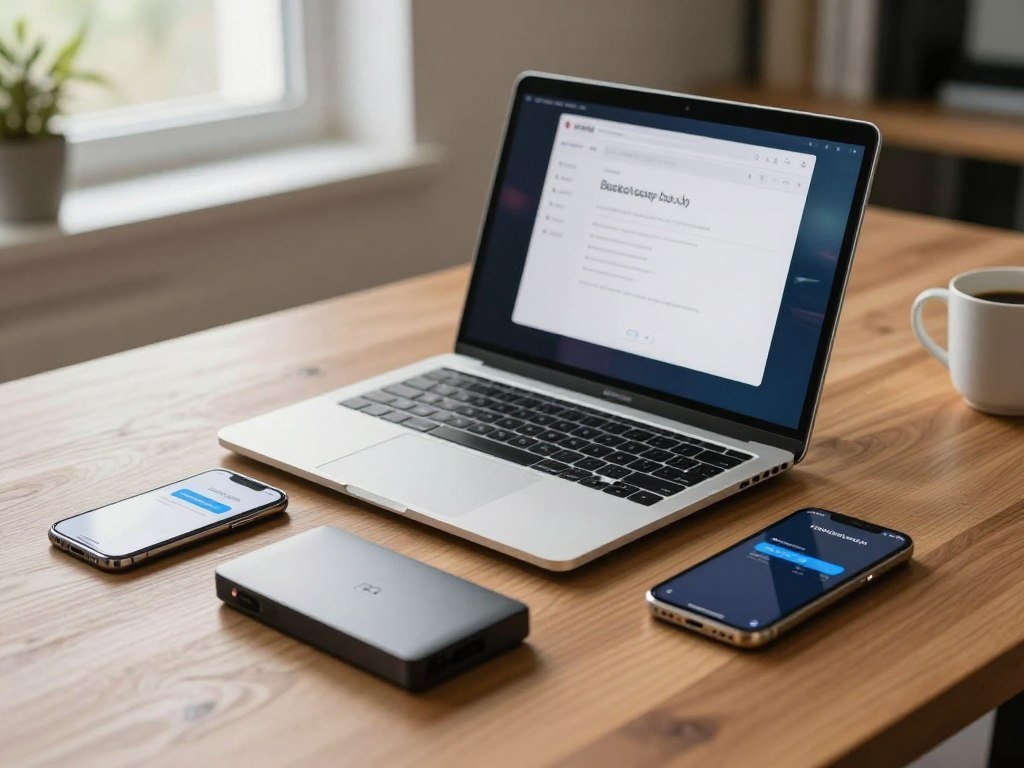
A person protecting a laptop, phone, and external drive has a different backup decision from someone who wants one computer covered automatically. IDrive is the stronger fit for people backing up several kinds of devices. Backblaze Personal Backup is a strong fit for one computer and a low-maintenance setup. A storage allowance is the amount of data a plan includes before any overage charges apply. Your best choice depends on device count, data volume, and recovery needs, not just the headline price. Both services can protect files in the cloud, but they organize coverage in different ways. That difference affects ease of use and value across the year. This comparison helps you judge which service fits your actual workload, including how much data you need to save and how you would recover it.
Key Takeaways
- IDrive Personal suits people who need to back up several types of devices.
- Backblaze Personal Backup focuses on simple, automatic protection for one computer.
- Compare storage limits with the amount of data you expect to keep.
- Recovery options matter if downloading a large backup would take too long.
- Check the exact devices and services covered by your chosen plan.
Start by counting the devices you need to protect, then compare how each service handles that workload.
Which Backup Model Fits Your Devices and Data?
A household with several computers and phones has a different backup problem from someone protecting one desktop. IDrive Personal covers one user and multiple devices, while Backblaze Personal Backup centers on one computer with unlimited data backup in 2026.
Backblaze Personal Backup costs $99 per year or $9 per month in 2026, and its plan has no restrictions on file type or size. IDrive Personal uses a storage quota, so you need to match its allowance to the amount of data you plan to protect.
A 2026 IDrive vs Backblaze review should weigh multi-device coverage against unlimited backup for one computer. That is the key difference between the account models, not simply which service has more space. For broader context, compare these products with consumer cloud storage services, which often sync current files rather than preserve backups for recovery.

| Comparison point | IDrive Personal | Backblaze Personal Backup |
|---|---|---|
| Account scope | One user, multiple devices | One computer |
| Storage model | Quota-based storage allowance | Unlimited computer backup |
| File type or size restrictions | Plan quota applies | No file type or size restrictions |
Choose by the number of devices first: a one-computer plan will not cover a whole household’s varied devices.
Cloud backup and file syncing solve related but different problems. Backup keeps saved copies for recovery, while syncing aims to keep files aligned across devices. A family that shares documents may need both kinds of service, rather than expecting one account model to do everything.
Match the account structure to the devices you actually need covered, not just the amount of data on your main computer.
IDrive vs Backblaze 2026: How Do the Prices Compare?
The biggest pricing trap is comparing IDrive’s first-year offer with another service’s renewal rate. Term matters: IDrive Personal starts with a lower first-year price, then renews at a higher annual rate.
IDrive Personal starts at 5 TB for $69.65 in the first year and renews at $99.50 per year. Its two-year option costs $149.25, while Backblaze Personal Backup costs $189 for two years in 2026.
An IDrive vs Backblaze 2026 price comparison should separate first-year pricing from renewal and longer-term commitments. The same rule applies to an IDrive vs Backblaze 2026 cost comparison: compare the term you will actually keep. Backblaze vs IDrive 2025 prices should not be assumed to describe 2026 terms.
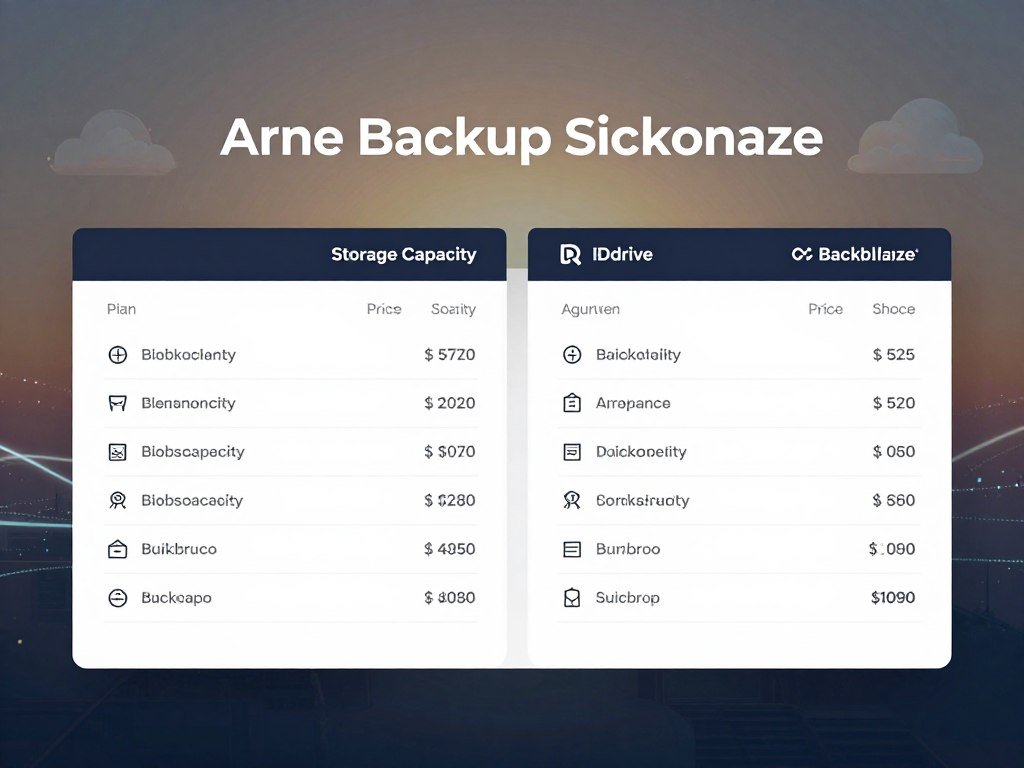
| Service or plan | Term | Storage | Price | Condition |
|---|---|---|---|---|
| IDrive Personal first year | One year | 5 TB | $69.65 | Introductory price |
| IDrive Personal annual renewal | One year | 5 TB | $99.50 | Annual renewal |
| IDrive Personal two-year plan | Two years | 5 TB | $149.25 | Two-year term |
| Backblaze Personal Backup two-year plan | Two years | Unlimited | $189 | One computer |
| Higher IDrive Personal storage tiers | Plan term | 10, 20, 50, or 100 TB | Tier varies | Quota-based plans |
What IDrive Personal Costs at Each Storage Tier
IDrive Personal also offers 10 TB, 20 TB, 50 TB, and 100 TB tiers in 2026. The added capacity can suit a large photo library or several computers, but a higher allowance does not remove the need to estimate your use.
In 2026, IDrive Personal accounts pay $0.25 per GB per month for storage above their plan limit. Team and Business accounts pay $0.50 per GB per month for excess storage. A small overshoot can add up if it remains month after month.
How Backblaze Pricing Changes by Term
Backblaze Personal Backup offers a 15-day free trial without a credit card in 2026. Its unlimited model can appeal if one computer holds more data than a fixed quota can comfortably contain. It does not expand the plan to multiple computers.
Before choosing a quota-based plan, estimate whether your stored data could exceed its limit and trigger monthly overage charges.
Which Devices and Backup Features Can Each Service Cover?
Someone backing up a Linux computer or a NAS has a practical reason to look beyond a one-computer plan. IDrive Personal supports PCs, Macs, Linux computers, iPhones, iPads, and Android devices under one account, subject to the selected plan.
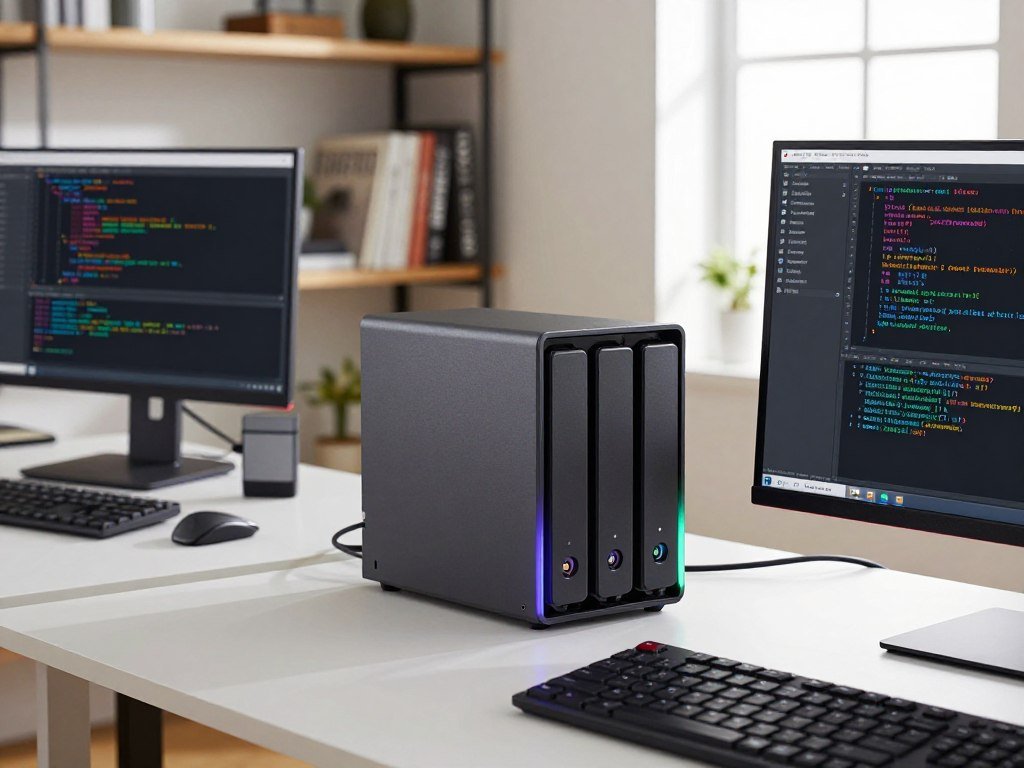
IDrive combines computer and mobile backup with features for external drives and NAS devices. Its official feature list covers these platforms and tools, including IDrive backup features.
Computers, Phones, and Continuous Backup
IDrive offers continuous data backup, which detects file changes and starts copying them near real time. That can reduce the gap between a file edit and its next backup, compared with waiting for a scheduled run.
Use the service to cover these four practical needs:
- Computer and mobile backup for supported PCs, Macs, Linux systems, phones, and tablets.
- Continuous backup that detects file changes and starts a copy near real time.
- External-drive and NAS backup, including Synology, Netgear, Asustor, and QNAP devices.
- Local backup with device synchronization, file sharing, and basic imaging and disaster recovery.
Mobile owners should check which devices their selected plan supports before relying on one account. Linux users should confirm their computer setup is covered, too. IDrive’s broad device list does not mean every plan includes every possible workload.
External Drives, NAS, and Recovery Tools
External hard drives and network-attached storage (NAS) can hold years of photos, work files, or media. IDrive supports backing up external drives and NAS devices, including common Synology, Netgear, Asustor, and QNAP models.
Backblaze Personal Backup is designed around protecting one computer, rather than acting as a general NAS backup tool. If a server or shared storage device holds the only copy of important files, check that the specific product supports it before choosing.
Local backup gives you another copy on storage you control. Sync and sharing can help with day-to-day file access, while basic imaging and disaster recovery serve different restore needs.
Confirm that every important device and connected drive is included in the selected plan before the first backup runs.
How Easy Are Setup, Scheduling, and Daily Use?
If you want backup to run with little setup, Backblaze’s automatic approach is the more hands-off choice. Less setup can be useful when you want a service to cover a computer without choosing many folders or settings.
IDrive offers more control over folder selection and backup settings, which can help when you want to decide exactly what goes into a backup. Both services offer daily backups, while IDrive also offers weekly scheduling.

The right level of control depends on how you organize files. Automatic coverage takes less setup, while deliberate folder choices can keep a quota-based account focused on important data. Review the selected folders after setup so temporary files do not consume space unnoticed.
One test gives a useful comparison, but not a promise of typical speed. With a 100 Mbps download and 15 Mbps upload connection, Backblaze uploaded 7.2 GB in 53 minutes and restored it in just under 11 minutes.
IDrive uploaded the same 7.2 GB in 1 hour and 43 minutes, then restored it in about 16 minutes. This single test used the stated connection and data size; another connection or workload can produce a different result.
Upload speed matters when the first backup contains a large library. Restore time matters when you need files back quickly after a device failure. Your service’s performance can also change with the size and type of files you send.
Treat any upload or restore estimate as a starting point, since your connection and workload can change the result.
What Happens When You Need to Restore Files?
A lost computer does not force you to restore every backed-up file through the same route. Small restores can usually come through the internet, while a shipped drive can help when a large download is impractical.
Backblaze web downloads are free in 2026, and customers can also request a shipped hard-drive restore. The drive has a fee, which Backblaze refunds when you return it within 30 days.
Online Downloads and Shipped Restore Drives
Downloading a few lost documents is a simple way to recover them without waiting for a physical shipment. If you need a large library, your internet connection and the amount of data can make a download less practical.
A shipped restore drive puts the backed-up files on physical media and avoids downloading them all. The return deadline matters: keep the return process in mind so you can get the fee refunded within 30 days.
IDrive Express offers a physical way to move bulk data, whether you are backing up files or retrieving them after data loss. It can be useful when a large initial backup would take too long over your internet connection.
IDrive Express Bulk Backup and Retrieval
IDrive Personal, Team, and Business accounts include three IDrive Express requests each year. After those three included requests, each additional request costs $59.95.
Express can help with either a bulk backup or a bulk retrieval. That makes it different from a recovery-only shipping option: you can use physical transfer to get data into the service, as well as to bring it back.
Choose a route based on what you need to recover. A few files may be easier to download, while a large backup may be better suited to a shipped drive or bulk transfer. Physical recovery can be especially helpful when your connection cannot handle a huge download in a useful time.
If you use a shipped restore drive, mark the 30-day return deadline so the fee can be refunded.
How Do Their Encryption and Account Protections Differ?
Both services offer core protections such as file encryption and two-factor authentication, but key control deserves a closer look. Encryption in transit protects data as it moves between your device and the service.
Both services use AES 256-bit encryption for files at rest, SSL for data transfer, and two-factor authentication. IDrive also offers an optional private encryption key, which can provide zero-knowledge protection.
Zero-knowledge means the provider cannot access data protected by a user-managed private key. You hold the key, so keep it somewhere secure and make sure you can find it when a restore is needed.
Encryption at rest protects stored files, while SSL protects data during transfer. Those protections address different points in the backup process. Two-factor authentication adds another step when someone tries to access your account.
A private key can also create a recovery challenge if you lose it. No provider can use a key it does not have to unlock protected data. This kind of encryption is a choice about privacy and responsibility, not a setting to turn on casually.
Backup encryption also differs from a VPN, which protects traffic between a device and a VPN server. A VPN speed and privacy comparison can help explain that separate role, but a VPN does not replace backup or account security.
Free VPN plans also have their own limits around privacy, data, and device use. Check a provider’s privacy rules and security features before trusting it with traffic, as free VPN alternatives can vary widely.
Choose a private-key setup only if you can keep the key safe and available for a future restore.
Are IDrive e2 and Backblaze B2 Comparable for Object Storage?
A developer choosing a storage backend is solving a different problem from a household backing up a laptop. IDrive e2 and Backblaze B2 are object-storage services, not the personal backup products.
Object storage holds data as separate objects rather than backing up a computer’s ordinary file-and-folder structure. Compare the pricing model and outbound data rules, not just the monthly rate. IDrive e2 pricing depends on whether you choose pay-as-you-go or an annual plan.
Pay-As-You-Go and Annual Storage Costs
In 2026, IDrive e2 pay-as-you-go storage costs $6 per TB per month. The service has a $6 minimum monthly storage fee for 1 TB of active storage.
IDrive e2 annual storage plans start at $59.50 per year for 1 TB, with a listed first-year price of $29.75. The different first-year offer makes term length part of the cost comparison.
Backblaze B2 costs $6.95 per TB per month. Its Reserve plans start at $1,560 for 20 TB per year, which sets a different commitment level from pay-as-you-go storage.
Egress, Regions, and API Charges
IDrive e2 charges no extra fees for data ingress, egress, deletion, or API requests under its pay-as-you-go model. It has no minimum storage-duration requirement and does not charge to delete objects.
IDrive e2’s annual plans include monthly egress up to three times the storage plan capacity at no charge. Backblaze B2 includes free egress up to three times the average monthly stored data. Those allowances use different bases, so the same data volume may not produce the same free transfer amount.
| Comparison | IDrive e2 | Backblaze B2 |
|---|---|---|
| Pay-as-you-go rate | $6 per TB per month | $6.95 per TB per month |
| Annual or Reserve plan | 1 TB from $59.50 yearly | Reserve from $1,560 yearly for 20 TB |
| Free egress allowance | Three times plan capacity monthly | Three times average monthly data stored |
| Regions or API charges | 15 regions; no pay-as-you-go API fees | Four regions; Class D calls cost $0.004 per 10,000 after 2,500 daily |
IDrive e2 offers storage in 15 regions worldwide. Backblaze B2 offers four selectable regions: US West, US East, EU Central, and Canada East.
Backblaze B2 pay-as-you-go customers get free Class A, B, and C API calls. Class D calls cost $0.004 per 10,000 after the first 2,500 calls per day. For a general guide to cloud storage options, distinguish object storage from services built around personal file access.
Compare expected stored data, outbound transfers, and API activity before selecting an object-storage pricing model.
Which Service Should You Choose for Your Situation?
A single-computer user who values a hands-off setup will usually find Backblaze the simpler match, while varied devices favor IDrive. Your workload should decide which service offers better value, not a feature count alone.
Choose IDrive Personal when several device types or extra backup tools matter; choose Backblaze Personal Backup when one computer and unlimited data matter most. Small organizations may also use IDrive add-ons for office suites or server protection.
IDrive offers Microsoft Office 365 backup for $20 per seat per year with unlimited storage in 2026. Its Google Workspace backup costs $20 per seat per year and includes 10 TB per seat. The server-cloud-backup add-on costs $5 per month per server on Mini, Personal, and Team plans.
Consider these three cases before choosing:
- One computer with minimal setup: Backblaze Personal Backup fits a hands-off user who wants unlimited computer backup.
- Several device types: IDrive Personal fits a household that needs one account for different computers and mobile devices.
- Business or server workloads: IDrive add-ons can cover office suites or servers at the stated seat and server rates.
Count the services and machines you need to restore, not only the computers used each day.
Business users should also consider who needs account access and how much data each team service creates. A plan that covers employees’ computers may not cover a server or cloud office files without an added product.
Before paying, write down the devices, services, and servers that must be recoverable under the same account.
Conclusion
The best fit is the service whose coverage matches the devices and data you cannot afford to lose. IDrive Personal is the broader choice for several device types, while Backblaze Personal Backup keeps one computer simple to protect.
Before subscribing, confirm the current plan’s storage limit, included devices, and restore conditions. That quick check can prevent a coverage gap or an unexpected limit from surfacing after a failure.
List your devices and estimate the data they hold, then check those requirements against the plan terms before you subscribe.