Can you really build a gaming setup that feels good, not just cheap, for less than $500? Yes, and the trick is knowing exactly where the money goes. A $500 budget in 2027 buys a surprisingly capable machine or a complete desk setup, but only if you stop chasing flagship specs and start picking parts that match the games you actually play. (Best ai chatbot your budget 2027 0 50 500 tiers compared)
This roundup names specific options, gives each one a clear job, and flags the one thing that will annoy you about it. Prices come from recent build guides and deal listings, so treat them as ballpark figures and check the retailer before you buy.
Quick Comparison of the Best Budget Gaming Options
| Option | Best for | Rough price | Main limitation |
|---|---|---|---|
| Used-part 1080p PC build | Best overall value | $485–550 | Requires used-market patience |
| Prebuilt RTX 2060 desktop | Plug-and-play buyers | Around $500 | Older CPU platform |
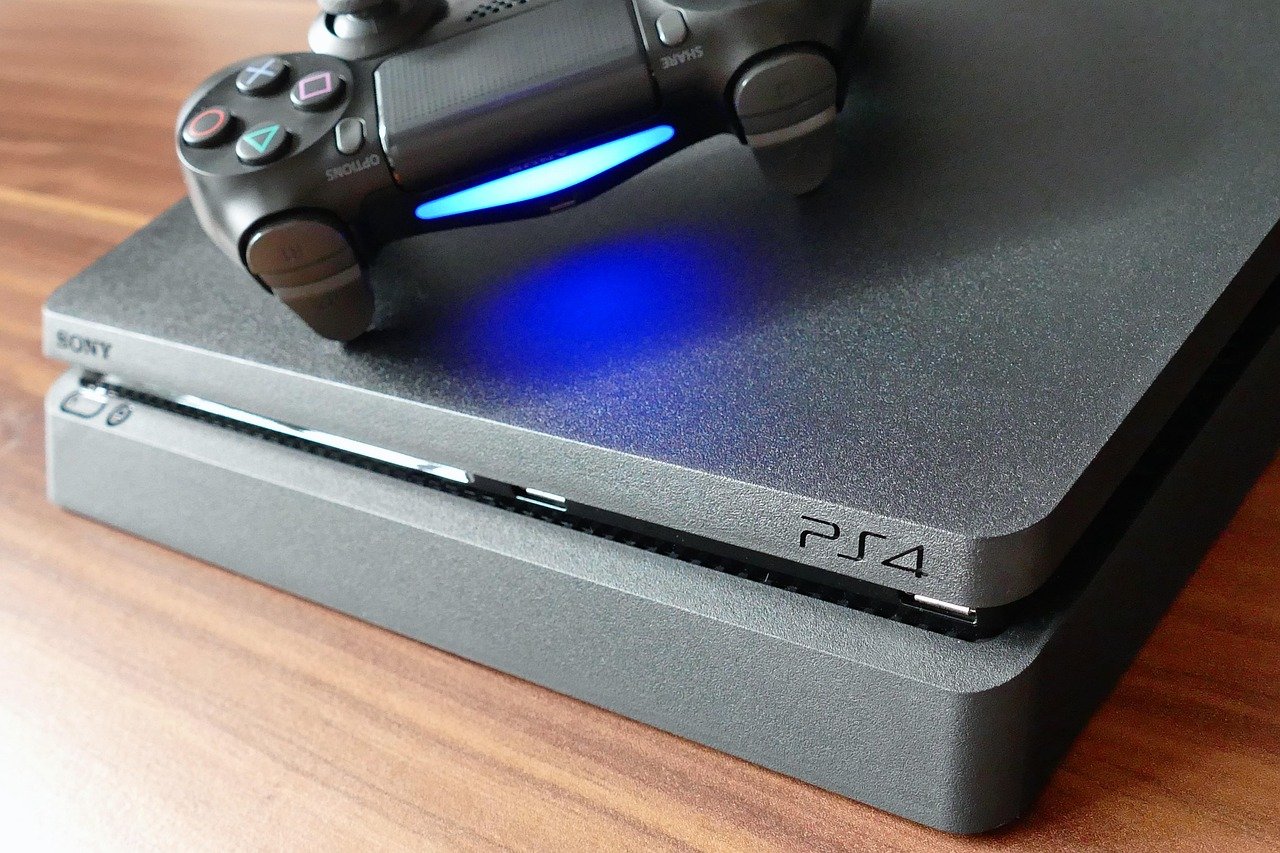
| Console-first setup | Lowest-hassle gaming | Varies by region | Online subscription costs |
| $500 desk setup (monitor, keyboard, mouse, headset, chair) | Upgrading an existing PC or console | $500 total | No new hardware inside the box |
| Game Pass or PS Plus subscription | Playing many games cheaply | ~$16–21/month | Stops working when you stop paying |
| Cheap long-tail games | Hundreds of hours per dollar | Under $30 each | Older visuals, slower starts |
| Mini gaming PC | Small desks, light games | $200–500 | Weak integrated graphics |
| Steam Deck-style handheld | Portable everyday play | Mid-range | Not a desktop replacement |
1. The Used-Part 1080p PC Build: Best Overall Value
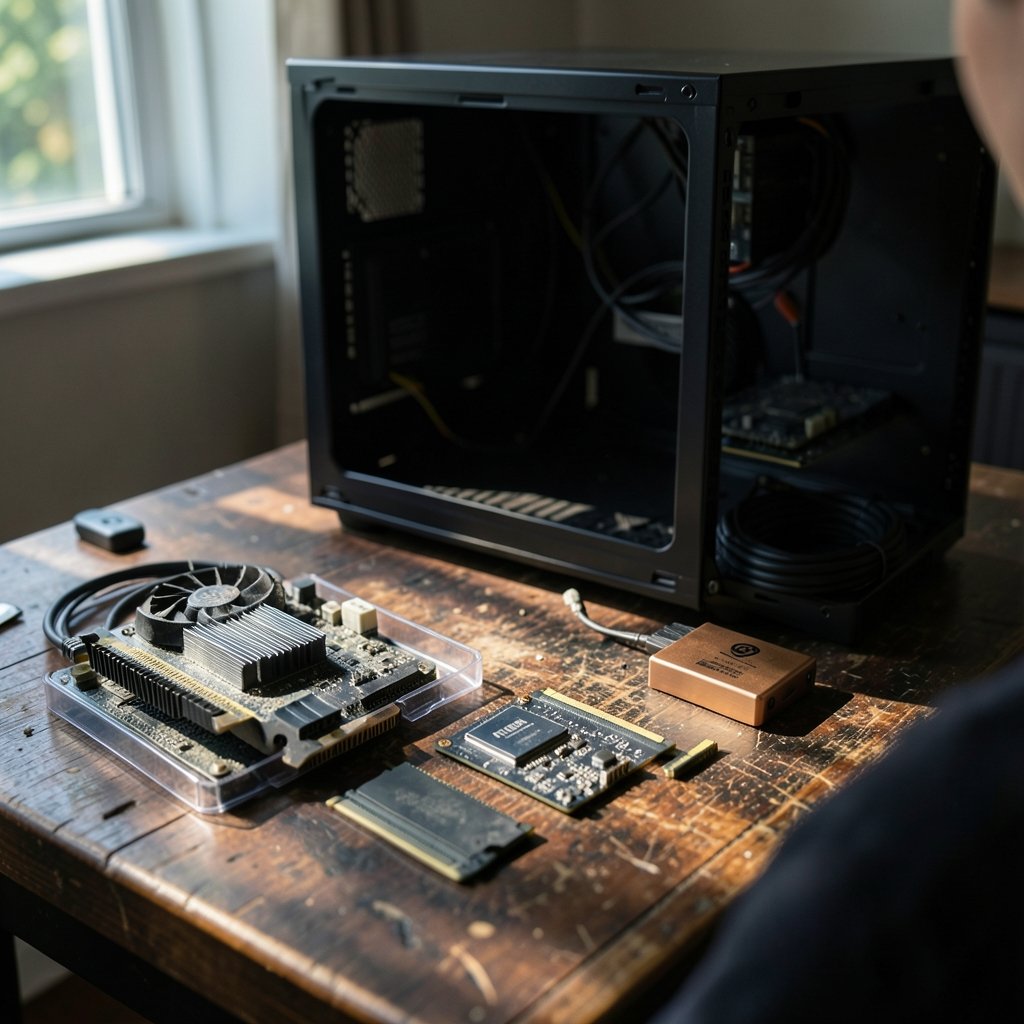
This is the option that squeezes the most frames out of $500. A recent budget build guide lists a used Ryzen 5 5500 at $80–100 (or a new Ryzen 5 5600G at $120–140), a used B550 motherboard at $60–80, 16GB of used DDR4 at $40–60, a 512GB NVMe SSD at $40–60, a used RX 6600 at $150–180 or GTX 1660 Super at $140–170, a 550W 80+ Bronze power supply at $45–60, and a case at $30–50. That lands around $485–550 and delivers 60–80 FPS at 1080p on high settings in popular titles.
Who it suits: anyone comfortable buying used parts and watching a ten-minute assembly video. What it does well: it puts real money into the GPU, which is the part that decides whether games feel smooth. The limitation: used GPU prices swing wildly, and a $500 build leaves almost no headroom for a mistake.
The most common mistake here is overspending on the CPU and underspending on the graphics card. A budget chip in the Ryzen 5 or Core i3/i5 range feeds a mainstream 1080p GPU fine. Paying extra for eight cores makes little sense unless the machine doubles as a work PC. Equally, do not cheap out on RAM: 16GB is the correct target, because 8GB is too limiting for modern Windows gaming, and 32GB is usually better saved for a later upgrade. A 1TB NVMe drive is smarter than 500GB, since many popular games now run 80GB to 150GB each.
One honest warning from the build community: if you have your heart set on a newer card like the Intel Arc B570, it eats more than half of a $400–500 budget, and the rest of the system may bottleneck it. At this price, saving a little longer or hunting a genuinely good secondhand deal beats forcing a premium part into a cheap frame.
2. The Prebuilt RTX 2060 Desktop: Plug-and-Play Pick
Not everyone wants to screwdriver a PC together. A recent deal listing shows an STGAubron desktop for around $500 with an Intel Core i5-9400F (six cores, up to 4.1GHz), an NVIDIA GeForce RTX 2060 6GB, 16GB DDR4, a 1TB SSD, Windows 11 Home, WiFi 6, Bluetooth 5.2, and ARGB lighting. It ships ready to play, which is the whole point.
Who it suits: first-time buyers, gift shoppers, and anyone who values a warranty over maximum frames per dollar. What it does well: it is the cheapest easy entry into discrete-GPU gaming, and the 1TB SSD means you are not deleting games every week. The limitation: the 9th-gen CPU platform is old, so future upgrades are limited, and you should confirm the power supply has room for a GPU swap before assuming you can upgrade later.
3. The Console-First Setup: Least Hassle, Hidden Costs
At this budget, a console is the simpler choice for pure gaming, and the community advice is blunt about it. The catch is the subscription. Game Pass Ultimate runs about 21 euros a month and includes all Xbox first-party games from day one plus EA Play, while PS Plus Extra sits around 15.99 euros a month. That is real value if you play a lot, and a money pit if you play two games a year. (Best budget ai chatbot subscriptions 2027 under 10 month)
Who it suits: players who want zero tinkering and mostly play big releases. What it does well: day-one access to major titles without 70-euro purchases. The limitation: cancel the subscription and your library shrinks to whatever you bought outright.
4. The $500 Desk Setup: Upgrade Everything Around the Screen
Here is the trap almost everyone falls into: they spend the entire budget on the box and then game on a 60Hz office monitor with a mushy keyboard. If you already own a PC or console, the smartest $500 goes around it. One setup guide breaks it down as a 24-inch IPS 1080p 165Hz monitor at $130–160, a hot-swap mechanical keyboard at $30–45, a lightweight 2.4GHz wireless mouse at $30–40, a wired headset with spatial audio and memory foam at $50–65, a high-back chair with lumbar support at $90–130, and an XL stitched-edge desk mat at $15–30.
Who it suits: anyone whose hardware is fine but whose peripherals are holding them back. What it does well: a 165Hz panel changes how shooters feel more than a GPU upgrade ever will at this price. The limitation: it does nothing for frame rates, so skip it if your current machine already struggles.
Two practical notes. First, do not buy a cheap “gaming” chair sight unseen; if you want to avoid regret, read up on which budget gaming chairs are actually worth buying. Second, if your setup is portable, the handheld question matters more than the desktop one, and a head-to-head like this Legion Go S vs Steam Deck comparison helps you judge everyday gaming comfort before you spend.
5. Game Pass and PS Plus: Rent a Library Instead of Buying One
Subscriptions are the most underrated budget tool. For roughly the price of one and a half full-price games a year, you get a rotating catalogue that covers most of what you would otherwise buy at launch. The math only works if you actually play broadly. If you finish one game every three months, buy it used instead.
Who it suits: curious players with lots of gaming time. What it does well: removes the fear of paying 70 euros for a game you abandon in a week. The limitation: nothing you play is yours, and prices and catalogues change, so verify the current tier and cost on the official store page.
6. Cheap Long-Tail Games: Hundreds of Hours for Pocket Change
The best fun-per-dollar in gaming is not hardware at all. Several cheap games deliver 250+ hours of play for under $30, and Warframe is a standing example: free to play, crossplay across PC, PlayStation, Xbox and Switch, and a content treadmill that has run for over a decade. Buy six to twelve months after release and you often pay 50–70% less than launch price, and bundle sites regularly package 5–15 games for 10–15 euros.
Who it suits: players who would rather sink 200 hours into one game than sample ten. What it does well: it makes a $500 setup feel expensive by comparison. The limitation: live-service games want your time, and some push in-game purchases.
The mistake people make is buying a backlog and then buying more. Work through what you already own first; most players have hundreds of euros of unplayed games sitting in their library. For the software side of the equation, including where the storefronts differ on refunds and sales, this Steam vs Epic vs GOG breakdown is worth ten minutes before your next sale haul.
7. The Mini Gaming PC: Small Desk, Modest Expectations
Mini PCs look like the perfect budget answer until you read the fine print. Community answers are consistent: mini PCs are fine for lighter or older games at 720p–1080p, but integrated graphics struggle with modern titles, and some compact units need memory and storage added, which eats a big chunk of a $200–500 budget. A regular used tower with a low-power graphics card usually offers far better performance per dollar.
Who it suits: small-space setups and players of older or indie games. What it does well: tiny footprint, low power draw, often silent. The limitation: check whether it uses standard parts before assuming you can upgrade it.
8. The Handheld Route: Everyday Gaming in Your Bag
A handheld is the most flexible way to spend a mid-range budget, because it doubles as a portable screen and a TV console. The decision comes down to ergonomics and library compatibility more than raw specs, which is why hands-on comparisons matter more than spec sheets. If your budget is genuinely tight, a budget gaming laptop under $1000 that actually fits the budget can cover both work and play, though it will not match a desktop at the same price.
Who it suits: commuters, students, and shared-TV households. What it does well: you play more because friction is lower. The limitation: you pay a premium for portability, and AAA performance is capped.
How to Choose Without Regret
- Count your existing gear first. If you own a working PC or console, spend on peripherals before hardware.
- Pick your resolution and stick to it. 1080p is the honest target under $500; anything higher forces compromises elsewhere.
- Weight the GPU heaviest in a PC build. It decides smoothness more than any other part.
- Budget for the boring parts. Power supply, RAM and storage are where cheap builds fail.
- Decide subscription versus ownership. Do the math on how many games you actually finish.
- Leave a 10% buffer. Deals vanish, and shipping or a missing cable always costs something.
Conclusion
Maximum fun under $500 is not about finding a hidden gem of a machine. It is about matching the spend to your habits. Builders get the best frames from a used-part 1080p PC with a strong GPU and 16GB of RAM. Convenience seekers should take the prebuilt RTX 2060 desktop. Peripheral-starved players should upgrade the monitor, keyboard, mouse, headset and chair first, because a 165Hz screen and a decent mouse will improve more evenings than another 10 FPS. And everyone should raid the cheap end of the games catalogue, where a single $30 purchase can outlast three full-price releases.
FAQ
Is $500 enough for a gaming PC in 2027?
Yes, for 1080p gaming. Recent build guides put a capable used-part machine at roughly $485–550, hitting 60–80 FPS at 1080p on high settings in popular titles. Expect trade-offs: no 4K, no ray-tracing flagships, and a heavy reliance on the used market.
Should I build a PC or buy a prebuilt at this price?
Build if you want the most performance per dollar and do not mind used parts. Buy prebuilt if you want a warranty and zero assembly. A $500 prebuilt like the RTX 2060 desktop is a legitimate entry point, but its older CPU platform limits future upgrades.
Is a console cheaper than a gaming PC under $500?
The console itself is usually the simpler purchase, but add a subscription. Game Pass Ultimate runs about 21 euros a month and PS Plus Extra about 15.99 euros a month. Over two years that is a significant extra cost, so factor it in before deciding.
What should I upgrade first if I already have a PC?
Peripherals. A 24-inch 1080p 165Hz IPS monitor at $130–160, a hot-swap mechanical keyboard at $30–45, a lightweight wireless mouse at $30–40, and a headset at $50–65 transform the experience more than a small GPU bump.
Are mini gaming PCs worth it on a tight budget?
Only for lighter or older games at 720p–1080p. Integrated graphics struggle with modern titles, and some compact units need memory and storage added, which eats a large part of a $200–500 budget. A used full-size tower usually wins on performance per dollar.
How do I get the most game time for the least money?
Buy six to twelve months after release, when prices often drop 50–70%, and watch bundles that package 5–15 games for 10–15 euros. Long-tail titles can deliver 250+ hours for under $30. Finish your backlog before adding to it.