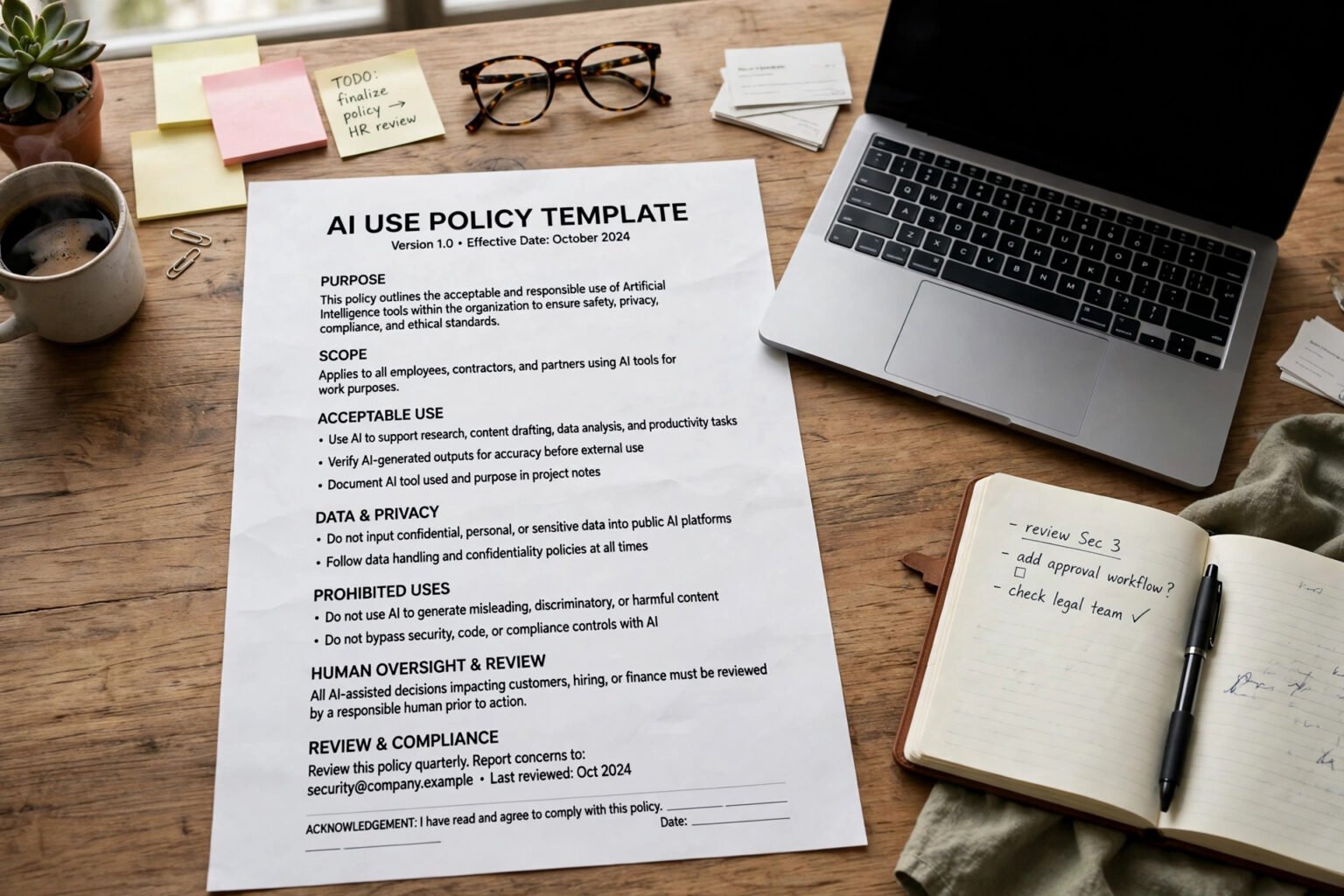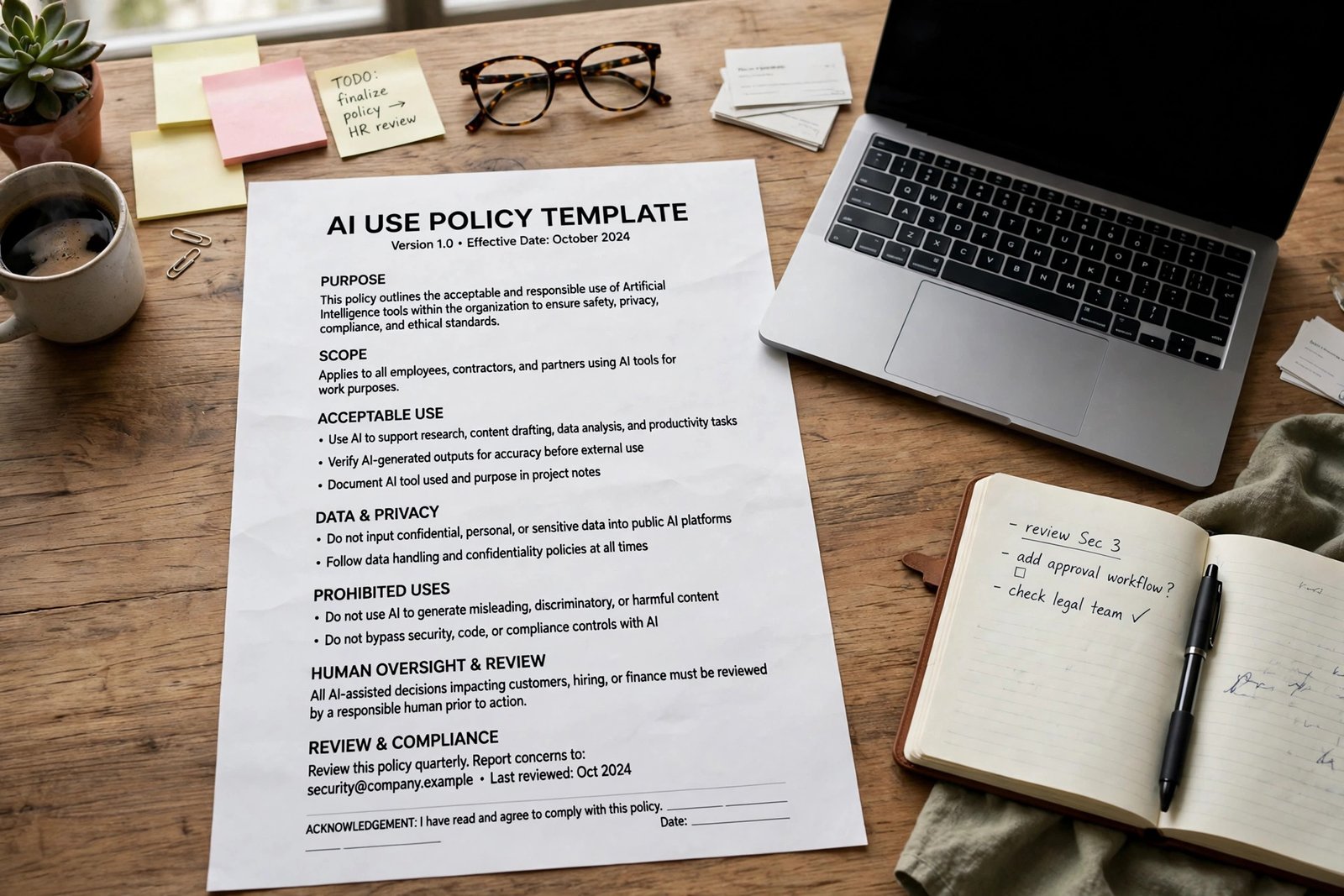
Learning how to write an AI policy for a small business does not require a lawyer, a consultant, or a 20-page document. It requires one page that answers a simple question your team is already asking: can I use this tool, and with what? The answer, in short, is to name your approved tools, say what must never go into them, name the person who checks the output, and set a date to review the whole thing.
This guide walks you through a policy you can write in an afternoon, with a template to copy and edit at the end. It draws on free NIST guidance and the UK and EU rules that already apply to small businesses. It is not legal advice; if you handle health, financial or children’s data, have a lawyer read the final version.
Key takeaways
- An AI policy is a short operating agreement, not a legal textbook. One to two pages is enough for most small teams.
- Name approved tools and ban personal accounts for work. If a tool is not on the list, staff should ask before using it.
- Sort data into three groups: safe to use, needs approval, and never paste into a public AI tool.
- A named human owns every AI-assisted output. AI drafts; a person checks facts, figures and names, then owns the result.
- Review the policy every three to six months. AI tools change faster than most policies, and a stale list is worse than no list.
- Keep it practical. Every restriction should come with a safe alternative, or staff will work around it.
What is an AI policy for a small business?
An AI policy — also called an AI usage policy or AI acceptable use policy — is a short written document that says which AI tools your team may use, what information they may enter, and who signs off on the output before it reaches a customer. The policy protects the business, protects staff from guessing unwritten rules, and shows what you asked people to do if something goes wrong.
Why you need one now
The scale of everyday AI use is easy to underestimate. A May 2026 report on a Lenovo survey of 6,000 full-time employees found between a fifth and a third used AI outside IT governance, and 31% had received no employer training. A summary of Verizon’s 2026 Data Breach Investigations Report found regular AI use on corporate devices rising from 15% to 45% year on year, with 67% reaching public AI services through non-corporate accounts.
Those figures describe larger workplaces, but the pattern is the same in a team of five. People use the tools that help them, whether or not anyone has approved them. A ban mostly pushes use out of sight.
There is also a legal reason to write the rules down. In the UK there is no standalone AI Act, but UK GDPR and the Data Protection Act 2018 apply whenever AI processes personal data, and new automated decision-making rules came into force on 5 February 2026. If you sell into the EU, the EU AI Act may also reach you: most of it has applied since 2 August 2026, and its transparency rules require AI systems that interact with people to say they are AI.
The six sections every policy needs
Keep the policy to six short sections. If a section runs past a paragraph, you are writing a procedure — put that in a separate document.
1. Purpose and scope
Say who the policy covers and which tools count as AI. Cover staff, contractors and freelancers who use AI for your work, and cover every AI tool they use, not just the ones you bought. Best for a team that wants a policy people will read: a purpose section of two or three sentences.
2. Approved tools
Name the tools your team may use, the plan type, and the date the list was last checked. See how to turn off AI training. Use company accounts only — personal accounts are not for company work, and access is removed when someone leaves. Sort tools into three groups: approved, ask first, and do not use.
3. Data rules
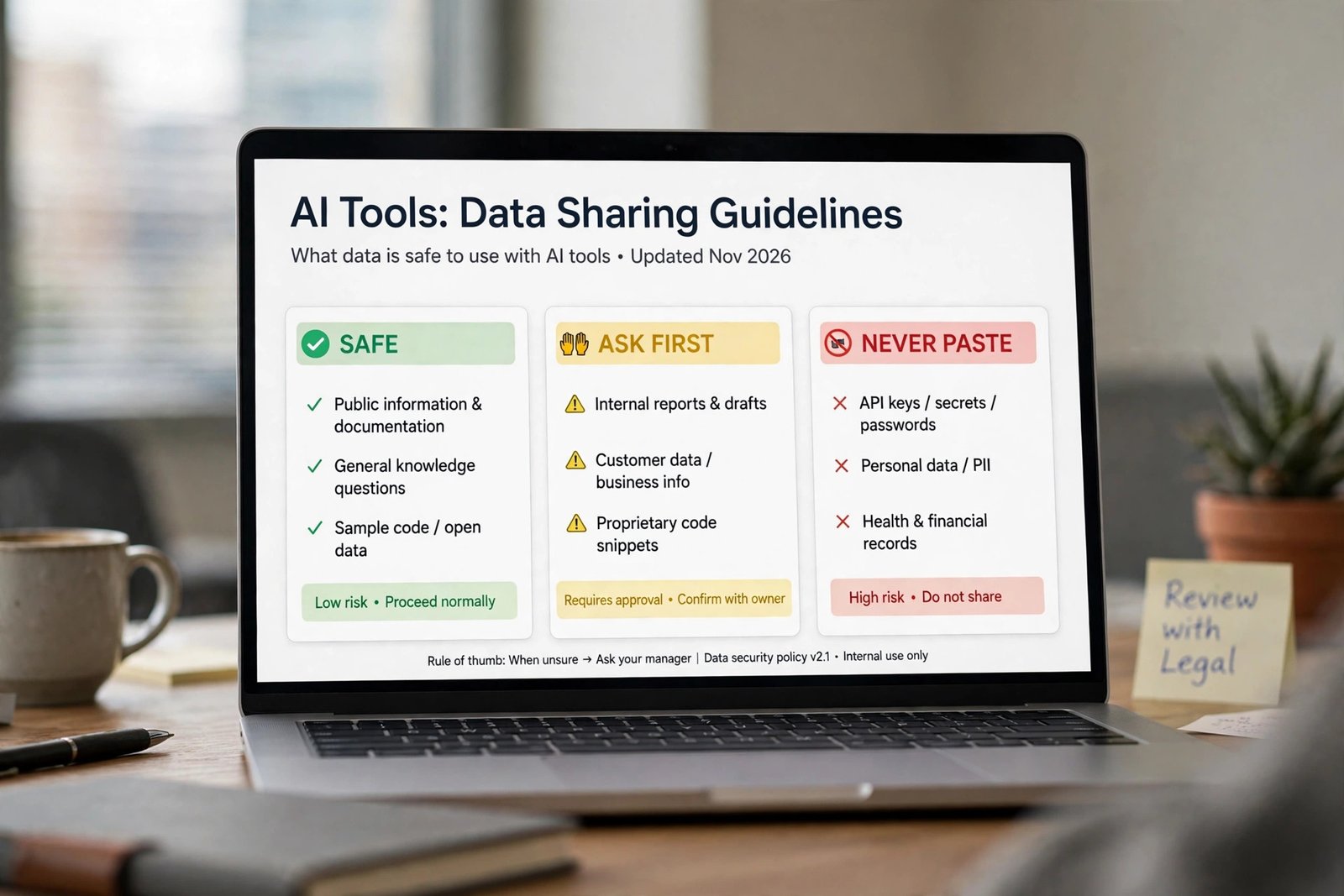
This is the section to spend your time on. Sort your information into three groups, with two or three examples from your own business in each — see how to use AI safely at work. Generic examples are the reason policies get ignored.
| Data group | Rule | Examples from a typical small business |
|---|---|---|
| Safe to use | Allowed in approved tools | Public marketing copy, a brainstorming prompt, a draft outline with no client names |
| Needs approval | Ask the named owner first | Internal pricing, a draft contract, a customer email that names a real person |
| Never paste in | Never enter into a public AI tool | Client names and contact details, passwords, card numbers, unreleased financials, anything covered by a confidentiality agreement |
4. Human review
A person stays responsible, always. AI drafts, a named human approves, and that human owns the result exactly as if they had written it by hand. The reviewer checks facts, figures, dates, quotes and names against a source before anything is sent or published — see what AI hallucination is.
5. Disclosure
Say when you tell customers that AI was involved: when AI wrote or shaped something they will rely on, when a chatbot is talking to them, and when AI helped make a decision about them. From 2 August 2026, Article 50 of the EU AI Act requires AI systems that interact with people to say they are AI, unless it is obvious.
6. Questions, mistakes and updates
Name a person, not a department, to ask when the policy is unclear. Say what to do when something goes wrong: stop, tell the named owner, and keep a copy of what happened. Set a review date — every three to six months — and put a reminder in the calendar.
How to handle AI agents and automation
A chatbot that drafts text is one thing. An AI agent that can send messages, change records or move money is another. Any agent that takes action needs approval, narrow permissions and a log, so a person can check what it did. If you are not using agents yet, add one line anyway: no AI tool may send a message, change a record or move money without written approval from the named owner.
A practical checklist before you publish the policy
Use this checklist as your final check before you share the policy.
- A named person owns the policy, and a review date is set.
- Approved tools are named, with plan types and company accounts only.
- Data rules use examples from your own business, not generic ones.
- Every AI-assisted output has a named human reviewer.
- Disclosure rules say when customers are told AI was used.
- AI agents that send messages, change records or move money need written approval.
- Staff know who to ask, and what to do when something goes wrong.
- The policy is stored where staff already look, and everyone has confirmed they read it.

The template: copy, edit and use
Copy the template below, replace every bracketed field, and delete anything that does not apply. This is a starting point, not legal advice; if you handle health, financial or children’s data, have a lawyer read the final version.
AI USE POLICY — [Company name]
Owner: [Name or role] | Effective date: [Date] | Next review date: [Date, within three to six months]
- Purpose. We use AI tools to save time on drafting, research and routine admin. This policy says which tools we use, what we never put into them, and who decides when something is unclear. It applies to all employees, contractors and freelancers who use AI for us.
- Approved tools. We use only the tools below, on company accounts only. Access is removed when someone leaves. Approved: [Tool 1 — plan type], [Tool 2 — plan type]. Ask first: any AI tool not on this list. List last checked: [Date]. Ask [Name] before using anything else.
- Data rules. Never paste client names and contact details, passwords, card numbers, unreleased financial figures, or anything covered by a confidentiality agreement into a public AI tool. Internal pricing, draft contracts and customer emails naming a real person need approval from [Name] first. Public marketing copy with no client names is safe in approved tools.
- Human review. AI output is a draft. The person who uses it is responsible for it. We check facts, figures, dates, quotes and names against a source before anything is sent, published or used to make a decision.
- Disclosure. We tell customers when AI wrote or shaped something they will rely on, when a chatbot is talking to them, and when AI helped make a decision about them. We label realistic AI-created images, audio and video showing real people, products, places or events.
- AI that takes action. No AI tool may send a message, change a record or move money without written approval from [Name]. Approved agents have narrow permissions and a log, which [Name] reviews weekly.
- Questions and mistakes. Ask [Name] if the policy is unclear. If something goes wrong, stop, tell [Name], and keep a copy of what happened. We use mistakes to improve the policy, not to blame the person who reported them.
- Training and review. New starters read this policy in their first week. We review it on [Date] and after any major change to our tools, work or the law.
Frequently asked questions
Do I need an AI policy if my team is only two or three people?
Yes. A one-page policy takes an afternoon, and it stops the two most common problems: one person using a tool the other would never approve, and nobody knowing who is responsible when AI output goes wrong.
Can I just ban AI at work instead?
You can, but it rarely works. Staff will still use AI, and they will do it on personal accounts where you cannot see it, check it or protect client data. A policy naming approved tools and clear data rules is easier to follow than a ban.
What data should never go into a public AI tool?
Three kinds of information should never be pasted into a public AI tool: anything that identifies a client, anything covered by a signed confidentiality agreement, and anything you would not post publicly, such as passwords, card numbers or unreleased financials.
Who is responsible if AI output contains a mistake?
The person who sent it. AI drafts, a human approves, and that human owns the result exactly as if they had written it by hand. That is why the reviewer checks facts, figures and names against a source before anything is sent.
How often should I update the policy?
Every three to six months, and after any major change to your tools, your work or the law. A policy with a review date in the calendar is far more likely to stay true than one that depends on someone remembering to update it.
The bottom line
A good AI policy does not slow a small business down. It removes the hesitation, guesswork and quiet workarounds that slow a team down far more than any rule. Fill in the template today, walk your team through it this week, and put the review date in the calendar before you close the document.