The best phone accessories for iPhone 17 are the ones you will still be using in a year, not the ones that look clever in an unboxing video. A new phone deserves protection and power that make daily life easier, and the right case, charger and screen protector do exactly that. So which accessories are worth buying, and which can you safely skip? Start with the basics: a well-fitting MagSafe case, a tempered glass screen protector and a reliable USB-C charger. Add a MagSafe charger for the bedside, and a wallet only if it fits how you already use your phone.
Key takeaways
- Start with a MagSafe case, a tempered glass screen protector and a USB-C charger.
- Choose MagSafe-compatible accessories so chargers, wallets and mounts snap on cleanly.
- Check that chargers and cables use USB-C, the iPhone 17 charging port.
- Buy a wallet only if it matches a habit you already have.
What to look for in iPhone 17 accessories
The iPhone 17 uses USB-C for charging and data, and it supports MagSafe wireless charging with magnets built into the phone. A case should have MagSafe magnets built in, or it will weaken the hold of chargers, wallets and mounts. A cable should be USB-C at both ends for the simplest connection to a modern charger or laptop.
Fit matters more than branding. Cases and screen protectors are made for a specific model, so check the listing says iPhone 17, not iPhone 16 or iPhone 17 Pro. A case for a different model may look close, but the camera opening, buttons and dimensions will not line up. A MagSafe puck suits overnight charging, a compact USB-C plug suits travel, and a stand suits a desk. Pick the protection you will actually keep on the phone.
Best iPhone 17 accessories at a glance
| Accessory | Best for | Why it earns a place |
|---|---|---|
| Apple MagSafe Charger | Bedside and desk charging | Simple snap-on wireless charging |
| Apple iPhone 17 Silicone Case with MagSafe | Everyday protection | Slim fit, strong MagSafe hold |
| Tempered glass screen protector | Scratch and crack protection | Hard glass layer, clear display |
| USB-C power adapter and cable | Reliable wired charging | Compact plug, travel friendly |
| MagSafe wallet | Travelling light | Holds cards on the phone |
Table: A quick comparison of the five iPhone 17 accessories in this guide, and who each one suits best.
1. Apple MagSafe Charger
Best for: bedside and desk charging without fumbling for a cable.
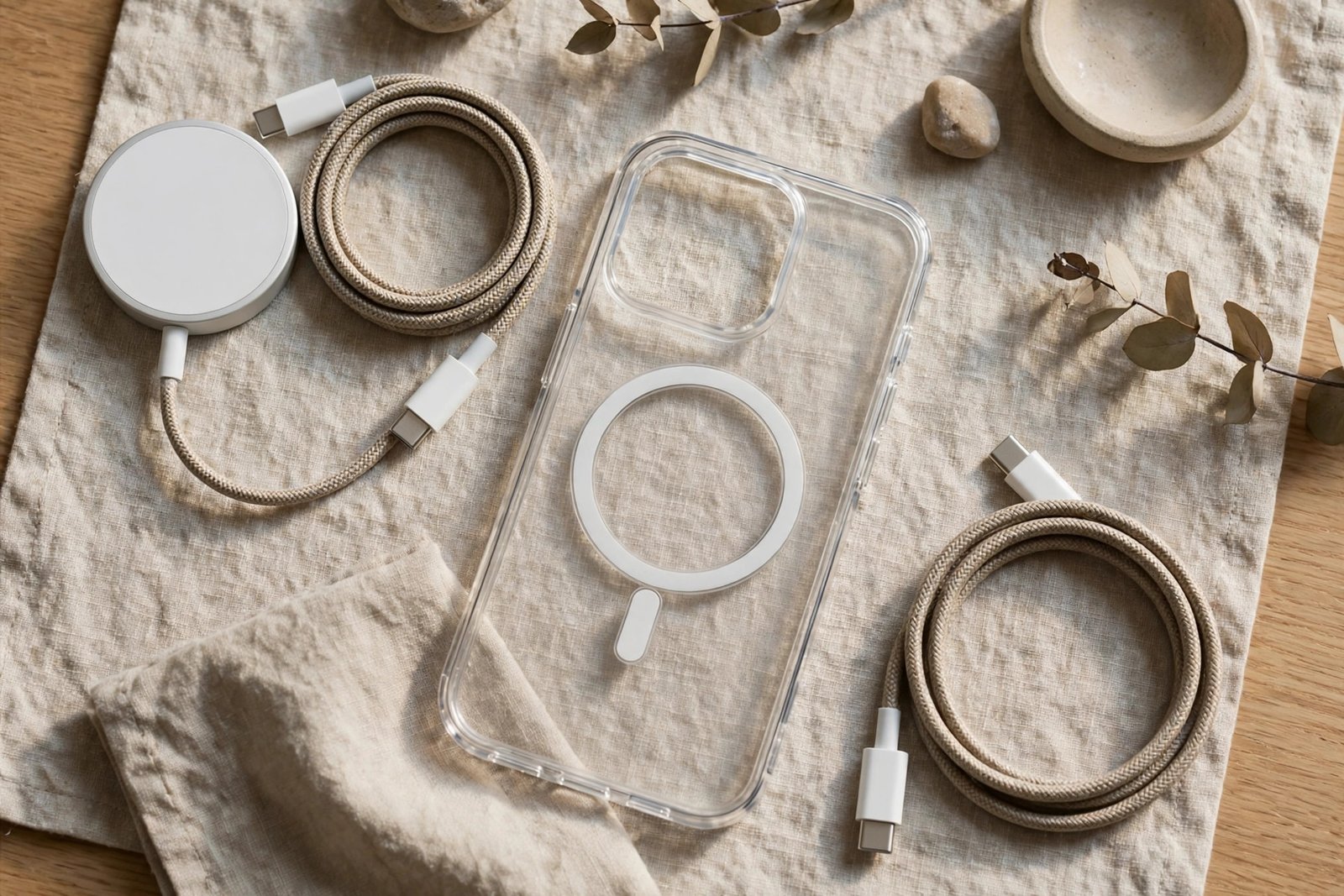
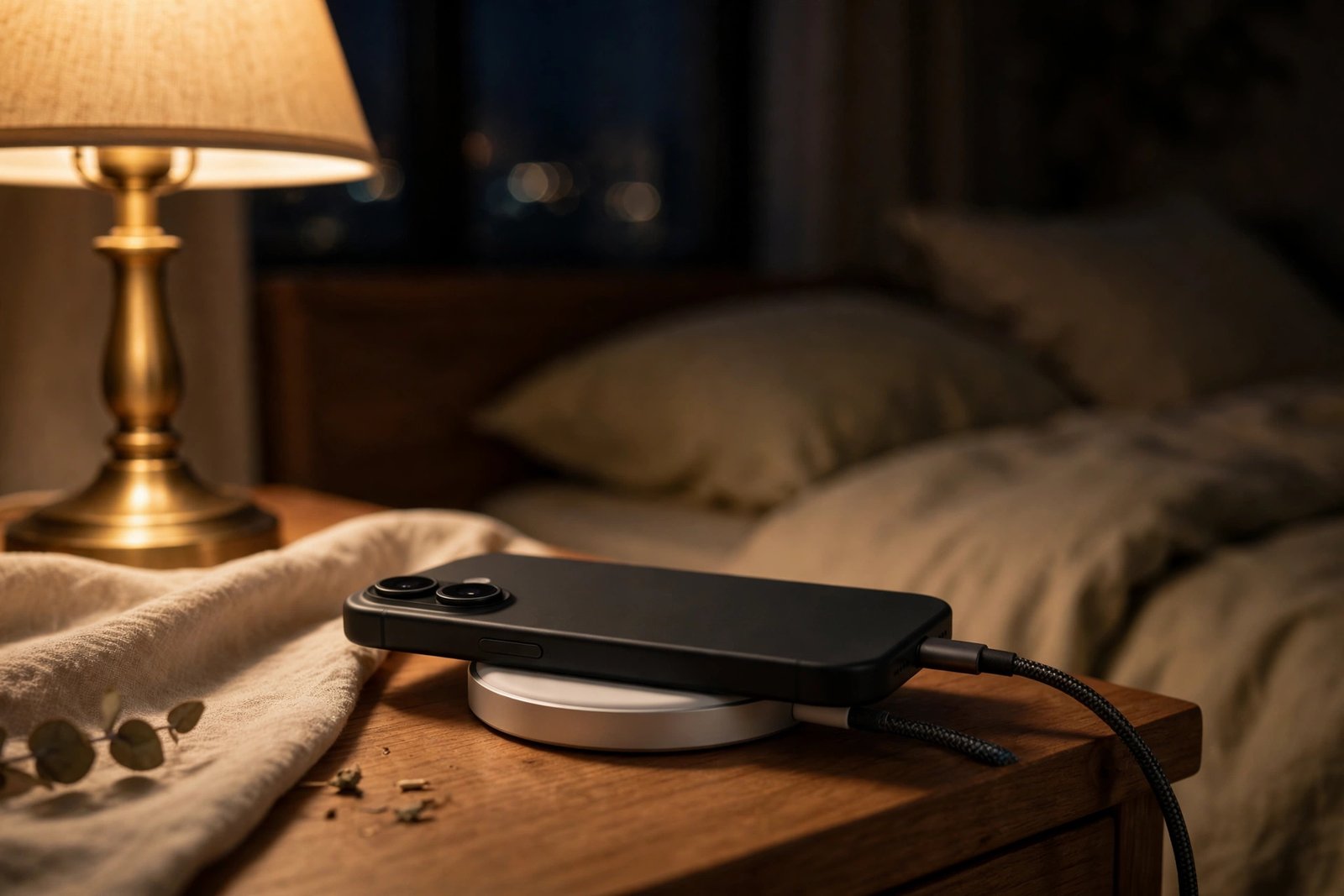
The Apple MagSafe Charger is the simplest way to charge an iPhone 17 wirelessly. It snaps onto the back of the phone, lines itself up, and starts charging without you having to find the port in the dark. Cheaper pads are easier to knock out of position. It connects by USB-C, so pair it with a USB-C power adapter. Keep one by the bed or on a desk: put the phone down, it charges; pick it up, it stops. It is not the fastest way to charge, but for a fixed spot at home or work, it is hard to beat for convenience.
2. Apple iPhone 17 Silicone Case with MagSafe
Best for: everyday protection that still feels slim in the hand.
A case is the first accessory most people buy, and the silicone case with MagSafe is a sensible default. It fits the iPhone 17 precisely, with cutouts for the camera, buttons and USB-C port, and it has MagSafe magnets built in so chargers, wallets and mounts hold firmly through the case. The soft-touch finish is grippy without being sticky, and raised edges around the screen and camera give the glass clearance when the phone lands face down. The clear case is the same idea in transparent form, though it can discolour over time. Check the fit: it should click on snugly and the buttons should press cleanly.
3. Tempered glass screen protector
Best for: anyone who puts a phone in a pocket or bag with keys, coins or anything hard.
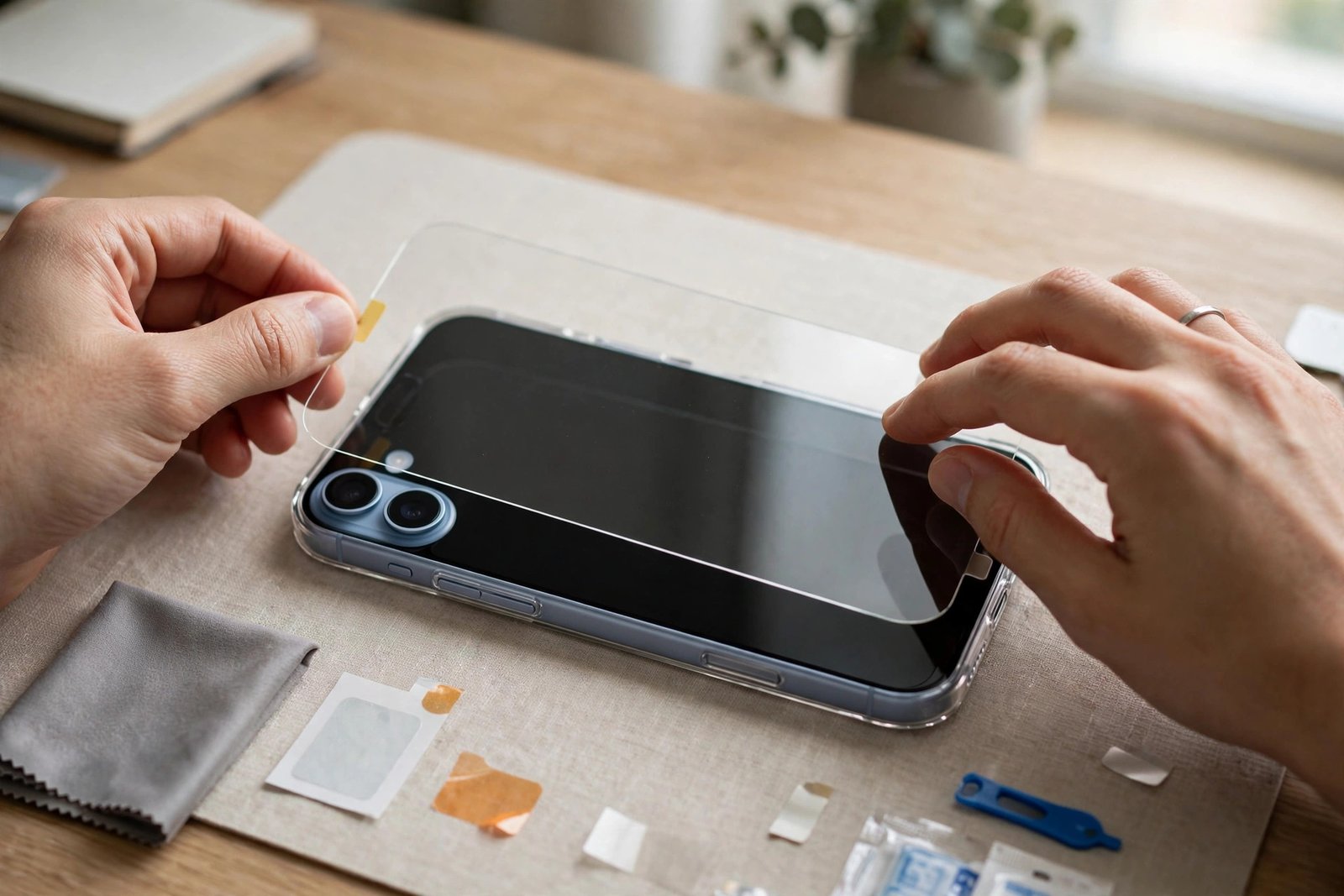
The iPhone 17 display is tough, but it is still glass, and a tempered glass protector is cheap insurance. It takes the scratches and small impacts that would otherwise mark the screen, and if it cracks, you replace a thin sheet of glass rather than a display. Most good protectors include an alignment frame. Apply it on a clean, dust-free surface and take your time. A speck of dust under the glass becomes a bubble you will notice every day. It should cover the display without lifting at the corners or interfering with the case. For commuters and parents, it pays for itself the first time the phone meets a hard surface.
4. USB-C power adapter and cable
Best for: reliable wired charging at home, at work and while travelling.
Every iPhone 17 owner needs a USB-C charger, because the phone charges through USB-C. A compact USB-C power adapter with a braided USB-C to USB-C cable is the most useful combination: it charges the phone, and a braided cable survives being coiled far better than a thin plastic one. Choose an adapter from a reputable maker, whether Apple or a well-known third-party brand, and avoid unbranded plugs. Keep one where you charge most often and a second in a travel bag. One metre suits a desk or bedside, while two metres reaches a socket across a room. Buy the length that fits the place you will use it most.
5. MagSafe wallet
Best for: travelling light with just a card or two and ID.
A MagSafe wallet snaps onto the back of the phone and holds a few cards, so you can leave a bulky wallet at home for a quick trip out. It works best for people who already pay by phone and only need a physical card as a backup, plus ID or a travel card. It is not a replacement for a full wallet if you carry many cards, cash and receipts. The wallet should hold firmly when you pull the phone from a pocket, and come off easily when you want to charge or use a mount. Leather ages well; silicone is lighter. Overstuffing weakens the hold, and a wallet can interfere with some car mounts.
Before you buy: a quick checklist
- Confirm the accessory is made for iPhone 17, not a different model or a Pro version.
- Check for MagSafe compatibility if you plan to use chargers, wallets or mounts through a case.
- Make sure chargers and cables are USB-C, from a reputable maker with proper safety marks.
- Decide how much bulk you will accept. A slim case you keep on beats a rugged case you leave in a drawer.
- Buy protection first, convenience second. Case and screen protector come before wallets and stands.
If you already own a good USB-C charger and cable, you may only need a case and a screen protector. For guidance on choosing the phone itself, see our guide to how to choose a smartphone, and if battery life matters, our round-up of the best phones for battery life is a useful next read.
Frequently asked questions
Do I need a MagSafe case for iPhone 17 accessories to work?
No, but it helps a lot. MagSafe chargers, wallets and mounts will attach to a bare iPhone 17, but the hold is weaker without built-in magnets. A MagSafe case keeps the connection strong.
Is a screen protector still necessary on the iPhone 17?
It is not essential, but it is sensible for most people. The display can still be scratched by keys, sand or a hard drop. A tempered glass protector absorbs that damage cheaply.
Can I use my old iPhone charger with the iPhone 17?
You can use an old USB-C charger and cable, and they will work. An old USB-A charger needs a USB-A to USB-C cable or an adapter. Use a USB-C power adapter and a USB-C to USB-C cable.
Will iPhone 16 cases fit the iPhone 17?
No, do not assume they will. The iPhone 17 has its own dimensions and camera layout, so a case for a different model may not fit the buttons, ports or camera opening. Always check the case is listed for iPhone 17.
Is MagSafe charging slower than wired charging?
In general, yes. Wired charging through USB-C is usually faster and more efficient. MagSafe is about convenience: you set the phone down and it charges. For a quick top-up, use a cable.
What is the best MagSafe charger for iPhone 17?
The Apple MagSafe Charger is the safest default, because it is made for the phone and snaps on cleanly. Our guide to the best MagSafe chargers compares good third-party options in more detail.
The bottom line
The best iPhone 17 accessories are the quiet ones: a case that fits, a screen protector you forget is there, and a charger that is always where you need it. Start with those three, add a MagSafe charger only if it matches how you live, and skip the rest until you miss it. Your next step: order the case and screen protector first, and fit the protector on a clean surface.