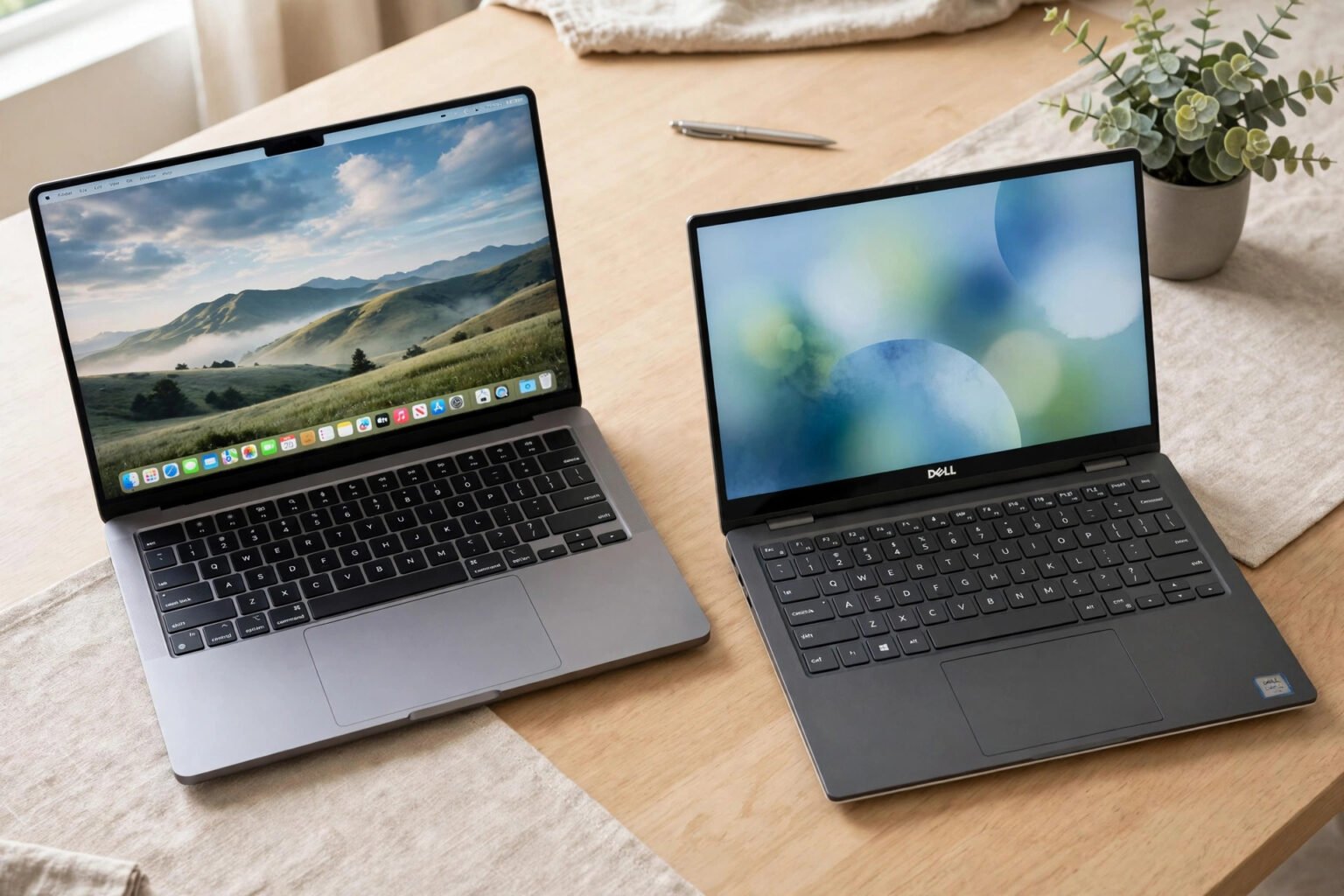
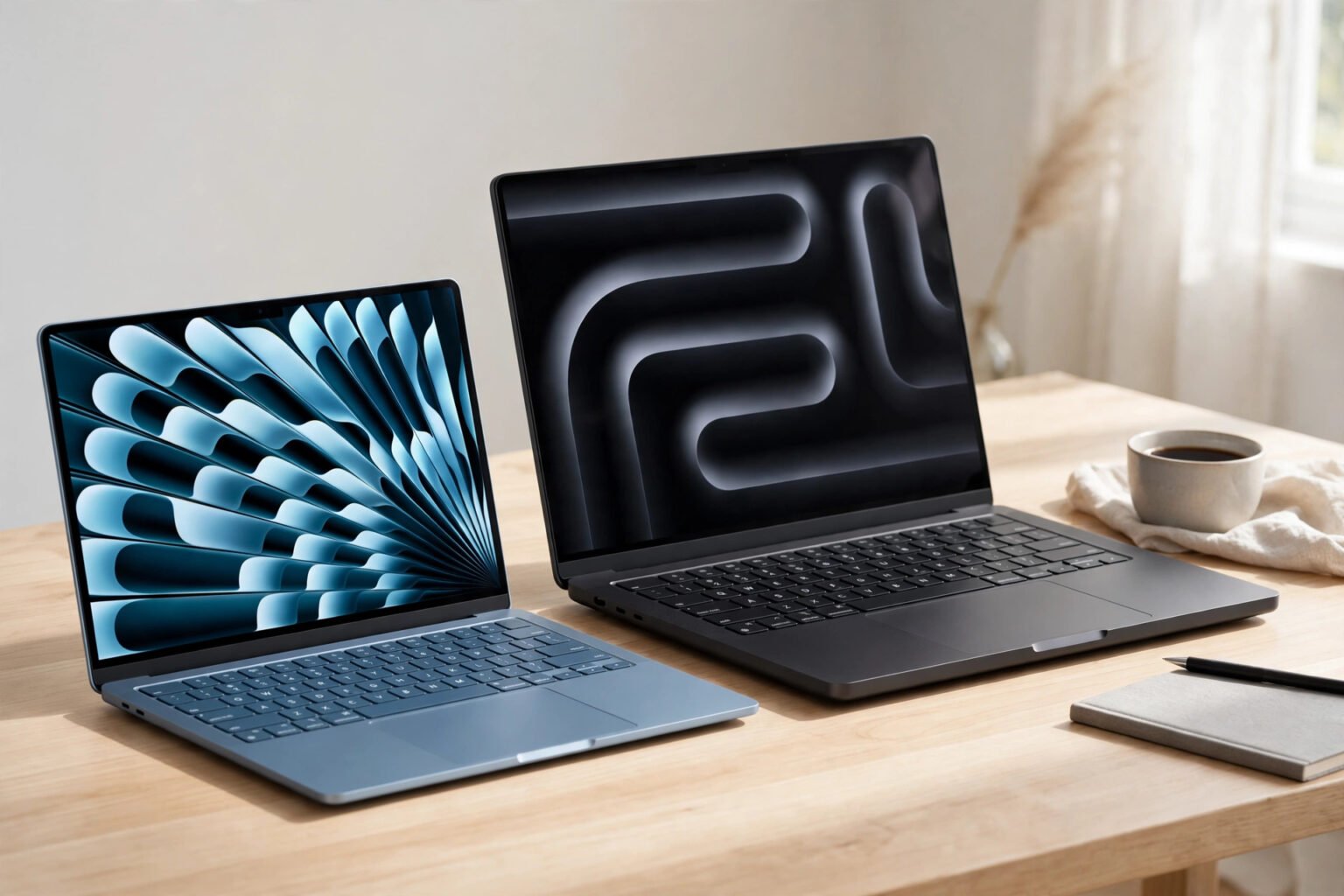
The best laptops for business travel in 2027 are the ones you forget you are carrying. They slip into a cabin bag, open quickly at a departure gate, and keep working through a long-haul flight and a full day of meetings without hunting for a socket. For frequent travellers, weight, battery life and a screen you can read in bright light matter far more than raw speed.
So which laptop should you take on the road in 2027? For most business travellers, the Lenovo ThinkPad X1 Carbon Gen 13 is the best choice: it weighs under a kilogram and has a superb keyboard. If you prefer macOS, the MacBook Air M4 is the closest rival, with silent running and battery life that regularly outlasts a working day.
Key takeaways
- The ThinkPad X1 Carbon Gen 13 is the best laptop for most business travellers: under 1 kg, with a great keyboard and strong build.
- The MacBook Air M4 is the best travel laptop for Mac users, thanks to silent running and all-day battery life.
- Aim for under 1.4 kg and a full working day of battery life; anything heavier becomes a burden by day three.
- A bright screen, a good webcam, fast Wi-Fi and reliable security features matter more on the road than a faster chip.
- Choose 16GB of memory and 512GB of storage as a minimum, and buy a charger you can share with your phone.
What makes a laptop good for business travel?
Business travel is a test of endurance, not speed. A travel laptop spends its life being opened and closed, squeezed into seat-back pockets, balanced on tray tables and used in rooms with uncertain lighting. The best ones handle that routine without fuss: they wake instantly, connect quickly, and keep going when the day runs long.
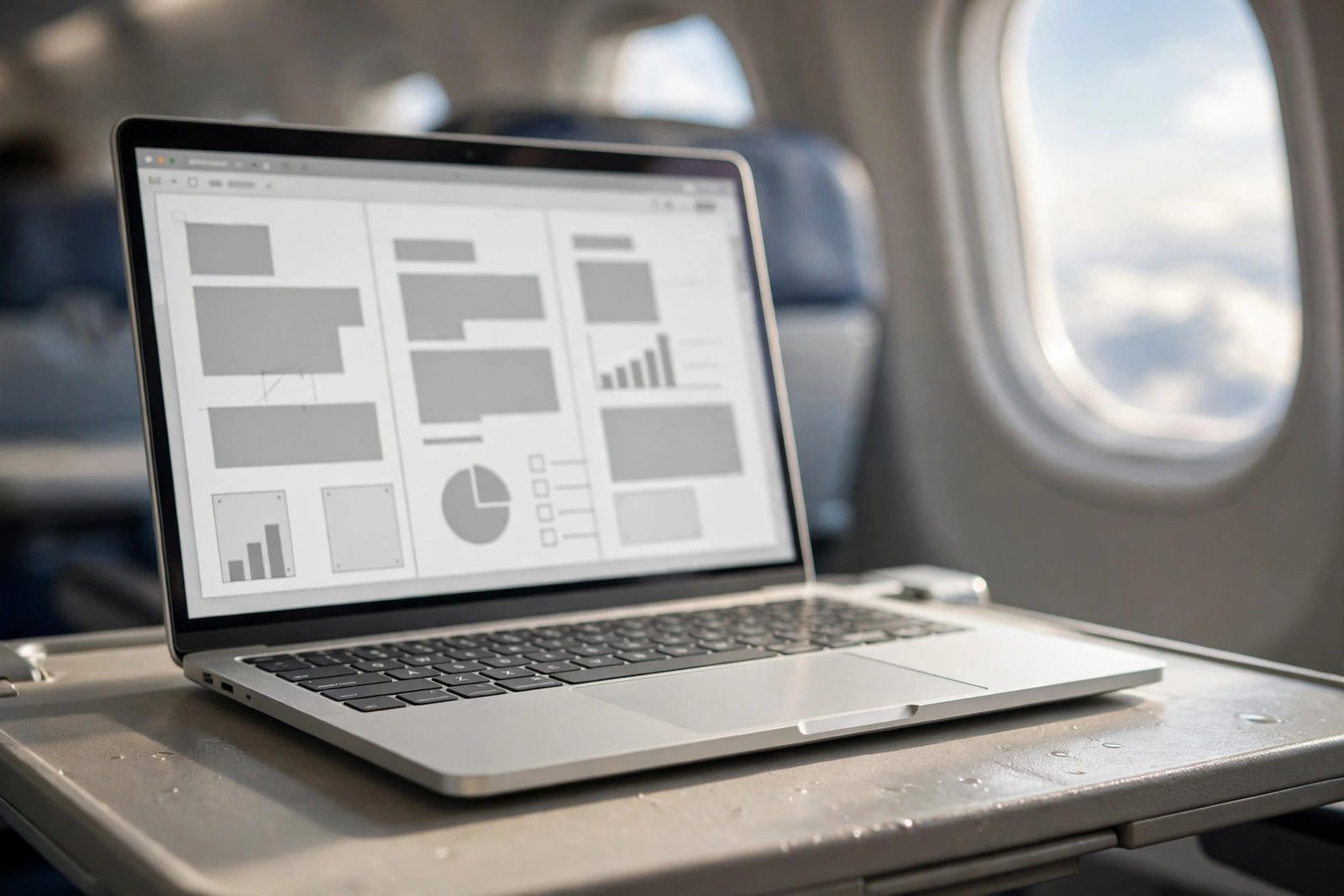
Weight is the first filter. A laptop that weighs 1.8 kg feels fine in a shop and heavy by the third day of a trip. Under 1.4 kg is a sensible target, and under 1 kg — as the ThinkPad X1 Carbon manages — is genuinely liberating. A 13- or 14-inch screen fits a plane tray table, while a 15- or 16-inch machine often does not. Battery life is the second filter. Look for machines with a reputation for lasting a real working day of documents, email, video calls and browsing.
Best laptops for business travel in 2027 at a glance
| Laptop | Screen | Weight class | Battery | Best for |
|---|---|---|---|---|
| Lenovo ThinkPad X1 Carbon Gen 13 | 14-inch | Ultralight, under 1 kg | Strong | Most business travellers |
| MacBook Air M4 | 13.6-inch or 15.3-inch | Light, around 1.2–1.5 kg | Excellent | Mac users |
| Dell XPS 14 | 14.5-inch | Portable, around 1.6 kg | Strong | Premium Windows travel |
| Microsoft Surface Laptop, 7th Edition | 13.8-inch or 15-inch | Light, around 1.3–1.7 kg | Excellent | Simple Windows travel |
| HP Spectre x360 14 | 14-inch touchscreen | Portable, around 1.4 kg | Good | Presenting and notes |
| ASUS Zenbook 14 OLED | 14-inch OLED | Light, around 1.2 kg | Good | Bright OLED screens |
1. Lenovo ThinkPad X1 Carbon Gen 13
Best for: most business travellers, and the best lightweight business laptop overall.
The ThinkPad X1 Carbon Gen 13 is the business travel laptop against which the others are measured. At under a kilogram, it is the lightest machine in this guide by a clear margin, and the difference shows up every time you lift your bag or pass through security. The keyboard is the best here, with deep, quiet travel. The 14-inch display is sharp and bright, the Intel Core Ultra chip handles documents, spreadsheets, video calls and browser work with ease, and the port selection is generous for an ultralight, including Thunderbolt, USB-A and HDMI. Battery life comfortably covers a working day, and the fingerprint reader and webcam shutter suit company IT teams.

2. MacBook Air M4
Best for: Mac users, and the best laptop for working on planes.
The MacBook Air M4 is the quietest laptop in this guide, because it has no fan at all. On a plane or during a video call, that silence is a genuine advantage. The M4 chip is fast and efficient, handling documents, spreadsheets, presentations and browser work with ease, and battery life is the best in this group in everyday use. There are two sizes. The 13.6-inch model is the better travel companion: light, compact and easy to use on a tray table. The 15.3-inch model gives you more screen, but it takes up more room and weighs more. The limits are familiar: two Thunderbolt ports, MagSafe and a headphone jack, so a small hub is worth packing.
3. Dell XPS 14
Best for: Windows travellers who want a premium, minimalist laptop.
The Dell XPS 14 is the smartest-looking Windows laptop in this guide. Its aluminium body, thin bezels and bright 14.5-inch display make it feel like a luxury object, and it performs like one too: the Intel Core Ultra chip handles everyday business work, video calls and presentations smoothly. It is heavier than the ThinkPad or the MacBook Air, at around 1.6 kg, so it suits travellers who move between offices and hotels more than those who live on planes. The keyboard is comfortable, the large glass trackpad is precise, and the webcam is good for calls. Port selection is limited to Thunderbolt ports, so you will need an adapter for USB-A or HDMI.
4. Microsoft Surface Laptop, 7th Edition
Best for: Windows users who want a simple, reliable travel laptop.
The Surface Laptop, 7th Edition, is the easiest Windows laptop in this guide to live with. It wakes instantly, signs you in with your face, and gets on with the day without demanding attention. The Snapdragon chip inside is efficient and quiet, and battery life is excellent, rivalling the MacBook Air in everyday business use. There are two sizes, a 13.8-inch model and a 15-inch model. The smaller one is the better travel choice: light, compact and easy to use in tight spaces. The keyboard is comfortable, the touchscreen is responsive, and the display is bright and sharp. The main question is software compatibility: check any specialist tools your company relies on before buying.
5. HP Spectre x360 14
Best for: travellers who present, sketch and take notes as well as type.
The HP Spectre x360 14 is the most flexible laptop in this guide. Its touchscreen folds back into tablet mode, which is useful for presenting to a client across a table, sketching an idea in a meeting, or reading documents on a plane without a keyboard in the way. The Intel Core Ultra chip handles documents, spreadsheets and calls comfortably, the keyboard is good, and the build feels premium. The webcam and speakers are well suited to remote meetings, and the fingerprint reader and webcam shutter cover the security basics. It is heavier than a conventional laptop, and battery life is good rather than exceptional.
6. ASUS Zenbook 14 OLED
Best for: travellers who want a bright OLED screen without a premium price.
The ASUS Zenbook 14 OLED is the value pick in this guide, and it earns its place on the strength of its screen. The 14-inch OLED display is vivid, sharp and high-contrast, which makes documents, spreadsheets and video look superb. It is also light, at around 1.2 kg, and slim enough to slip into any cabin bag. The Intel Core Ultra chip handles everyday business work well, the keyboard is comfortable, and the port selection is generous for a laptop this thin. Battery life is good, covering most working days, though it does not match the MacBook Air or Surface Laptop under heavy use. For self-employed travellers buying their own machine, it offers a superb screen and a light body for less than the premium picks.
Security and privacy on the road
A travel laptop carries more risk than a desk machine: it can be lost, stolen or used on unfamiliar Wi-Fi. Before your next trip, turn on full-disk encryption, set a strong sign-in method — fingerprint or face recognition where available — and make sure your files are backed up to a service you trust. Use a webcam shutter or cover, and avoid entering passwords on public networks without a VPN your company approves. Our guide to using AI safely at work without sharing private data explains how to get the benefits of AI tools while keeping company and client information private.
How to choose the best travel laptop for your trips
Use this checklist before you buy. It takes five minutes and prevents the most common travel-laptop regrets.
- Weigh the whole bag: add the laptop, charger, cables and case together, and aim for a total under 2 kg if you travel weekly.
- Test the tray-table fit: a 13- or 14-inch laptop works on most economy tray tables; a 15- or 16-inch machine often does not.
- Check real battery life: look for reviews that test a full working day of documents, calls and browsing, not just video playback.
- Count your ports: make sure you can charge and connect a display or drive at the same time without a hub.
- Try the webcam and microphone: record a short test call and watch it back; this is how clients and colleagues will see you.
- Pack for power: choose a laptop that charges over USB-C, so one charger can serve your laptop, phone and headphones.
Money is part of the decision too. If you are budgeting for travel as a whole, our guide to using AI to plan a monthly budget can help you set a realistic figure for hardware, flights and hotels together.
Frequently asked questions
What is the best laptop for business travel in 2027?
For most business travellers, the Lenovo ThinkPad X1 Carbon Gen 13 is the best choice in 2027. It weighs under 1 kg, has a superb keyboard and a durable build. Mac users should consider the MacBook Air M4 instead.
How much should a business travel laptop weigh?
Aim for under 1.4 kg, and under 1 kg if you travel weekly. A laptop that weighs 1.8 kg feels fine in a shop and heavy by the third day of a trip.
What is the best laptop for working on planes?
The MacBook Air M4 (13.6-inch model) is the best laptop for working on planes, thanks to its compact size, silent fanless design and all-day battery life. The ThinkPad X1 Carbon is the best Windows alternative, as it is even lighter.
How much battery life do I need for business travel?
Look for a laptop that lasts a full working day — roughly eight hours of documents, email, browsing and video calls — on a single charge. Manufacturer figures are optimistic, so check reviews that test real work rather than video playback alone.
Is a 2-in-1 laptop good for business travel?
Yes, a 2-in-1 such as the HP Spectre x360 14 is good for travellers who present, sketch or take notes as well as type. If you only type and read documents, a conventional laptop such as the ThinkPad X1 Carbon or MacBook Air is lighter and simpler.
The bottom line
The best laptop for business travel in 2027 is the one that makes the journey easier, not harder. The ThinkPad X1 Carbon does that for most travellers: it is light, tough and comfortable, with a keyboard that survives long days. The MacBook Air M4 does it for Mac users, with silence and battery life no Windows machine quite matches. Before you buy, think about your last three trips: where you worked, how long the days ran, and what annoyed you most about your current laptop. Then choose the machine that fixes those frustrations. If battery life is your top concern, our guide to the best laptops with long battery life compares the longest-lasting machines in more detail.