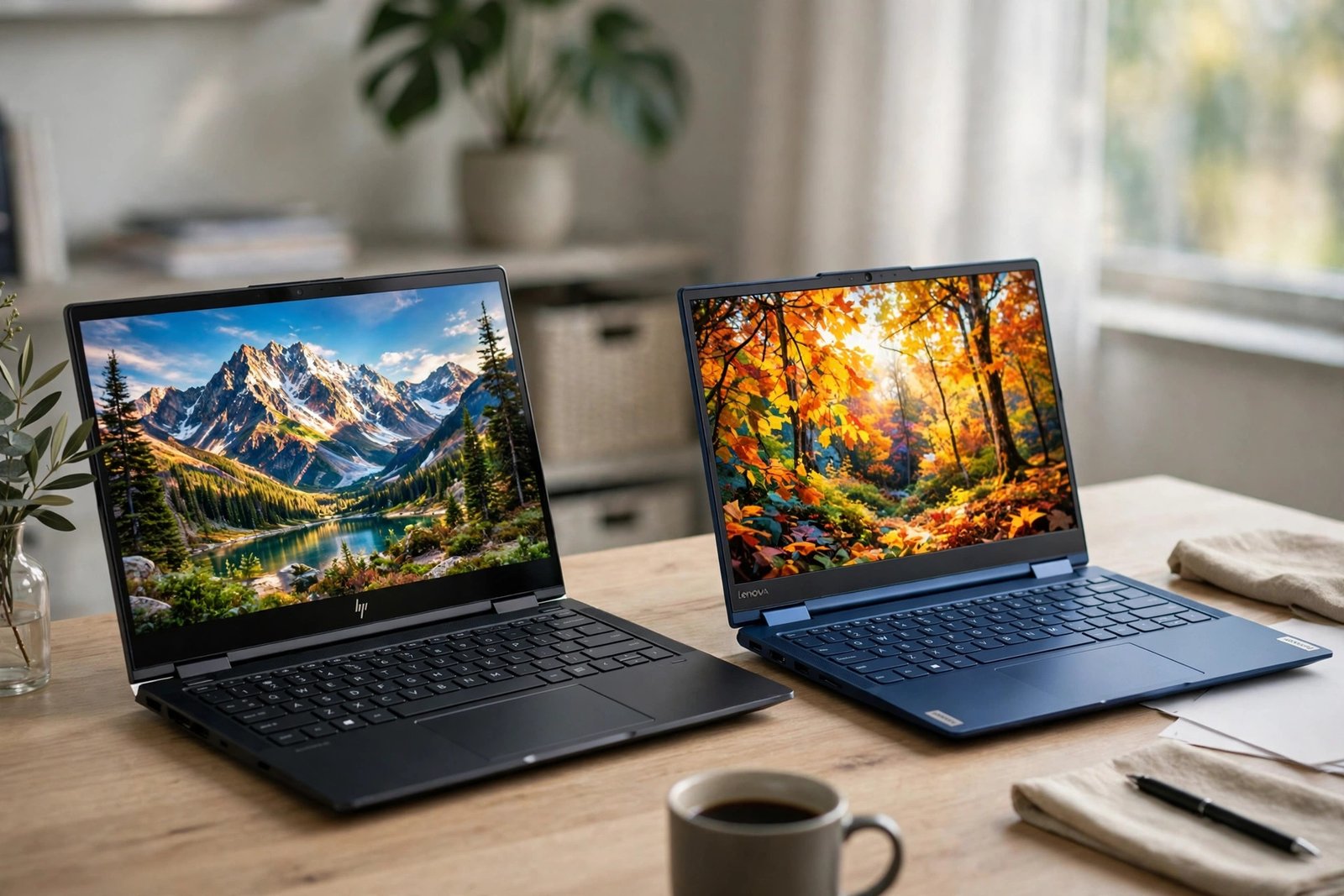
An HP Spectre vs Lenovo Yoga laptop comparison usually starts with the same problem: two polished premium Windows laptops, similar prices, and spec sheets that look almost identical. The short answer: the Lenovo Yoga wins for most buyers, while the HP Spectre wins if you want a convertible you can fold into a tablet.
That split runs through this guide. HP’s Spectre is a folding x360 convertible; Lenovo’s Yoga 9i is a convertible rival, while the Yoga Slim 7i is a lighter clamshell.
Key takeaways
- The Yoga is the better traveller: lighter, with a newer, more efficient Core Ultra 200V chip.
- The Spectre x360 is the better convertible: a sharper 2.8K OLED display and a folding hinge.
- Performance is close for everyday work; the Spectre’s 16-core chip pulls ahead only under sustained heavy loads.
- Both offer 32GB of RAM and 1TB SSDs in headline configurations.
- Check the exact configuration before you buy.
HP Spectre vs Lenovo Yoga at a glance
The table compares the most commonly sold 14-inch configurations: the HP Spectre x360 14 with an Intel Core Ultra 7 155H, and the Lenovo Yoga Slim 7i Aura Edition with an Intel Core Ultra 7 258V.
| Feature | HP Spectre x360 14 | Lenovo Yoga Slim 7i Aura Edition |
|---|---|---|
| Form factor | 2-in-1 convertible, folds flat | Clamshell ultrabook |
| Processor | Intel Core Ultra 7 155H, 16 cores, up to 4.8GHz | Intel Core Ultra 7 258V, 8 cores, up to 4.8GHz |
| Memory | 32GB LPDDR5x | 32GB LPDDR5x-8533 |
| Storage | 1TB PCIe SSD | 1TB PCIe SSD |
| Display | 14-inch OLED, 2880 x 1800, 120Hz, 100% DCI-P3 | 14-inch OLED, 1920 x 1200, 120Hz, 100% DCI-P3 |
| Brightness | 400 nits SDR, 500 nits HDR | 400 nits typical, 600 nits peak |
| Battery | 68Wh | 70Wh |
| Webcam | 9MP IR camera | 5MP IR camera |
Caption: Memory and storage match; the differences are the hinge, screen resolution and chip generation.
Best for: most buyers, the Yoga Slim 7i, for its lighter body and newer chip. Best for: tablet use, the Spectre x360, for its hinge and sharper display.
Design and build
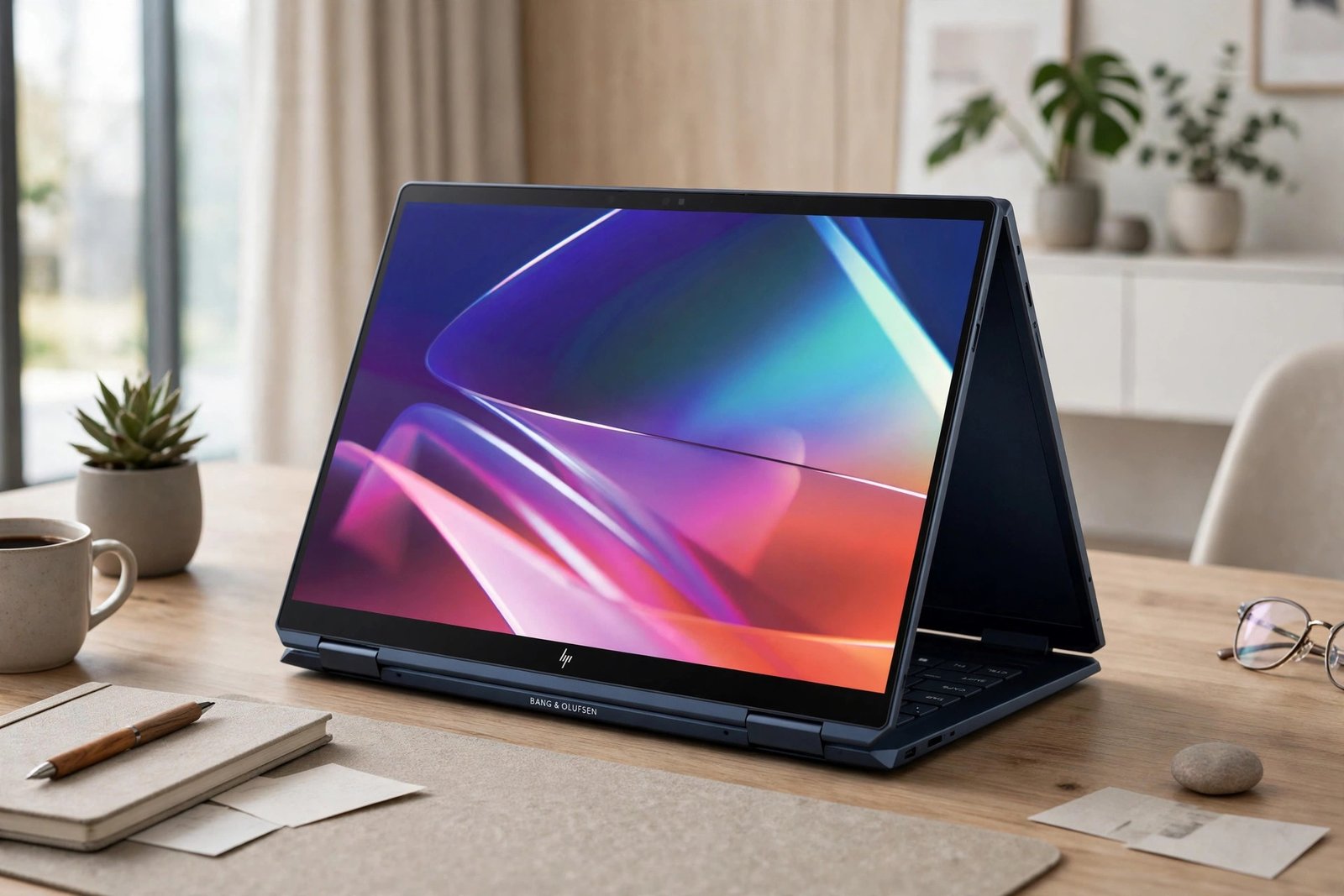
HP has given the Spectre a distinctive look for years: a gem-cut aluminium chassis with angled edges, in dark and blue-toned finishes. The 360-degree hinge is the point of the machine. Fold it flat for reading, or into tent mode on a crowded desk.
Lenovo takes the opposite approach with the Yoga Slim: restrained, clean-edged, and nothing that draws attention. The payoff is practical. In the 14-inch class the Yoga Slim is lighter than the Spectre x360, and the Yoga 9i Aura Edition, at around 1.27kg, is lighter still. If you carry a laptop in a bag every day, that difference is noticeable by the end of the week.
Best for: everyday carrying, the Lenovo Yoga, for its lower weight. Best for: tablet mode and making an impression, the HP Spectre, for its folding hinge and gem-cut design.
Display: both OLED, but the Spectre is sharper
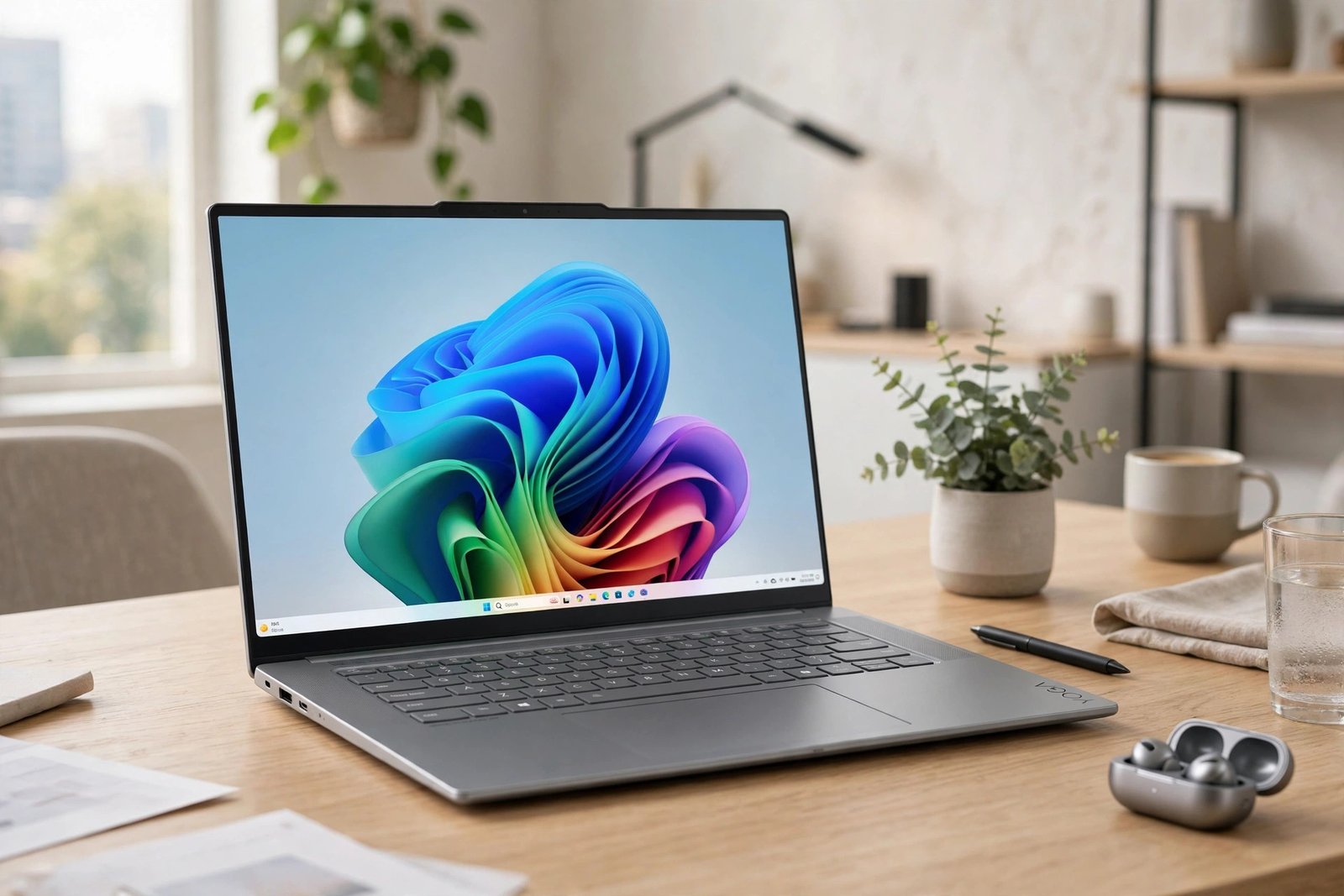
Display quality is a genuine strength on both sides. Current 14-inch models in each range use OLED panels with 120Hz refresh rates, 100% DCI-P3 colour and HDR support, which means deep blacks, vivid colour and smooth scrolling. The difference is resolution. The Spectre x360 14’s OLED panel runs at 2880 x 1800, noticeably sharper than the Yoga Slim 7i Aura Edition’s 1920 x 1200 panel in its standard configuration. Text looks crisper on the Spectre, and fine detail in photos is easier to judge. The Yoga 9i offers a 2880 x 1800 option that closes the gap. Brightness is close: 400 nits standard on both, 500 nits HDR on the Spectre and a 600-nit peak on the Yoga Slim.
Best for: the sharpest screen in the standard 14-inch comparison, the HP Spectre x360. Best for: smooth, colour-accurate OLED at a lower price point, the Lenovo Yoga Slim 7i.
Performance: more cores vs a newer, cooler chip
This is where the spec sheets mislead. The Spectre x360 14’s Core Ultra 7 155H has 16 cores, double the 8 cores in the Yoga’s Core Ultra 7 258V. On paper that looks like a clear win for HP. In practice the two chips are from different generations with different priorities, and the gap is smaller than the core count suggests.
The 155H is a performance-oriented chip with stronger sustained performance for compiling code, rendering video or heavy multitasking. Our guide to choosing a laptop for video editing covers the screen, memory and storage trade-offs for that kind of work. The 258V, from Intel’s Lunar Lake family, is built for efficiency: faster 8533MHz memory, a more capable Intel Arc 140V graphics unit, and cooler, quieter running.
For everyday work, you will not feel a difference. Both handle dozens of tabs, and both come with 32GB of RAM in headline configurations. Neither is a gaming laptop. RAM is soldered on both, so buy 32GB if you plan to keep the laptop for years.
Best for: sustained heavy workloads, the HP Spectre x360, for its 16-core processor. Best for: quiet, cool, everyday performance, the Lenovo Yoga, for its Lunar Lake chip and faster memory.
Battery life
Battery capacity is almost identical in the 14-inch class: 68Wh in the Spectre x360 14 and 70Wh in the Yoga Slim 7i Aura Edition. Capacity alone would suggest a tie, but the Yoga usually lasts longer in real use because its 258V chip is more efficient, especially at idle and during light work such as writing and browsing. If you work mostly unplugged, the Yoga’s efficiency matters; at a desk, battery life should not decide this purchase.
Best for: the longest time away from a socket, the Lenovo Yoga, for its more efficient chip. Best for: desk-based work where battery is secondary, either machine.
Keyboard, webcam and ports
Lenovo’s Yoga keyboards have a long reputation for comfortable, well-spaced keys with sensible travel, and the current models continue that tradition. HP’s Spectre keyboard is good too, with a clean layout and a large trackpad, but it feels slightly firmer and flatter. Try both in a shop if you type all day.
The webcam is a clear Spectre win on paper: a 9MP IR camera against the Yoga Slim’s 5MP IR camera. Both support Windows Hello facial recognition, and both are a big step up from the grainy 720p cameras of a few years ago. The Yoga Slim 7i includes HDMI 2.1 alongside Thunderbolt 4; the Spectre leans on USB-C, which means carrying a dongle for HDMI.
Best for: typing all day, the Lenovo Yoga, for its keyboard feel. Best for: video calls, the HP Spectre, for its 9MP camera. Best for: connecting to a display without a dongle, the Lenovo Yoga, for its HDMI port.
Software and AI features
Both laptops run Windows 11 and both are sold as Copilot+ PCs in their current Core Ultra configurations, with Intel AI Boost neural processing units handling on-device AI tasks. The Yoga’s Lunar Lake NPU is rated by Intel at up to 48 TOPS. Lenovo adds its own layer with Lenovo AI Now on some Yoga models, a local assistant for on-device search and summaries. HP counters with its own AI companion software and the Spectre’s stronger webcam, which makes its AI video effects look better. Some Yoga 9i configurations ship with Windows 11 Pro, while the Spectre typically ships with Windows 11 Home. Pro adds BitLocker and business features most home users will never miss. If you use AI tools in documents daily, our guide to using AI in Google Docs and Sheets shows which features are worth your time on either laptop.
Best for: on-device AI performance, the Lenovo Yoga, for its newer NPU. Best for: AI-enhanced video calls, the HP Spectre, for its better camera.
How to decide: a five-minute checklist
- Do you want a tablet mode? If yes, buy the Spectre x360 or Yoga 9i.
- How much do you carry it? Daily commuting favours the Yoga.
- Do you push the processor hard? Sustained rendering favours the Spectre’s 16-core chip.
- Do you present on external screens? The Yoga Slim’s HDMI port saves you a dongle.
- Which screen matters more? The Spectre’s 2.8K panel is sharper.
- What is the price on the day? A £200 gap either way should outweigh a small spec difference. Compare exact configurations, not range names.
If you are also weighing Apple against Windows, our MacBook Air M4 vs MacBook Pro M4 comparison sets out where macOS machines fit against premium Windows laptops like these.
Frequently asked questions
Is the HP Spectre or Lenovo Yoga better for students?
The Yoga Slim 7i is usually better: lighter and efficient enough for lectures. The Spectre wins if you annotate PDFs or take handwritten notes.
Which laptop has the better screen, Spectre or Yoga?
The Spectre x360 14, at 2880 x 1800 against the Yoga Slim 7i’s 1920 x 1200. Both are OLED with 120Hz refresh rates. The Yoga 9i offers a 2880 x 1800 option that closes the gap.
Is the Lenovo Yoga a 2-in-1 like the HP Spectre?
Some Yoga models are, and some are not. The Yoga 9i is a convertible with a 360-degree hinge, like the Spectre x360. The Yoga Slim 7i is a conventional clamshell that does not fold flat.
Which is better for video editing, HP Spectre or Lenovo Yoga?
For light editing, both are capable. For heavier editing, the Spectre’s 16-core processor has an advantage, but neither replaces a laptop with a dedicated graphics card.
Do HP Spectre and Lenovo Yoga laptops have good battery life?
Yes, with 68Wh and 70Wh batteries in their 14-inch configurations. The Yoga usually lasts a little longer because its newer chip is more efficient.
Can you upgrade the RAM in a Spectre or Yoga?
No. RAM is soldered in both, so choose 32GB at purchase if you plan to keep the laptop for several years.
The bottom line
Buy the Lenovo Yoga if you want the lightest, most efficient premium Windows laptop for everyday work and travel. Buy the HP Spectre x360 if you want a convertible that doubles as a tablet, with the sharpest screen in the standard 14-inch comparison and a stronger chip for sustained heavy work. Before you spend anything, compare the exact configuration on sale that week: screen, processor, RAM and Windows edition. The configuration matters more than the badge, and either laptop will serve you well for years.