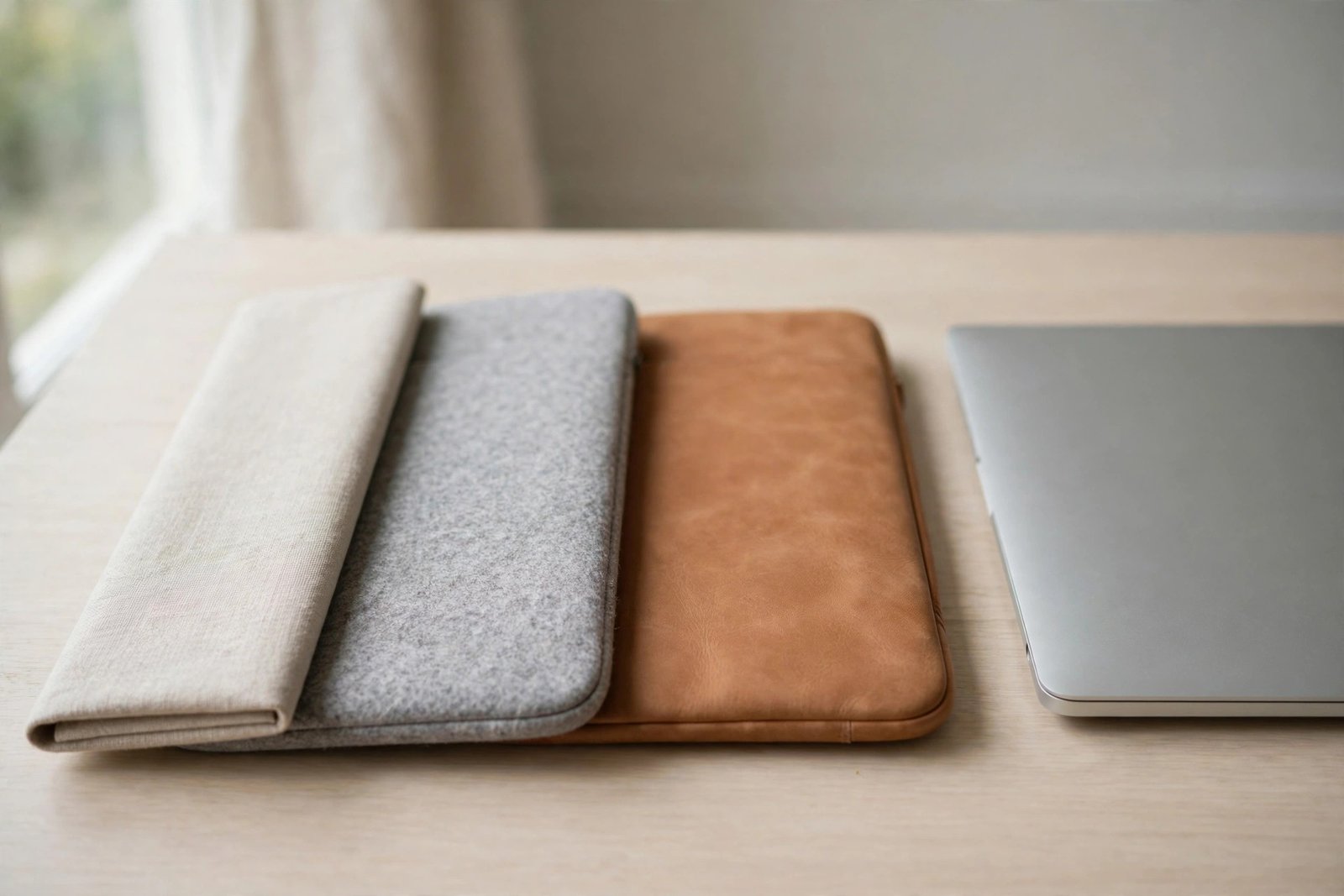
The best laptop sleeves for MacBook Air are the ones you forget are there until you need them. A good sleeve should fit the Air’s slim shape closely, guard its corners against knocks, and add as little bulk as possible. If you want a single answer, the Tomtoc 360 Protective Sleeve is the best all-round choice for most owners, combining corner protection with a slim profile at a mid-range price.
The right sleeve still depends on how you use your laptop, so this guide compares five leading sleeves and explains what actually matters.
Key takeaways
- The Tomtoc 360 Protective Sleeve is the best all-round pick for most MacBook Air owners, thanks to its corner padding and slim fit.
- Bellroy makes the smartest everyday sleeve, with a clean design and a useful slip pocket for papers.
- InCase suits owners who want a familiar, well-made sleeve from a long-established Mac accessory maker.
- Native Union is the best choice if recycled materials and a tidy, minimal look matter to you.
- Harber London is the premium option, for owners who want full-grain leather and are happy to pay for it.
- Check your model first: the 13-inch and 15-inch MacBook Air need different sizes, and a loose sleeve protects far less well than a snug one.
What actually matters in a MacBook Air sleeve
The MacBook Air is thin and light, but its aluminium edges and corners are the first parts to show damage. A sleeve earns its place by protecting those points without adding bulk. Fit comes first: a sleeve made for the 13-inch Air will not fit the 15-inch model, and a generic sleeve often leaves the Air sliding around inside.
Padding matters more than thickness. Dense foam absorbs small knocks, while reinforced corners deal with the drops that cause dents. A hard shell offers more protection but adds weight and defeats the point of a sleeve for many owners. Water resistance is worth having if you commute, even if it only means a shower-proof exterior rather than full waterproofing.
Pockets divide opinion. Some owners want nothing but the laptop inside, keeping the profile as slim as possible. Others want a front pocket for a charger or notebook, so they can leave the house with the sleeve alone. Neither approach is wrong, but a bulging pocket changes how a sleeve feels in a bag.
Material sets the tone: fabric is practical and light, felt looks smart, and leather lasts longest but costs most.
Best laptop sleeves for MacBook Air compared
| Sleeve | Best for | Material | Standout feature | Price band |
|---|---|---|---|---|
| Tomtoc 360 Protective Sleeve | All-round protection | Recycled fabric with padded corners | CornerArmor padding | Mid-range |
| Bellroy Laptop Sleeve | Everyday carry | Recycled woven fabric | Slim profile with slip pocket | Premium |
| InCase ICON Sleeve | A trusted classic | Neoprene with a plush lining | Simple, durable design | Mid-range |
| Native Union Stow Sleeve | Minimal, sustainable style | Recycled materials | Magnetic closure and accessory pocket | Premium |
| Harber London Leather Sleeve | Premium leather | Full-grain leather | Handcrafted finish | Luxury |
Caption: Five leading MacBook Air sleeves compared by use, material and standout feature.
Tomtoc 360 Protective Sleeve
Best for: All-round protection for daily commuting.
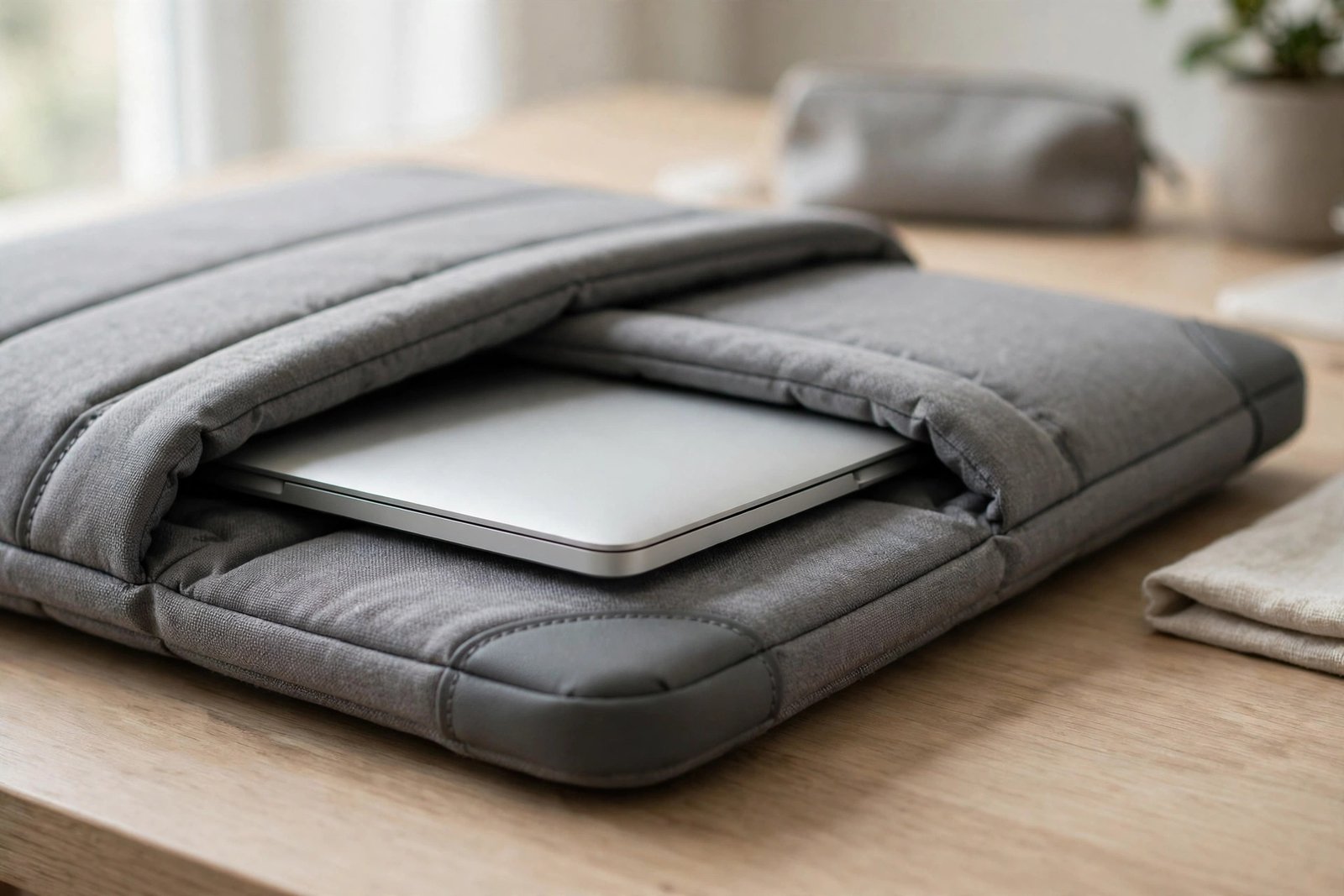
Tomtoc built its reputation on sleeves that protect corners, and the 360 Protective Sleeve is its best-known design. Raised padding at the corners guards the parts of a MacBook Air most likely to dent when a bag is dropped or knocked against a desk. The main body stays slim, so the sleeve slips easily into a backpack or tote.
The exterior is water-resistant recycled fabric, with a soft interior that will not mark the aluminium finish. A shallow front pocket holds a charger or a few papers. It is not the prettiest sleeve here, but for most owners it is the sensible default.
Bellroy Laptop Sleeve
Best for: Everyday carry with a clean, professional look.
Bellroy makes accessories that look understated and feel well thought through, and its Laptop Sleeve follows that pattern. The woven recycled fabric has a subtle texture, the profile is slim, and a magnetic closure keeps the laptop secure without a zip catching on anything. A slip pocket on the front takes a notebook or a few loose papers.
The fit is close without being tight, in sizes for both the 13-inch and 15-inch MacBook Air. Padding is lighter than the Tomtoc, so this suits owners who want scratch and bump protection inside a bag, rather than defence against a hard drop.
InCase ICON Sleeve
Best for: A simple, reliable sleeve from an established Mac accessory brand.
InCase has made Mac accessories for years, and the ICON Sleeve is a straightforward example of the form. Neoprene on the outside, a soft lining on the inside, and a snug fit that keeps the Air from moving around. There is little to learn and little to go wrong, which is part of the appeal.
The ICON Sleeve is lighter on features than its rivals, with no large accessory pocket and no reinforced corner system. It relies on its padded neoprene body to absorb everyday knocks, which is usually enough inside a padded backpack. It is a mid-range option and good value for a well-made everyday sleeve.
Native Union Stow Sleeve
Best for: Minimal design with recycled materials.
Native Union’s Stow Sleeve takes a different approach, with a clean exterior, a magnetic flap closure and a front pocket sized for a charger and cable. The materials are recycled, and the overall look is deliberately plain, with no large logos or bright colours. It suits owners who want their accessories to match a minimal desk setup.
The sleeve fits closely, and the magnetic closure is quick to open and close. Padding is moderate, protecting against scratches and light knocks rather than serious impacts. If sustainability influences your buying decisions, this is the strongest option here.
Harber London Leather Sleeve
Best for: Premium leather and a sleeve that improves with age.
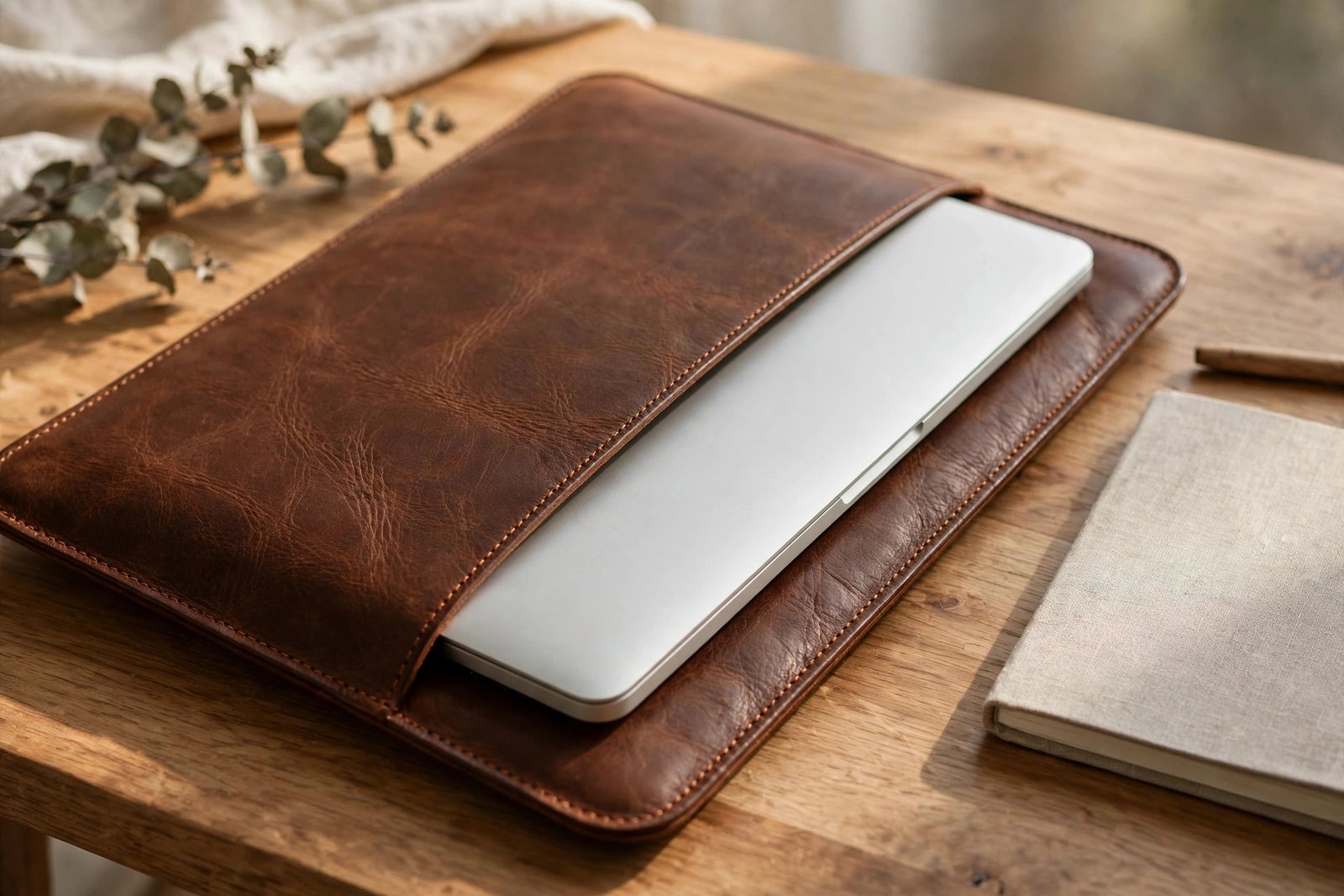
Harber London makes leather goods by hand, and its MacBook Air sleeve is the most luxurious option in this guide. Full-grain leather forms the body, with a soft suede-like lining inside to protect the laptop’s finish. The sleeve is slim, with no zip and no pocket, relying on a snug fit to keep the Air in place.
Leather develops a patina with use, so each sleeve looks slightly different over time. That is the point for many buyers. It is also the most expensive option here by a clear margin, and it offers less impact protection than the Tomtoc.
Before you buy: a quick checklist
- Confirm your model. Check whether you have the 13-inch or 15-inch MacBook Air, and buy the sleeve made for that size.
- Decide how much protection you need. A padded backpack needs only a light sleeve; a crowded tote or a daily commute calls for corner padding.
- Think about pockets. If you carry a charger and cable separately, a pocket helps. If you already have a bag, a slimmer sleeve may be better.
- Check the closure. Zips protect fully but can catch; magnetic flaps are faster but leave a small opening at the top.
- Consider the material. Fabric is practical and light, felt looks smart, leather lasts longest but costs most.
- Try the fit in mind. A sleeve should hold the Air snugly, with no room for it to slide, but should not require force to insert or remove the laptop.
A sleeve protects the laptop, but the rest of your setup matters too. If you draft documents away from your main workspace, read our guide on how to use AI in Google Docs and Sheets. For privacy when you work outside the office, see what local AI is and how to run it offline on your computer. And if your Air stays on a desk most of the time, pair the sleeve with a proper workspace — start with our guide to the best laptop docking stations.
Frequently asked questions
Do I need a sleeve if I already use a laptop bag?
A bag protects against large knocks, but a sleeve guards against scratches and dents from keys and chargers sharing the same compartment. If your bag has a dedicated, padded laptop section, a sleeve is optional; if not, it is worth having.
Should I buy a sleeve for the 13-inch or 15-inch MacBook Air?
Buy the size that matches your laptop exactly. The 13-inch and 15-inch Air have different footprints, and a sleeve made for one will either be too tight or too loose for the other. Check the model details in your Mac settings if you are unsure which size you own.
Is a hard case better than a sleeve?
A hard case stays on the laptop and protects it during use, while a sleeve protects it during transport. Many owners use a sleeve alone, because the Air is light enough to carry without a permanent case.
Can a sleeve protect a MacBook Air from a drop?
A sleeve reduces the damage from a short drop or a knock, especially one with reinforced corners, but no sleeve makes a laptop drop-proof. A hard fall onto a concrete floor can still damage the screen or body. Treat a sleeve as sensible protection, not a guarantee.
Is leather worth the extra cost for a laptop sleeve?
Leather lasts longer than most fabrics and looks better with age, so it can be good value over years. It offers less impact protection than a padded technical sleeve, though, and needs occasional care.
Conclusion
The best laptop sleeve for MacBook Air matches how you actually carry your laptop, not the one with the longest feature list. For most owners, the Tomtoc 360 is the right starting point, protecting the corners that damage most easily while staying slim. For the office, choose Bellroy; for leather that lasts for years, Harber London is worth the premium.
Before you order, confirm your screen size, decide whether you need a pocket, and think about whether the sleeve will live in a bag or be carried on its own. Get those three decisions right and any of the five sleeves above will serve you well. Your next step is simple: check your model, pick the sleeve that fits your day, and stop worrying about the laptop in your bag.