The best tablets for toddlers in 2027 are not the fastest or the sharpest tablets on the market. They are the toughest, simplest and most parent-controlled ones. If you want a short answer, start with the Amazon Fire HD 10 Kids Pro for older toddlers and the Fire 7 Kids for younger children, both with a chunky case and a subscription to child-friendly content.
A toddler tablet has a different job from an adult tablet. It needs to survive drops, sticky hands and the occasional throw across a room. It needs big buttons, clear menus and content that is safe without constant supervision. It also needs parental controls that actually work: time limits, age filters, content approval and a way to turn the tablet off without a negotiation.
Key takeaways
- Amazon Fire Kids tablets are the best value for most toddlers, with a tough case and strong parental controls.
- The Fire 7 Kids suits ages two to four; the Fire HD 10 Kids Pro suits ages four and up.
- Samsung Galaxy Tab A9+ Kids Edition offers a larger screen and a familiar Android setup for families.
- An iPad with a rugged case is the premium option, with the best apps but the highest total cost.
- Set time limits and content filters on day one, before your child uses the tablet for the first time.
What makes a tablet good for a toddler?
Durability comes first. Toddlers drop things, and a tablet without a case will not last long in small hands. Look for a thick, soft case with a built-in stand and a handle, or budget for a rugged third-party case. A screen protector adds useful protection, and a guarantee against accidental damage is worth having if it is offered.
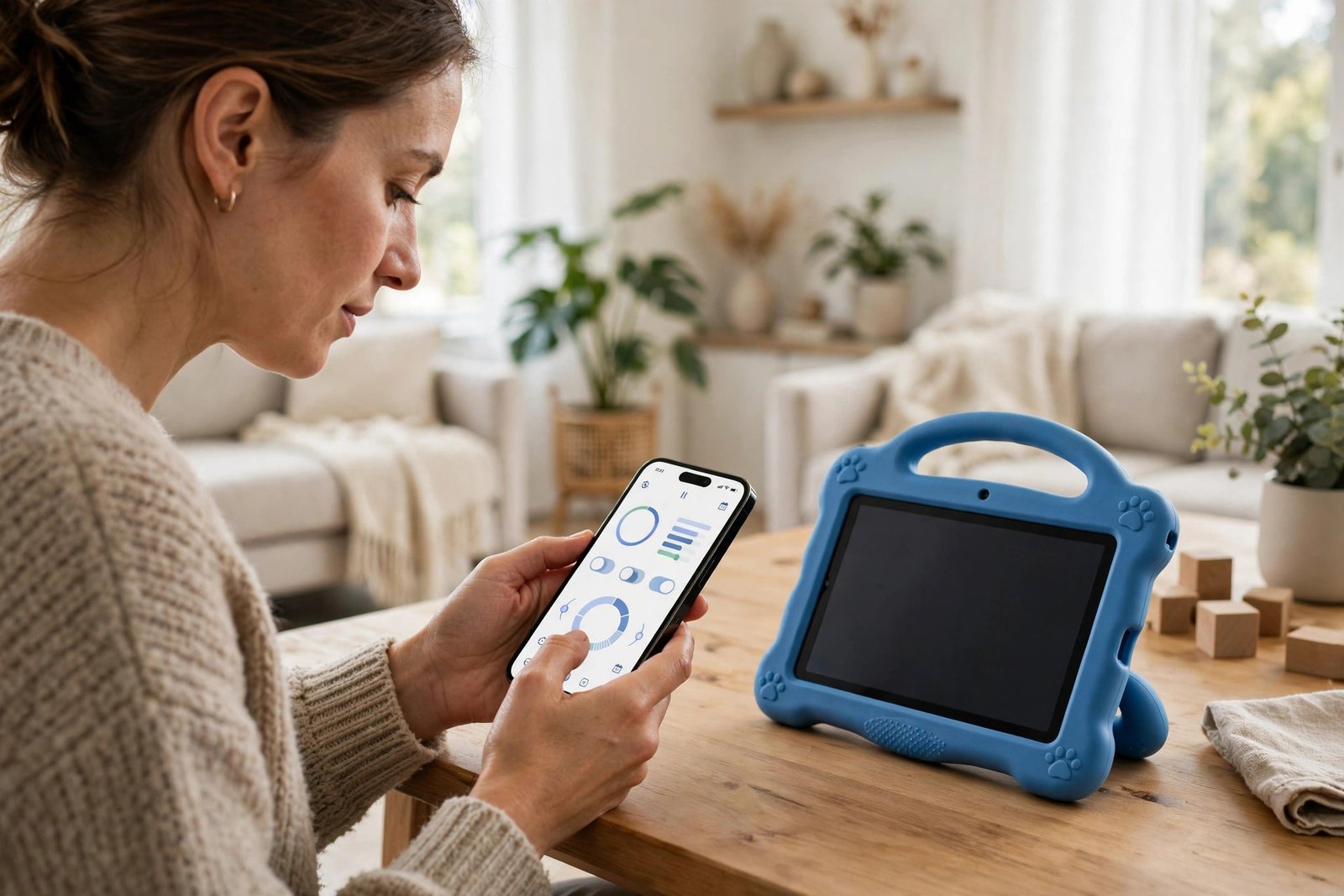
Simplicity comes next. A toddler does not need a full app store, a web browser or a messaging app. The best kids tablets open to a home screen with large icons for approved apps, books and videos, and nothing else. If a child can stumble into settings, purchases or the open web, the controls are not tight enough.
Parental controls are the third essential. At a minimum, you should be able to set daily time limits, choose an age range for content, approve or block individual apps, and set a bedtime after which the tablet stops working. Content matters too. Look for a library of age-appropriate books, videos, games and learning apps, ideally included in the price or in a single subscription. Check that the content is curated for young children, not just filtered from an adult catalogue.
Best tablets for toddlers compared
| Tablet | Best age range | Standout feature | Case included? |
|---|---|---|---|
| Amazon Fire HD 10 Kids Pro | Ages 4 and up | Large screen, strong controls, content library | Yes, chunky kid-proof case |
| Amazon Fire 7 Kids | Ages 2 to 4 | Small, light and simple to hold | Yes, chunky kid-proof case |
| Samsung Galaxy Tab A9+ Kids Edition | Ages 3 and up | Large screen, Samsung Kids mode | Yes, protective case |
| Apple iPad with rugged case | Ages 3 and up | Best app library, long software support | No, buy a rugged case separately |
| Lenovo Tab M10 Kids | Ages 3 and up | Affordable, simple kids mode | Yes, protective bumper case |
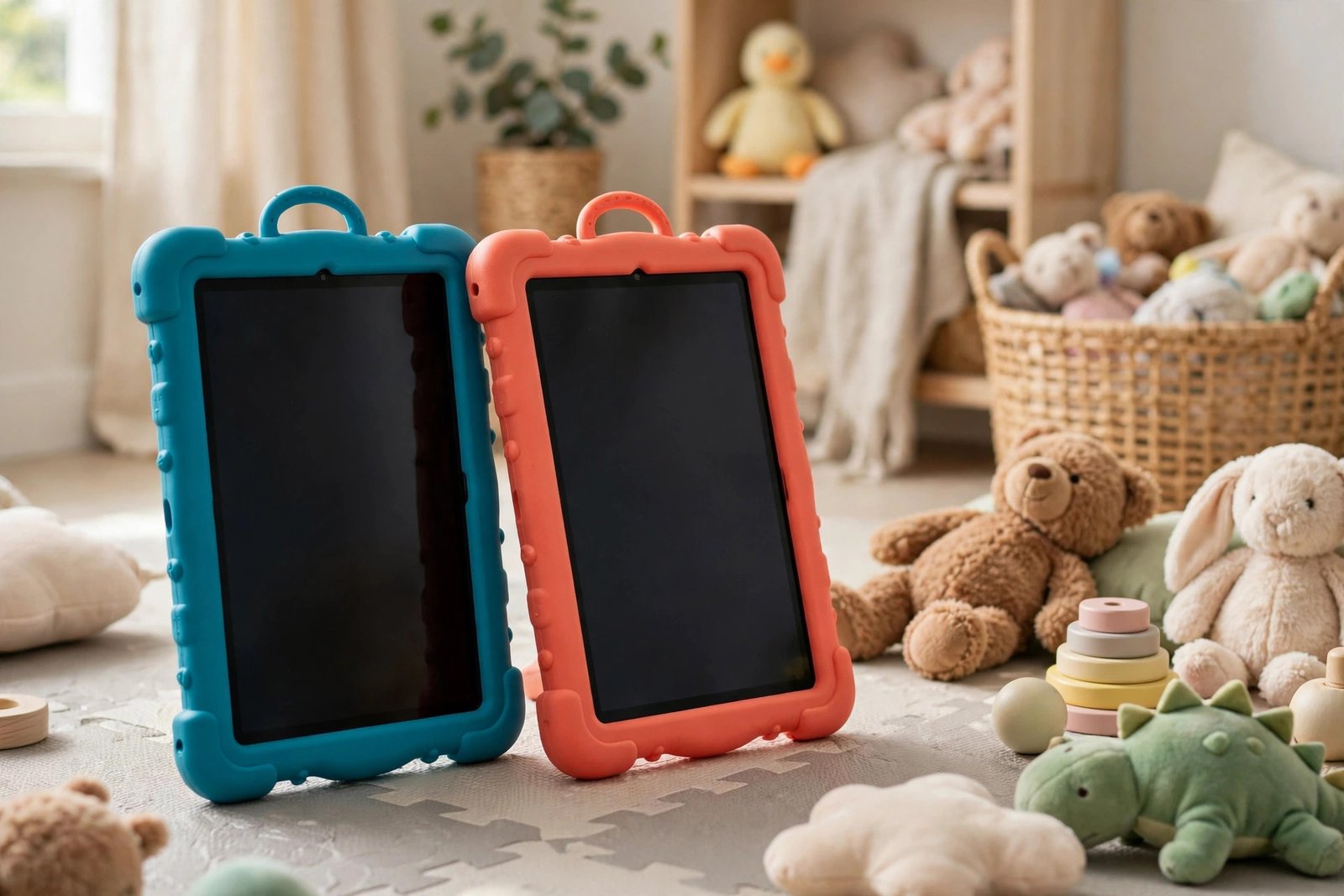
Caption: The best toddler tablets compared. A bundled case and clear parental controls matter more than processing power at this age.
Amazon Fire HD 10 Kids Pro
Best for: children aged four and up who want a larger screen for videos, books and learning games.
The Fire HD 10 Kids Pro is the strongest all-round toddler tablet for most families. It comes with a thick kid-proof case, a built-in stand and a handle, and it includes a subscription to Amazon Kids+, which offers books, videos, games and learning apps curated for children. The larger screen makes videos and interactive books easier to follow.
Parental controls are managed through the Amazon Parent Dashboard, where you can set time limits, choose content by age, approve apps and set educational goals before entertainment unlocks. The tablet also includes a two-year worry-free guarantee, which covers accidental damage — a genuine benefit with young children.
Amazon Fire 7 Kids
Best for: younger toddlers aged two to four, and families buying a first tablet on a tighter budget.
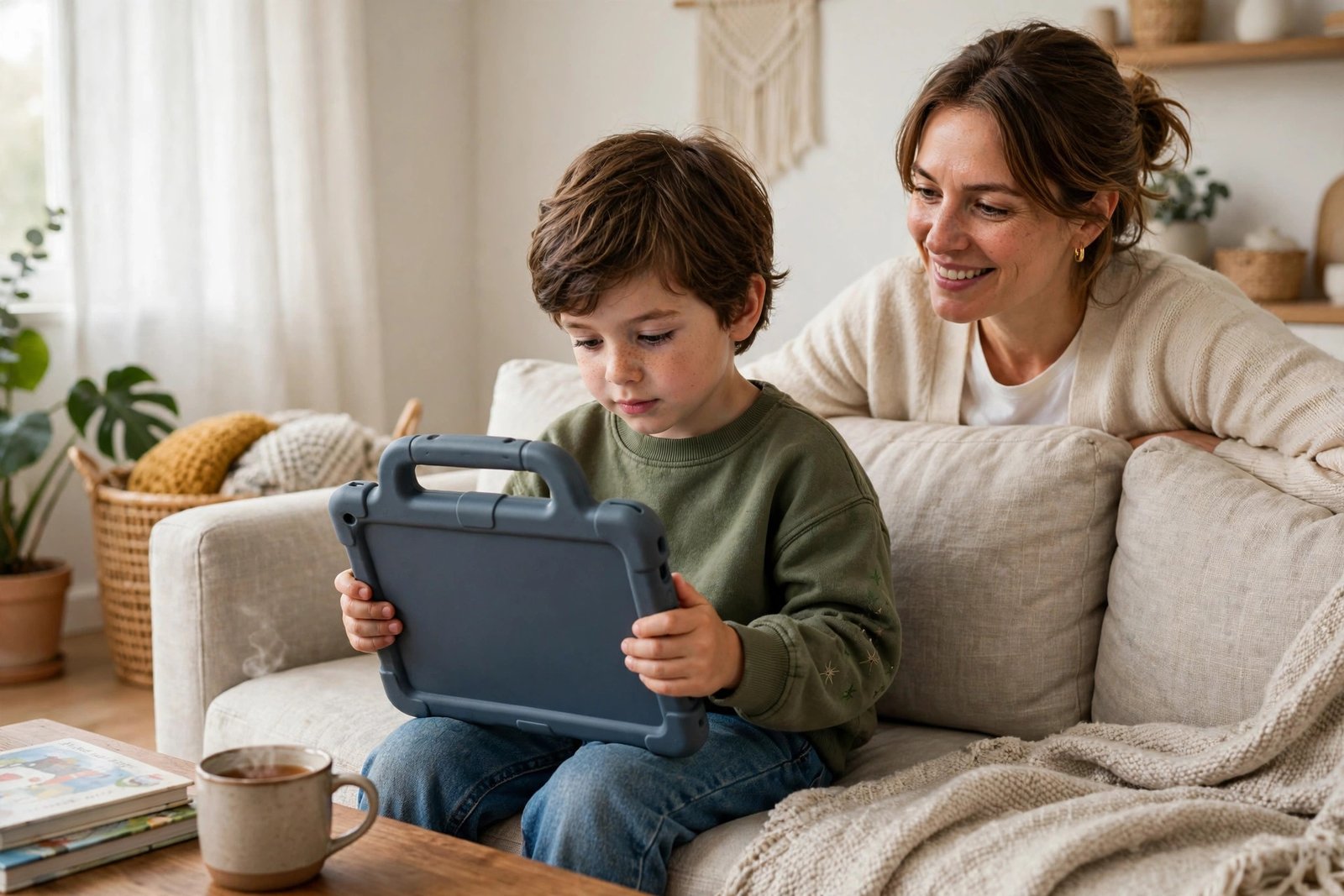
The Fire 7 Kids is smaller, lighter and simpler than its larger sibling, which makes it easier for small hands to hold. It comes with the same chunky case, the same Amazon Kids+ content library and the same parental controls, in a package that suits shorter sessions and simpler games. For a two- or three-year-old, the smaller screen is not a drawback.
Battery life is adequate for toddler use, though it is shorter than the larger model, so charge it overnight. As a first tablet, or as a second tablet for travel and car journeys, the Fire 7 Kids is hard to beat on value.
Samsung Galaxy Tab A9+ Kids Edition
Best for: families who already use Android and want a larger screen with a familiar setup.
The Galaxy Tab A9+ Kids Edition pairs a larger display with Samsung Kids, a dedicated mode that gives children a simplified home screen with approved apps and content. Parents control time limits, app access and content from the Samsung Kids settings, and the tablet comes with a protective case designed for young children. The larger screen suits video and learning games.
Samsung Kids is well designed, with colourful characters and a clear layout that young children understand quickly. The wider Android app library gives you more choice than the Amazon ecosystem, including popular learning apps and reading apps.
Apple iPad with a rugged case
Best for: families who want the best apps and the longest software support, and are willing to pay more.
An iPad is the premium choice for a toddler, and it earns that position on apps and longevity. The App Store has the widest range of high-quality children’s apps, from phonics and early maths to drawing and storytelling, and Apple supports its tablets with software updates for many years. Guided Access can lock the iPad to a single app, and Screen Time lets parents set limits, approve apps and block purchases.
The catch is cost and setup. You need to buy a rugged case separately, and a good one is essential. You also need to set up a child account, configure Screen Time, and choose apps yourself, since there is no single bundled kids library.
Lenovo Tab M10 Kids
Best for: families who want an affordable kids tablet with a simple, controlled home screen.
The Lenovo Tab M10 Kids offers a straightforward package: a protective bumper case, a kids mode with a simplified home screen, and parental controls for time limits and content. It is a sensible choice for families who want a dedicated tablet for a young child without spending as much as an iPad or a larger Samsung model. The screen is large enough for videos and learning games, and the tablet is light enough to carry.
The app library is the standard Google Play selection, so you will need to choose and approve apps yourself. For a first tablet at a lower price, or as a tablet that stays at home rather than travelling everywhere, the Lenovo is a practical option.
A checklist before you buy
- How old is your child? Ages two to four suit a smaller, lighter tablet; ages four and up suit a larger screen.
- Is a case included? A thick case with a stand and handle is essential, not optional.
- Can you set time limits easily? Check the parent dashboard or app before you buy.
- Is the content curated? A library chosen for young children beats an open app store.
- Can your child buy anything? Purchases should need a parent password or be blocked entirely.
- Will it grow with your child? A tablet with a wider app library lasts longer into school age.
If two tablets still tie, choose the one with the simplest parental controls. Set the tablet up before you hand it to your child: create the child profile, set a daily time limit, approve the first few apps yourself, and turn off in-app purchases.
Frequently asked questions
What age is a tablet suitable for?
Many families introduce a tablet between ages two and three for short, supervised sessions with simple apps and videos. Younger children benefit most from short sessions, a small set of approved apps, and an adult nearby. There is no single right age: your child’s attention, your routine and the controls you set matter more than a number on a box.
Is the Amazon Fire Kids tablet better than an iPad for toddlers?
For most toddlers, yes — the Fire Kids tablet is better value because the case, content library and parental controls are built in, and accidental damage is covered. An iPad has better apps and longer support, but it costs more and needs a separate rugged case and more setup.
How much screen time is right for a toddler?
Keep sessions short and predictable, and balance tablet time with play, reading, outdoor time and conversation. Many health organisations suggest limited screen time for young children, with an adult present for video and interactive content. Use the tablet’s time limits to make the boundary automatic rather than a daily argument.
When should a child move to a regular tablet?
When they can read menus, follow rules about downloads and time limits, and use the tablet for schoolwork as well as play — usually around age six or seven. At that point, a standard tablet with a good case and Screen Time or Family Link controls gives them more room to grow. For older children, see our guide to the best tablets with a stylus.
The bottom line
The best tablet for toddlers in 2027 is the one that is tough enough to survive daily use, simple enough for a small child to navigate, and controlled enough for a parent to trust. For most families, that is the Amazon Fire HD 10 Kids Pro for older toddlers, or the Fire 7 Kids for younger ones. Samsung and Lenovo offer good alternatives for Android families, and an iPad with a rugged case is the premium long-term choice.
Start with your child’s age and your comfort with parental controls, then choose the tablet that makes those controls easiest. Set it up fully before the first use, keep sessions short and shared, and revisit the apps and limits every few months as your child grows. As children get older, language and learning apps become more useful — see how to use AI to learn a new language faster — and for school-age children, how students can use AI to study without cheating explains how to build good habits early.
A short safety note for parents
Screen time for young children works best in short, supervised sessions, balanced with active play, sleep and time away from screens. Use the tablet’s parental controls to set daily limits and a bedtime, keep the tablet in a shared family room, and sit with your child for at least some of their screen time so you can talk about what they see. Check content and app settings regularly, keep purchases locked behind a parent password, and follow your health provider’s guidance on screen time for your child’s age. If you are unsure what is right for your child, ask your paediatrician or health visitor.