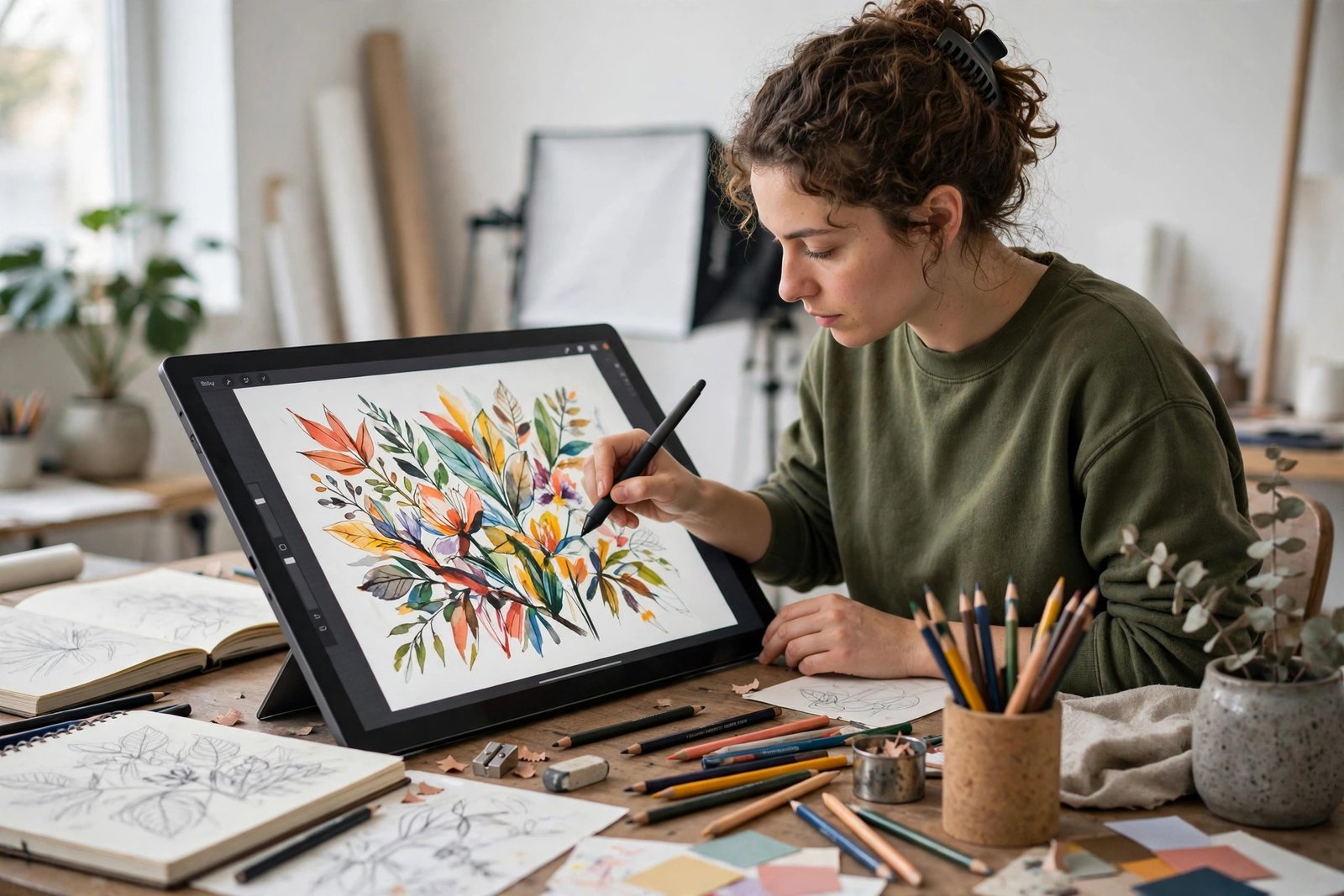
The best tablets for drawing in 2027 are led by the iPad Pro with Apple Pencil Pro, which remains the default choice for professional illustrators, while the Samsung Galaxy Tab S10 Ultra is the strongest option for artists who prefer Android. If you want a straight answer, buy the iPad Pro if you draw for a living, the Galaxy Tab S10 Ultra if you want the biggest canvas on Android, and the XP-Pen Magic Drawing Pad if you are starting out and want to spend as little as possible while still getting a proper pen experience. The rest of this guide explains why, and which of the five tablets below fits the way you actually draw.
Key takeaways
- Best overall: iPad Pro with Apple Pencil Pro — the strongest pen, display and app library in one device.
- Best Android: Samsung Galaxy Tab S10 Ultra with S Pen — a huge canvas with the pen included in the box.
- Best portable pen display: Wacom Movink — a feather-light OLED display for artists who already own a computer.
- Best two-in-one: Microsoft Surface Pro with Slim Pen — a full Windows PC that doubles as a drawing tablet.
- Best value: XP-Pen Magic Drawing Pad — a capable standalone Android tablet for beginners at a far lower price.
- What matters most: pen accuracy, screen quality, palm rejection and the apps you will use every day — not raw processing power.
How we chose these tablets
A drawing tablet is judged on a narrower set of qualities than a general-purpose tablet. The pen must track accurately with minimal lag, the screen must show colour faithfully, and palm rejection must be reliable enough that you can rest your hand on the glass without stray marks. What separates the devices below in practice is the drawing apps available, the size and quality of the display, and how comfortable the tablet is to hold and draw on for hours.
The best tablets for drawing in 2027
1. iPad Pro with Apple Pencil Pro
Best for: professional illustrators, animators and designers who want the strongest drawing experience available.
The iPad Pro is the tablet other drawing tablets are measured against, and in 2027 that has not changed. Its display is bright, colour-accurate and smooth, the Apple Pencil Pro tracks precisely with almost no perceptible lag, and features such as barrel roll and squeeze gestures give artists extra control without reaching for menus. The app library is the decisive advantage: Procreate, Clip Studio Paint, Affinity Designer and Adobe Fresco all run beautifully, and many professionals do their entire workflow on this one device. It is expensive, and the Pencil Pro is sold separately, so the real cost is higher than the headline price. The screen is also glossy, which some artists dislike, though a nano-texture glass option exists for those who want a matte feel.
2. Samsung Galaxy Tab S10 Ultra with S Pen
Best for: Android artists who want the largest drawing canvas and a pen included in the box.
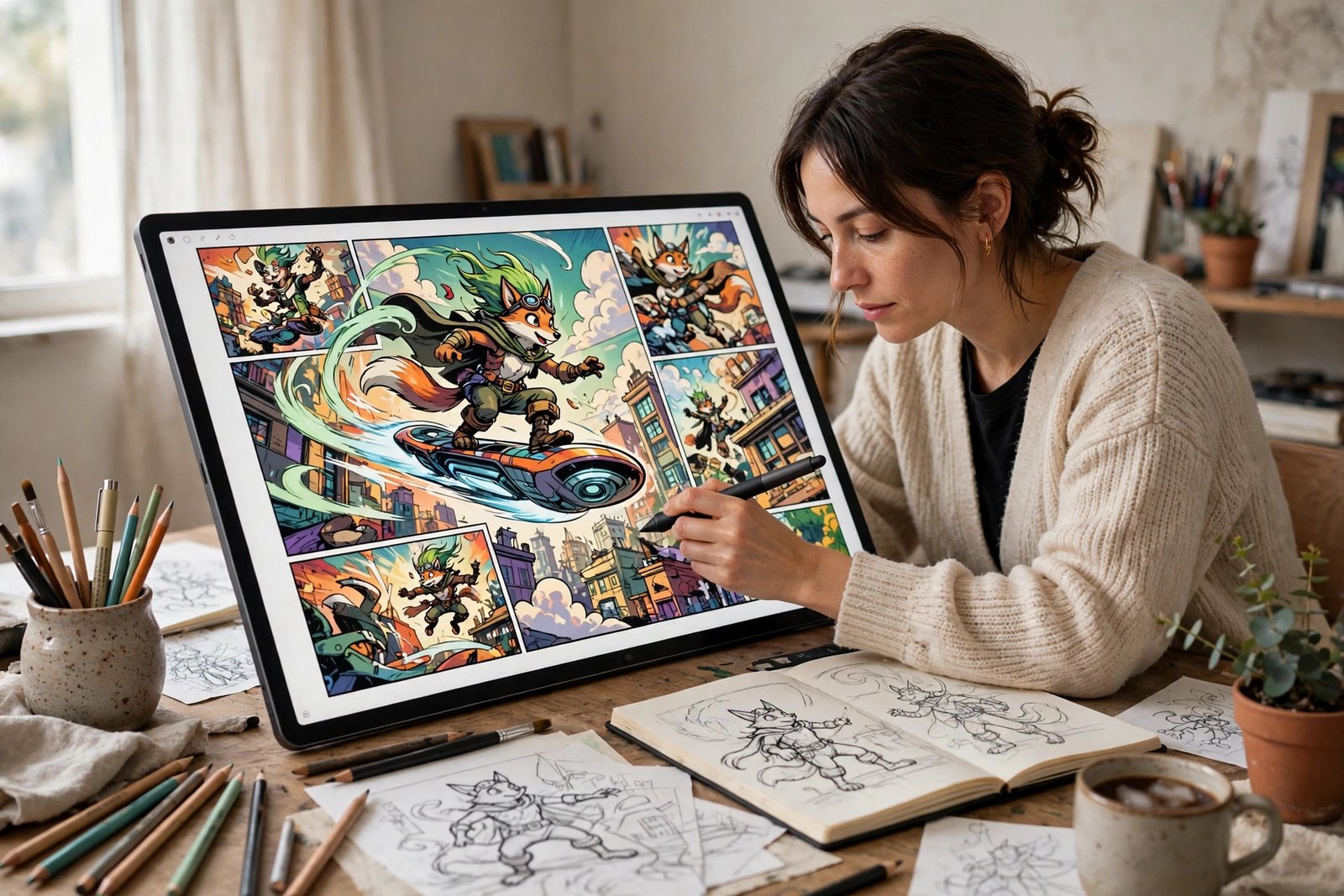
The Galaxy Tab S10 Ultra pairs a very large, vivid display with an S Pen that comes included rather than sold as an extra, which makes its effective price far more competitive than it first looks. The S Pen is light, responsive and needs no charging, and Samsung’s own Notes app and Clip Studio Paint both make good use of the extra screen space. Drawing on a display this size feels closer to working on a sheet of A3 paper than on a tablet, which is a genuine advantage for illustrators and comic artists. The trade-off is portability: this is a big, heavy tablet that suits a desk or a large bag better than a coat pocket. The Android app library for professional art is also thinner than the iPad’s, though Clip Studio Paint and Krita cover most needs well. If you are committed to Android, or you simply want the biggest canvas, this is the pick.
3. Wacom Movink
Best for: professional artists who already own a computer and want the lightest portable pen display available.
The Wacom Movink is not a standalone tablet, and that distinction matters: it is a pen display that connects to a computer, so you need a laptop or desktop to use it. What it offers in return is remarkable portability: the thinnest and lightest pen display Wacom has made, with an OLED screen and the excellent Wacom Pro Pen 3. For illustrators who travel between studios, or who work from a laptop at a café, it turns any computer into a proper drawing station without the bulk of a traditional display tablet. It is not the right choice if you want to draw away from a computer, and it is priced for professionals rather than beginners. But for its specific job, nothing else is as portable.
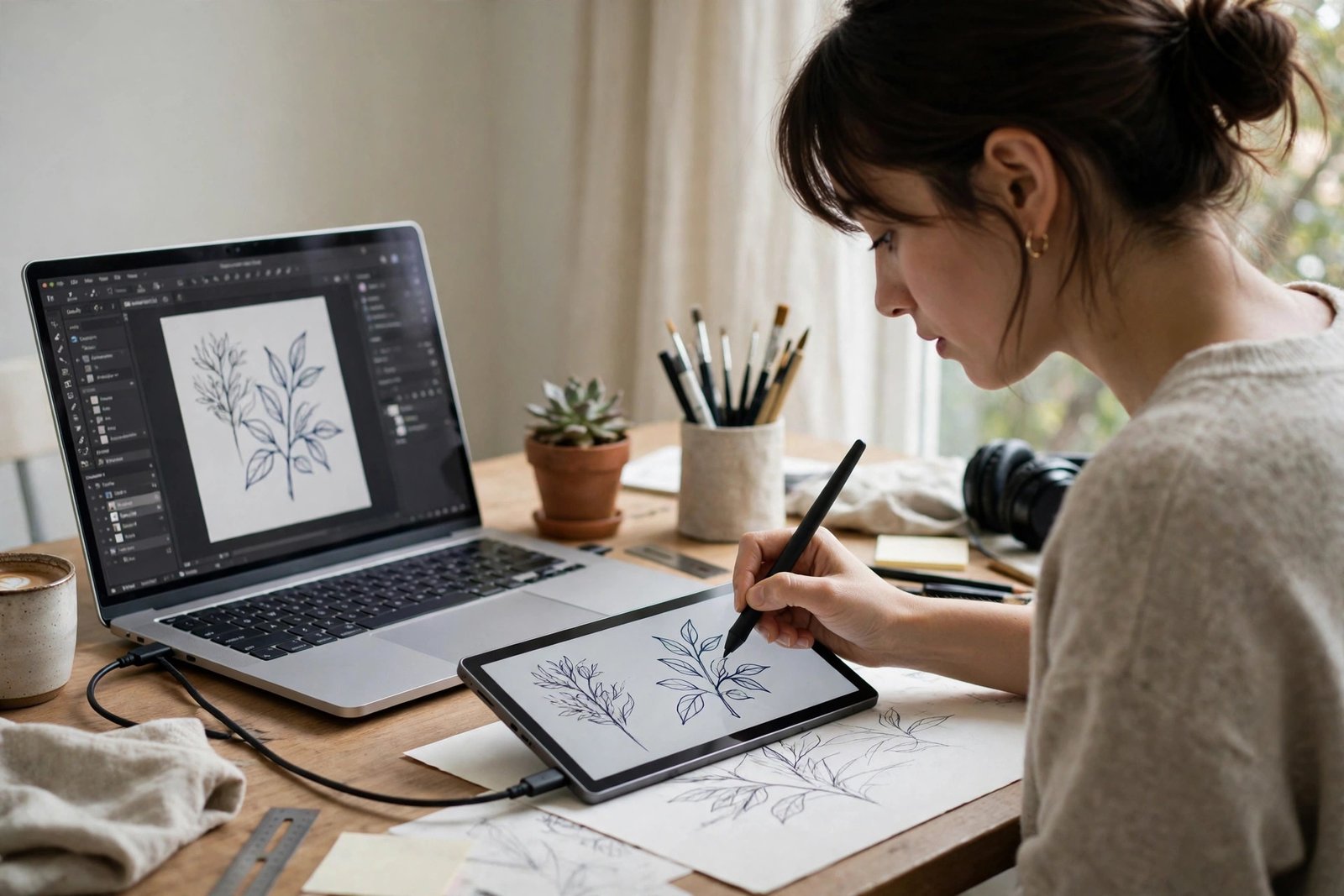
4. Microsoft Surface Pro with Slim Pen
Best for: artists who need a full Windows PC and a drawing tablet in a single device.
The Surface Pro is a genuine laptop replacement that also happens to be a capable drawing tablet. With the Slim Pen, which stores and charges in the keyboard cover, you can sketch in Clip Studio Paint, Photoshop or Krita, then switch to a full desktop workflow without changing devices. The display is sharp and colour-accurate, and the kickstand lets you prop the tablet at a comfortable drawing angle. Pen performance is good rather than best-in-class: accurate and responsive, but with slightly more lag than Wacom or Apple Pencil hardware. The Slim Pen and keyboard are usually sold separately, so budget for both. For students and professionals who want one device for drawing, writing and everything else, it is a practical compromise that few other tablets can match.
5. XP-Pen Magic Drawing Pad
Best for: beginners and hobbyists who want a proper standalone drawing tablet without a premium price.
The XP-Pen Magic Drawing Pad is the budget surprise of this list. It is a standalone Android tablet with a pressure-sensitive stylus included, a matte-style screen that feels closer to paper than glossy glass, and enough power to run drawing apps smoothly. It will not match the iPad Pro’s colour accuracy or the Galaxy Tab’s screen size, but for learning and sketching it is more than capable. Its biggest advantage is value: it costs a fraction of the premium tablets above while delivering the fundamentals — a good pen, a decent screen and reliable palm rejection.
Comparison table
| Tablet | Display | Pen | Standalone? | Best for |
|---|---|---|---|---|
| iPad Pro with Apple Pencil Pro | Bright, colour-accurate OLED | Apple Pencil Pro (sold separately) | Yes | Professional illustrators |
| Samsung Galaxy Tab S10 Ultra | Very large, vivid AMOLED | S Pen (included) | Yes | Android artists, big canvas |
| Wacom Movink | Portable OLED pen display | Wacom Pro Pen 3 (included) | No — needs a computer | Travelling professionals |
| Microsoft Surface Pro | Sharp, colour-accurate LCD | Slim Pen (usually separate) | Yes — full Windows PC | Artists who need one device |
| XP-Pen Magic Drawing Pad | Matte-style drawing screen | Stylus included | Yes | Beginners on a budget |
Table: the five best tablets for drawing in 2027 at a glance, with the pen situation and the artist each one suits best.
Which drawing tablet should you buy?
Start with the apps you plan to use. If your workflow depends on Procreate, the iPad Pro is the only option, since Procreate is exclusive to iPad. If you rely on Clip Studio Paint, Photoshop or Krita, you have a free choice, and the decision shifts to screen size, operating system and budget. Next, think honestly about where you draw. A large tablet is wonderful at a desk and a burden on a train; a portable pen display is superb if you already carry a laptop, and pointless if you do not. Finally, check what is included. A tablet that ships with its pen, like the Galaxy Tab S10 Ultra and the XP-Pen Magic Drawing Pad, can work out cheaper overall than a rival whose pen is a separate purchase.
Before you buy: a quick checklist
- Confirm the pen is included. Apple Pencil Pro and the Surface Slim Pen are usually separate purchases; the S Pen and XP-Pen stylus come in the box.
- Check your apps. Procreate is iPad-only; Clip Studio Paint, Krita and Photoshop run across platforms.
- Match the screen to your work. Large canvases suit comics and illustration; smaller tablets suit sketching on the move.
- Budget for accessories. A matte screen protector, a case and a stand are near-essential for most artists.
- Check storage. Layered artwork files grow quickly; 256GB is a sensible minimum for serious work.
Frequently asked questions
Is an iPad or a Samsung tablet better for drawing?
For most professional artists, the iPad Pro wins on pen feel and the depth of its art apps, especially Procreate. The Galaxy Tab S10 Ultra wins on screen size and value, since its S Pen is included. If you draw on Android already, the Samsung is the natural choice; if you want the widest app selection, choose the iPad.
Do I need a separate drawing tablet if I already own an iPad?
Probably not. A modern iPad with an Apple Pencil handles sketching, illustration and even animation well enough that a dedicated graphics tablet is only necessary for specialist work, such as high-end 3D sculpting or colour-critical print production.
Is the Wacom Movink worth it if I already have a laptop?
Yes, if you draw professionally and travel. It is the lightest way to turn a laptop into a proper pen display, and the OLED screen and Pro Pen 3 are genuinely excellent. If you mostly draw at one desk, a larger traditional Wacom display offers more screen for the money.
What is the best drawing tablet for beginners?
The XP-Pen Magic Drawing Pad is the best starting point: it is affordable, standalone and comes with a capable stylus. If your budget stretches further, a base iPad with Apple Pencil is a better long-term investment because of the app library.
Does screen size matter for digital art?
Yes, but not as much as pen quality. A larger screen gives you room for toolbars and a bigger canvas, which helps with detailed illustration and comics. A smaller tablet is easier to carry and to draw on in cramped spaces. Most artists are happy with a display around 11 to 13 inches.
Can I use a drawing tablet for note-taking too?
Yes. Every tablet on this list handles handwritten notes well, and the iPad, Galaxy Tab and Surface Pro all have strong note-taking apps. If note-taking matters as much as drawing, the best tablets for reading guide may help, since many of the same qualities — a good screen and a comfortable pen — matter there too.
Conclusion
The best tablet for drawing in 2027 depends on how you draw, not on which device has the longest specification sheet. The iPad Pro with Apple Pencil Pro is the strongest all-round choice for professionals, the Galaxy Tab S10 Ultra is the best Android alternative with the largest canvas, and the XP-Pen Magic Drawing Pad proves you do not need a premium budget to start making serious digital art. Pick the tablet that matches your apps, workspace and budget, then spend the money you save on a good screen protector. If you want to compare how these devices handle documents and study material as well, our guide on how to use AI to summarise long PDFs and research papers shows what a tablet can do beyond the canvas, and how students can use AI to study without cheating covers the study side of tablet life.