The best e-readers for PDFs in 2027 are large-screen devices, not the small readers most people already own. A PDF is a fixed-layout document, designed for a printed page, so it needs a screen of 10 inches or more to show a full A4 or Letter page at a readable size. The short answer: the Kindle Scribe suits most Kindle readers, the Kobo Elipsa 2E suits open-format and library readers, the reMarkable Paper Pro suits handwriting, and BOOX suits readers who want Android flexibility.
The wrong choice is an expensive mistake. A 6-inch reader can open a PDF, yet reading one means constant zooming and panning, tiny text and lost diagrams. This guide explains why size matters, how reflow and annotation work, and which large-screen reader fits each kind of PDF reading.
Key takeaways
- PDFs need a 10-inch screen or larger; 6-inch readers shrink an A4 page too far to read comfortably.
- PDF is fixed-layout: reflow helps text-heavy documents but breaks diagrams, tables and scanned pages.
- Kindle Scribe is the simplest choice inside the Kindle ecosystem, with a pen included.
- Kobo Elipsa 2E is the open-format pick, with EPUB support, library borrowing and a stylus included.
- reMarkable Paper Pro has the best handwriting feel and a large colour screen, but a narrower system.
- BOOX Note Air and Tab devices run Android, offering the most apps and flexibility — and the most setup.
- Check current pricing before buying: large e-readers sit in a premium price band.
Why small e-readers struggle with PDFs
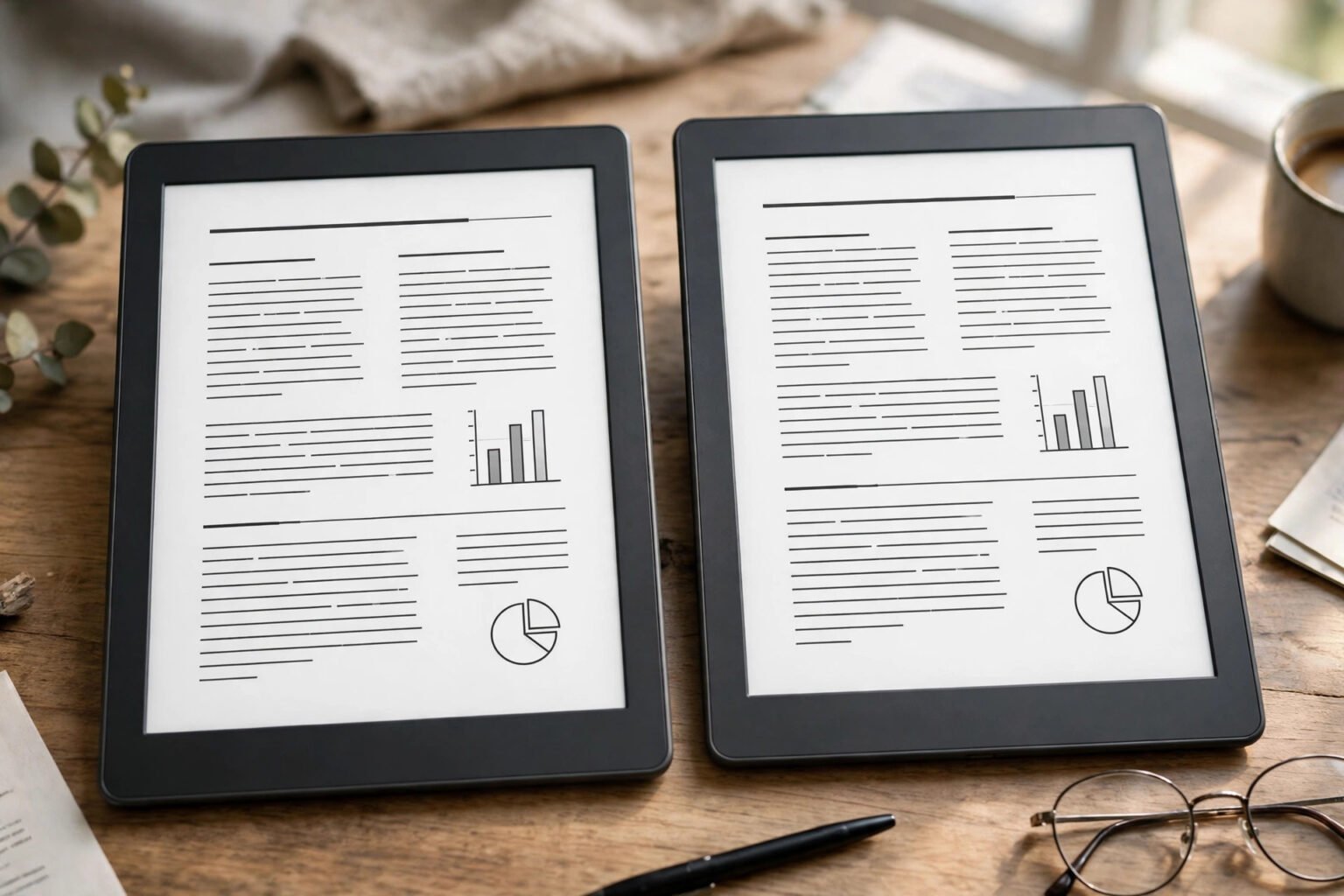
A PDF does not behave like an ebook. An EPUB or Kindle book reflows: the text reshapes itself to fit any screen, so a 6-inch reader works beautifully. A PDF keeps its layout fixed — margins, columns, tables, footnotes and diagrams all locked in place. Shrink an A4 page onto a 6-inch screen and the text becomes too small to read, so you zoom in and pan across every line, losing the shape of the page.
A 10.3-inch screen shows that A4 page at three-quarters of print size, which most readers find comfortable without zooming. A 13.3-inch screen shows it close to full size. That is the whole argument for a large reader.
Reflow is the workaround. Some readers can strip the text out of a PDF and reflow it like an ebook, which makes text-heavy documents readable on any screen. It fails for two-column papers, textbooks with sidebars, forms, sheet music and scanned PDFs, where the layout carries meaning. If your PDFs are mostly scanned images, reflow cannot help at all. Buy the screen size for the hardest PDF you read, not the easiest.
How to choose: a decision framework
Use this checklist before comparing models. It prevents the most common regret: buying a beautiful writing tablet for a reading job, or a closed ecosystem for an open library.
- What size are your PDFs? A4 and Letter documents need 10 inches minimum; textbooks and sheet music benefit from 13 inches.
- Do you annotate by hand? If yes, you need a pen in the box. If no, do not pay for writing features.
- Are your PDFs text or scans? Text PDFs can reflow; scanned PDFs need a big screen and good zoom.
- Where do your files live? Kindle, Kobo, Google Drive or OneDrive — each ecosystem handles imports differently.
- Do you need colour? Colour charts and highlighted textbooks benefit from colour E Ink; plain text does not.
- Do you want apps? A focused reader keeps you away from distractions; an Android reader runs email, browsers and note apps.
- What is your budget band? Large e-readers are premium devices. Set the band first, then pick the best device inside it.
If handwriting is the job, prioritise pen feel and PDF markup. If reading is the job, prioritise screen size and file support.
The best e-readers for PDFs compared
| Reader | Screen | Pen | System | Best for |
|---|---|---|---|---|
| Kindle Scribe | 10.2-inch monochrome, 300 ppi (newer models 11-inch) | Premium Pen included | Kindle, closed | Kindle readers who want PDFs and notes |
| Kobo Elipsa 2E | 10.3-inch monochrome, Carta 1200 | Kobo Stylus 2 included | Kobo, open formats | Library readers and EPUB owners |
| reMarkable 2 | 10.3-inch monochrome | Marker (sold separately or bundled) | reMarkable, focused | Distraction-free writing |
| reMarkable Paper Pro | 11.8-inch colour, Canvas Color | Marker Plus included | reMarkable, focused | Colour handwriting and PDF markup |
| BOOX Note Air series | 10.3-inch, colour on C models | Stylus included | Android with Play Store | Flexibility and PDF tools |
| BOOX Tab series | Up to 13.3-inch | Stylus included | Android with Play Store | Full-page PDFs and textbooks |
Caption: Large-screen e-readers for PDFs compared. Screen size and ecosystem matter more than any single specification.
1. Kindle Scribe
Best for: readers whose library already lives on Kindle and who want PDFs and notebooks in one device.
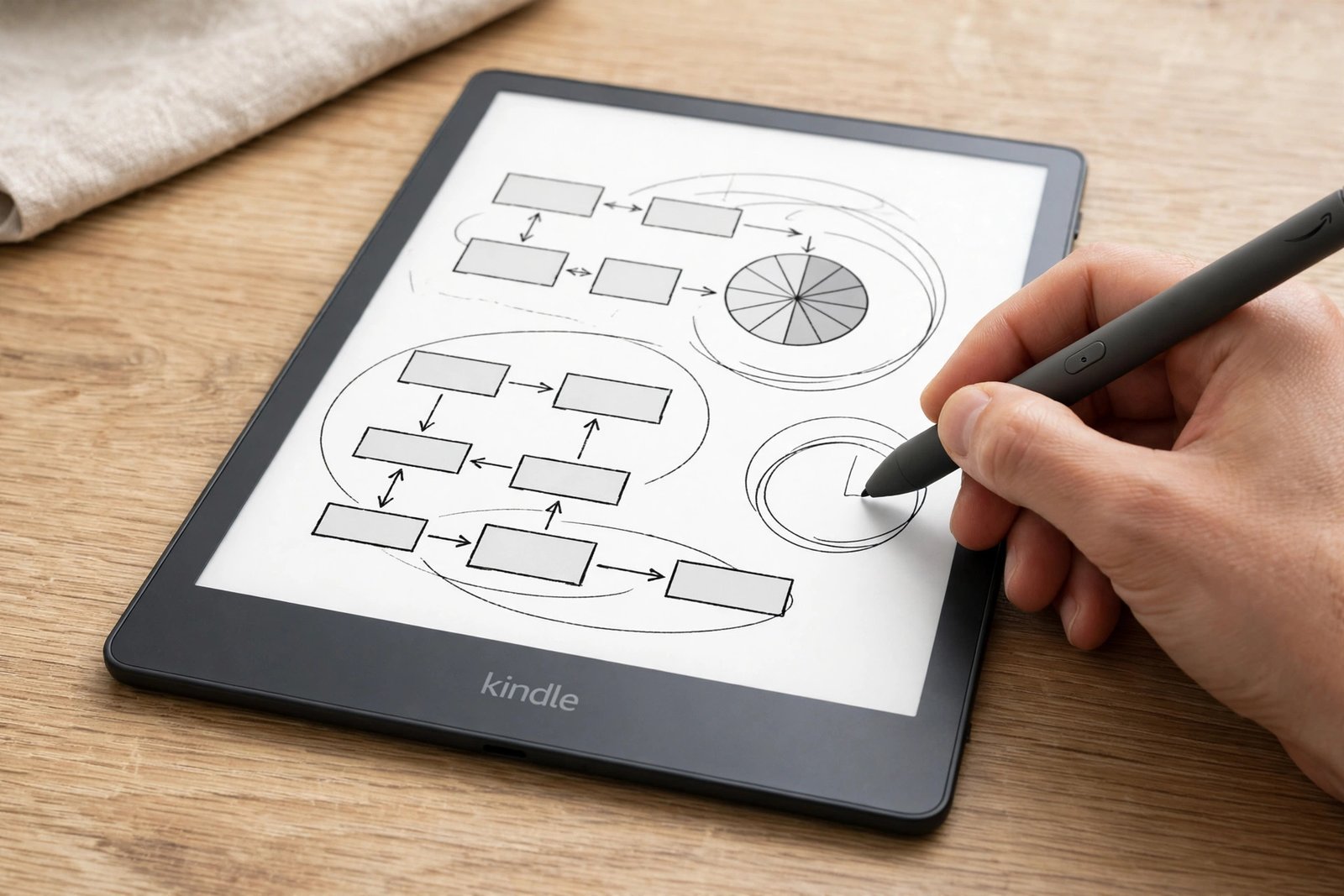
The Kindle Scribe is the easiest recommendation here, because it removes setup from the equation. The original model has a 10.2-inch monochrome display at 300 ppi, the sharpest panel here, and newer models moved to an 11-inch screen. The Premium Pen is included and writes directly on imported PDFs and in notebooks. You can send a PDF to the device, mark it up, and export the annotated copy with almost no setup.
Its strength is also its limit. The Scribe is at its best inside Amazon’s workflow, with imports from Google Drive and OneDrive. Sideloading EPUB files is awkward, and library borrowing outside the United States is patchy. If your library is spread across shops and formats, the Kobo below is the more honest choice. Check current pricing: storage size moves the price.
2. Kobo Elipsa 2E
Best for: readers who borrow library books, own EPUB files and want a large screen without joining Amazon’s ecosystem.
The Kobo Elipsa 2E is the open-format pick. It has a 10.3-inch E Ink Carta 1200 display, 32 GB of storage, and the Kobo Stylus 2 included, so there is no extra pen to buy. It reads EPUB natively, handles PDF, MOBI, CBZ and CBR, and borrows library books directly through OverDrive without a computer in the middle. For academic papers, that combination is hard to beat at its price.
PDF handling is solid rather than spectacular. You can annotate PDFs by hand and read two-column papers comfortably on the 10.3-inch screen. Notebook and app options are fewer than on a BOOX. What the Elipsa 2E offers instead is simplicity: a reader first, a notebook second, with no subscription and no walled garden. It is also made partly from recycled plastic. For pure reading plus annotation, it is the best value large-screen reader here.
3. reMarkable 2 and reMarkable Paper Pro
Best for: people who mostly write on documents and want the closest thing to pen on paper.
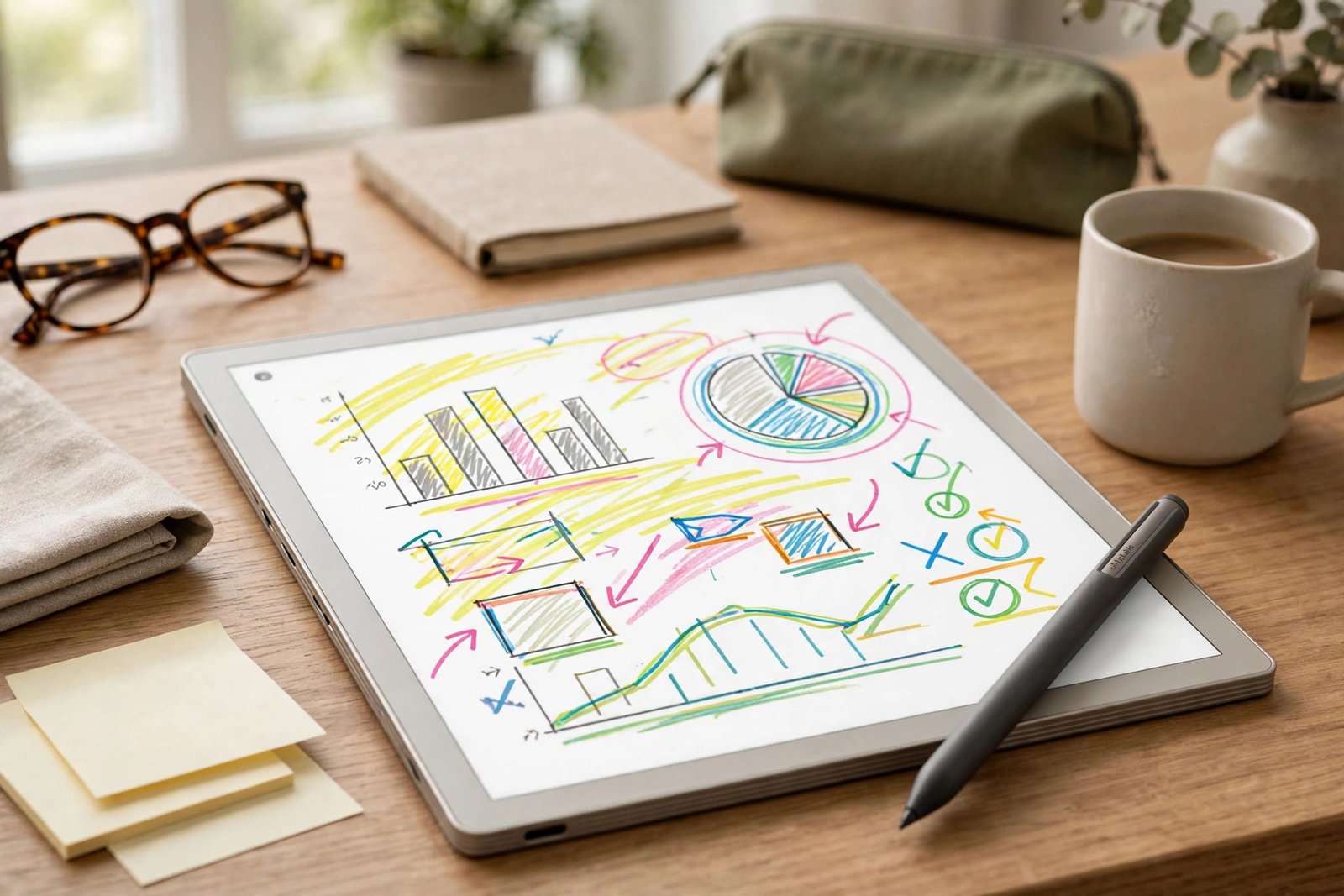
The reMarkable devices are writing tablets first and readers second. The reMarkable 2 has a 10.3-inch monochrome display and the paper-like texture that made the brand’s name, with almost no pen lag. The Paper Pro steps up to an 11.8-inch Canvas Color display, so colour annotations, charts and highlights finally work, and the Marker Plus pen is included. Both handle direct PDF markup, handwriting-to-text conversion, folders and tags, and sync to desktop and mobile apps.
The trade-off is breadth. There are no general-purpose apps and no ebook shop to match Kindle or Kobo. Some features sit behind the Connect subscription, and the Paper Pro bundle costs more than most readers here once you add a cover. Note too that reMarkable has replaced the reMarkable 2 with newer models, so check which version is on sale. If writing on PDFs is the main job, the Paper Pro still has the nicest writing feel here. If reading comes first, the Scribe or Elipsa 2E gives you more for less.
4. BOOX Note Air and Tab series
Best for: PDF-heavy readers who want Android apps, deep PDF tools and the widest file support.
BOOX takes the opposite approach to reMarkable: instead of removing features, it adds them. The Note Air series, including the colour Note Air 4C, pairs a 10.3-inch screen with Android and the Google Play Store, a stylus, and BOOX’s NeoReader app, whose PDF tools — margin cropping, reflow, split screen with notes — are the reason PDF-heavy readers choose BOOX. The Tab series goes larger, up to 13.3 inches, for a textbook or an A4 page at close to full size.
That flexibility costs complexity. Android on E Ink needs more setup than a Kindle or Kobo, and battery life is shorter than on a focused reader. Colour models use Kaleido 3 colour E Ink, so colour renders at lower resolution than text, just as on Amazon’s colour Kindle — our Kindle Colorsoft review explains that trade-off. For researchers and students who live in PDFs, BOOX is the most capable choice here. For everyone else, it is more device than the job needs.
What about a tablet instead?
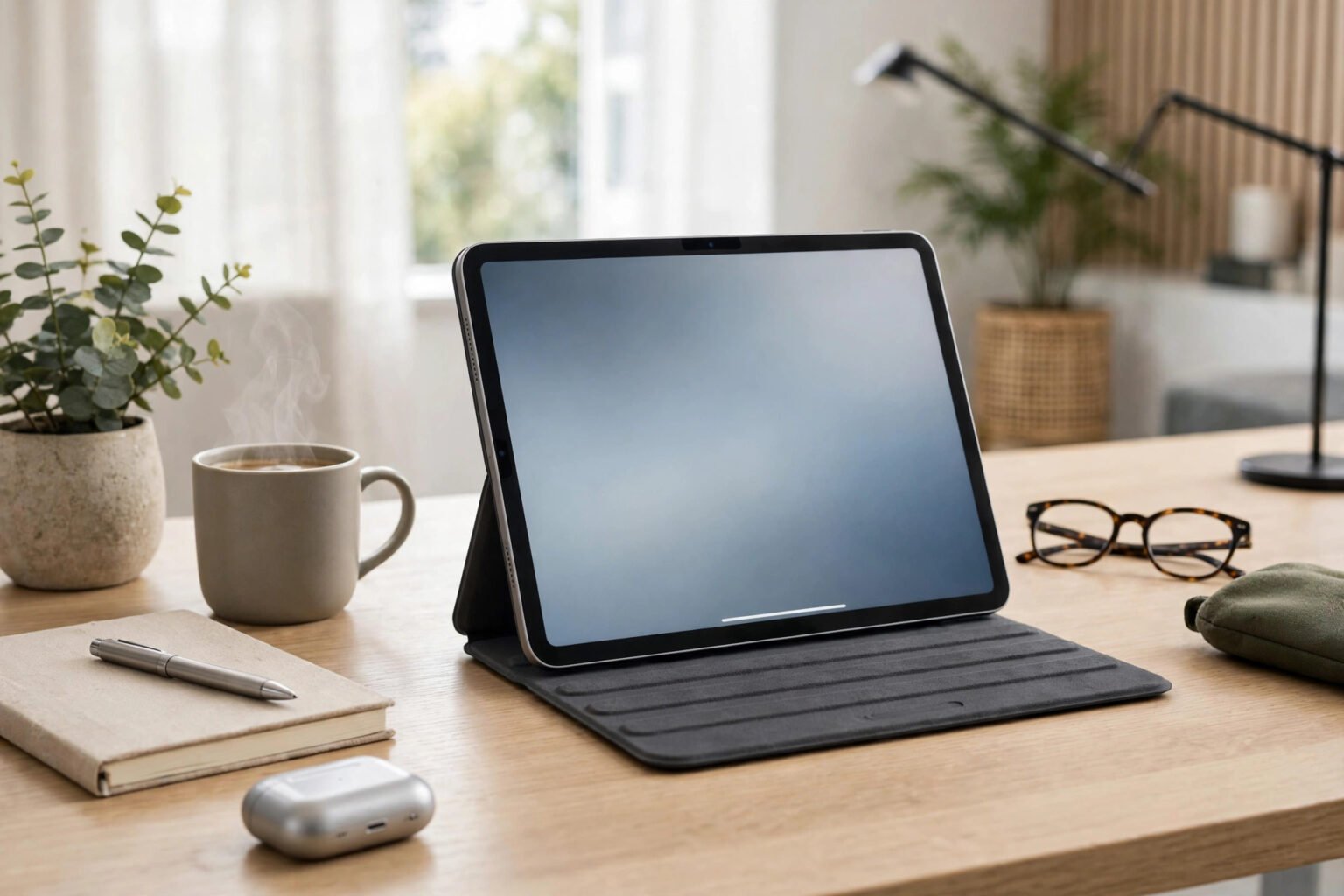
A tablet shows PDFs in full colour, scrolls smoothly, runs every app and costs no more than a large e-reader. For short documents and mixed work, a tablet is often the better tool — our round-up of the best Android tablets is the place to compare.
An e-reader wins on three things a tablet cannot match: a glare-free screen that reads in sunlight, weeks of battery life, and a display that does not demand attention. For long sessions — a thesis, a textbook, a contract — eye comfort and focus matter more than speed. If your PDFs are an all-day job, buy the e-reader; if they are a ten-minute job, buy the tablet. If night reading matters, check the best e-readers with a warm light too.
Frequently asked questions
What size e-reader is best for PDFs?
10 inches is the practical minimum for A4 and Letter PDFs, showing a page at three-quarters of print size. Choose 13.3 inches for textbooks, sheet music and scanned documents.
Can e-readers reflow PDFs?
Some can, including BOOX NeoReader and Kobo’s PDF tools, but reflow only works on text-based PDFs. It breaks two-column layouts, tables and diagrams, and it cannot help scanned PDFs at all.
Is the Kindle Scribe good for PDFs?
Yes, for Kindle readers. You can send PDFs to the Scribe, annotate them with the included Premium Pen and export the marked-up copy. EPUB sideloading is awkward, so it suits Amazon-centred libraries best.
Do I need a colour e-reader for PDFs?
Only if your PDFs use colour meaningfully — charts, highlighted textbooks or annotated diagrams. For plain-text papers and contracts, monochrome is sharper and cheaper.
Is reMarkable worth it for PDFs?
Yes, if handwriting is the main job. The Paper Pro has the best pen feel and a large colour screen for markup. If reading comes first, a Scribe or Elipsa 2E offers more reading features for less money.
Can I read PDFs on a 6-inch Kindle or Kobo?
You can open them, but reading is painful: tiny text, constant zooming and lost diagrams. A 6-inch reader is built for reflowable ebooks, not fixed-layout documents.
The bottom line
The best e-reader for PDFs matches your documents, your library and your hands. Kindle readers should buy the Scribe. Open-format and library readers should buy the Kobo Elipsa 2E. Writers who mark up documents all day should look at the reMarkable Paper Pro. Readers who want every PDF tool and app should buy a BOOX Note Air or Tab.
Do not buy on screen size alone, and do not buy a 6-inch reader hoping reflow will save you. Work through the checklist, pick the ecosystem you already live in, and check current pricing first.