Learning how to use AI to learn a new language faster starts with speaking, not with collecting apps. You can learn faster with AI if you practise out loud every day, ask for corrections on the sentences you produce, and review the mistakes that keep coming back.
That is the central question answered in one line: AI speeds up learning when it gives you a patient conversation partner, instant feedback and material matched to your level. It does not help when it only hands you word lists or easy chat. This guide shows a 30-minute daily method, with a human check on anything the AI tells you.
Key takeaways
- Speak from day one. AI voice chat and roleplay build the retrieval skill silent study misses.
- Give the AI a clear brief: your language, level, topic, and how to correct you.
- Use one general chatbot and one speaking app, not five apps at once.
- Turn every correction into a short review list, and reuse those words next day.
- Check grammar and facts against a trusted source. AI can sound confident and still be wrong.
Why AI can speed up language learning
Most learners do not lack material. They lack chances to produce the language under light pressure, get a correction, and try again. A textbook can show you the past tense. It cannot listen to your attempt and ask you to say the sentence again. AI fills that gap, at any hour, without embarrassment. You can ask the same question three times, slow the conversation down, or switch to a roleplay about a hotel check-in or a job interview. Tell the AI your level, from A1 to C2 on the Common European Framework of Reference for Languages, and ask it to stay inside that range, using words you already know plus five new ones per session. AI is a practice partner, not a course and not a native speaker. It has no fixed syllabus and can drift towards easy chat. The routine below supplies that structure. Students should also read how students can use AI to study without cheating.
Set up your AI tutor in five minutes
You do not need a paid plan to start. The free tiers of ChatGPT and Gemini cover everyday text chat, and Gemini Live offers voice conversation free. Paid plans mainly raise usage limits. ChatGPT Plus, Claude Pro and Google AI Pro each cost about $20 a month, with cheaper tiers such as ChatGPT Go at about $8 a month. Prices vary by region, so check before you pay. Start with one prompt you reuse every session:
“You are my [Spanish] conversation partner at [B1] level. Speak only in [Spanish]. Ask me one question at a time about [my weekend]. Correct my mistakes briefly, in English, after each answer. At the end, list my three most useful corrections.”
Change the topic each day, but keep the structure. Before you start, set the voice language in the app, turn on push-to-talk if it offers it, and ask the AI to speak slowly at first. Keep personal details out of practice chats. Use invented names and places in roleplays, as explained in how to use AI safely at work without sharing private data. Language practice does not need your real address, employer or travel dates.
Five ways to use AI that actually build fluency
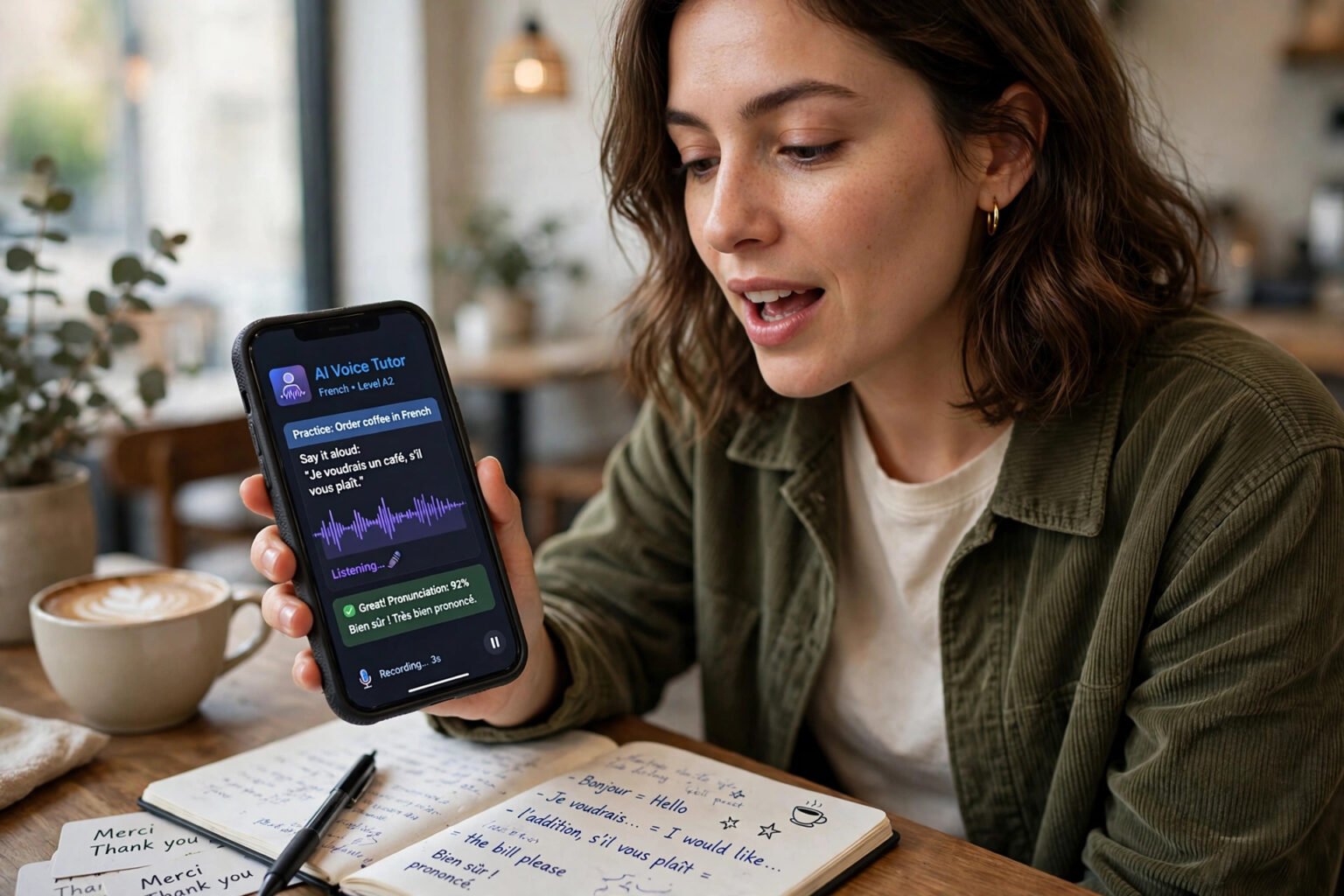
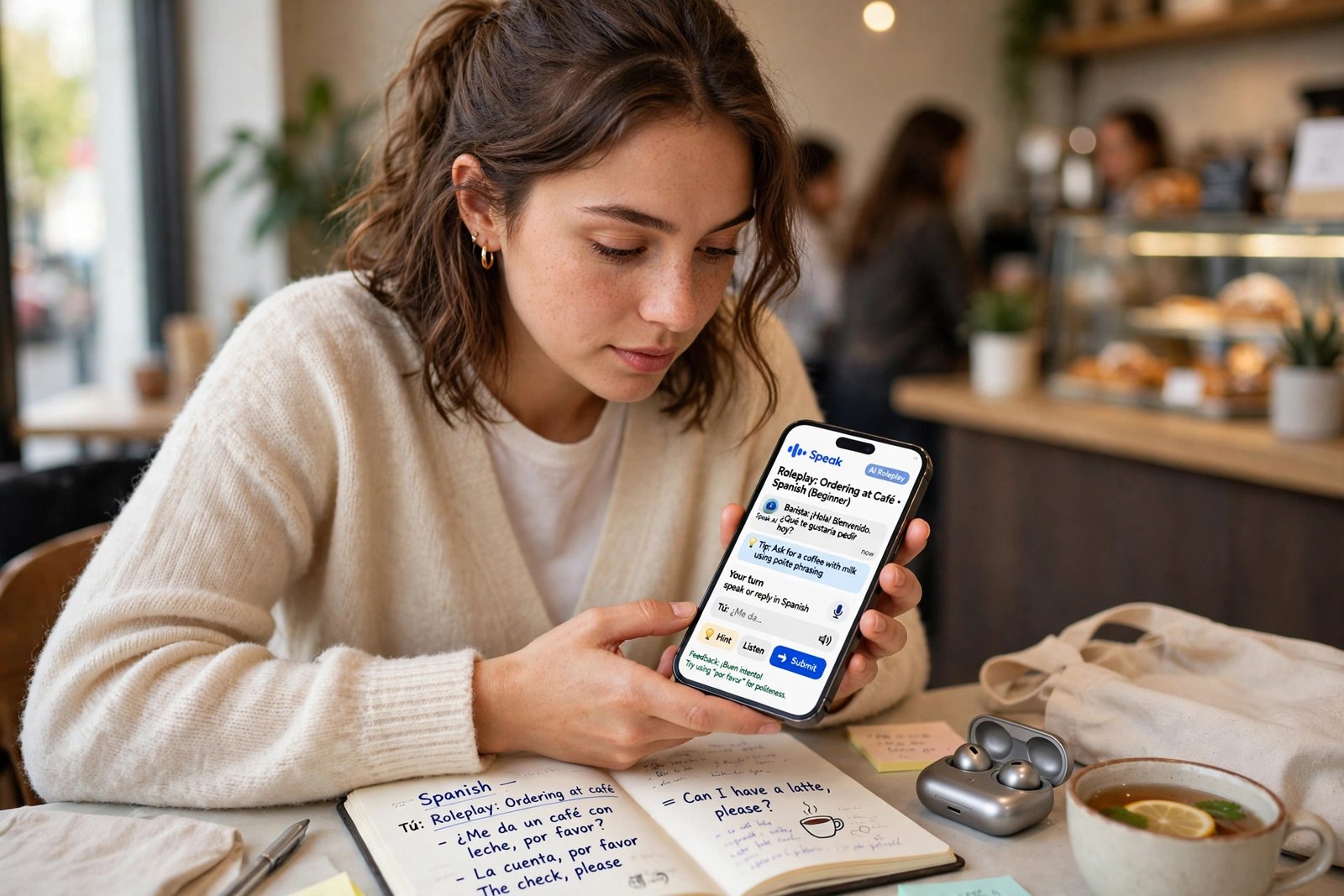
- Speak out loud, every day: Speaking is the skill most learners avoid, and the one AI helps most. Use voice mode in ChatGPT, Gemini Live, or a speaking app such as Speak, and talk for 10 to 15 minutes. Choose a roleplay with a clear goal: order food, or explain a problem to a landlord. Ask the AI to stay in character and correct you at the end of each exchange, not after every word. Then ask it to repeat your corrected sentences back to you, and say each one aloud again. Best for: learners who can read and listen fairly well but freeze when they have to speak.
- Turn listening into active practice: Ask the AI to tell you a short story at your level, then summarise it back in the target language. Ask it to read a paragraph slowly, then at natural speed, and quiz you on three details. Gemini is useful for visual material: photograph a sign or menu, and ask it to read it and explain the unfamiliar words. Do not just listen. Retell, answer and check.
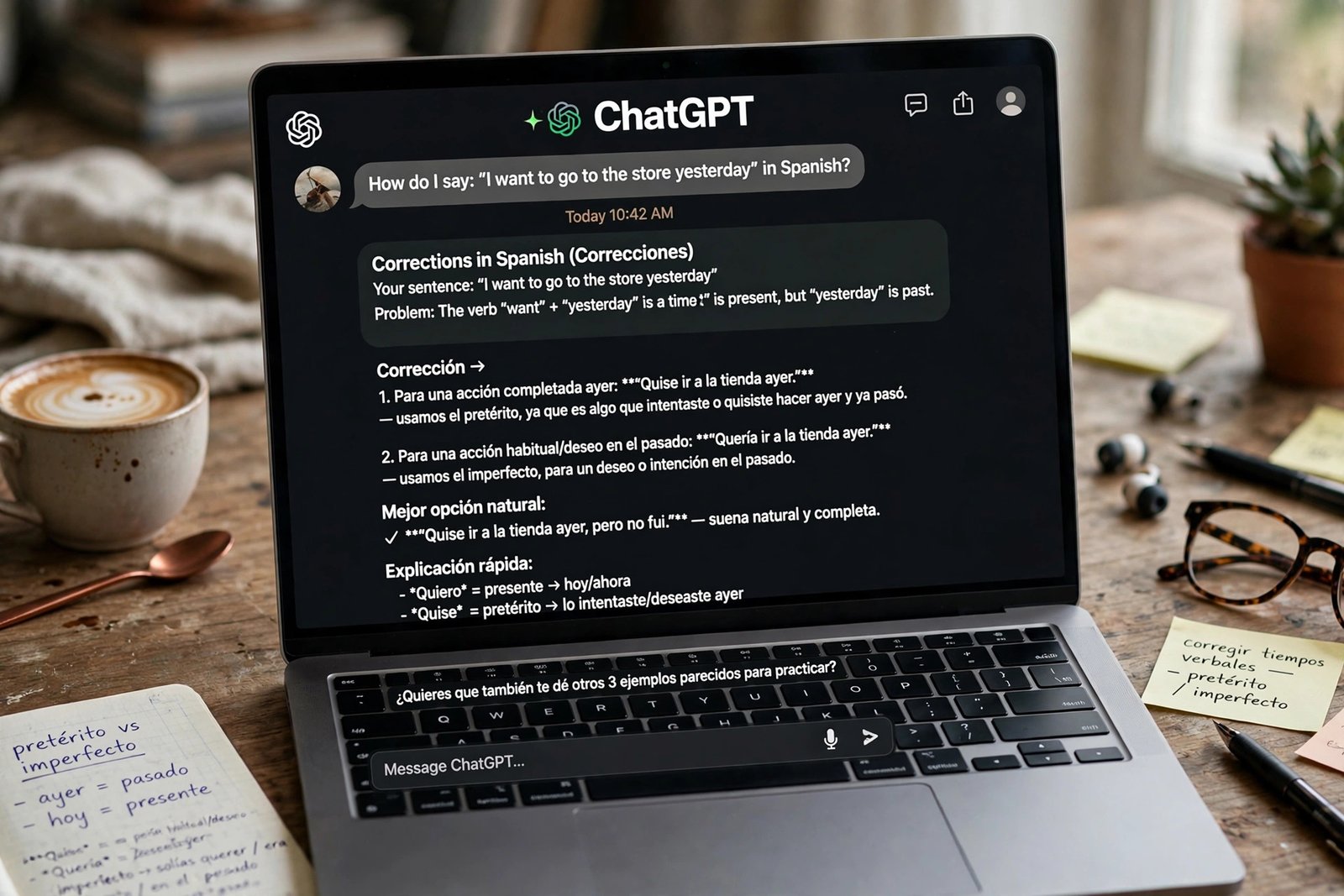
- Write short, then get precise corrections: Write 100 to 150 words a day in the target language: a diary entry, a message to a friend, or a summary of a news article. Paste it into Claude or ChatGPT and ask for corrections with a short explanation for each one, in English. Ask it to show your sentence, the corrected version, and one rule behind the change. Keep an error log, and try to use two corrected forms out loud next time.
- Learn vocabulary in sentences, not lists: A word learned alone is easy to forget. A word learned inside a sentence you needed is easier to recall. When the AI corrects you, ask it for three example sentences using the word you missed, and a short quiz from yesterday’s words, with gaps to fill. If you use flashcards, put the full sentence on the card, with the target word blanked out, and say it aloud before you check the answer. Duolingo suits vocabulary review, while Speak’s drills suit spoken recall.
- Use AI for grammar, but ask “why?”: Do not ask “Is this correct?” Ask “Why is it der and not die here?” Ask for two more examples, then write two of your own and ask the AI to check them. If the answer contradicts your coursebook, check a second source. That risk is covered in what AI hallucination is and how to check AI answers. For exams, treat the AI as a first draft, not a final authority.
Which AI tool should you choose?
Most learners need two tools: one general chatbot for flexible practice, and one speaking app for structured conversation. The table below compares the main options as of late 2026; confirm prices in the app before you subscribe.
| Tool | Best for | Languages and limits |
|---|---|---|
| ChatGPT, voice mode | All-round conversation, roleplay and custom prompts | Free text chat; Plus at about $20 a month for higher limits |
| Claude | Writing correction and clear grammar explanations | Strong written feedback; Pro at about $20 a month |
| Gemini and Gemini Live | Free voice practice and photo-based learning | Free tier covers voice chat; paid plans unlock stronger models |
| Speak | Speaking-first practice with real-time pronunciation feedback | Seven languages; 7-day free trial, then Premium from about $84 a year |
| Duolingo Max | Gamified lessons plus AI video calls and roleplay | Video Call with Lily and Roleplay for seven languages; Max at about $29.99 a month or $168 a year |
| TalkPal | Conversation practice in many languages | 130+ languages listed on Google Play; free plan caps practice at 10 minutes a day |
| Pimsleur | Audio-first, hands-free lessons for commutes | 50+ languages; AI Conversation Coach in beta for three languages on All Access, at about $20.95 a month |
Best for most learners: ChatGPT or Gemini for daily voice practice, plus Speak if speaking is your weakest skill. Best for structure: Duolingo Max, if you study one of its seven supported languages. Best for less common languages: TalkPal, or Pimsleur with 50+ languages. Best for commuters: Pimsleur, because its audio lessons work without a screen. Do not pay for two speaking apps at once.
A 30-minute daily routine that works
A short daily routine beats a long weekend session, because learning depends on retrieval and spacing. First, spend five minutes reviewing yesterday’s corrections: read your error log aloud, and say each corrected sentence once. Second, spend 15 minutes speaking with AI voice chat or a speaking app. Pick one roleplay, stay in the target language, and ask for corrections at the end. Third, spend five minutes writing a short diary entry. Fourth, spend five minutes on vocabulary, asking the AI to quiz you on yesterday’s words. If you only have 15 minutes, keep the speaking and the review, and drop the writing. Track what you can actually do: order food without switching to English, or tell a short story about last weekend.
What AI gets wrong, and how to catch it
AI tutors have three common weaknesses. First, they can correct inconsistently: the same sentence may pass one day and be flagged the next. Second, they can be too polite, agreeing with your phrasing rather than pointing out the error. Third, they can invent words or usage rules that sound natural but are not used by native speakers. Ask the AI to be strict and to explain each correction, and check anything for an exam or formal message against a dictionary, a coursebook or a native speaker.
Your weekly checklist
Use this framework at the end of each week. If you answer “no” to any item, fix it before you add a new app.
- Did I speak out loud for at least 10 minutes on five days?
- Did I get corrections and reuse them? Can you say each corrected sentence without reading it?
- Did I learn words in sentences, not lists?
- Did I check one grammar point against a trusted source?
- Did I use the language for something real? A message, a call, or a short conversation counts.
- Did I keep it simple? One chatbot, one speaking app, one routine.
Frequently asked questions
Can AI replace a human language teacher?
No. AI is excellent for frequent, low-cost speaking practice and instant corrections. A human teacher is better for diagnosing persistent errors and for real conversation. Use AI daily, and a teacher or exchange partner weekly if you can.
How long does it take to learn a language with AI?
There is no fixed timetable. It depends on your starting level, the language, and how much you practise. Set a practical goal, such as holding a five-minute conversation about your daily life after three months.
Is ChatGPT better than Duolingo for learning a language?
They do different jobs. ChatGPT is better for open conversation and roleplay. Duolingo is better for structured lessons and spaced repetition, and Duolingo Max adds AI video calls and roleplay for seven languages.
Can AI help with pronunciation?
Yes, up to a point. Speak, Duolingo Max, TalkPal and Pimsleur’s Voice Coach all give pronunciation feedback using speech recognition. For subtle sounds, record yourself, compare your recording with a native speaker, and ask a teacher to listen.
Should beginners use AI, or wait until they know more?
Beginners can use AI from the start, if they set the level correctly. Ask for simple sentences, slow speech and words you already know. A structured app may suit a complete beginner better, because it provides a syllabus.
The bottom line
Learning how to use AI to learn a new language faster is not about finding a clever app. It is about speaking every day, getting corrections you understand, and reusing them until they stick. AI gives you the partner, the patience and the feedback. You supply the routine and the review. Start this week with one step. Save the reusable prompt above, set your level, and have a 10-minute voice conversation in your target language today. Ask for your three corrections, write them down, and say each one aloud. Do that for seven days.