
Choosing the best portable SSDs for video editing is a decision about sustained speed, not peak speed. A drive that is fast for a few seconds and then slows down will stutter on a long 4K timeline, while a drive that holds its speed will edit smoothly from the first clip to the last.
The short answer is to buy an NVMe portable SSD with a USB 3.2 Gen 2 connection or faster, at least 1TB of capacity, and a sustained write speed that matches your footage. For 4K editing, that usually means a drive rated for 1,000 megabytes per second or more. This guide explains the numbers that matter, then picks the best drive for each kind of editor.
Key takeaways
- Sustained write speed matters more than peak speed for video editing.
- NVMe drives over USB 3.2 Gen 2 (10Gb/s) suit most 4K editing; Thunderbolt suits multi-stream and 8K work.
- Buy at least 1TB, and 2TB if you keep several projects on the drive at once.
- Rugged drives protect against drops and weather, but check their speed as well as their shell.
- Keep the drive cool and leave free space, or write speeds will fall.
- Check current prices before you buy, as SSD prices change often.
Speed numbers that matter: read, write and sustained write
Read speed decides how fast footage loads and plays back. Write speed decides how fast files copy onto the drive and how fast exports save. Both are quoted in megabytes per second, or MB/s.
A drive rated for 1,000 MB/s reads and writes fast enough for most 4K editing, including single-stream 4K and light multicam work. A drive rated for 2,000 MB/s gives you headroom for higher bitrates, multicam edits and faster exports. Above 2,000 MB/s, you need a Thunderbolt or USB4 connection to use the speed at all.
Sustained write speed is the number that matters most, and it is the number makers rarely advertise. It is the speed the drive holds after its cache fills, during a long write. A drive with a peak write speed of 2,000 MB/s and a sustained speed of 800 MB/s will feel slower on a long export than a drive that holds 1,500 MB/s throughout.
You can find sustained speeds in independent reviews that test long writes. Look for a drive whose sustained speed is close to its advertised speed, and be wary of a drive whose reviews mention a sharp drop after a few minutes.
USB, Thunderbolt and USB4: which connection do you need?
The connection decides the maximum speed the drive can reach. The three you will see in 2027 are USB 3.2 Gen 2, USB4 and Thunderbolt.
USB 3.2 Gen 2, also called USB 10Gb/s, is the most common connection on portable SSDs. It supports speeds up to about 1,000 MB/s in practice, and it works with almost every modern laptop, including MacBooks and Windows laptops. It is enough for most 4K editing.
USB 3.2 Gen 2×2, or USB 20Gb/s, supports up to about 2,000 MB/s, but it is rare on laptops, especially Macs. A drive with this connection will fall back to 1,000 MB/s on a laptop that does not support it, so check your laptop’s ports before you pay for it.
Thunderbolt 3, Thunderbolt 4 and USB4 support speeds of 2,000 MB/s and above, and they are the right choice for multi-stream 4K, 6K and 8K work. They also cost more, and the drive needs a Thunderbolt cable, which is often sold separately. If your laptop has a Thunderbolt port and you edit high-resolution footage every day, Thunderbolt is worth it. If not, a USB 3.2 Gen 2 drive is the better value.
Best overall: a 2TB NVMe SSD at 1,000 MB/s or faster
Best for: most 4K editors who want a fast, reliable drive for everyday timelines.
A 2TB NVMe portable SSD with a USB 3.2 Gen 2 connection is the best all-round choice. It is fast enough for 4K editing, large enough for several projects, and compatible with almost every modern laptop. Choose a model with good sustained write speeds in independent reviews, a metal or rugged case, and a warranty of at least three years.
This type of drive is the workhorse of video editing. It is not the fastest drive you can buy, but it is the fastest drive most editors need, and it is the best value per terabyte. For the laptop side of the setup, our guide to the best laptops for 4K video editing explains which machines can use the drive at full speed.
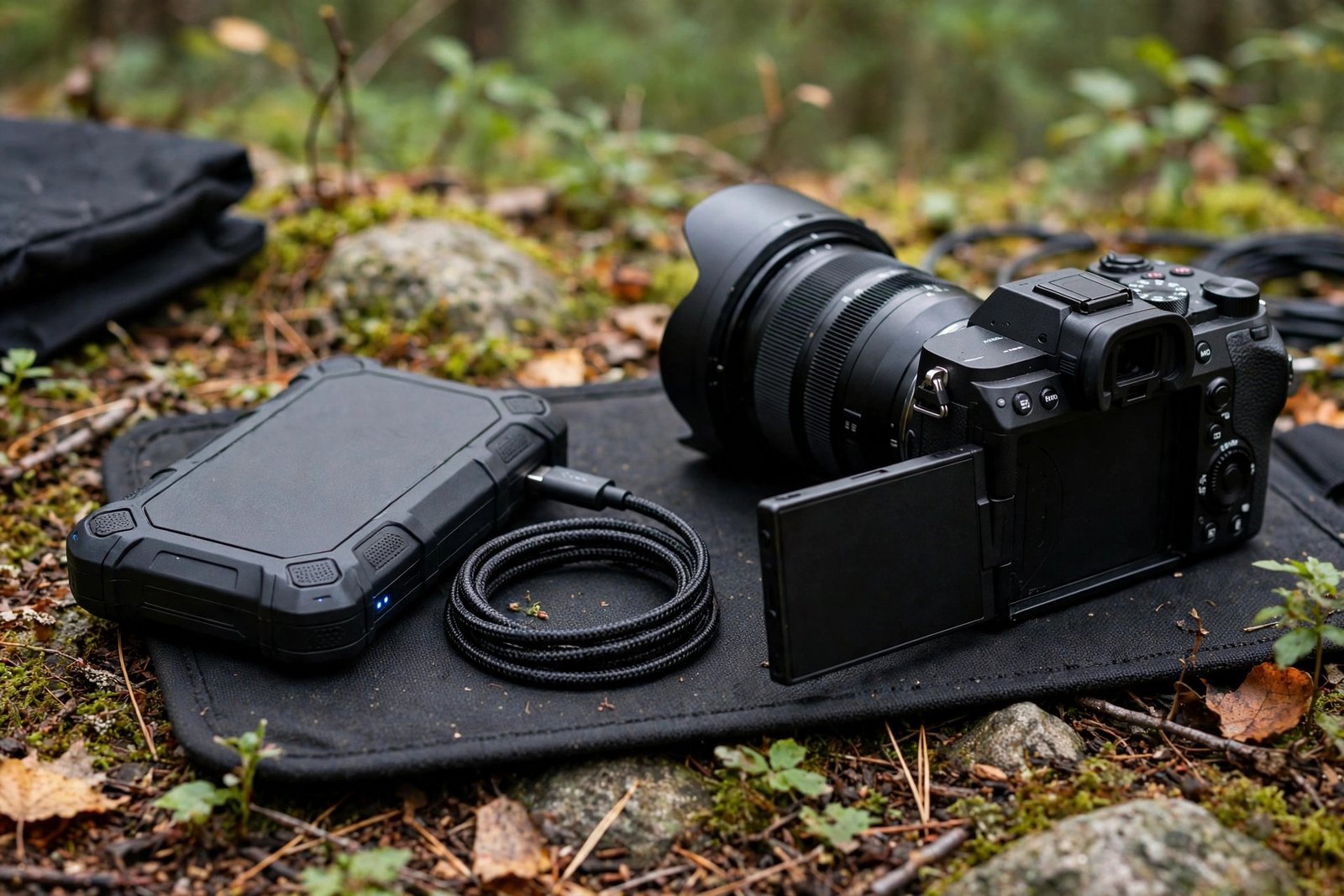
Best for travel and location work: a rugged 2TB SSD
Best for: editors who shoot and edit on location, in weather, dust or rough handling.
A rugged 2TB SSD adds a tough case, a drop rating and dust and water resistance to the same NVMe speed as the best overall pick. It is the right choice if your drive travels in a camera bag, a car or a field kit, and if a dropped drive would cost you a shoot.
Check the speed as well as the shell. Some rugged drives are slower than their non-rugged equivalents, because the case traps heat or the maker uses a slower drive inside. Choose a rugged model whose read and write speeds match the best overall pick, and whose reviews confirm it holds speed during long writes.
Best for high-end 4K and 8K: a Thunderbolt SSD
Best for: editors working with multi-stream 4K, 6K or 8K footage, or with high-bitrate cinema cameras.
A Thunderbolt portable SSD is the fastest option, with speeds of 2,000 MB/s and above, and sustained writes that hold up on long exports. It suits a professional workflow where time is money and the footage is demanding. It needs a Thunderbolt port on the laptop and a Thunderbolt cable, and it costs more per terabyte than a USB drive.
Do not buy a Thunderbolt drive for a laptop without a Thunderbolt port. It will fall back to USB speeds, and you will have paid for speed you cannot use. Check your laptop’s ports first, and buy the Thunderbolt drive only if the laptop can use it.
Best budget pick: a 1TB NVMe SSD for single projects
Best for: editors on a budget, students, or anyone editing one project at a time.
A 1TB NVMe SSD is the cheapest useful editing drive. It is fast enough for 4K, and it is large enough for a single project with room for exports. It is the right choice if you move finished projects to a cheaper hard drive for storage, and keep only the active project on the SSD.
That workflow, SSD for editing and hard drive for storage, is the most cost-effective setup for most editors. Our guide to the best external hard drives for Mac covers the storage side, and a dual-monitor dock can complete the desk setup; see the best USB-C docking stations for dual monitors for that part of the kit.
Compare the main portable SSD types at a glance
| Drive type | Speed | Capacity | Best for |
|---|---|---|---|
| USB 3.2 Gen 2 NVMe | Up to 1,000 MB/s | 1–2TB | Most 4K editing |
| Rugged NVMe | Up to 1,000–2,000 MB/s | 1–2TB | Location and travel work |
| Thunderbolt NVMe | 2,000 MB/s and above | 1–4TB | Multi-stream 4K, 6K, 8K |
| Budget 1TB NVMe | Up to 1,000 MB/s | 1TB | Single projects, students |
Caption: Match the drive’s sustained speed and connection to your footage, and buy 2TB if you keep several projects on the drive at once.
A checklist for choosing your editing SSD
Use this checklist before you buy, and you will not pay for speed you cannot use, or buy a drive that slows down mid-export.
- What footage do you edit? Single-stream 4K needs 1,000 MB/s; multi-stream, 6K or 8K needs Thunderbolt.
- What ports does your laptop have? USB-C, Thunderbolt or USB4 decides the fastest drive you can use.
- How much capacity do you need? 1TB suits one project; 2TB suits several; 4TB suits a library.
- What is the sustained write speed? Look for independent reviews that test long writes, not just the advertised peak.
- Will it travel? A rugged case, a drop rating and an IP rating suit location work.
- How long is the warranty? Three to five years is standard for a good portable SSD.
- Where is your backup? The editing drive is a working drive, not a backup; keep a second copy of every project.
Frequently asked questions
Is 1,000 MB/s fast enough for 4K video editing?
Yes, for most 4K editing, including single-stream and light multicam work. Higher bitrates, multi-stream edits and 8K footage need 2,000 MB/s or more, which means a Thunderbolt or USB4 drive.
Can I edit video directly from a portable SSD?
Yes. A fast NVMe SSD over USB 3.2 Gen 2 or Thunderbolt is fast enough to edit from directly. A hard drive is too slow for smooth 4K editing, and a slow USB stick is not suitable at all.
Why does my SSD slow down during a long export?
The drive’s cache fills, and the sustained write speed is lower than the advertised peak speed. Heat can also cause the drive to slow down. Let the drive cool, leave free space, and check independent reviews for sustained speeds before you buy.
Do I need a Thunderbolt SSD for video editing?
Only if you edit multi-stream 4K, 6K or 8K footage, or if your laptop has a Thunderbolt port and you want the fastest exports. Most 4K editors are well served by a USB 3.2 Gen 2 drive at 1,000 MB/s.
How much free space should I leave on an editing SSD?
Leave at least 10 to 20 per cent free. A nearly full SSD writes more slowly, because it has less free space to use for wear levelling and caching. Move finished projects to a hard drive for storage.
Are rugged SSDs slower than standard SSDs?
Some are, because the case traps heat or the maker uses a slower drive inside. Check the read and write speeds and the sustained speeds in reviews, and choose a rugged model that matches the speed of a standard drive.
The bottom line
The best portable SSD for video editing in 2027 is a 2TB NVMe drive with a USB 3.2 Gen 2 connection or faster, good sustained write speeds, and a case that suits where you work. That combination edits 4K smoothly, holds several projects, and works with almost every modern laptop.
Your next step is to check your laptop’s ports, count the footage you keep on a drive at once, and buy the drive that covers both with room to grow. Test it on a real timeline in the first week, while you can still return it, and set up a backup for every project it holds.