The best rugged SSDs for travel photographers protect irreplaceable images when a shoot goes wrong, a bag gets dropped, or rain arrives halfway through a location session. A rugged SSD is a portable solid-state drive built to survive knocks, dust and water, and the best ones combine that toughness with fast transfers and enough capacity for a full trip. For most travel photographers, the Samsung T7 Shield is the best all-round choice, the SanDisk Extreme Portable SSD is the best balance of size and speed, and the LaCie Rugged SSD Pro5 is the best option for professionals who need the fastest transfers.
The right drive depends on how you shoot. A photographer who returns to a hotel each night and backs up over a laptop needs different strengths from one who works for weeks in remote places with no reliable power. Capacity, connection type, drop rating and water resistance all matter, but none of them matters if the drive is left in the hotel because it is too bulky or too awkward to carry. The best rugged SSD is the one that stays in your camera bag and gets used after every shoot.
This guide compares the leading rugged SSDs on the factors that shape real travel use: durability ratings, transfer speed, capacity options, size and weight, connection type and value. We focus on drives suited to photo backup, including large RAW files and 4K video, and on the backup habits that keep images safe when a single drive is not enough.
Key takeaways
- Samsung T7 Shield is the best all-round rugged SSD for most travel photographers.
- SanDisk Extreme Portable SSD suits photographers who want a small, light drive for daily backup.
- LaCie Rugged SSD Pro5 is the best choice for professionals who need the fastest sustained transfers.
- Choose at least 1TB if you shoot RAW or video, and 2TB if you travel for more than a week.
- One drive is not a backup: carry two drives or combine a drive with cloud backup when you can.
What makes an SSD rugged
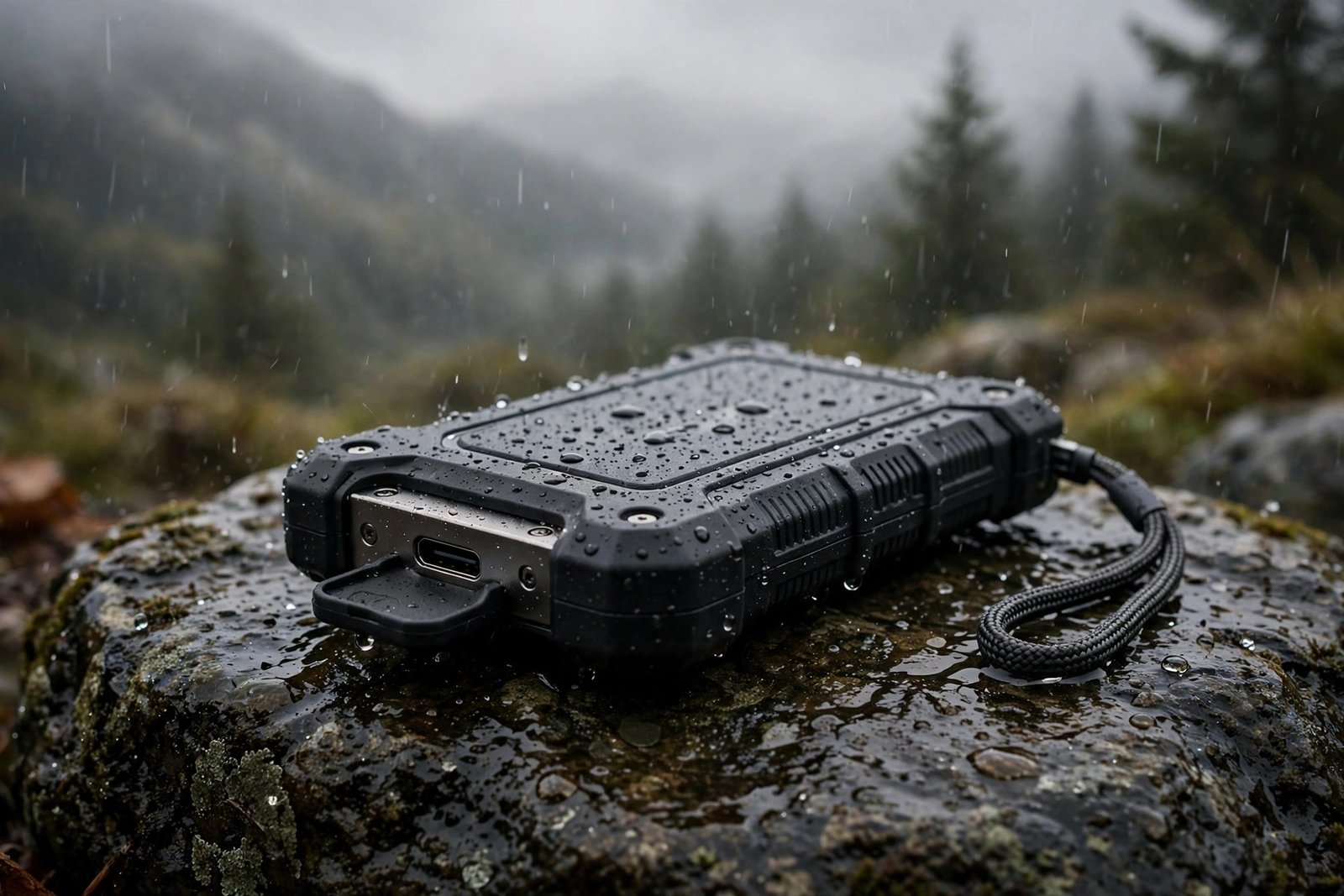
A rugged SSD earns the label through its enclosure, its sealing and its testing, not through marketing language alone. Look for a drop rating, usually expressed as a height the drive is tested to survive, and an IP rating for dust and water resistance. IP55 means the drive resists dust and low-pressure water jets, while IP65 offers stronger protection against water. Neither rating means the drive can be submerged, so treat any rugged drive as resistant rather than waterproof.
The enclosure material matters too. Rubberised bumpers absorb shock, while a metal core protects the drive inside. A lanyard loop or carabiner hole is a small detail that makes a real difference on location, because it lets you clip the drive inside a bag instead of leaving it loose. The same tough-kit logic applies to your phone — see our best rugged phones guide.
Speed is the next factor. Most modern rugged SSDs use USB-C and support USB 3.2 Gen 2, which is fast enough for photo backup and editing. A smaller number support faster standards such as USB4 or Thunderbolt, which matter if you edit video directly from the drive. Check the port on your laptop before you buy, because a fast drive connected to a slow port will only run at the port’s speed. Our guide to the best portable SSDs for video editing explains how interface speed shapes editing performance.
Capacity is often the deciding factor. RAW files from a modern mirrorless camera are large, and a day of shooting can easily fill tens of gigabytes. A 500GB drive may be enough for a weekend, but it fills quickly on a longer trip. A 1TB drive is the sensible starting point for most travel photographers, while 2TB suits longer trips, video work, or photographers who keep several trips on one drive before archiving.
The best rugged SSDs for travel photographers
Samsung T7 Shield — the best all-round rugged SSD
Best for: most travel photographers who want strong protection, fast transfers and a sensible price.
The Samsung T7 Shield is the most balanced rugged SSD in this guide. It carries an IP65 rating for dust and water resistance and is rated to survive drops from up to 3 metres, which covers the accidents that happen most often on location. Its rubberised shell feels secure in the hand, and it is small enough to slip into a jacket pocket or a camera bag side pocket.
Transfers are fast enough for photo backup and for editing images directly from the drive. It connects over USB-C and works with laptops, tablets and many cameras that support direct backup. If you want one rugged drive that does everything well without a premium price, start here. Check current price before buying, as prices vary by capacity and retailer.
SanDisk Extreme Portable SSD — the best compact rugged SSD
Best for: photographers who want the smallest, lightest rugged drive for daily carry.
The SanDisk Extreme Portable SSD is one of the most popular drives among travel photographers, and its size is the reason. It is compact, light and easy to carry, with a carabiner loop that clips to a bag. It carries an IP55 rating and is rated to survive drops from up to 3 metres, so it handles rain, dust and knocks on location.
Its transfer speed is fast enough for backing up RAW files and 4K video at the end of a shoot, and it works with USB-C laptops, tablets and phones that support external storage. The drive is available in capacities from 500GB to 4TB, with 1TB and 2TB the most useful for travel. It is a strong choice if you want a drive that is always in your bag rather than one you have to remember to pack.
LaCie Rugged SSD Pro5 — the best rugged SSD for professionals
Best for: professionals who need the fastest transfers and work with large video files.
The LaCie Rugged SSD Pro5 is built for photographers and videographers who move large amounts of data and cannot wait. It supports Thunderbolt 5 and USB-C, with manufacturer-rated speeds well above standard USB drives, which shortens backup times after long shoots. Its enclosure is built to the rugged standard the LaCie Rugged range is known for, with drop, crush and rain resistance.
The trade-off is price and the need for a compatible port to reach its fastest speeds. Connected to a standard USB-C port, it still works well, but you will not see its full performance. If your laptop supports Thunderbolt and you regularly back up hundreds of gigabytes, the time saved is worth it. If you mainly back up photos, a cheaper drive will serve you just as well. Photographers choosing a camera to pair with fast storage should also read our best cameras for travel photography guide.
Crucial X9 Pro — the best value rugged SSD
Best for: photographers who want rugged protection and fast transfers without paying a premium.
The Crucial X9 Pro is a strong value choice. It is compact and light, with an IP55 rating and drop protection to 2 metres, and it connects over USB-C with fast transfer speeds for photo and video backup. Its anodised aluminium body feels durable, and its size makes it easy to carry alongside a camera and lenses.
It does not match the T7 Shield on water resistance or the LaCie on speed, but for most travel photographers the difference is small. If your budget is tight and you want a reliable rugged drive for regular backup, the X9 Pro is hard to beat. It is available in 1TB, 2TB and 4TB capacities, and 1TB is the best starting point for most trips.
Best rugged SSDs for travel photographers: comparison table
| Drive | Best for | Water and dust rating | Drop rating | Connection | Capacities |
|---|---|---|---|---|---|
| Samsung T7 Shield | Most photographers | IP65 | Up to 3 m | USB-C | 1TB, 2TB, 4TB |
| SanDisk Extreme Portable SSD | Compact daily carry | IP55 | Up to 3 m | USB-C | 500GB to 4TB |
| LaCie Rugged SSD Pro5 | Professionals, fastest transfers | Rain, dust and crush resistant | Drop resistant | Thunderbolt 5 / USB-C | 2TB, 4TB |
| Crucial X9 Pro | Value | IP55 | Up to 2 m | USB-C | 1TB, 2TB, 4TB |
Table: the best rugged SSDs for travel photographers compared on protection, connection and capacity.
A practical checklist for choosing a rugged SSD
- Start with capacity: choose 1TB as a minimum for RAW shooting, and 2TB for trips longer than a week or for video.
- Check the IP rating: IP55 suits rain and dust, while IP65 offers stronger water protection for wet locations.
- Check the drop rating: a 2-metre or 3-metre rating covers most accidents, from a table to a rocky path.
- Match the connection: confirm your laptop port supports the drive’s speed, especially for Thunderbolt drives.
- Check the size and weight: a drive you carry every day is more useful than a faster drive you leave behind.
- Buy two if you can: a second drive for backup is cheaper than losing a trip’s images.
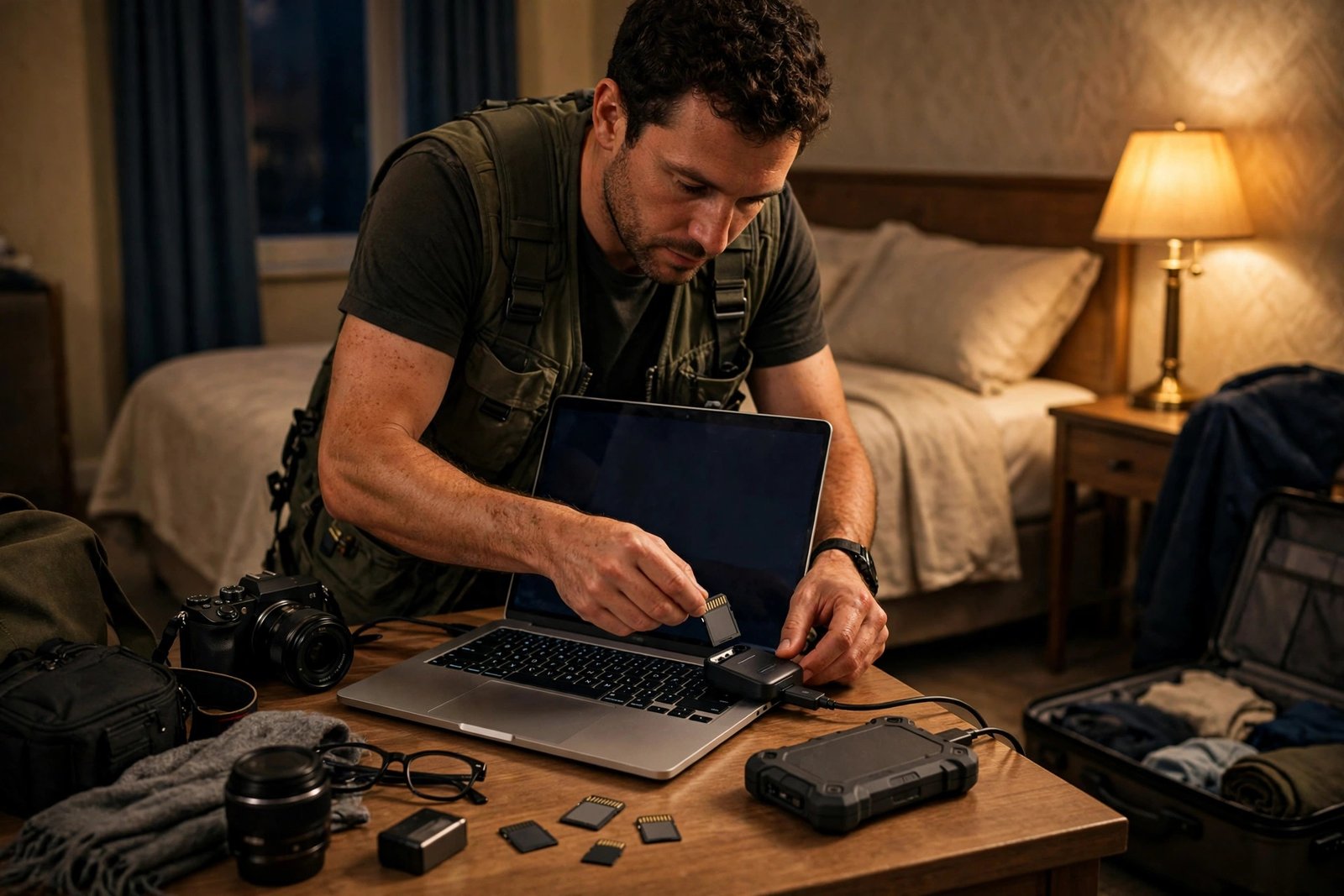
- Test before you travel: copy a full day of files, check the speed, and confirm the drive works with your laptop and card reader.
Frequently asked questions
Do I need a rugged SSD, or will a normal portable SSD do?
A normal portable SSD is fine if you work indoors and handle it carefully. A rugged SSD is worth it if you shoot outdoors, travel often, or work in dust, rain or rough conditions. The extra protection is insurance for images you cannot retake.
How much storage do travel photographers need?
Most travel photographers should start with 1TB, and choose 2TB for longer trips or video work. RAW files and 4K video fill storage quickly, so a larger drive gives you room for a full trip without needing to archive mid-way.
Can I edit photos directly from a rugged SSD?
Yes, most rugged SSDs are fast enough for photo editing, and the faster ones handle 4K video editing too. For the smoothest editing, use a USB-C or Thunderbolt connection and keep your editing software and catalogue on the laptop drive where possible.
Are rugged SSDs waterproof?
No rugged SSD in this guide should be treated as fully waterproof. IP55 and IP65 ratings mean resistance to dust and water jets or rain, not submersion. Keep the drive dry where possible, and dry it promptly if it gets wet.
The verdict
The best rugged SSD for most travel photographers is the Samsung T7 Shield, because it combines strong dust and water resistance, a high drop rating, fast transfers and a size that fits in any camera bag. The SanDisk Extreme Portable SSD is the best choice if you want the smallest drive you will actually carry every day, and the LaCie Rugged SSD Pro5 is the best choice if you need the fastest transfers for large video files. The Crucial X9 Pro is the best value option.
Whichever drive you choose, buy the capacity you need for the whole trip, test the drive before you leave, and back up to a second copy before you format any memory card. The drive is a tool, but the habit is what protects your work. Start by checking your laptop ports, then choose the drive that matches your trips, and make the end-of-day backup part of every shoot.