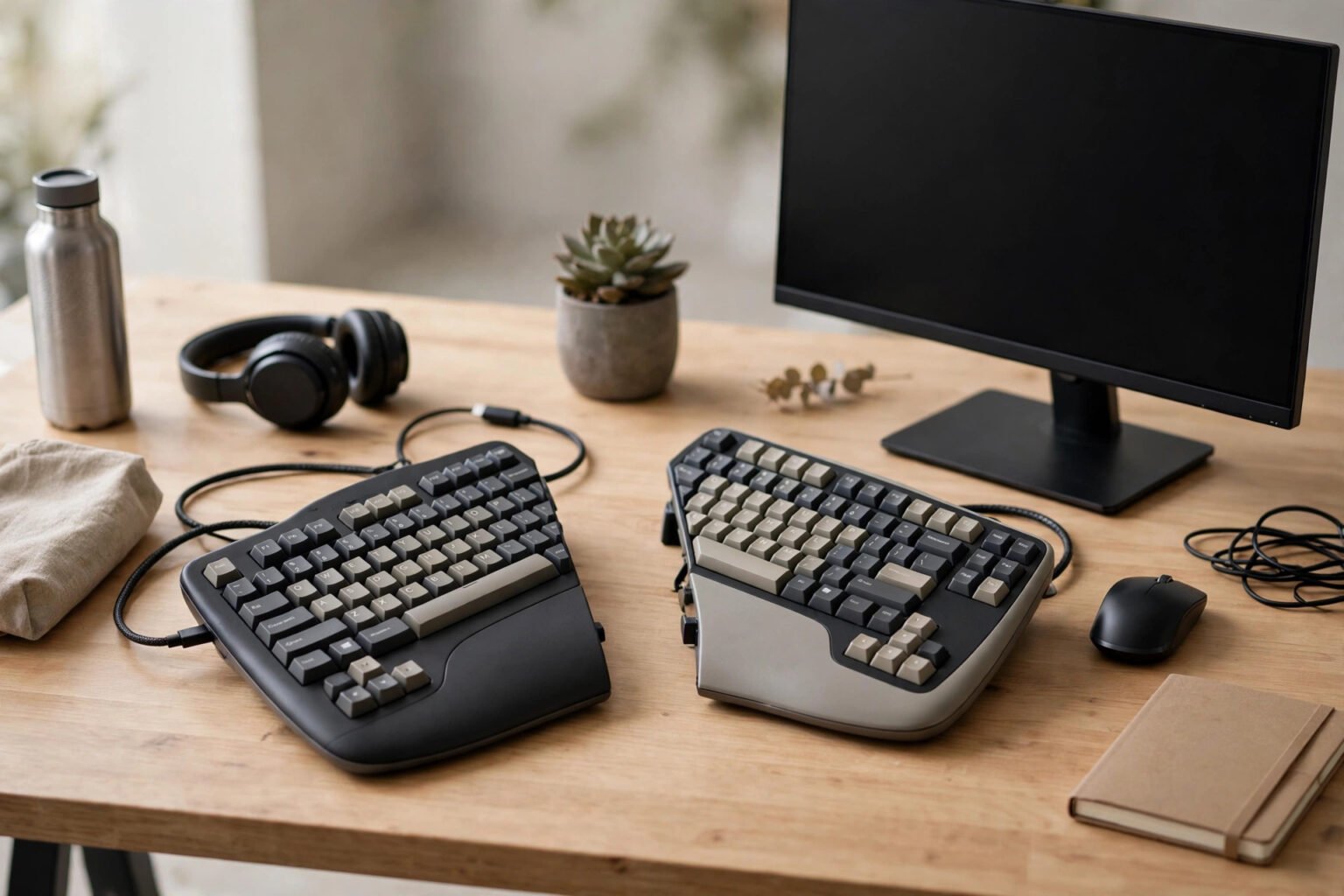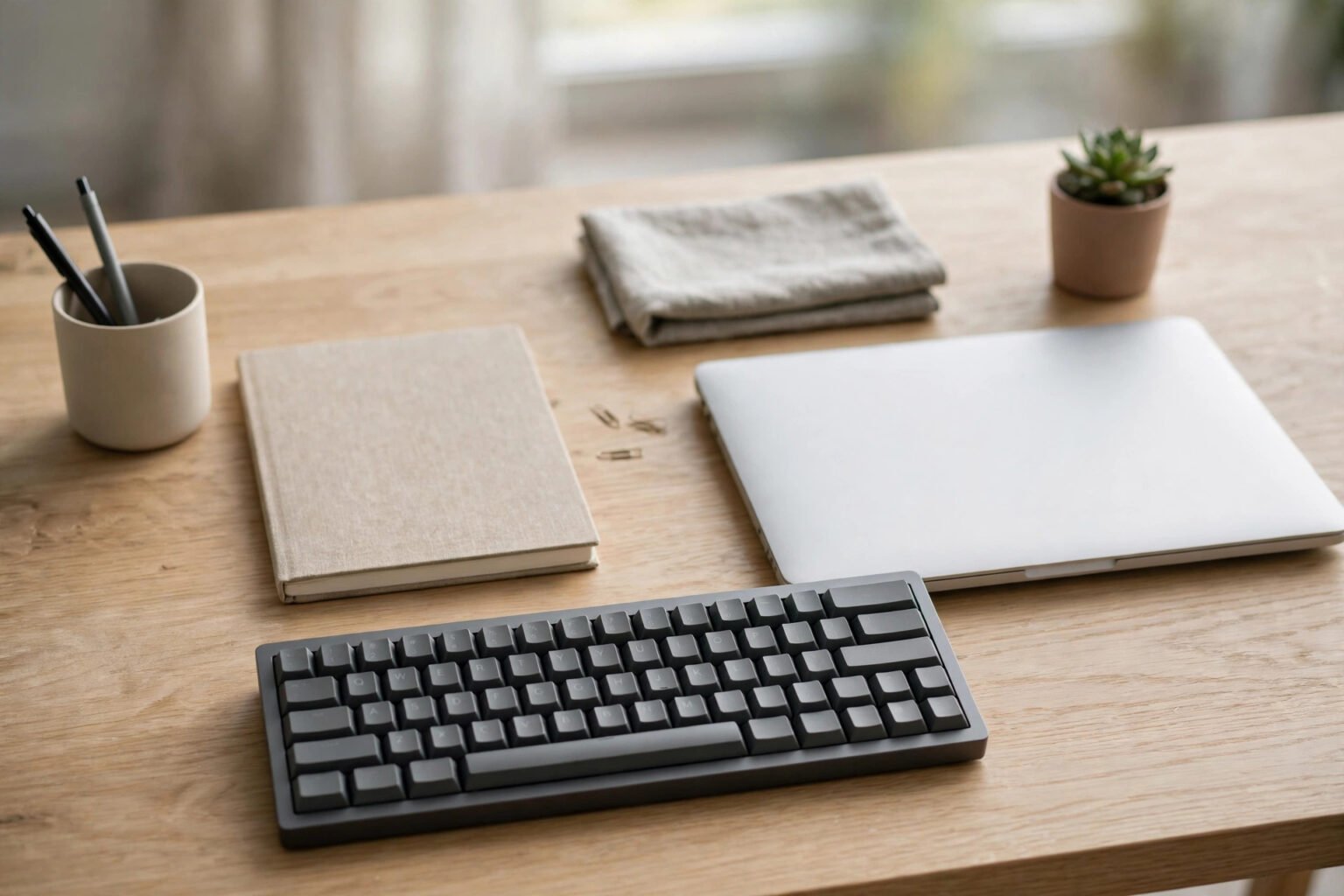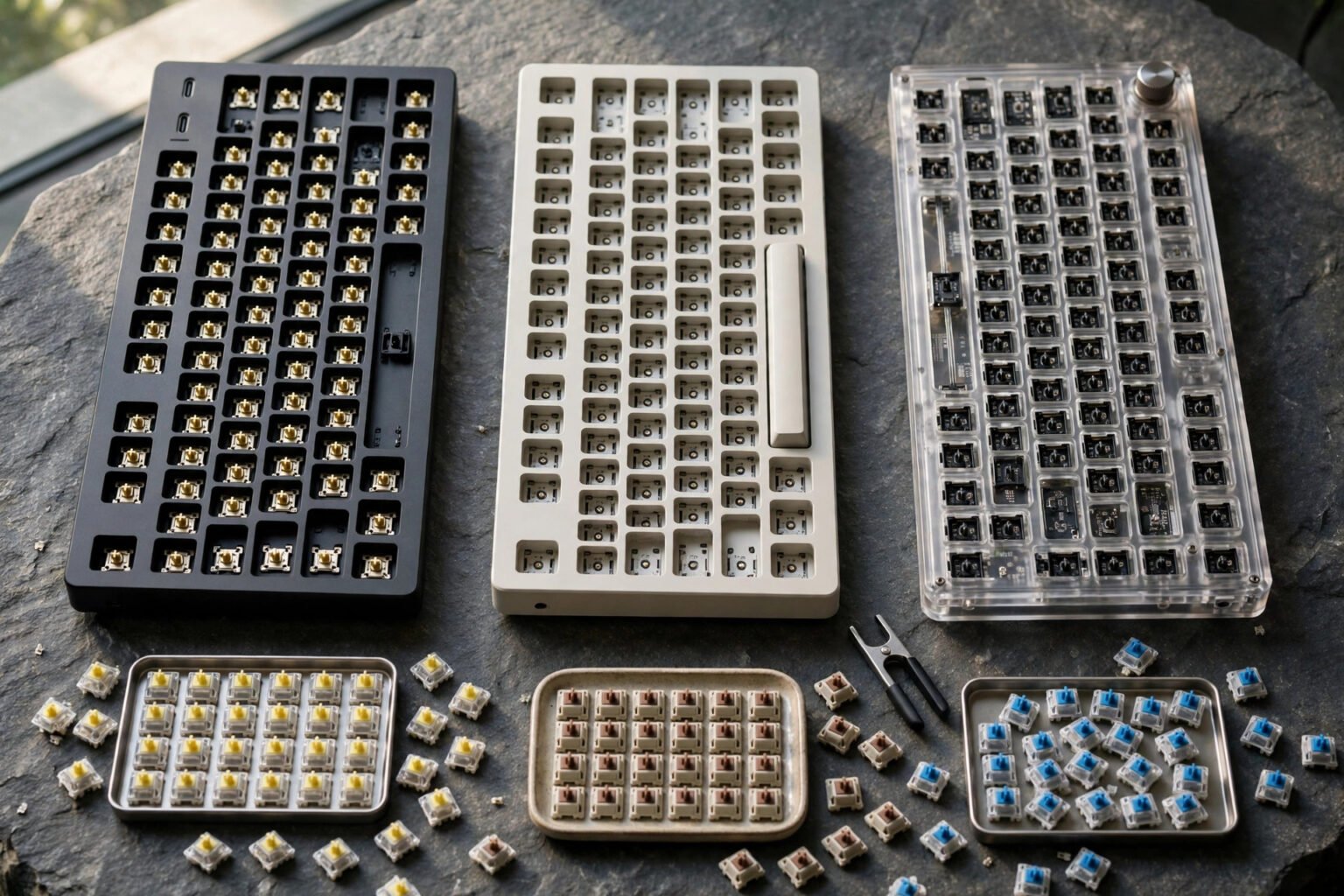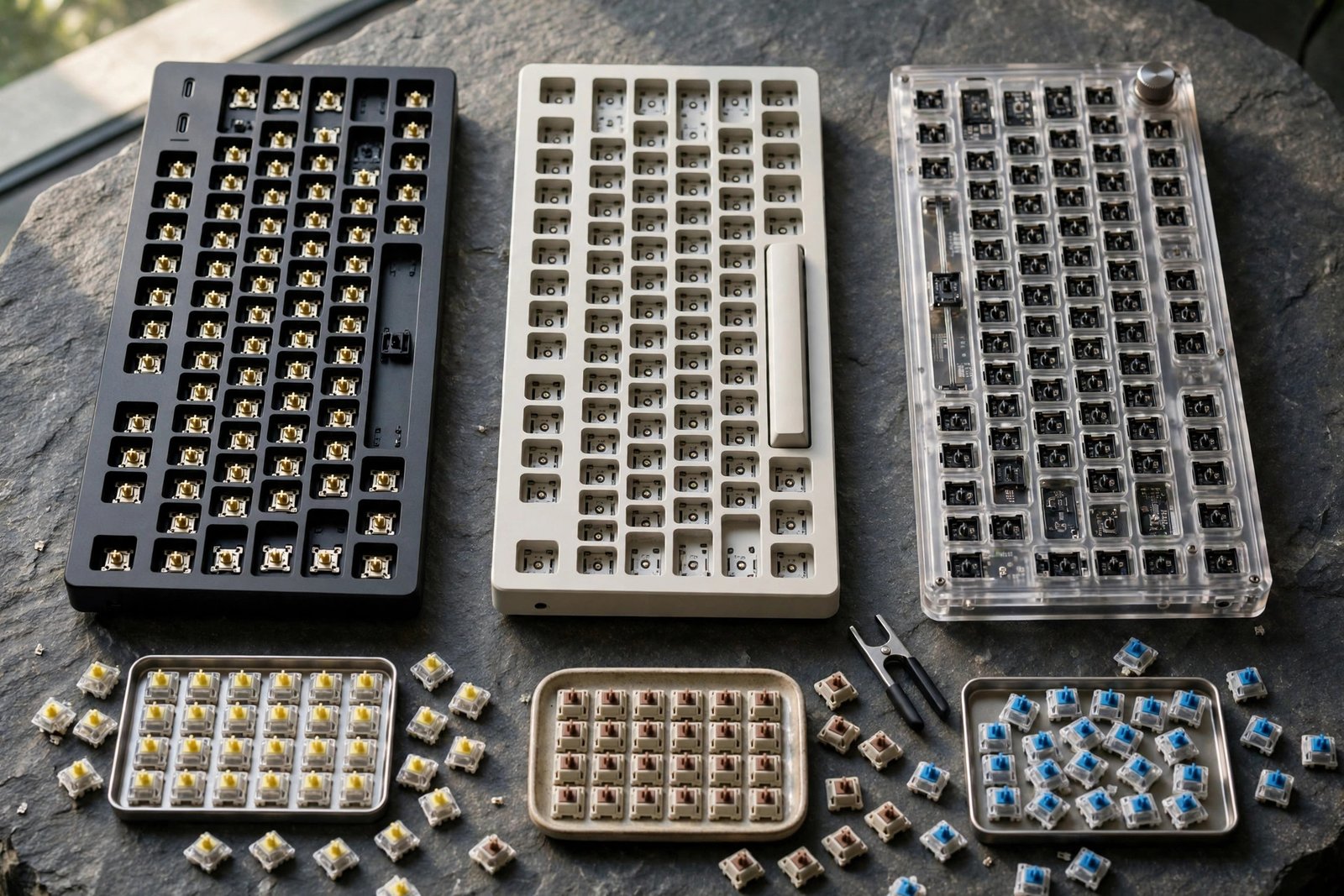
The best hot-swappable mechanical keyboards in 2027 solve the oldest problem in mechanical keyboards: buying a board, discovering you dislike its switches, and having no way to change them without a soldering iron. A hot-swappable board lets you pull switches out and press new ones in, so the keyboard grows with your taste. So which board gives you a solid base, a wide choice of compatible switches, and a typing experience you will still enjoy after the novelty wears off?
Our short answer is that the Keychron K8 Pro suits most buyers, the Epomaker TH80 Pro suits people who want a compact board with strong value, and the Keychron Q1 Max suits enthusiasts.
Key takeaways
- Hot-swappable means you can change switches without soldering, using a switch puller.
- 5-pin compatible sockets accept both 3-pin and 5-pin switches, so they give you the widest choice.
- The board matters more than the switches at first: a solid case and a layout you like are harder to change later.
- Tactile switches suit most writers, linear switches suit gamers, and clicky switches suit people who work alone.
- Budget for a switch puller and a keycap puller; the tools cost little.
How hot-swappable keyboards work
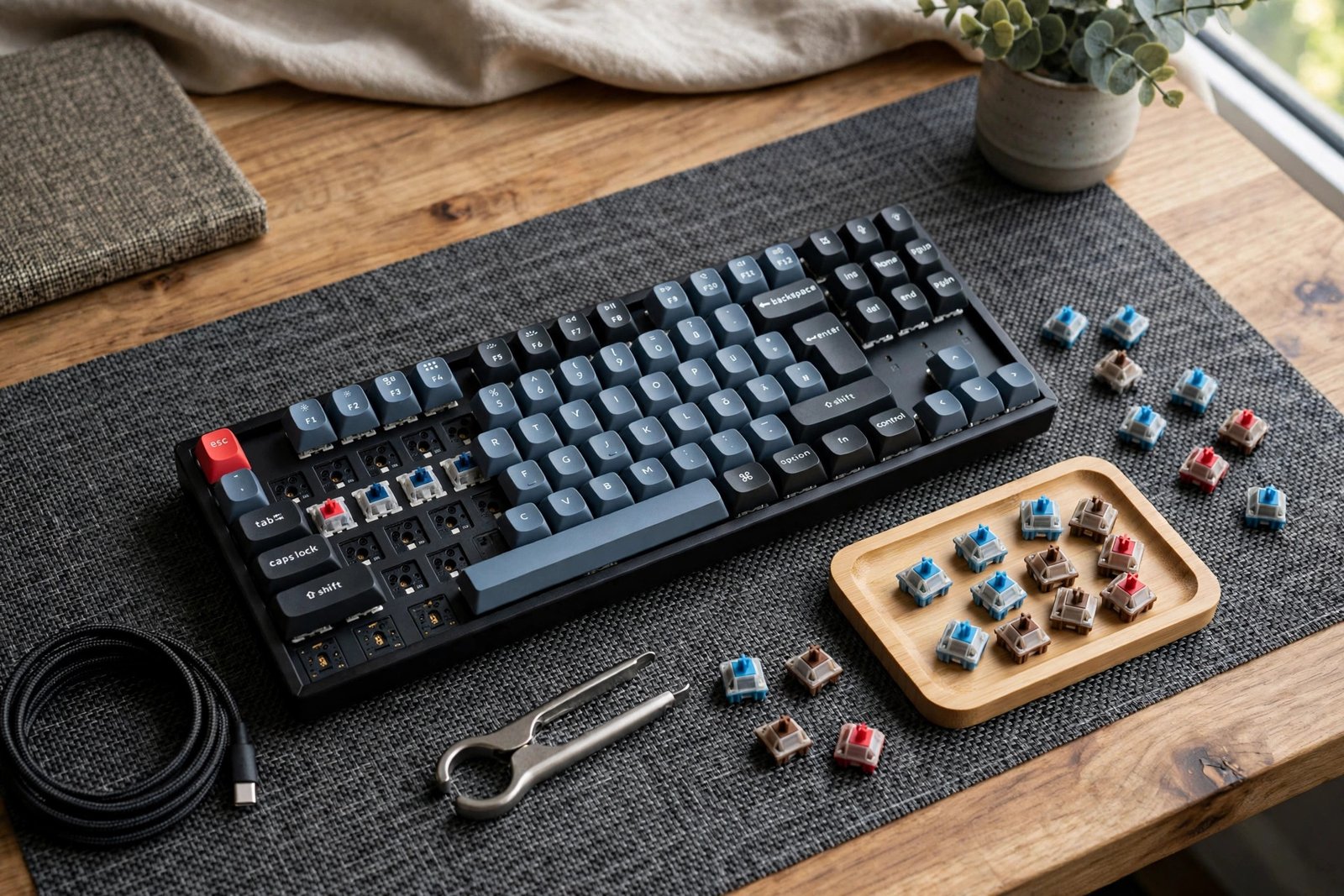
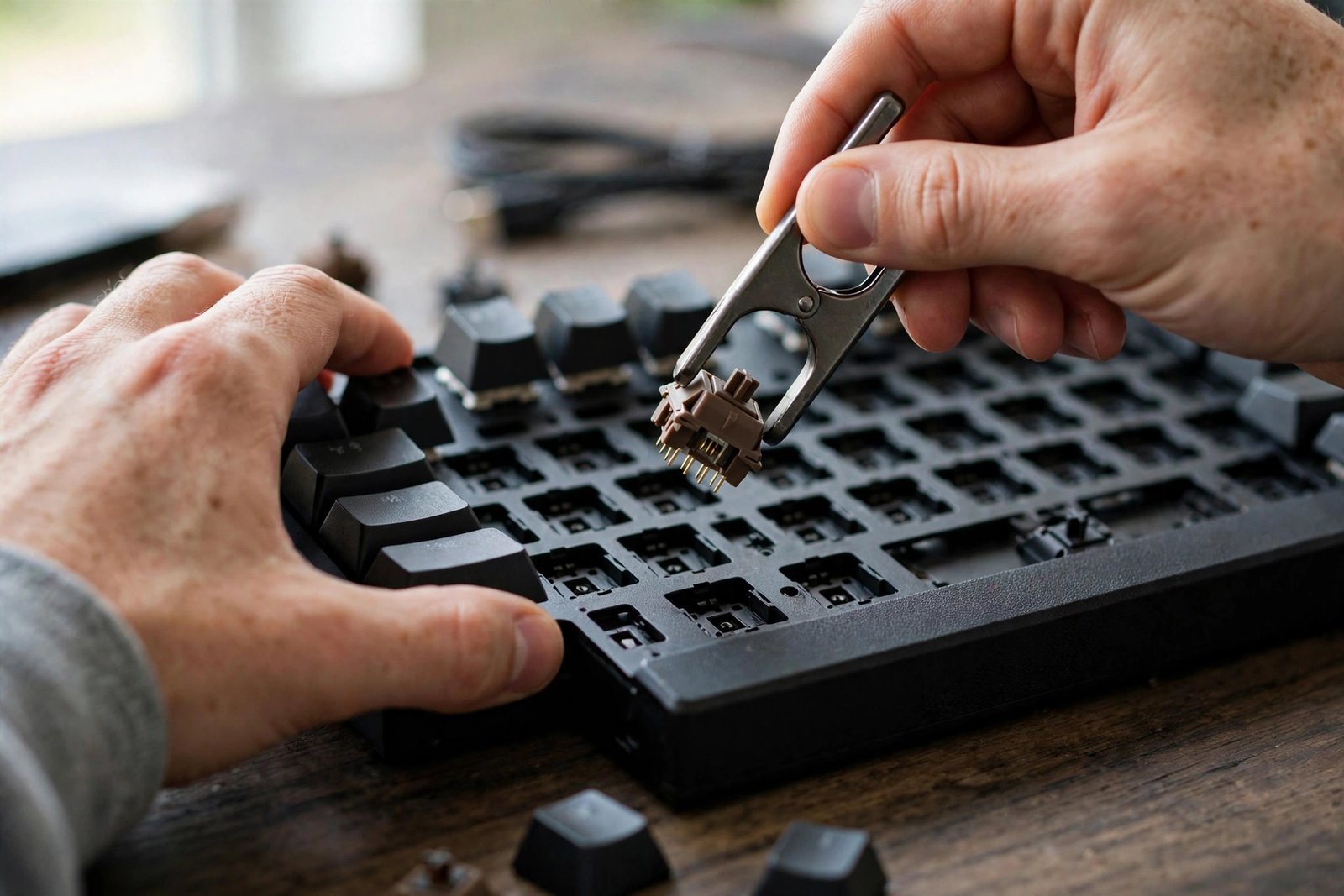
A traditional mechanical keyboard solders each switch to the circuit board, so changing one means heating solder joints with specialist tools. A hot-swappable board replaces those solder joints with sockets. Each switch has metal pins that press into a socket, held by friction and the plate above it. To change a switch, remove the keycap, grip the switch with a puller, lift it out, align the new switch’s pins with the socket, and press it in gently.
The pins are the fragile part. A switch with bent pins will not sit correctly, and forcing it can damage the socket. Always check that the pins are straight before you press a switch in, and never force a switch that resists. Most damage to hot-swappable boards comes from rushing this step.
There are two common pin layouts. A 3-pin switch has two metal contact pins and a central plastic pin. A 5-pin switch adds two extra plastic pins for a firmer fit. A board with 5-pin sockets accepts both types, while a board with 3-pin sockets accepts only 3-pin switches. Check socket type before you buy, because it decides which switches you can use.
Hot-swappable boards also differ in how much else you can change. Some let you swap keycaps, stabilisers and even the plate. A board with a standard layout and QMK or VIA support gives you the most freedom later. Readers who already own a Mac-first board may also want our guide to the best mechanical keyboards for Mac, because several of the boards below are available in Mac layouts too.
The best hot-swappable mechanical keyboards in 2027
Keychron K8 Pro — the best hot-swappable keyboard for most people
Best for: most buyers who want a reliable, customisable hot-swappable board with a full layout.
The Keychron K8 Pro is the most straightforward recommendation in this guide. It is a tenkeyless board, which keeps the function row, arrows and navigation keys while dropping the number pad, and it ships with hot-swappable sockets that accept both 3-pin and 5-pin switches. It connects over Bluetooth, 2.4GHz wireless and wired USB-C, and supports QMK and VIA for remapping keys.
Typing feel is solid and consistent, with a choice of linear, tactile and clicky switches at purchase and a gasket-mounted design that softens each keypress. The board is well supported, widely available, and compatible with a huge range of switches and keycaps.
Epomaker TH80 Pro — the best value hot-swappable keyboard
Best for: buyers who want a compact, capable hot-swappable board without paying a premium price.
The Epomaker TH80 Pro is a 75% board, which keeps the function row and arrow keys in a smaller footprint than a tenkeyless board. It is hot-swappable, supports Bluetooth, 2.4GHz wireless and wired connections, and ships with a choice of switches that suit both typing and gaming.
Value is its strongest point: it offers features that cost considerably more on other boards, and it is a good first custom keyboard. The trade-off is polish: the software is less refined than Keychron’s. Check current price before you buy, because the TH80 Pro is often discounted.
Keychron Q1 Max — the best premium hot-swappable keyboard
Best for: enthusiasts who want the best foundation for a long-term custom keyboard.
The Keychron Q1 Max is the premium pick in this guide, and the difference is clear from the first keystroke. Its aluminium case, gasket mount and factory-lubricated switches produce a deep, satisfying sound and a smooth, consistent feel. It is fully hot-swappable, supports QMK and VIA, and connects over Bluetooth, 2.4GHz wireless and wired USB-C.
Switches, keycaps, stabilisers and the plate can all be swapped, and the standard 75% layout means parts are easy to find. If you plan to try several switch types or keep one keyboard for years, this is the board to build on. The trade-off is cost and weight: it suits a fixed desk rather than a bag. Check current price before you buy.
Royal Kludge RK84 — the best budget hot-swappable keyboard
Best for: first-time buyers and gamers who want hot-swappable switches at the lowest sensible price.
The Royal Kludge RK84 is the cheapest board in this guide that is still worth recommending. It is a 75% board with hot-swappable sockets, Bluetooth, 2.4GHz wireless and wired connections, and a choice of linear, tactile and clicky switches. It is compact, widely available, and easy to find in different colours and layouts.
For a first mechanical keyboard, it is a low-risk way to learn what you like. It also works well as a gaming board, with a responsive feel. The trade-off is build quality: the plastic case is lighter and less refined, and the typing sound is thinner. If you type all day, the K8 Pro is worth the step up.
MonsGeek M1 — the best hot-swappable keyboard for customisation
Best for: hobbyists who want to modify their keyboard, try different plates and fine-tune the sound.
The MonsGeek M1 is built for people who enjoy tinkering. Its aluminium case, gasket mount and south-facing sockets make it a popular base for custom builds, and it accepts a wide range of switches, keycaps and stabilisers. The board is available as a barebones kit, which means you buy the case and circuit board without switches or keycaps, or as a complete keyboard ready to use.
Sound and feel are strong for the price, with a deep, muted tone that suits both typing and gaming. The standard layout means parts are easy to source. A barebones kit needs switches and keycaps bought separately, which adds cost and decisions. Beginners should buy the complete version or the K8 Pro instead.
Best hot-swappable mechanical keyboards: comparison table
| Keyboard | Best for | Layout | Socket type | Connectivity | Barebones option |
|---|---|---|---|---|---|
| Keychron K8 Pro | Most buyers | Tenkeyless | 3-pin and 5-pin | Bluetooth, 2.4GHz, USB-C | Yes |
| Epomaker TH80 Pro | Value and compact desks | 75% | 3-pin and 5-pin | Bluetooth, 2.4GHz, USB-C | Yes |
| Keychron Q1 Max | Premium custom builds | 75% | 3-pin and 5-pin | Bluetooth, 2.4GHz, USB-C | Yes |
| Royal Kludge RK84 | Budget first boards | 75% | 3-pin and 5-pin | Bluetooth, 2.4GHz, USB-C | No |
| MonsGeek M1 | Hobbyist customisation | 75% | 3-pin and 5-pin | Bluetooth, 2.4GHz, USB-C | Yes |
Table: the best hot-swappable mechanical keyboards compared on layout, socket compatibility and connectivity.
Use this table to narrow the field, then choose on layout and budget. A tenkeyless board suits people who want navigation keys without a number pad; a 75% board suits smaller desks. A barebones kit suits hobbyists who already own switches and keycaps, while a complete board suits everyone else.
How to swap switches safely: a checklist
- Unplug the keyboard first: remove the USB cable and switch off Bluetooth before you start, so no keys register while you work.
- Remove keycaps with a puller: pull straight up, gently, and keep the keycaps in layout order so refitting is easy.
- Use a switch puller, not your fingers: grip the top and bottom clips of the switch, squeeze, and lift straight up.
- Check pins before fitting a new switch: straighten any bent pin carefully, and never force a switch that does not slide in smoothly.
- Press switches in evenly: align both pins with the socket, press down gently, and check that the switch sits flush with the plate.
- Test before you refit keycaps: plug the keyboard in and test every key you changed, so a loose switch is easy to spot and fix.
- Keep switches clean: dust and crumbs can affect switches over time, so clean the board when you change switches. Our guide to how to clean a mechanical keyboard covers the safe way to do it without damaging sockets or keycaps.
If a switch feels loose after fitting, lift it out and check the socket and pins again. For readers building a desk setup around a new board, our guide to the best keyboards for iPad Air is useful too, because several hot-swappable boards pair well with a tablet.
Frequently asked questions
What does hot-swappable mean on a keyboard?
Hot-swappable means the switches plug into sockets on the circuit board instead of being soldered in place. You can remove a switch with a puller and press a new one in, without soldering. You can change one switch or all of them.
Are hot-swappable keyboards better than soldered ones?
For most buyers, yes, because they give you flexibility. You can try different switch types, replace a faulty switch in minutes, and keep the same board as your taste changes. Soldered boards can feel more solid and are often cheaper, but they lock you into the switches you bought.
Do all switches fit all hot-swappable keyboards?
No. Most hot-swappable boards accept 3-pin and 5-pin MX-style switches, which covers the vast majority of switches on sale. Some boards use different sockets for low-profile switches, and a few use proprietary designs. Always check socket type before you order a switch set.
How long do hot-swappable sockets last?
Sockets are designed for repeated swaps, and most buyers will change switches only a few times. With careful handling, a board should last for years. The main risk is forcing a switch with bent pins, which can damage a socket.
Can I swap switches on a laptop keyboard?
No. Laptop keyboards are built into the device and their switches are not designed to be removed by the user.
Is a hot-swappable keyboard good for gaming?
Yes. Many hot-swappable boards are used for gaming, because you can fit fast linear switches for competitive play or tactile switches for a mix of gaming and typing. A wired or 2.4GHz wireless connection gives the lowest latency, so use one of those when you play.
The bottom line
For most people, the best hot-swappable mechanical keyboard in 2027 is the Keychron K8 Pro: a full tenkeyless layout, wide switch compatibility, wireless freedom and a fair price. Choose the Epomaker TH80 Pro for a compact board for less, the Keychron Q1 Max for a long-term custom build, the Royal Kludge RK84 for a first board on a budget, and the MonsGeek M1 if you enjoy tinkering. Whichever you choose, buy a switch puller and check the socket type before you order switches.